Home › Photo & Video

 US
US
1 of 1 storefronts
Content in en-US
Content in en-US
Information
Apple ID6771079895
Bundle IDcom.noonus.BlurVideo
SellerSeller
Min iOS18.6
Min macOS15.6
Device familiesiphone, ipad
Released2026-05-21
Copyright© Noonus LTD.
Privacy policyLink ↗
Preview 2 platforms
iPhone 7 images



iPad 3 images

Description
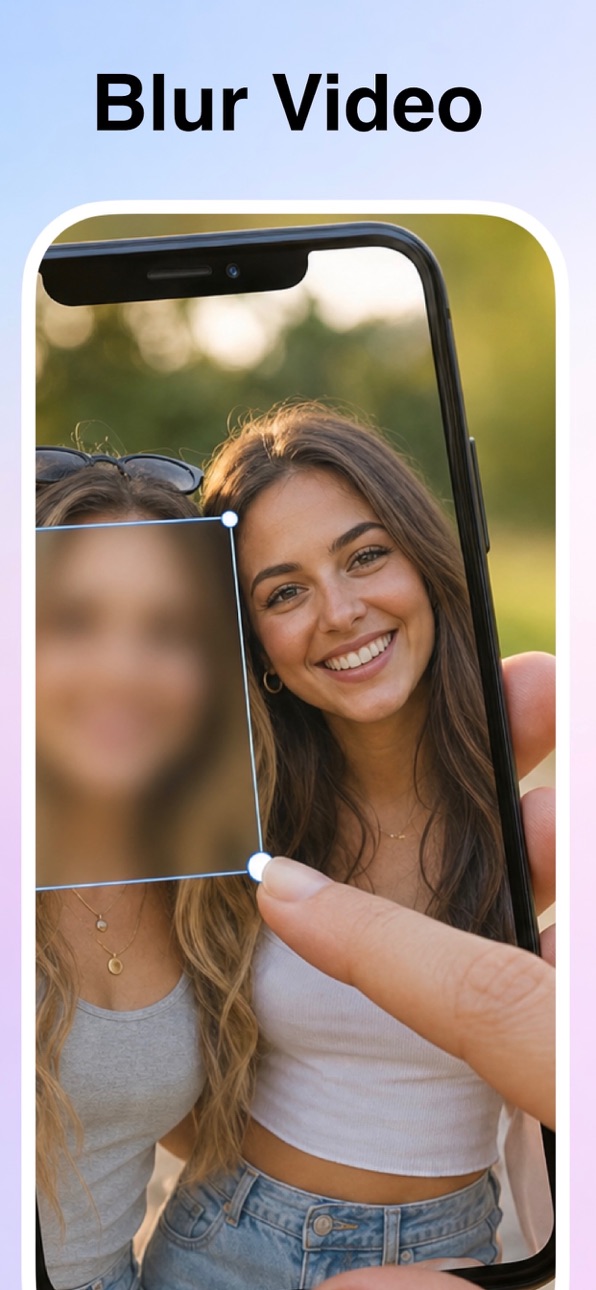
Blur faces, license plates, and private details in any video -
with just one tap. Powered by on-device AI.
Before you post to Instagram, TikTok, or YouTube, protect
everyone in the frame. No desktop software. No watermarks.
No uploads to a server. Just fast, private, professional
video censoring on your iPhone.
[ WHAT YOU CAN DO ]
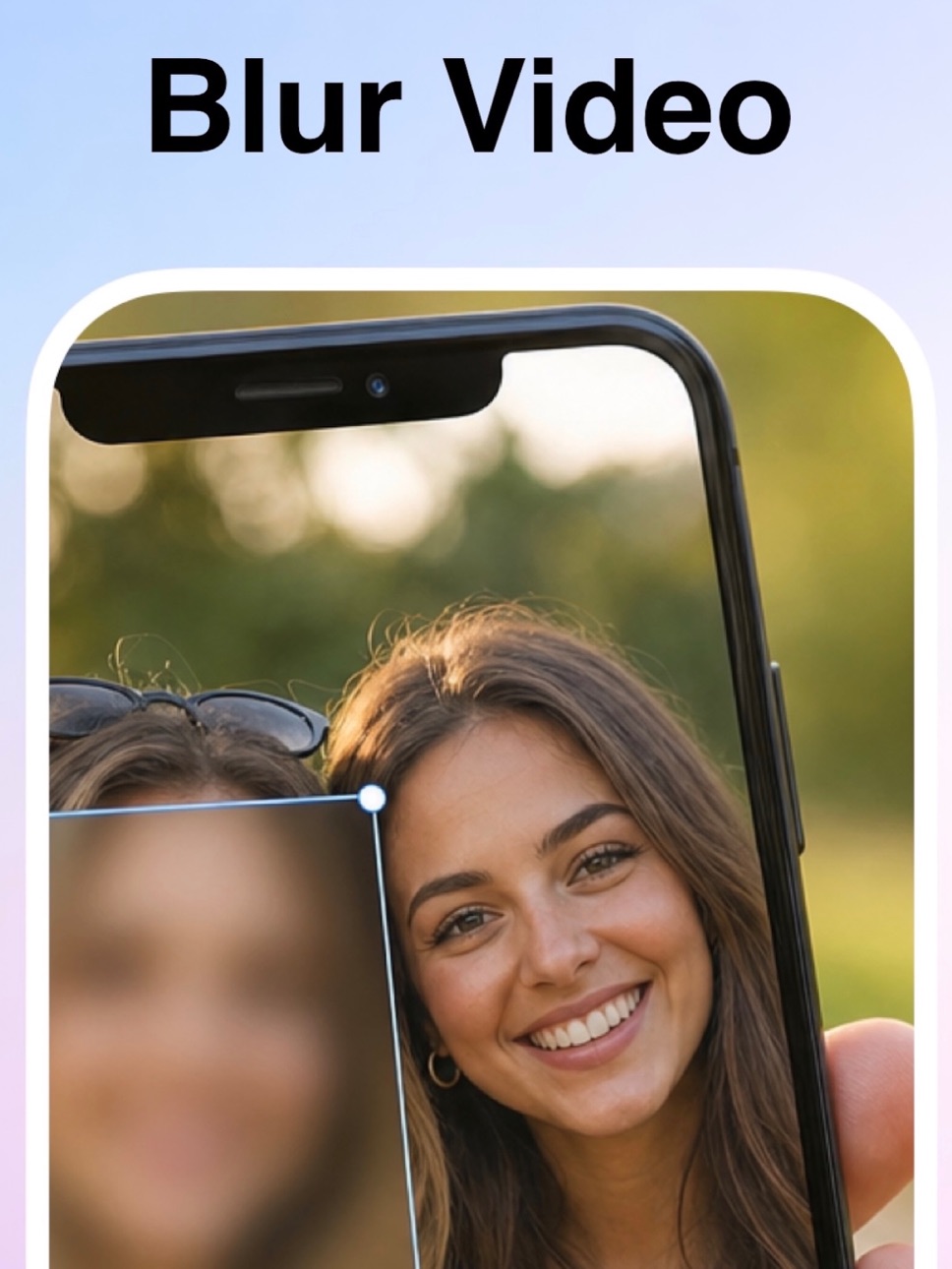
- AI Face Blur (Automatic)
Detects every face in your video and applies a clean blur
or mosaic instantly. Works with multiple people, side
profiles, and fast motion.
- Manual Blur (Drag and Cover)
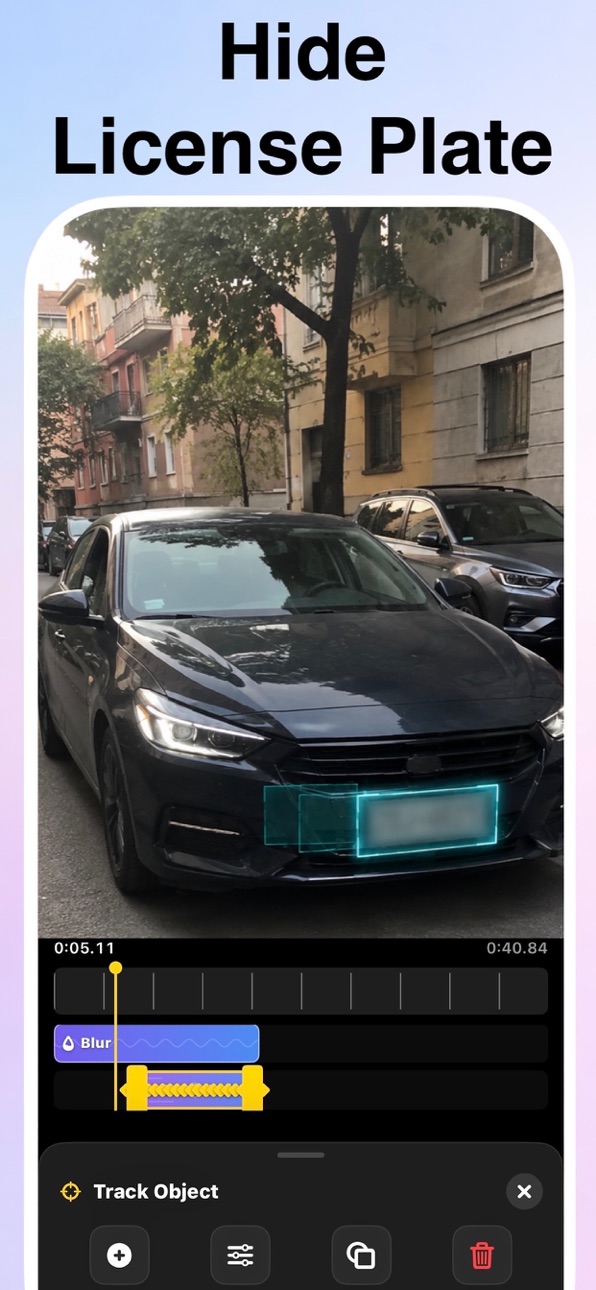
Drag a box over anything you want to hide. Logos, tattoos,
addresses, name tags, license plates - you decide.
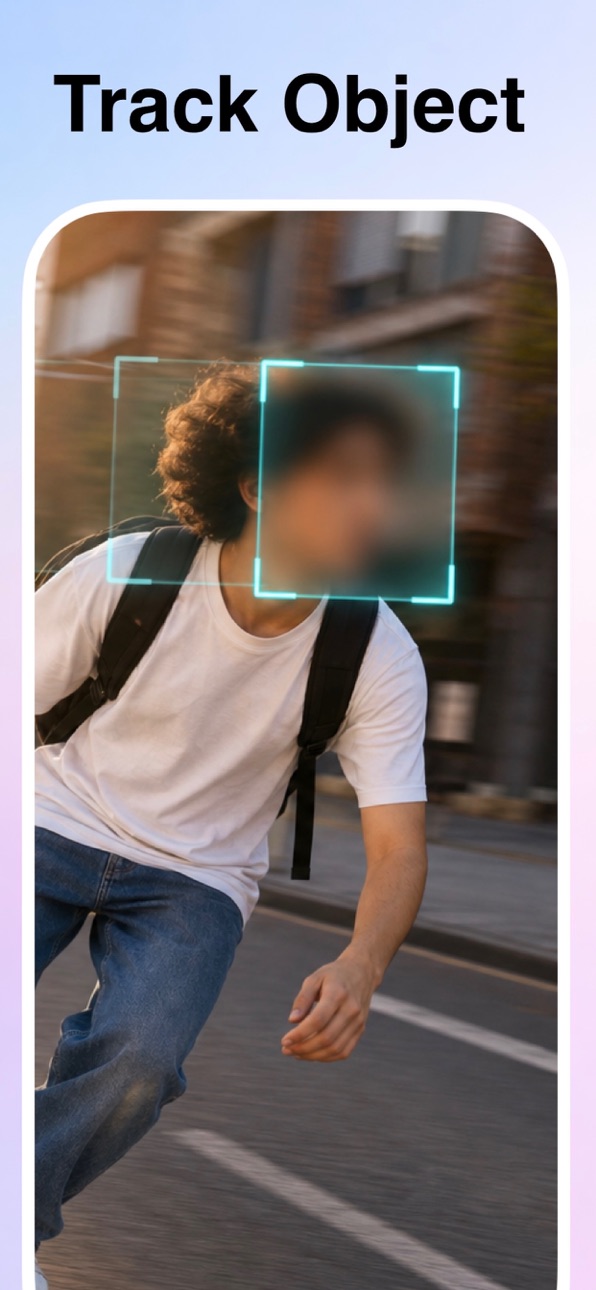
- Object Tracking Blur
Tap a person or object once. The blur follows it through
the entire clip, no frame-by-frame editing.
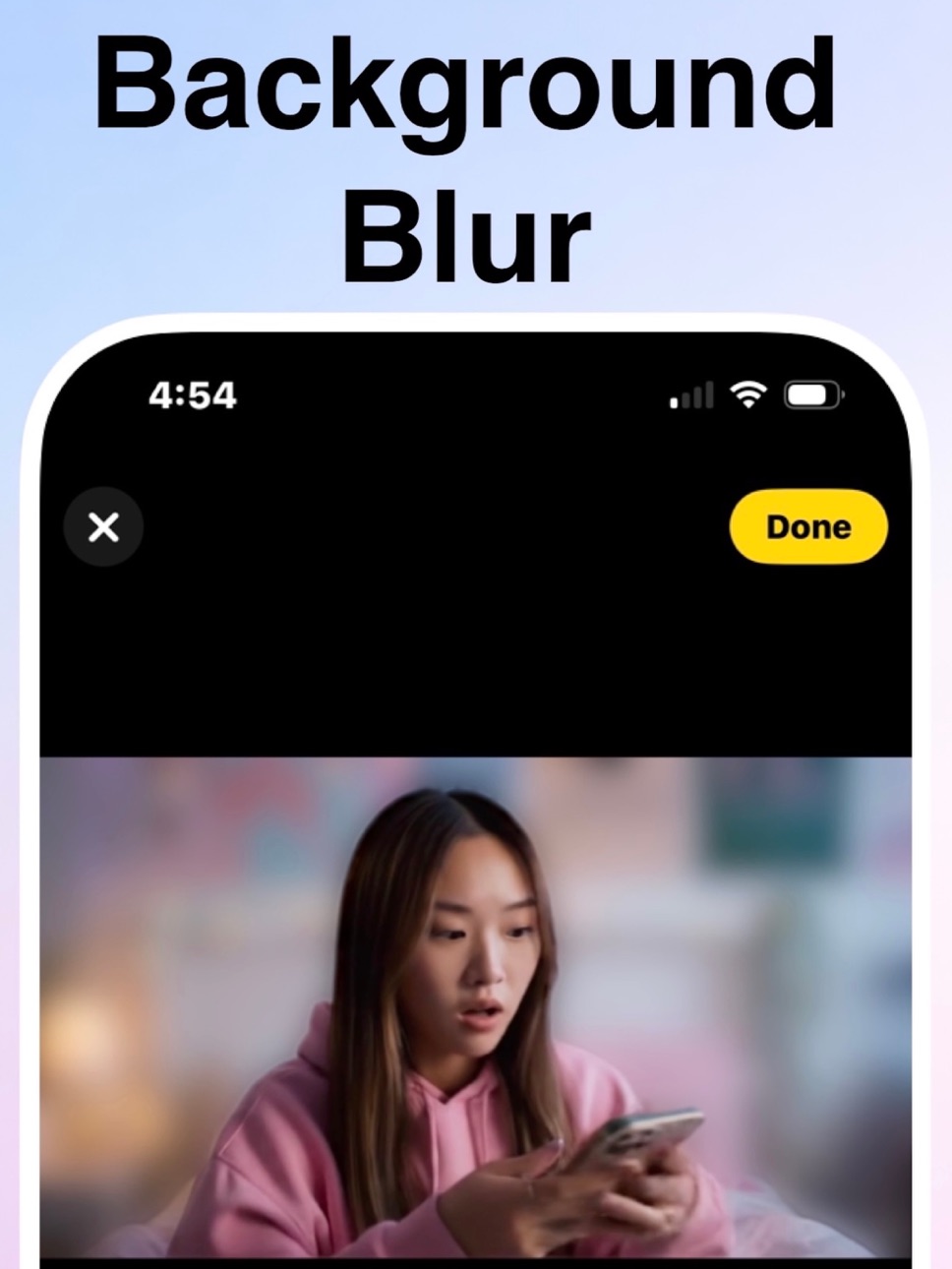
- Background Blur (BG Blur)
Keep the subject sharp, blur everything behind them.
Hide your location, your home, or your workspace.
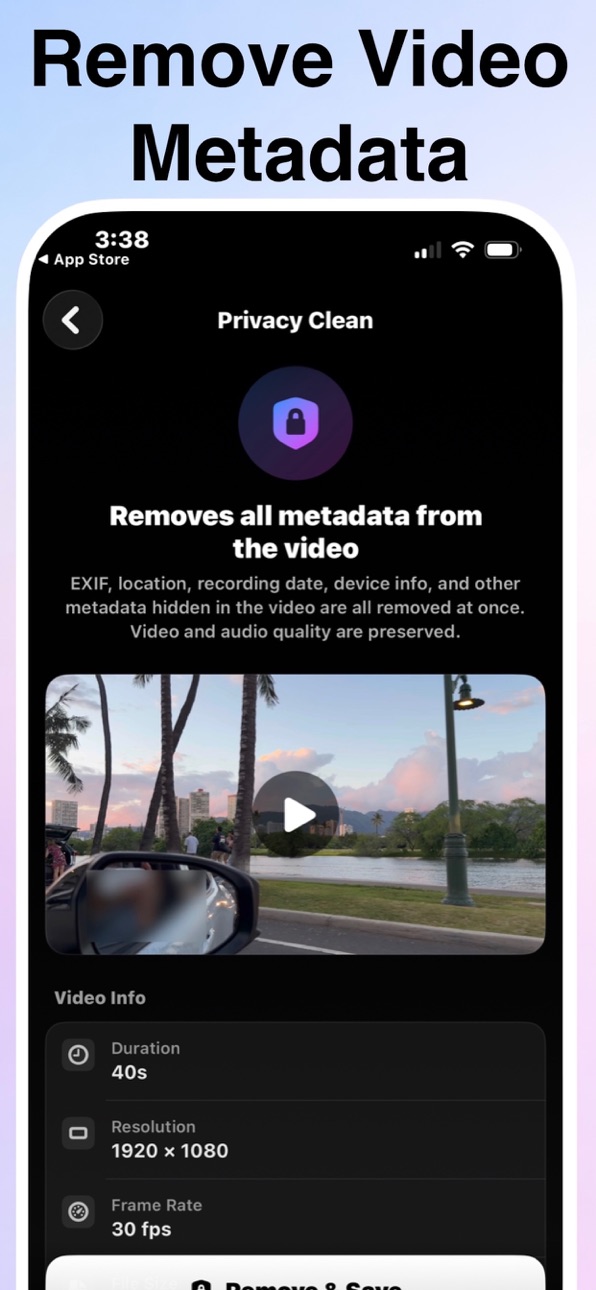
- Privacy Clean (Strip Metadata)
Remove GPS coordinates, capture date, device model, and
all EXIF data from your video file. Share without leaking
where or when it was shot.
[ PERFECT FOR ]
* YouTubers, Reels and TikTok creators
* Parents sharing kids or pets safely online
* Real estate and resale videos (hide plates and addresses)
* Journalists and activists protecting sources
* Teachers, coaches, and HR sharing group footage
* Anyone who values privacy before hitting "Post"
[ WHY BLUR VIDEO ]
* 100% On-Device AI
Your videos never leave your iPhone. No cloud, no
uploads, no accounts required.
* No Watermark
Export clean videos - your brand stays front and center.
* Original Quality
Export in 1080p or 4K with the original resolution and
frame rate preserved.
* Fast Export
Hardware-accelerated rendering, even for long clips.
* Multiple Blur Styles
Choose between Gaussian blur, pixelated mosaic, or heavy
censor - adjustable intensity for every region.
* No Ads, No Distractions
A clean, focused editor that respects your time.
[ HOW IT WORKS ]
1. Pick a video from your library
2. Choose a mode - AI Face, Manual, Track, or BG Blur
3. Tap to apply or drag to draw
4. Export and share anywhere
That's it. Most videos are done in under a minute.
[ BLUR VIDEO PRO ]
Unlock the full toolkit with PRO:
* AI Face Blur (unlimited)
* Object Tracking Blur
* Privacy Clean (EXIF / GPS removal)
* Priority updates and new AI features
Manual Blur and Background Blur are always free to use.
Subscription details:
* Payment is charged to your Apple ID at confirmation
of purchase.
* Subscription auto-renews unless auto-renew is turned
off at least 24 hours before the end of the current
period.
* Your account will be charged for renewal within 24
hours prior to the end of the current period.
* Manage or cancel anytime in Settings > Apple ID >
Subscriptions.
Terms of Use:
https://sites.google.com/view/noonus-ltd/terms-condition
Privacy Policy:
https://sites.google.com/view/noonus-ltd/privacy-policy
Questions or feedback? We read every email.
noonusapp@gmail.com
In-App Purchases US pricing
Pro Subscription
Weekly · 7 days$1.99
Yearly · Yearly$24.99
One-Time Purchases
LifeTime$49.99
Capabilities
In-App Purchases
Accessibility
ipadiphonemacrealityDevicetvoswatch
Version history 1 versions
Build 885877884v1.02026-05-22 06:33:47
Price history by region
Currency
Show
Columns
Search
Availability 1 of 1 storefronts
| Region | Language | Price | Ratings | Avg | Version |
|---|---|---|---|---|---|
| US | en-US | Free | 2 | 5.0 | 1.0 |
Change log 4 changes · US
✎
description updated
Blur faces, license plates, and private details in any video -
with just one tap. Powered by on-device AI.
Before you post to Instagram, TikTok, or YouTube, p
✎
subtitle updated
Face Blur, Video Background
✎
name updated
Blur Video - Blur Video Editor
◆
Version 1.0 released