Home › Lifestyle

 US
US
1 of 1 storefronts
Content in en-US
Content in en-US
Information
Preview 2 platforms
iPhone 4 images


iPad 4 images


What’s New Version 1.0.12
- Added a fly-up and bounce animation for the emoji when you tap an action button.
- Fixed a crash that could occur right after deleting an item.
Description
What did you do today? A simple habit tracker that logs anything with just one tap.
[Who it's for]
- Want to remember to take your medicine
- Want to keep up daily habits like exercise and hydration
- Tired of forgetting what you did today
[How it works]
1. Register your tasks as buttons
2. Just tap when you're done
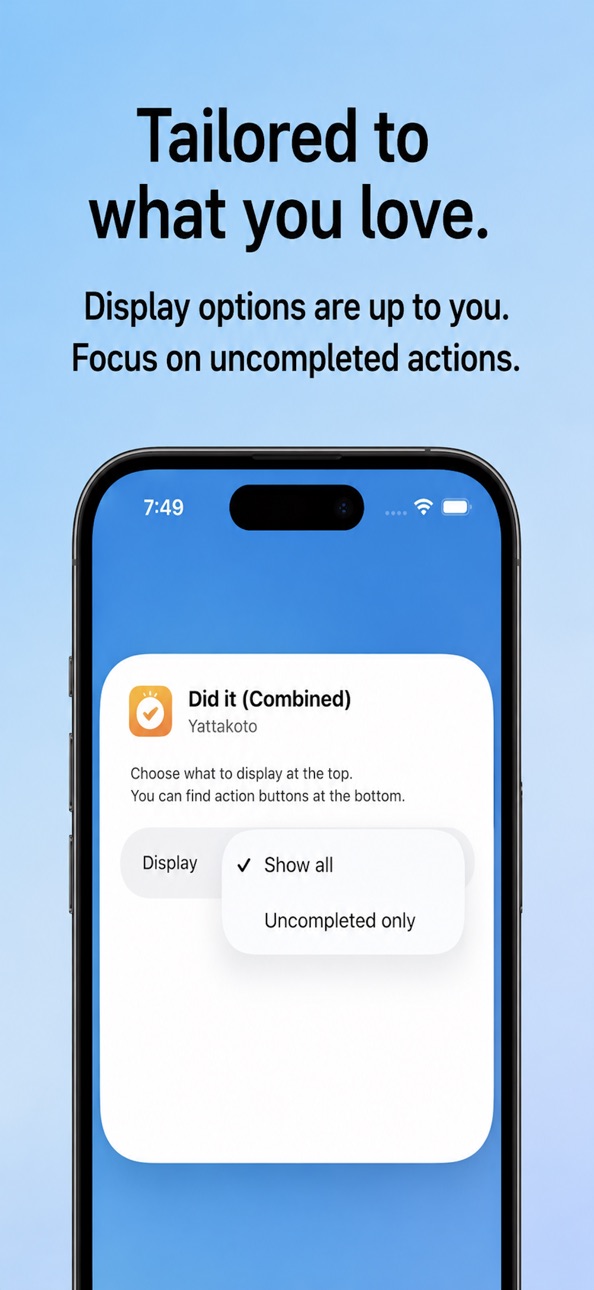
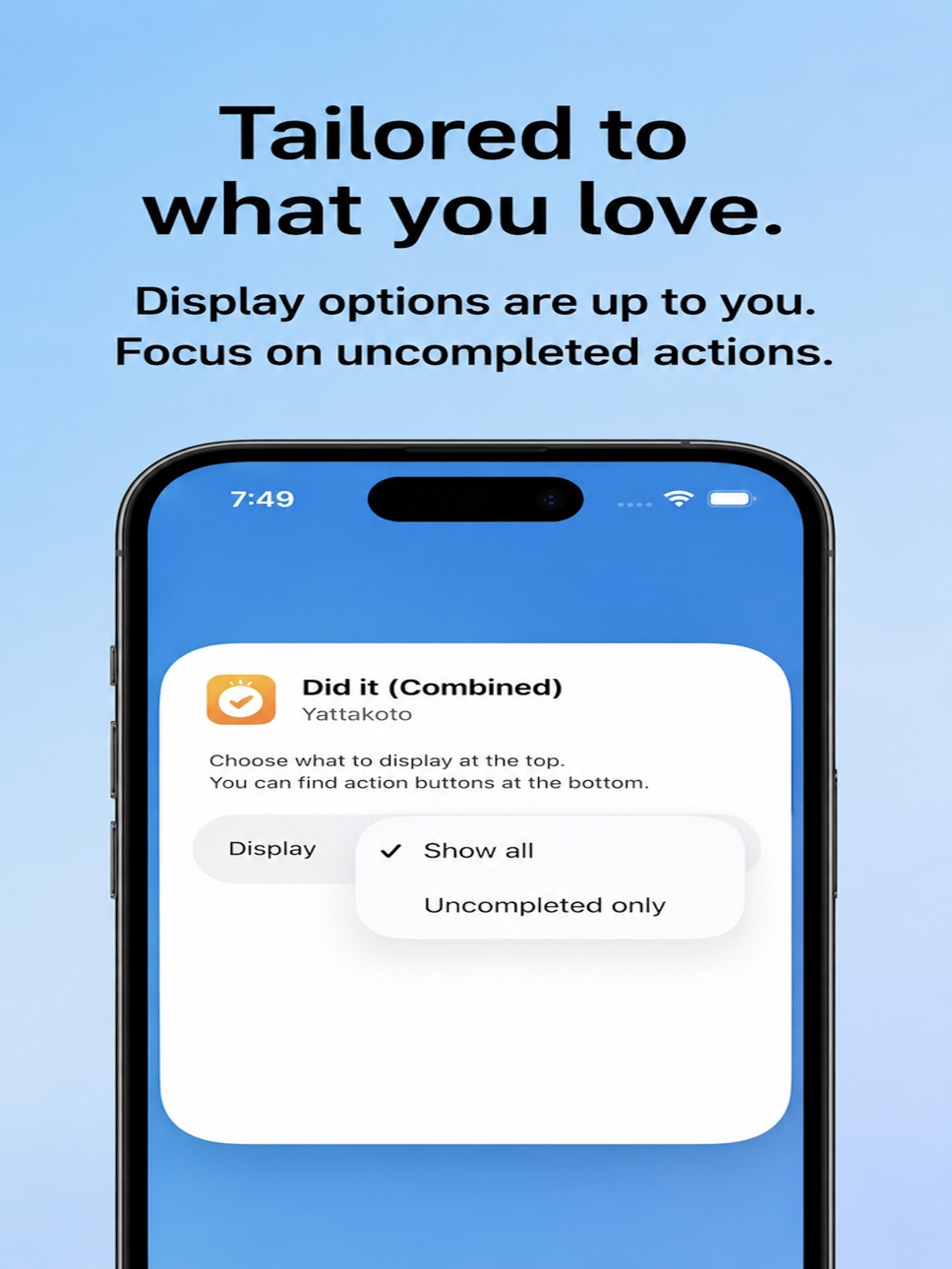
3. Record from the Home Screen widget too
[Key features]
- One-tap recording from the Home Screen widget
- Buttons switch automatically by weekday, weekend, or monthly date
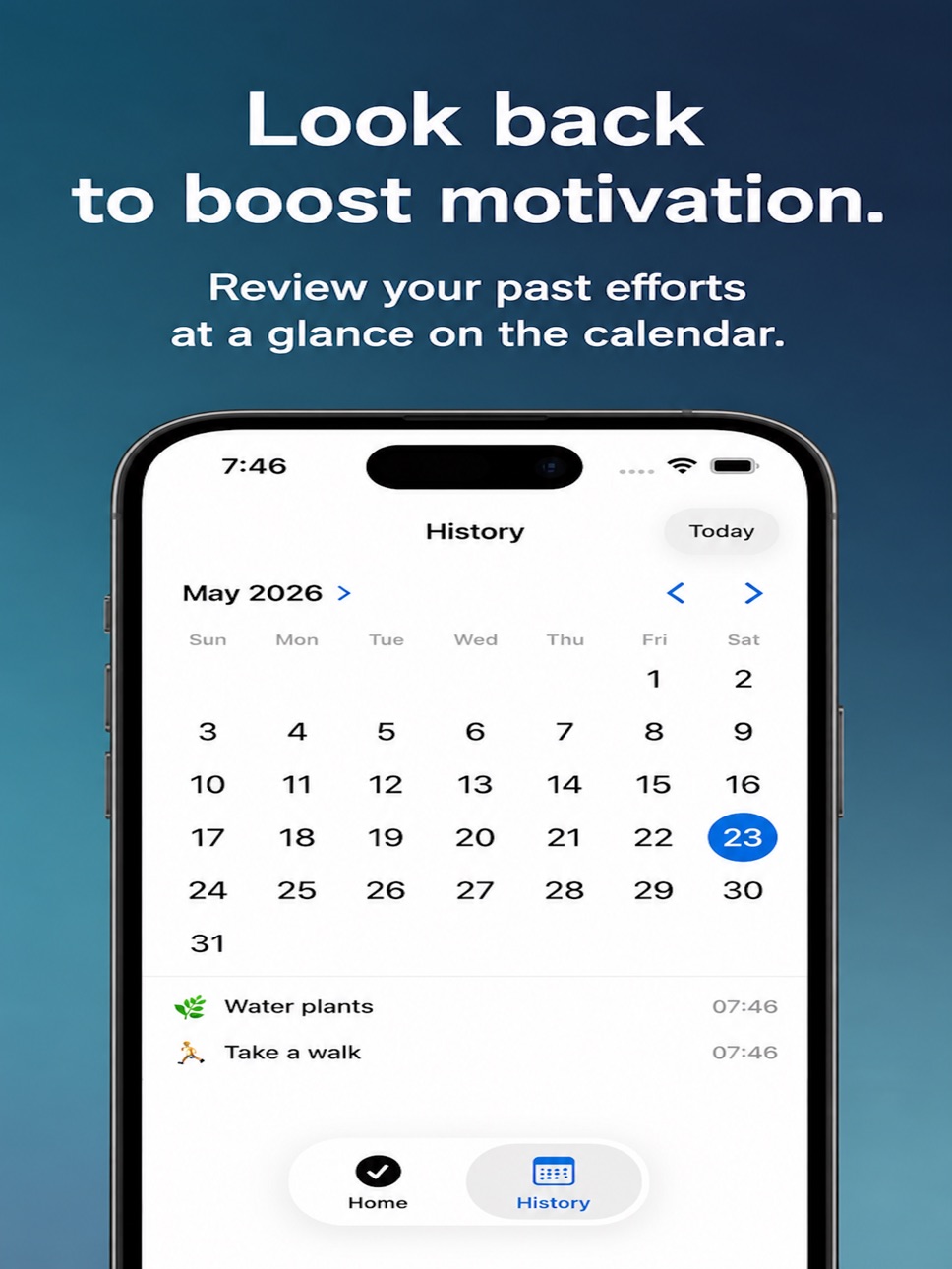
- Review past records in the history calendar
- Prioritize your most-used actions
Accessibility
ipadiphonemacrealityDevicetvoswatch
Version history 13 versions
Build 887812414v1.0.122026-07-04 16:47:50
- Added a fly-up and bounce animation for the emoji when you tap an action button.
- Fixed a crash that could occur right after deleting an item.
Build 887460763v1.0.102026-06-26 14:28:32
Correction of minor defects
Build 887496698v1.0.112026-06-26 21:28:41
UI, internal operation improvement
Build 887437396v1.0.92026-06-25 17:59:07
Correction of minor defects
Build 887378936v1.0.82026-06-24 16:52:35
- Added percentage display to the achievement rate on the main screen (e.g. "Achievement Rate 75%").
- You can now save your activities as images. Two options have been added to Settings: "Save Action as Image" and "Save Daily Summary as Image."
- Notification permission for the achievement alert is now requested when you turn on the toggle in Settings, not at app launch.
Build 887254315v1.0.72026-06-21 23:54:38
- You can now assign a time of day (Morning, Noon, Night) to each action. Actions are automatically sorted in Morning → Noon → Night order.
- Action buttons with a time of day set are highlighted with a subtle background color: orange for morning, blue for noon, and indigo for night.
- A daily progress bar is now pinned to the top of the screen and stays visible while scrolling.
- If you have unfinished actions, you'll receive a notification the next morning as a reminder.
- Action button labels now display up to 3 lines of text.
Build 886509668v1.0.62026-06-05 04:30:41
UI correction, etc.
Build 886451576v1.0.52026-06-03 14:49:32
- Action button text now scales down automatically when names are long, preventing text from being cut off.
- Widget buttons also auto-scale text to fit within the button.
- Fixed a bug where completed actions still appeared when the widget was set to "Remaining only."
- Fixed a bug where buttons overflowed the edges of the large widget.
- Fixed a bug where editing an action's name caused the widget to show incorrect completion status.
Build 886405404v1.0.42026-06-02 16:01:25
I adjusted the layout of the widget
Build 886357750v1.0.32026-06-01 16:29:11
・Improved operational stability
Build 886242552v1.0.22026-05-28 16:51:40
- History calendar redesigned as a heatmap: Date cells are now color-coded by achievement rate, so you can see at a glance how well you kept up on any given day.
- Edit actions: Long-press an action button and tap "Edit" to change its name, emoji, or schedule.
- New "Time of Day" emoji category: A dedicated set of morning, midday, and night emojis is now available when adding actions.
- Minor design improvements.
Build 886100042v1.0.12026-05-26 17:41:32
- Multilingual support: The app now supports English, Simplified Chinese, Korean, Spanish, French, German, and Brazilian Portuguese.
- Improved add button: The add action button has been moved into the grid and is now displayed in green for easier discovery.
- Visual cue for off-schedule actions: Actions not scheduled for today are now highlighted in yellow so you can tell at a glance.
- Label refinement: The filter label has been updated for clarity.
Build 885870728v1.02026-05-25 07:08:54
No pricing data captured yet — comparisons appear once the app has paid storefronts or in-app purchases.
Availability 1 of 1 storefronts
| Region | Language | Price | Ratings | Avg | Version |
|---|---|---|---|---|---|
| US | en-US | Free | 0 | — | 1.0.12 |
Change log 17 changes · US
✎
releaseNotes updated
- Added a fly-up and bounce animation for the emoji when you tap an action button.
- Fixed a crash that could occur right after deleting an item.
✎
description updated
What did you do today? A simple habit tracker that logs anything with just one tap.
[Who it's for]
- Want to remember to take your medicine
- Want to keep up d
✎
subtitle updated
One-tap daily habit tracker
✎
name updated
YattaKoto
◆
Version 1.0.12 released
- Added a fly-up and bounce animation for the emoji when you tap an action button.
- Fixed a crash that could occur right after deleting an item.
◆
Version 1.0.11 released
UI, internal operation improvement
◆
Version 1.0.10 released
Correction of minor defects
◆
Version 1.0.9 released
Correction of minor defects
◆
Version 1.0.8 released
- Added percentage display to the achievement rate on the main screen (e.g. "Achievement Rate 75%").
- You can now save your activities as images. Two options have been added to Settings: "Save Action as Image" and "Save Daily Summary as Im
◆
Version 1.0.7 released
- You can now assign a time of day (Morning, Noon, Night) to each action. Actions are automatically sorted in Morning → Noon → Night order.
- Action buttons with a time of day set are highlighted with a subtle background color: orange for m
◆
Version 1.0.6 released
UI correction, etc.
◆
Version 1.0.5 released
- Action button text now scales down automatically when names are long, preventing text from being cut off.
- Widget buttons also auto-scale text to fit within the button.
- Fixed a bug where completed actions still appeared when the widget
◆
Version 1.0.4 released
I adjusted the layout of the widget
◆
Version 1.0.3 released
・Improved operational stability
◆
Version 1.0.2 released
- History calendar redesigned as a heatmap: Date cells are now color-coded by achievement rate, so you can see at a glance how well you kept up on any given day.
- Edit actions: Long-press an action button and tap "Edit" to change its name,
◆
Version 1.0.1 released
- Multilingual support: The app now supports English, Simplified Chinese, Korean, Spanish, French, German, and Brazilian Portuguese.
- Improved add button: The add action button has been moved into the grid and is now displayed in green for
◆
Version 1.0 released