Home › Productivity

 US
US
1 of 1 storefronts
Content in en-US
Content in en-US
Information
Preview 2 platforms
iPhone 4 images



iPad 5 images


What’s New Version 1.1.0
- This update adds calendar synchronization and desktop widgets, making your important moments easier to keep track of.
- You can now sync reminders to the system calendar, and import schedules for the next 14 days from the system calendar to turn them into reminders. The newly added widgets display upcoming alarms and calendar events, allowing you to quickly check your next task without opening the app.
- We have also added explanations for the "Interval" settings, as well as prompts for calendar permissions, synchronization status and event sources, to make creating and managing reminders more intuitive.
Description
TimeCue helps you prepare for everyday moments that should not slip by: wake-up time, hydration, breaks, leaving home, study sessions, meetings, and personal routines.
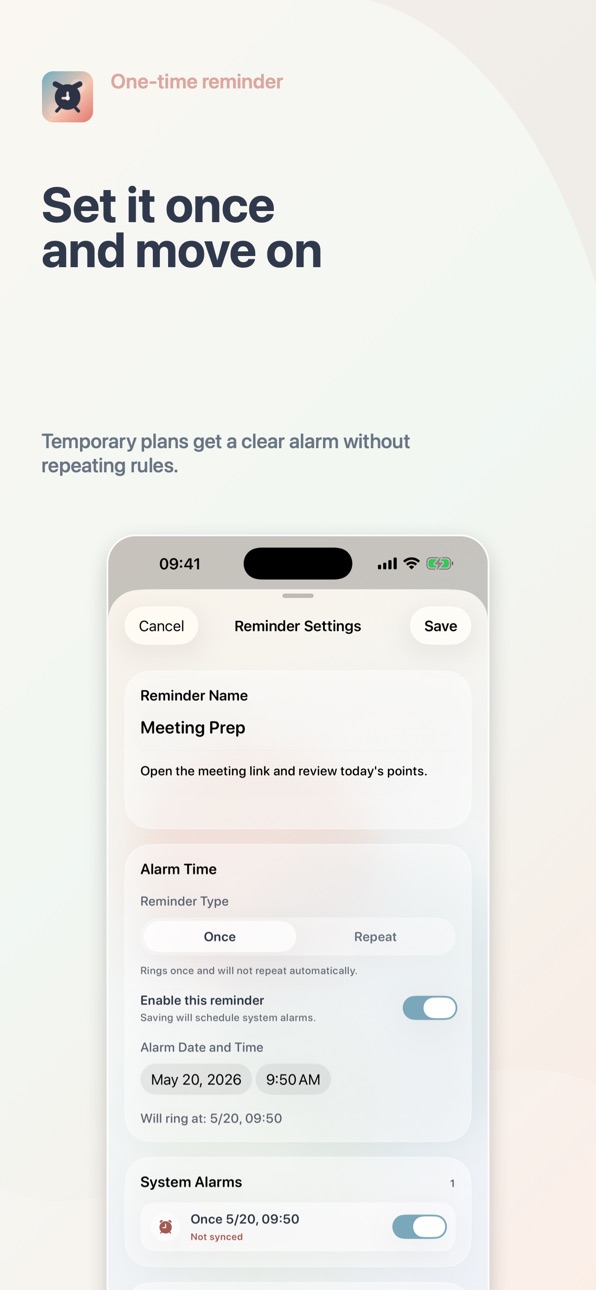
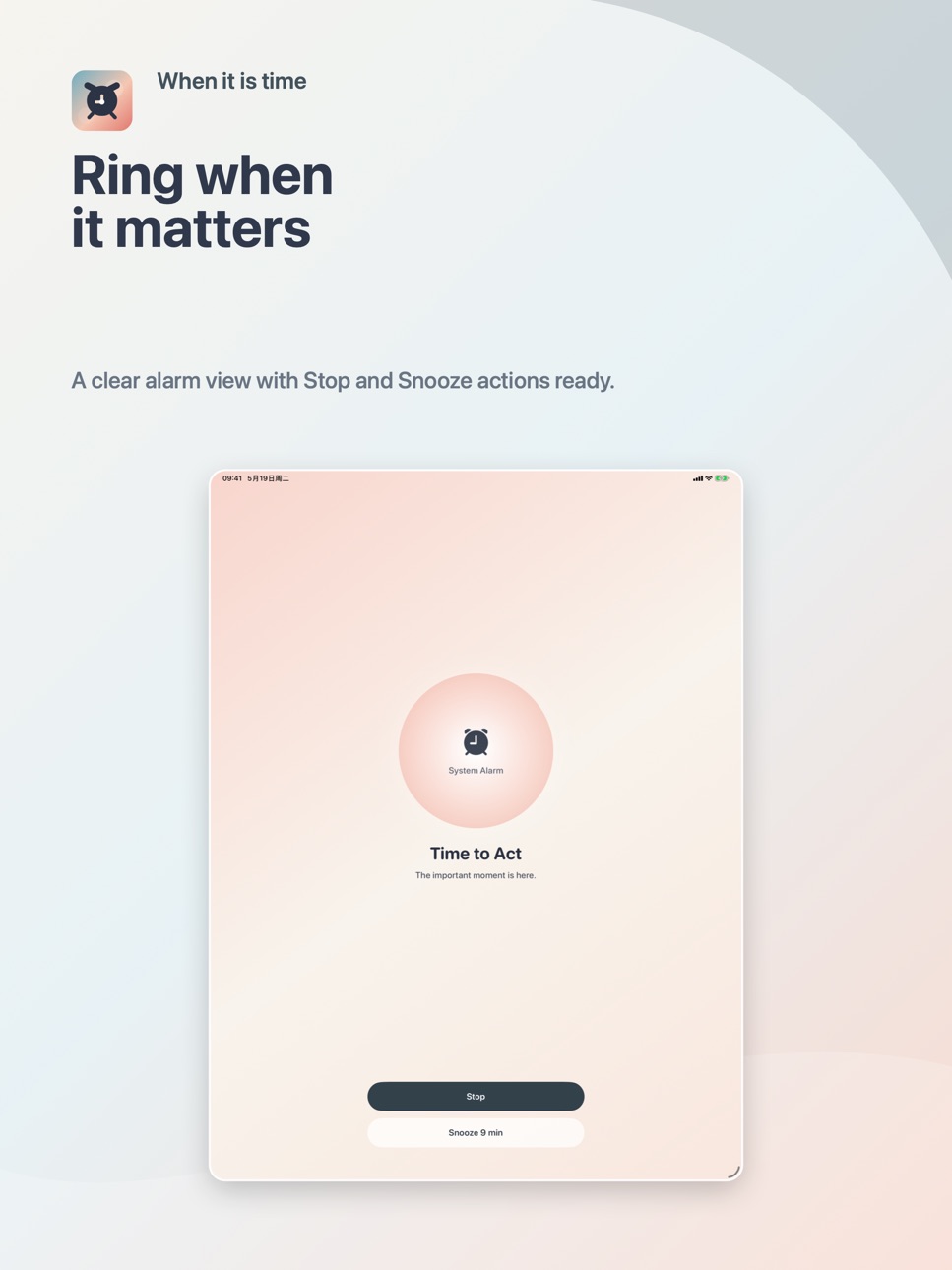
Create one-time or weekly repeating reminders with a title, time, color, and note. TimeCue uses the iOS 26+ system alarm capability to schedule reminders that you create yourself, so important moments can appear more clearly.
When you want a sound that is easier to recognize, you can actively record your own reminder sound while editing a reminder. Recordings are used only for the selected reminder and can be previewed, replaced, or deleted.
Key features:
Create one-time and weekly repeating reminders
Pause, resume, edit, and delete reminder plans
Schedule alarms with the iOS system alarm capability
Add colors and notes to reminders
Actively record, preview, and delete custom reminder sounds
No account required; reminder data and recordings stay on device
TimeCue is designed for general everyday reminders. It is not a medical, safety monitoring, emergency alert, or caregiving replacement product. Alarm behavior may depend on system permissions, device settings, and iOS state, so use an additional confirmation method for especially critical plans.
Accessibility
ipadiphonemacrealityDevicetvoswatch
Version history 2 versions
Build 886739358v1.1.02026-06-10 21:51:29
- This update adds calendar synchronization and desktop widgets, making your important moments easier to keep track of.
- You can now sync reminders to the system calendar, and import schedules for the next 14 days from the system calendar to turn them into reminders. The newly added widgets display upcoming alarms and calendar events, allowing you to quickly check your next task without opening the app.
- We have also added explanations for the "Interval" settings, as well as prompts for calendar permissions, synchronization status and event sources, to make creating and managing reminders more intuitive.
Build 885780227v1.0.02026-05-20 23:11:51
No pricing data captured yet — comparisons appear once the app has paid storefronts or in-app purchases.
Availability 1 of 1 storefronts
| Region | Language | Price | Ratings | Avg | Version |
|---|---|---|---|---|---|
| US | en-US | Free | 0 | — | 1.1.0 |
Change log 6 changes · US
✎
releaseNotes updated
- This update adds calendar synchronization and desktop widgets, making your important moments easier to keep track of.
- You can now sync reminders to the syst
✎
description updated
TimeCue helps you prepare for everyday moments that should not slip by: wake-up time, hydration, breaks, leaving home, study sessions, meetings, and personal ro
✎
subtitle updated
Local alarms for key moments
✎
name updated
Ding, TimeCue
◆
Version 1.1.0 released
- This update adds calendar synchronization and desktop widgets, making your important moments easier to keep track of.
- You can now sync reminders to the system calendar, and import schedules for the next 14 days from the system calendar
◆
Version 1.0.0 released