Home › Utilities

 US
US
1 of 1 storefronts
Content in en-US
Content in en-US
Information
Preview 2 platforms
iPhone 5 images




iPad 5 images


What’s New Version 1.0.1
Bug fixes
Description
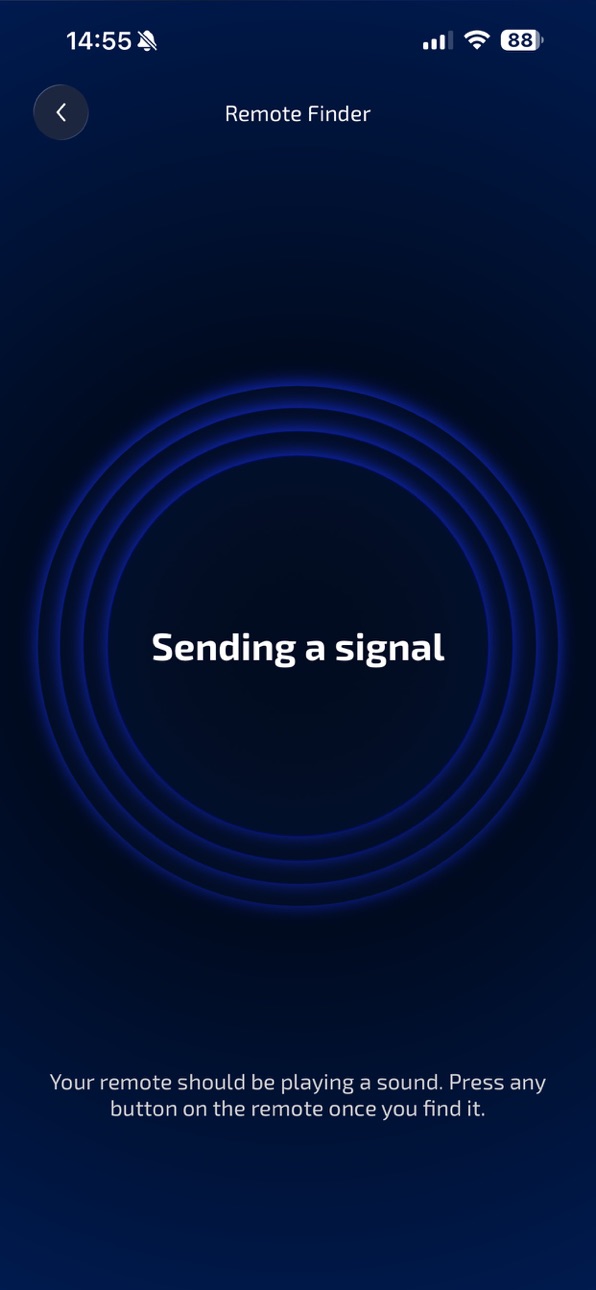
Has your remote slipped between the couch cushions again, or did your pet push it into a far corner? Easily find your lost remote with this simple utility. Connect to your TV or streaming device, start the search, and a compatible remote will begin playing a sound signal.
How it works:
• Connect to your TV or streaming device.
• The remote search starts automatically.
• A supported remote will play a sound signal.
• Once you find the remote, press any button to stop the sound.
Requirements:
• The app works only with remotes that support a built-in sound-based remote finder feature.
• The remote you are looking for must already be paired with your TV or streaming device.
• The remote’s batteries or built-in rechargeable battery must not be depleted.
Terms of Use: https://kraftwerk9.com/terms
Privacy Policy: https://kraftwerk9.com/privacy
In-App Purchases US pricing
Subscription Subscription
Year subscription · Yearly 3-day free trial$14.99
Capabilities
In-App Purchases
Accessibility
ipadiphonemacrealityDevicetvoswatch
Version history 2 versions
Build 887451350v1.0.12026-06-30 03:25:36
Bug fixes
Build 885530841v1.02026-06-24 19:52:07
Price history by region
Currency
Show
Columns
Search
Availability 1 of 1 storefronts
| Region | Language | Price | Ratings | Avg | Version |
|---|---|---|---|---|---|
| US | en-US | Free | 0 | — | 1.0.1 |
Change log 6 changes · US
✎
releaseNotes updated
Bug fixes
✎
description updated
Has your remote slipped between the couch cushions again, or did your pet push it into a far corner? Easily find your lost remote with this simple utility. Conn
✎
subtitle updated
Locate a lost remote by sound
✎
name updated
Find TV Remote
◆
Version 1.0.1 released
Bug fixes
◆
Version 1.0 released