Home › Graphics & Design

 US
US
1 of 1 storefronts
Content in en-US
Content in en-US
Information
Preview 2 platforms
iPhone 5 images


iPad 5 images




What’s New Version 1.0.4
Release Notes:
Optimized export quality for low-resolution images, making the watermark footer icon and text clearer.
Improved watermark rendering quality for small images, reducing blurry icons and fuzzy text.
Fixed known issues and improved export stability.
If you find any issues or have suggestions, please contact: bc_master@163.com
Description
Blur the background in one tap, quickly hiding people, surroundings, and messy details. BlurDot can intelligently detect the main subject, blur the background automatically, and also mask faces, text, IDs, and license plates before you save or share.
Masking photos on iPhone should not be complicated. BlurDot is a lightweight and easy-to-use photo blur, mosaic, and privacy masking tool. It also supports Emoji stickers, shape masks, HDR enhancement, sketch styles, and various filters. Whether you are sharing screenshots, editing daily photos, or creating more polished social images, BlurDot helps you finish quickly.
Main Features:
• One-tap background blur: Smartly detect the subject and blur the background to highlight the focus and hide messy surroundings
• Local photo blur: Paint with your finger to hide faces, backgrounds, text, or details you do not want to show
• Mosaic and pixelation: Great for privacy protection, screenshot masking, and creative editing
• Emoji stickers: Quickly cover avatars, text, chats, or private details with Emoji stickers
• Shape masking: Use circles, rectangles, and other shapes to cover IDs, license plates, accounts, and local areas
• AI privacy assistant: Helps detect faces and some sensitive text, making sharing safer
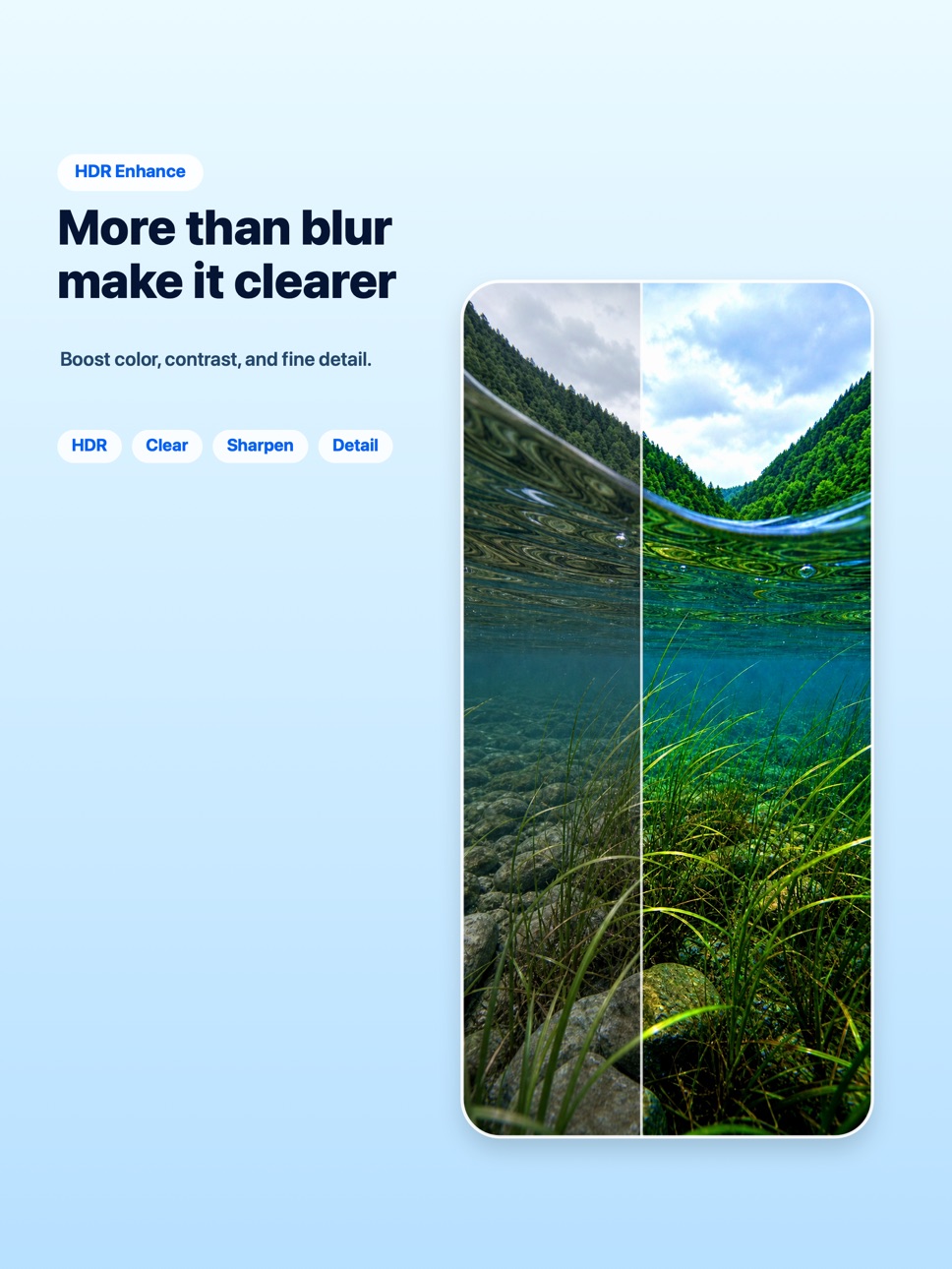
• HDR enhancement: Improve clarity, contrast, and detail for a cleaner photo look
• Sketch filter: Turn photos into line art, avatars, or note-style images
• Multiple filters: Add different visual styles, not just privacy masks
• Camera or photo import: Open, edit, save, or share right away
Best For:
Blur faces, people, or backgrounds before posting photos.
Hide text, accounts, IDs, phone numbers, emails, and other sensitive content before sharing screenshots.
Use background blur to make the subject stand out and the image look cleaner.
Use Emoji stickers or shape masks when you want a lighter way to cover content.
Use HDR enhancement to quickly improve photo clarity.
Use sketch and filters to create avatars, illustrations, or social images.
Manually paint to hide license plates, addresses, or any local detail.
BlurDot is not just a masking tool. It is also a simple, clean, and fast photo editor.
Auto-Renewable Subscription:
• Pro membership is an auto-renewable subscription, billed monthly or yearly
• Payment will be charged to your Apple Account after purchase confirmation
• The subscription will automatically renew within 24 hours before the end of the current period, and your Apple Account will be charged
• To cancel, turn off auto-renewal at least 24 hours before the end of the current period in Settings > Apple ID > Subscriptions
• You can manage or cancel your subscription in account settings after purchase
• Any unused portion of a free trial, if offered, will be forfeited after purchasing a subscription
Privacy Policy and Terms:
Privacy Policy: https://voracious-scapula-117.notion.site/BlurDot-Privacy-Policy-36936744823a8027be8debcb321a2cc0
Terms of Use: https://www.apple.com/legal/internet-services/itunes/dev/stdeula/
In-App Purchases US pricing
BlurDot Subscription
Monthly subscription · Monthly$1.99
Yearly subscription · Yearly$6.99
One-Time Purchases
lifetime$12.99
Capabilities
In-App Purchases
Accessibility
ipadiphonemacrealityDevicetvoswatch
Version history 5 versions
Build 886949538v1.0.42026-06-14 23:23:46
Release Notes:
Optimized export quality for low-resolution images, making the watermark footer icon and text clearer.
Improved watermark rendering quality for small images, reducing blurry icons and fuzzy text.
Fixed known issues and improved export stability.
If you find any issues or have suggestions, please contact: bc_master@163.com
Build 886859778v1.0.32026-06-12 18:14:44
Update Notes:
- Added background blur, with smart subject detection and background blurring.
- Improved AI feature icons and hint styles for a more consistent interface.
- Adjusted free usage limits, with share rewards valid for the day.
- Improved hints after automatic processing, so you can continue painting or erasing to refine.
- Fixed known issues and improved processing stability.
If you find any issues or have suggestions, please contact: bc_master@163.com
Build 886758135v1.0.22026-06-10 16:59:16
- Added more cute system Emoji stickers for freer expression
- Added long-press editing for Emoji stickers already placed
- Improved the intensity and brightness adjustment experience
- Refined interaction details for a smoother editing flow
If you find any issues or have feature suggestions, please contact: bc_master@163.com
Build 886639674v1.0.12026-06-08 17:07:27
This update:
• Added a small blur preview window for more precise editing of detailed areas
• Added shape masking and Emoji sticker covering for more flexible redaction
• Improved the onboarding experience for a smoother first use
• Added support for Japanese, Korean, French, German, Spanish and Portuguese
If you run into any issues or have feature suggestions, feel free to contact me at bc_master@163.com. I read every piece of feedback carefully.
Build 885480172v1.02026-06-02 13:28:25
Price history by region
Currency
Show
Columns
Search
Availability 1 of 1 storefronts
| Region | Language | Price | Ratings | Avg | Version |
|---|---|---|---|---|---|
| US | en-US | Free | 0 | — | 1.0.4 |
Change log 9 changes · US
✎
releaseNotes updated
Release Notes:
Optimized export quality for low-resolution images, making the watermark footer icon and text clearer.
Improved watermark rendering quality for
✎
description updated
Blur the background in one tap, quickly hiding people, surroundings, and messy details. BlurDot can intelligently detect the main subject, blur the background a
✎
subtitle updated
Pixelate Faces, Text & IDs
✎
name updated
BlurDot: Blur & Mosaic Editor
◆
Version 1.0.4 released
Release Notes:
Optimized export quality for low-resolution images, making the watermark footer icon and text clearer.
Improved watermark rendering quality for small images, reducing blurry icons and fuzzy text.
Fixed known issues and impro
◆
Version 1.0.3 released
Update Notes:
- Added background blur, with smart subject detection and background blurring.
- Improved AI feature icons and hint styles for a more consistent interface.
- Adjusted free usage limits, with share rewards valid for the day.
-
◆
Version 1.0.2 released
- Added more cute system Emoji stickers for freer expression
- Added long-press editing for Emoji stickers already placed
- Improved the intensity and brightness adjustment experience
- Refined interaction details for a smoother editing flo
◆
Version 1.0.1 released
This update:
• Added a small blur preview window for more precise editing of detailed areas
• Added shape masking and Emoji sticker covering for more flexible redaction
• Improved the onboarding experience for a smoother first use
• Added s
◆
Version 1.0 released