Home › Business

 US
US
1 of 1 storefronts
Content in en-US
Content in en-US
Information
Preview 2 platforms
iPhone 6 images
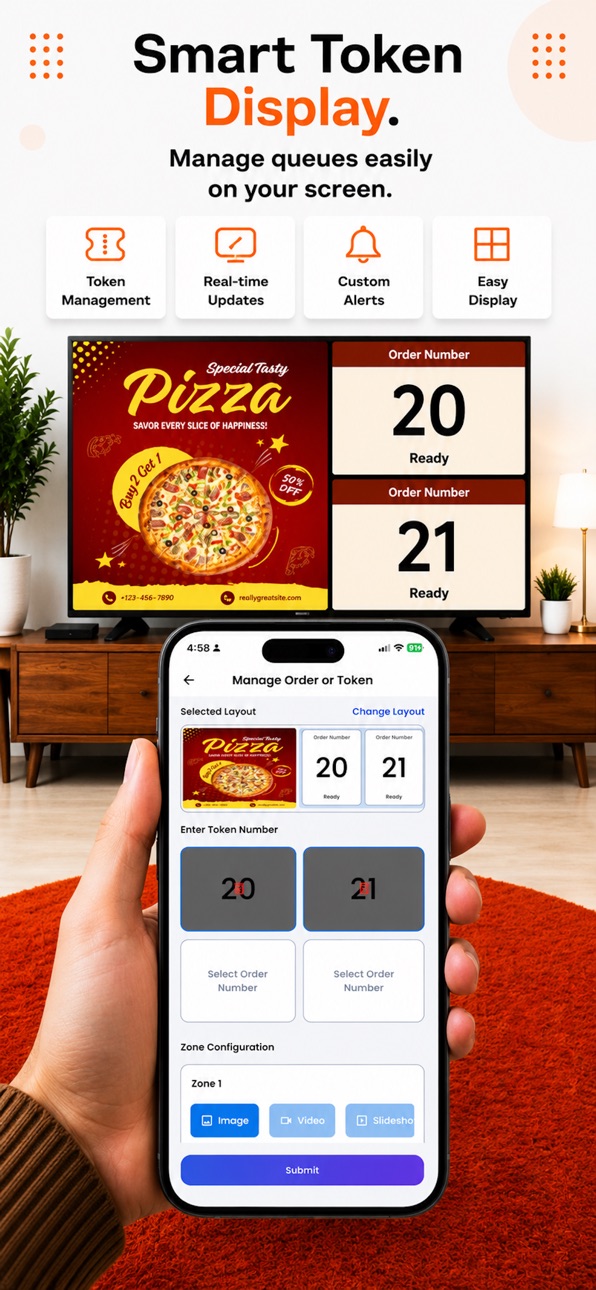


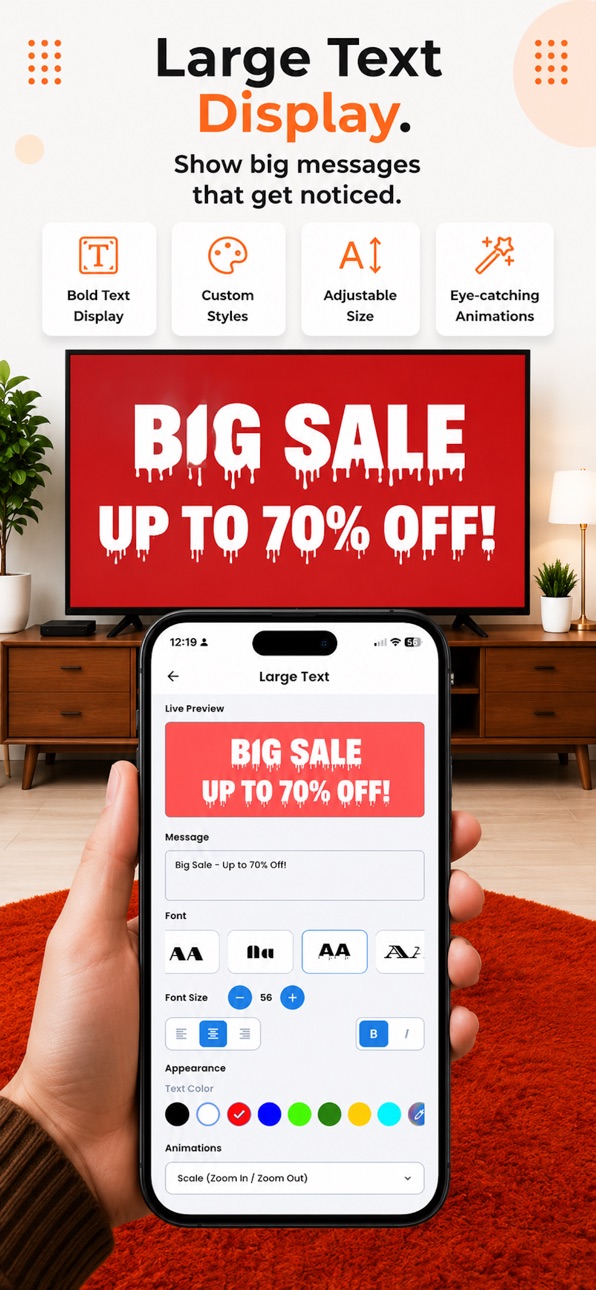
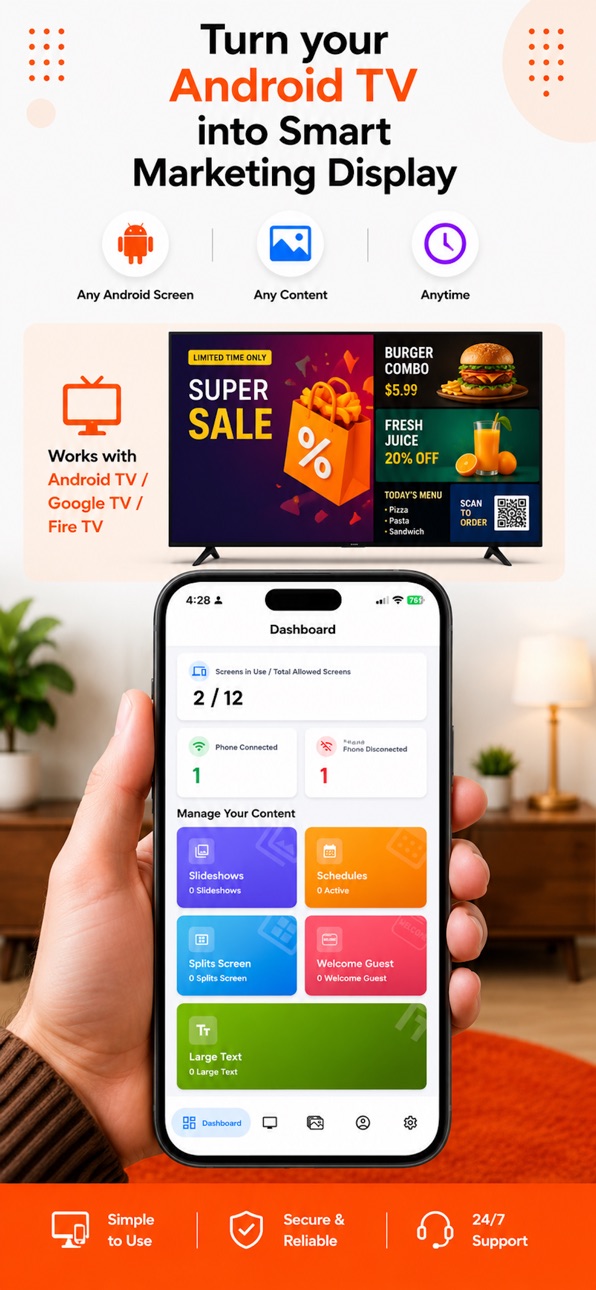

iPad 6 images

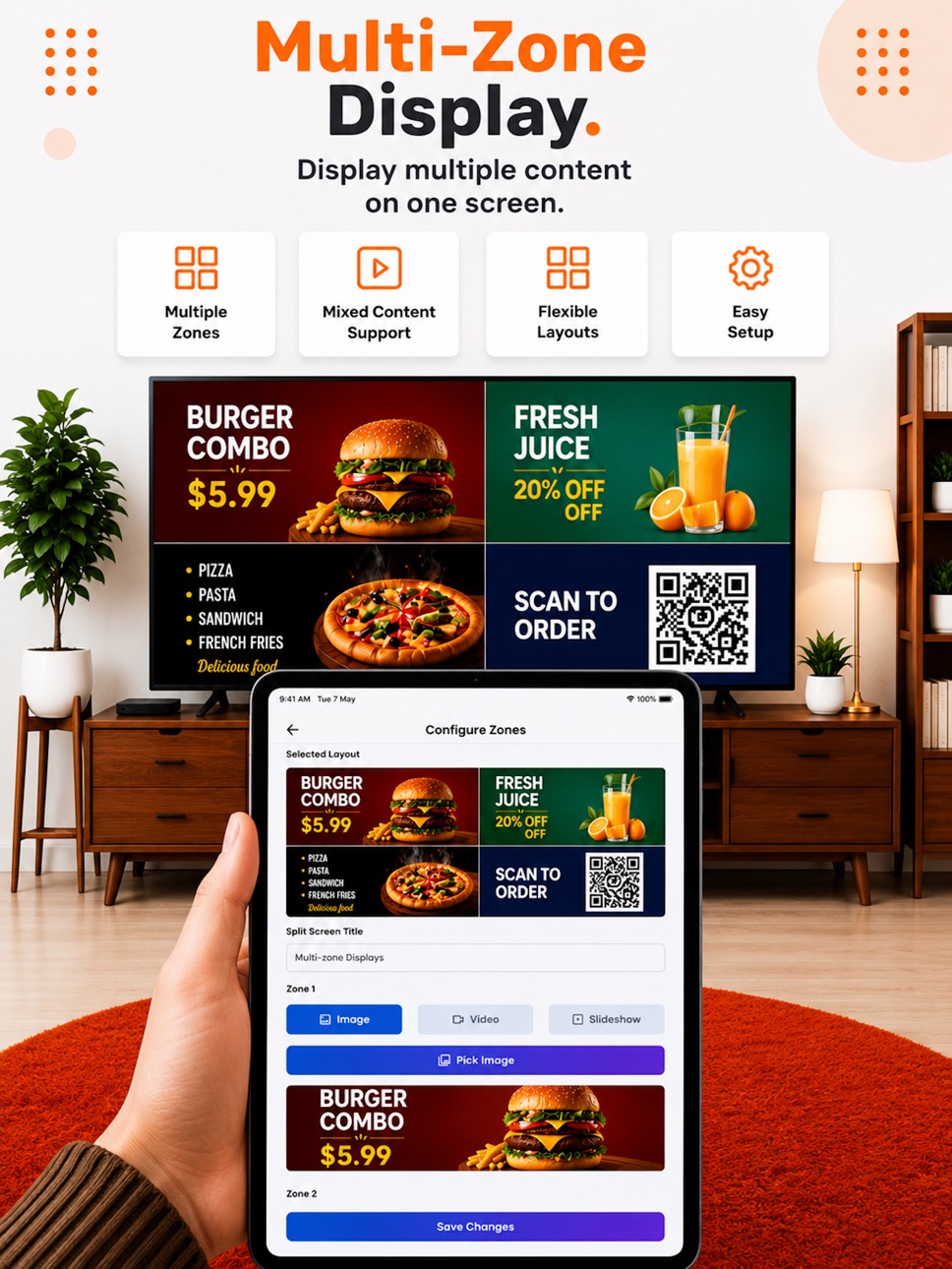


What’s New Version 1.5
App improvement & Fixes
Description
Loco Digital Signage is a smart and easy-to-use mobile app that lets you manage and control your Loco Digital Signage Player Android TV, Fire TV, Google TV, screens directly from your phone over the same Wi-Fi or hotspot network.
Turn any Android TV, Fire TV, Google TV into a powerful digital marketing display to showcase ads, offers, menus, promotions, announcements, videos, images, and more—without complicated hardware or expensive digital signage systems.
Designed for restaurants, cafés, retail stores, salons, clinics, offices, gyms, showrooms, and local businesses, Loco helps you quickly create and publish engaging content to connected TV screens in real time.
Using the Loco mobile app, you can instantly connect your Android TV, Fire TV, Google TV by scanning a QR code and start managing your displays from your phone.
Easily upload photos, videos, documents, and websites, or create beautiful animated slideshows with auto-play and transition effects. You can also configure multi-zone split-screen layouts to display multiple types of content on a single TV screen at the same time.
Key Features:
• Instantly connect Android TV, Fire TV, Google TV screens using QR code pairing
• Control and manage TV content directly from your phone
• Display ads, offers, promotions, announcements, and menus
• Upload photos, videos, documents, and website URLs
• Create custom slideshows with animations and auto-play
• Multi-zone split-screen digital signage layouts
• Large text display with scrolling and animation effects
• Schedule photos, videos, and media playback
• Automatically loop content without user interaction
• Manage multiple TV screens from one app
• Real-time screen control over the same local Wi-Fi or hotspot network
• Simple, fast, and business-friendly interface
Loco Digital Signage provides an affordable and professional way to transform your Android TV, Fire TV, Google TV into smart digital displays and keep your customers engaged with dynamic business content.
Accessibility
ipadiphonemacrealityDevicetvoswatch
Version history 6 versions
Build 888118309v1.52026-07-10 22:25:17
App improvement & Fixes
Build 887294435v1.42026-06-27 21:38:29
Performance Improvement & Fixes
Build 887190325v1.32026-06-19 23:44:27
Performance Improvement & Fixes
Build 886883218v1.22026-06-12 21:10:20
Performance improvement
Build 886672886v1.12026-06-09 03:05:45
- Design Update
- Bug fixes and performance improvement
Build 885360248v1.02026-06-07 09:27:51
No pricing data captured yet — comparisons appear once the app has paid storefronts or in-app purchases.
Availability 1 of 1 storefronts
| Region | Language | Price | Ratings | Avg | Version |
|---|---|---|---|---|---|
| US | en-US | Free | 0 | — | 1.5 |
Change log 10 changes · US
✎
releaseNotes updated
App improvement & Fixes
✎
description updated
Loco Digital Signage is a smart and easy-to-use mobile app that lets you manage and control your Loco Digital Signage Player Android TV, Fire TV, Google TV, sc
✎
subtitle updated
Smart TV Digital Signage App
✎
name updated
Loco Digital Signage
◆
Version 1.5 released
App improvement & Fixes
◆
Version 1.4 released
Performance Improvement & Fixes
◆
Version 1.3 released
Performance Improvement & Fixes
◆
Version 1.2 released
Performance improvement
◆
Version 1.1 released
- Design Update
- Bug fixes and performance improvement
◆
Version 1.0 released