Home › Utilities

 US
US
1 of 1 storefronts
Content in en-US
Content in en-US
Information
Apple ID6766330074
Bundle IDcom.vaughey.LabelButcher
SellerSeller
Min iOS26.5
Device familiesmac, iphone, ipad
Released2026-05-28
Copyright© 2026 Parker E. Vaughey
Privacy policyLink ↗
Preview 3 platforms
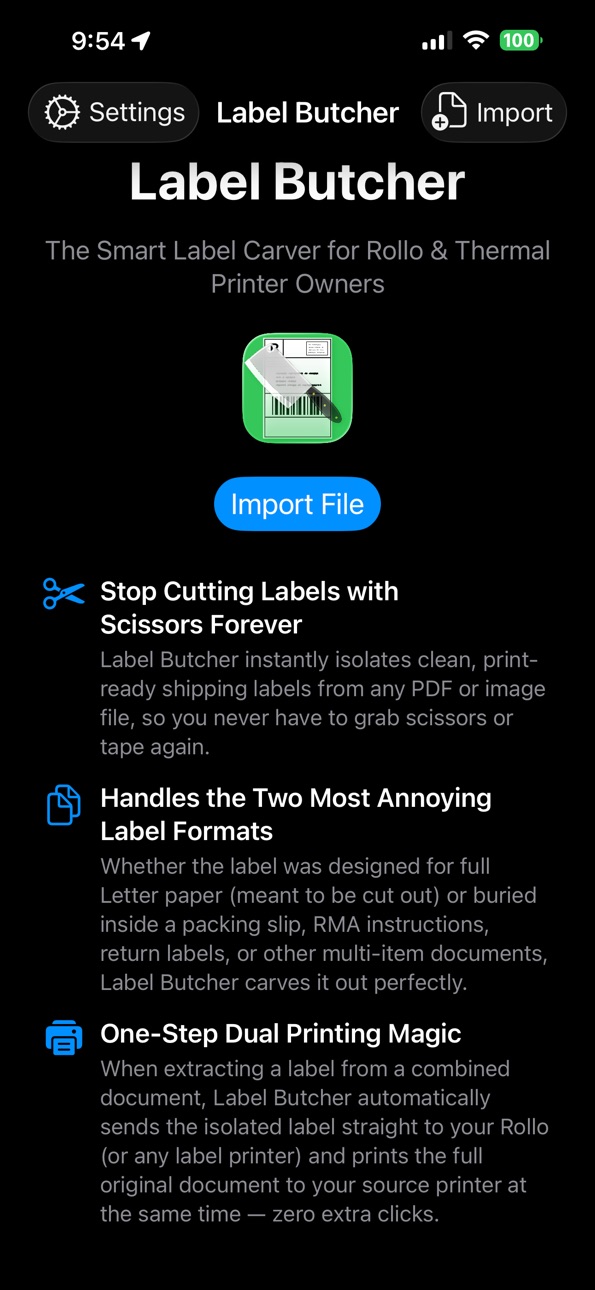
iPhone 4 images


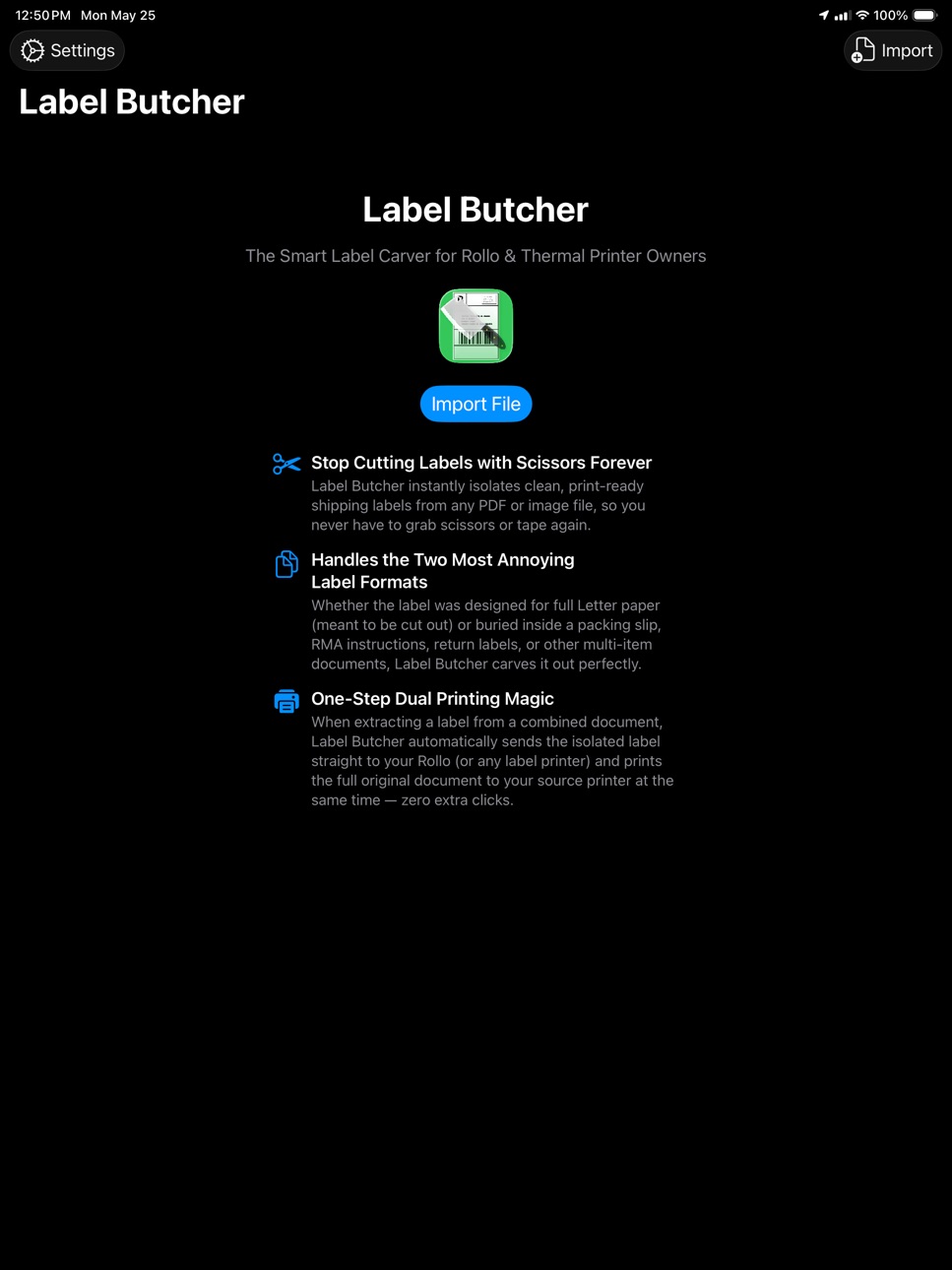
iPad 4 images


Mac 4 images


What’s New Version 1.2.1
Fixes missing AppIcon.icon on IOS that was impacting share sheet.
Description
Label Butcher: The Smart Label Carver for Rollo & Thermal Printer Owners
Stop Cutting Labels with Scissors Forever
Butcher instantly isolates clean, print-ready shipping labels from any PDF or image file, so you never have to grab scissors or tape again. Just import, confirm, and print.
Handles the Two Most Annoying Label Formats
Whether the label was designed for full Letter paper (meant to be cut out) or buried inside a packing slip, RMA instructions, return labels, or other multi-item documents, Label Butcher carves it out perfectly every time.
One-Step Dual Printing
When extracting a label from a combined document, Label Butcher automatically sends the isolated 4×6 label straight to your Rollo (or any thermal label printer) and prints the full original document to your regular page printer at the same time — zero extra clicks.
HOW IT WORKS
1. Import a shipping label PDF or photo (or use "Open In" from any app)
2. Label Butcher auto-detects the label using barcode and text recognition
3. Adjust the boundary if needed, then tap OK to crop
4. Hit Print — label goes to your thermal printer, pages go to your page printer
FEATURES
• Auto-detects shipping labels using advanced Vision AI (barcode + text recognition)
• Adjustable bounding box with drag handles for manual fine-tuning
• Auto-rotates and scales labels to fit 4×6" thermal printers perfectly
• Dual-printer workflow: thermal label + full-page printer simultaneously
• Supports PDF, PNG, JPEG, HEIC, and TIFF files
• Open files via Import or the Share sheet from Mail, Safari, Files, and more
• Works with Rollo, DYMO, Brother, and any AirPrint-compatible printer
• Direct printing on Mac — no print dialog, labels go straight to the printer
• Diagnostic overlays to see exactly what the detection engine finds
• Progressive onboarding tips guide you through the workflow
PRIVACY FIRST
Label Butcher processes everything on your device. No accounts, no cloud uploads, no tracking, no ads. Your documents never leave your phone or Mac.
BUILT FOR
• eBay, Amazon, and Mercari sellers processing returns
• Small business owners handling RMA and return shipping
• Anyone tired of cutting labels out of full-page PDFs with scissors
• Rollo, DYMO, and thermal printer owners who want a faster workflow
Works on iPhone, iPad, and Mac.
Capabilities
In-App Purchases
Accessibility
ipadiphonemacrealityDevicetvoswatch
Version history 4 versions
Build 886752285v1.2.12026-06-10 15:11:31
Fixes missing AppIcon.icon on IOS that was impacting share sheet.
Build 886695838v1.22026-06-09 16:45:07
Added IOS Share Extension for opening PDFs and image files.
Build 886353496v1.12026-06-03 02:32:50
Freemium model with 10 free prints before paywall.
Build 885257175v1.02026-05-28 10:26:21
No pricing data captured yet — comparisons appear once the app has paid storefronts or in-app purchases.
Availability 1 of 1 storefronts
| Region | Language | Price | Ratings | Avg | Version |
|---|---|---|---|---|---|
| US | en-US | Free | 1 | 5.0 | 1.2.1 |
Change log 8 changes · US
✎
releaseNotes updated
Fixes missing AppIcon.icon on IOS that was impacting share sheet.
✎
description updated
Label Butcher: The Smart Label Carver for Rollo & Thermal Printer Owners
Stop Cutting Labels with Scissors Forever
Butcher instantly isolates clean, print-read
✎
subtitle updated
The Smart Mailing Label Carver
✎
name updated
Label Butcher
◆
Version 1.2.1 released
Fixes missing AppIcon.icon on IOS that was impacting share sheet.
◆
Version 1.2 released
Added IOS Share Extension for opening PDFs and image files.
◆
Version 1.1 released
Freemium model with 10 free prints before paywall.
◆
Version 1.0 released