Home › Utilities

Eagle Private Browser: Adblock
Vault, PiP, Auto Clear
 US
US
1 of 1 storefronts
Content in en-US
Content in en-US
Information
Preview 1 platform
iPhone 6 images



What’s New Version 1.0.3
- Known bug fixes and feature optimizations
Description
Eagle Private Browser is a privacy-first browser with ad blocking, tracker protection, startup password lock, private photo vault, auto-clear browsing data, and a native floating video player.
Block ads, pop-ups, and trackers while keeping your browsing local to your device. Watch web videos in a draggable floating player with Picture-in-Picture, playback speed control, AirPlay, and fullscreen support.
Active Blocking · Clear Security Report
- Blocks ads, pop-ups, trackers automatically
- Simple Security Report — see what's been blocked at a glance
- HTTPS First — enforce encrypted connections
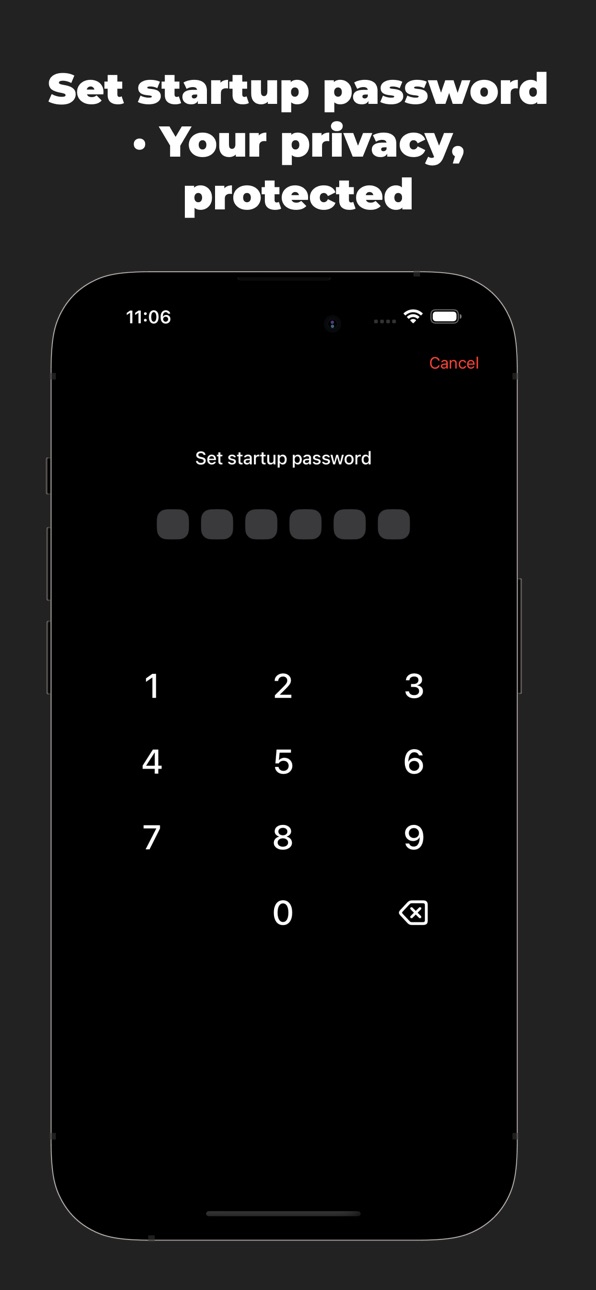
Startup Password · Your Private Space
- Optional startup password protection
- Keep your browsing history and private album safe — even if someone else uses your phone
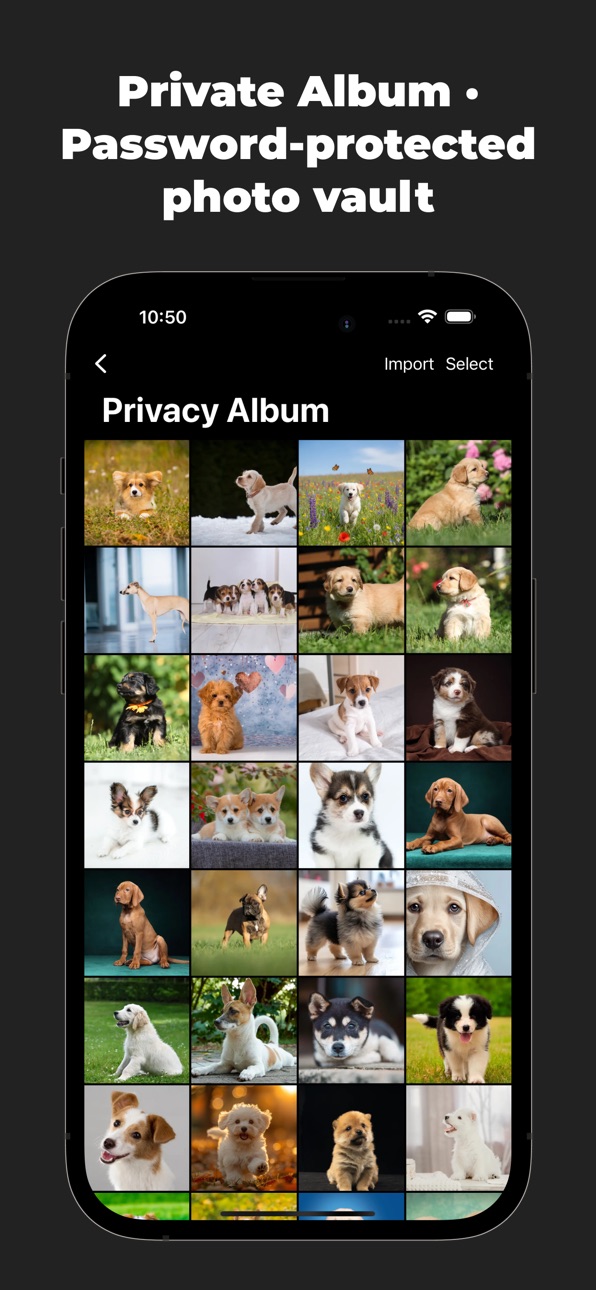
Private Album · Hidden Photo Vault
- Dedicated private album — images saved here won't appear in your system photo library
- Password-protected access, perfect for sensitive or personal photos
Auto-Clear Data · Leave No Trace
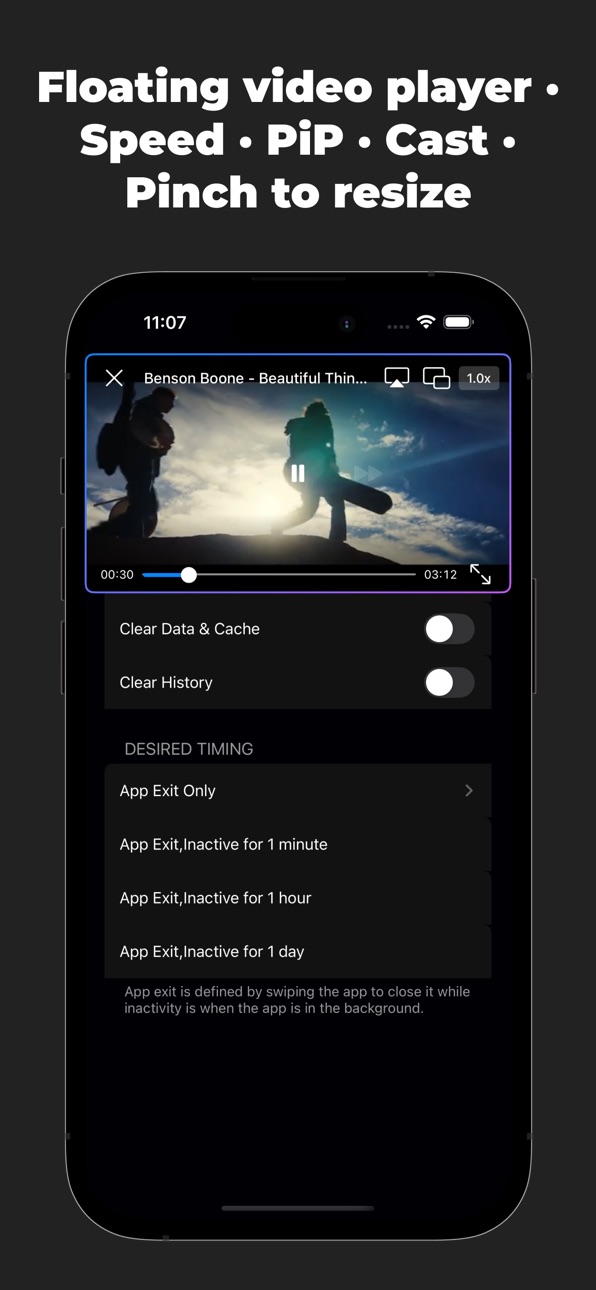
- Automatically clear data when you exit or leave the app in the background
- Flexible timing options: App Exit Only / Inactive for 1 min / 1 hour / 1 day
- Manual cleanup also available: Clear Cookies / Data & Cache / History
Native Floating Video Player (Exclusive Feature)
- Intercepts web-based players and replaces them with iOS native player
- Supports playback speed (0.5x–2.0x), AirPlay / Cast, Picture-in-Picture (PiP), and fullscreen
- Floating window — drag anywhere, pinch to resize, snap to edge for auto-hide
- Global playback — works across tabs, pages, and even after leaving the original video page
- No interference — keep clicking, scrolling, or opening new links while video plays on top
Simple & Easy to Use
- Clean, intuitive interface — no learning curve
- Light / Dark mode toggle
- Bookmark, history, new tab — everything you expect from a browser
Perfect for users who:
- Want to block ads, pop-ups, and trackers
- Prefer a browser that leaves no browsing traces
- Need password protection + private album
- Frequently watch web videos and want a true floating player
- Love lightweight, fast, and secure browsing
Eagle Private Browser does NOT collect your data
- No user tracking
- No analytics
- No personal data uploads
What you browse stays yours.
Privacy & Security Note
This app does not collect your browsing history, passwords, album content, or any personal data. All auto-clear functions run locally on your device. Video interception and floating playback are processed entirely on-device — no third-party servers involved.
Accessibility
ipadiphonemacrealityDevicetvoswatch
Version history 3 versions
Build 886587360v1.0.32026-06-05 23:36:50
- Known bug fixes and feature optimizations
Build 886046562v1.0.22026-05-23 22:44:14
- Bug fixes
- Ad blocking optimizations
Build 884880264v1.0.12026-05-04 20:54:59
No pricing data captured yet — comparisons appear once the app has paid storefronts or in-app purchases.
Availability 1 of 1 storefronts
| Region | Language | Price | Ratings | Avg | Version |
|---|---|---|---|---|---|
| US | en-US | Free | 0 | — | 1.0.3 |
Change log 7 changes · US
✎
releaseNotes updated
- Known bug fixes and feature optimizations
✎
description updated
Eagle Private Browser is a privacy-first browser with ad blocking, tracker protection, startup password lock, private photo vault, auto-clear browsing data, and
✎
subtitle updated
Vault, PiP, Auto Clear
✎
name updated
Eagle Private Browser: Adblock
◆
Version 1.0.3 released
- Known bug fixes and feature optimizations
◆
Version 1.0.2 released
- Bug fixes
- Ad blocking optimizations
◆
Version 1.0.1 released