Home › Photo & Video

 US
US
1 of 1 storefronts
Content in en-US
Content in en-US
Information
Preview 2 platforms
iPhone 9 images


iPad 9 images






What’s New Version 1.2
Bug fixes and improvements
Description
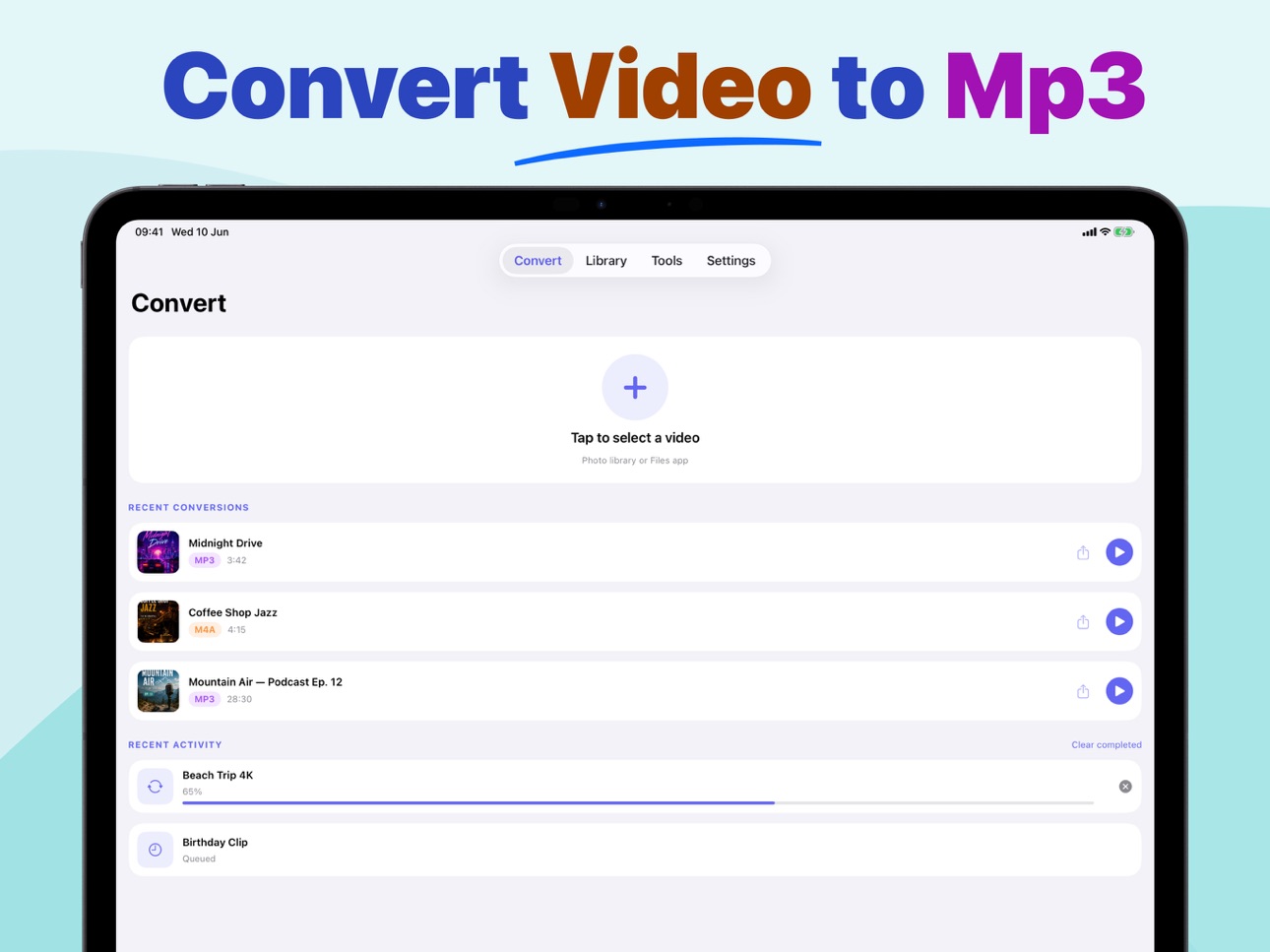
Video to MP3 turns your videos into high-quality audio files in just a few taps. Pick a video from Photos or Files, trim the exact section you need, choose your output format, and save or share the finished audio from your personal library.
Whether you are extracting audio from personal videos, creating clips, converting music files, or making custom ringtones, Video to MP3 gives you fast conversion tools with a clean, simple workflow.
Features:
• Convert video to audio
Import videos from your Photo Library or Files app and export the audio in popular formats.
• Multiple output formats
Create MP3, WAV, M4A, AAC, AIFF, CAF, FLAC, or OGG files with adjustable quality, sample rate, and channel settings.
• Trim before converting
Select the exact start and end points before export so you only keep the audio you need.
• Built-in audio library
Play, rename, sort, search, edit tags, share, or delete your converted files from one organized library.
• Audio editing tools
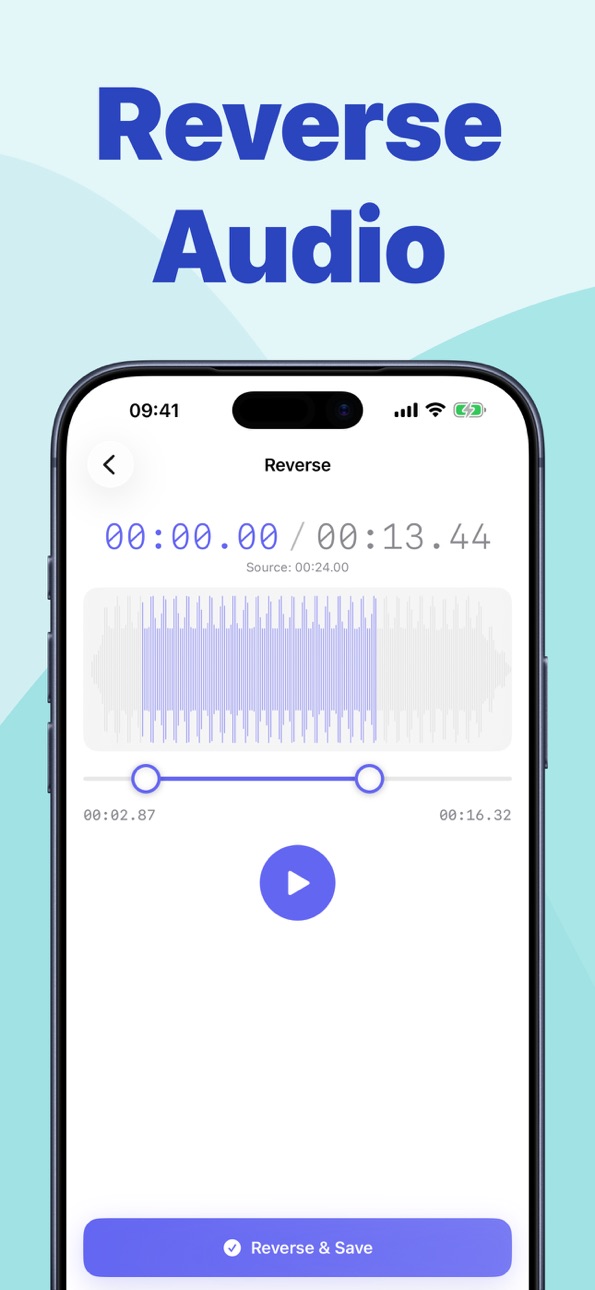
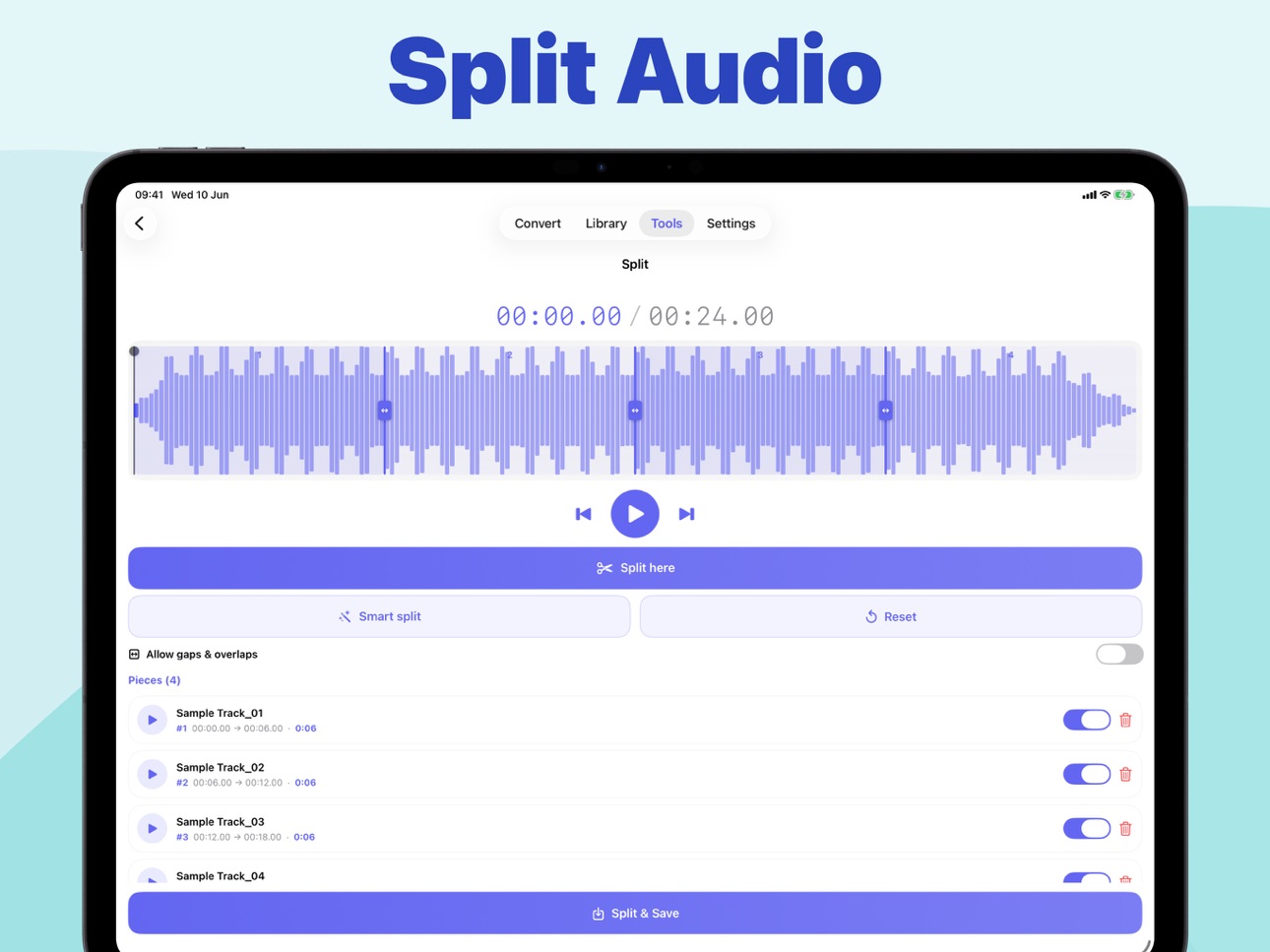
Trim, split, merge, reverse, batch convert, apply effects, adjust EQ, normalize loudness, change pitch or speed, and more.
• Custom ringtones
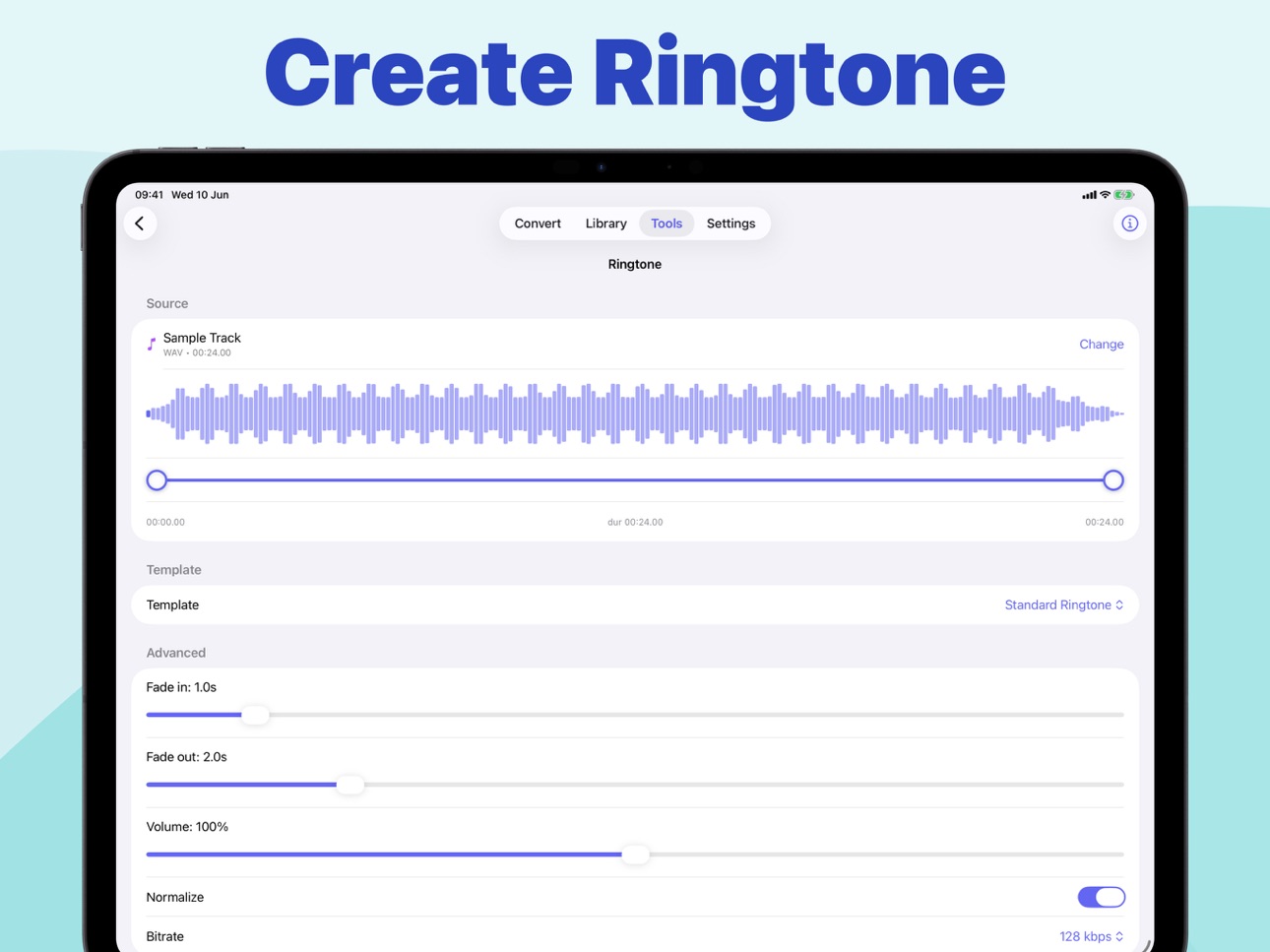
Create ringtone-ready audio files for your device.
• Batch conversion
Convert multiple audio files at once and save time on repeated tasks.
• Vocal and instrumental separation
Extract vocals or instrumental-style tracks using fast center-channel processing.
• Works on device
Your conversions and audio tools run directly on your device for a smooth, private workflow.
Video to MP3 is made for quick everyday conversions and deeper audio editing when you need more control.
Subscription information:
Video to Mp3 Pro is an optional auto-renewing subscription (weekly, yearly and lifetime plans). Payment is charged to your Apple Account at confirmation of purchase. Subscription renews automatically unless canceled at least 24 hours before the end of the current period. You can manage or cancel your subscription anytime in your Apple Account settings.
Privacy Policy : https://zeeronstudio.com/privacy/videotomp3.html
Terms of Service : https://www.apple.com/legal/internet-services/itunes/dev/stdeula/
In-App Purchases US pricing
Pro Subscription
Video to mp3 - Pro (Weekly) · 7 days 3-day free trial$0.99
Video to mp3 - Pro (Weekly) · Yearly$4.99
One-Time Purchases
Video to MP3 - Pro (Lifetime)$9.99
Capabilities
In-App Purchases
Accessibility
ipadiphonemacrealityDevicetvoswatch
Version history 3 versions
Build 887776585v1.22026-07-04 21:33:53
Bug fixes and improvements
Build 887283637v1.12026-06-23 22:04:24
Bug fixes and improvements
Build 884661534v1.02026-06-16 03:17:07
Price history by region
Currency
Show
Columns
Search
Availability 1 of 1 storefronts
| Region | Language | Price | Ratings | Avg | Version |
|---|---|---|---|---|---|
| US | en-US | Free | 0 | — | 1.2 |
Change log 7 changes · US
✎
releaseNotes updated
Bug fixes and improvements
✎
description updated
Video to MP3 turns your videos into high-quality audio files in just a few taps. Pick a video from Photos or Files, trim the exact section you need, choose your
✎
subtitle updated
Extract mp3. Create Ringtone
✎
name updated
Video to Audio Converter ゜
◆
Version 1.2 released
Bug fixes and improvements
◆
Version 1.1 released
Bug fixes and improvements
◆
Version 1.0 released