Home › Productivity

 US
US
1 of 1 storefronts
Content in en-US
Content in en-US
Information
Preview 1 platform
iPhone 6 images


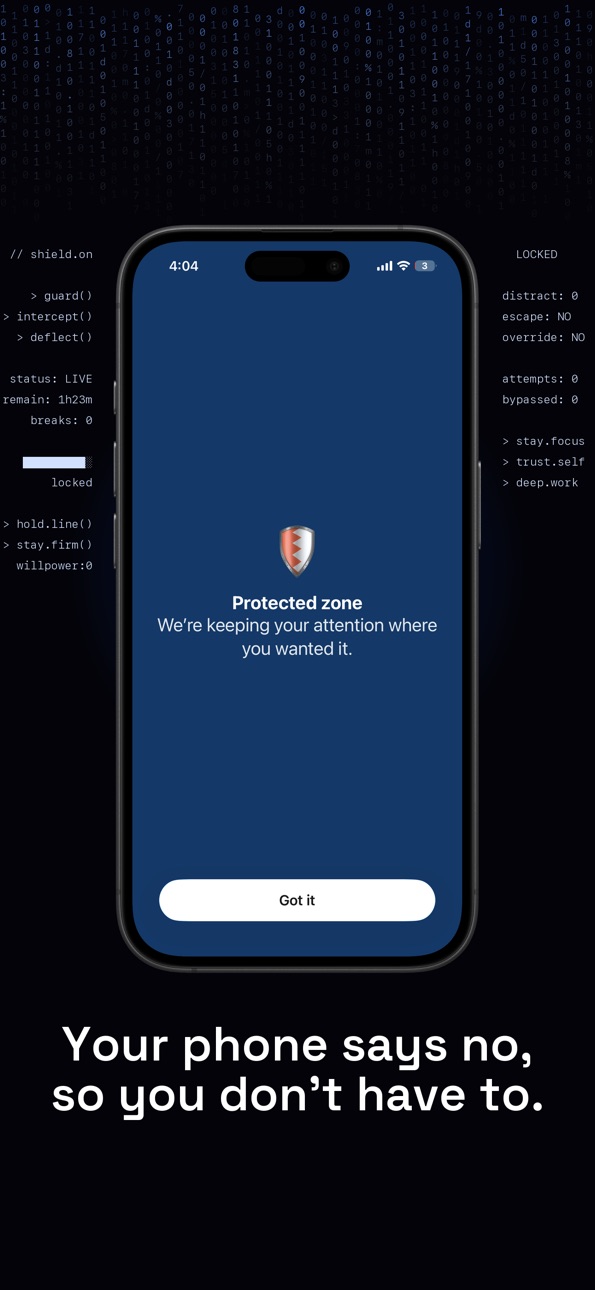
What’s New Version 1.0.3
Fixed bugs
Description
Blocked Instagram on Screen Time? Then you just tap "Ignore Limit." TezBlock replaces that button with an NFC tag or QR code you stick across the room. No taps. Just walks.
You already know the problem. You open Instagram "just to
check." You blink and twenty minutes are gone. Screen Time
warnings? You tap "Ignore Limit" every time. Your willpower
was never the issue — the apps are engineered to win.
TezBlock fixes that with friction. Real, physical friction.
▸ NFC TAGS — Stick a cheap NFC sticker on your desk,
nightstand, or inside a drawer. Tap your phone to lock
distracting apps. Tap again when you're actually done. The
physical act creates intentional space between you and your
distractions.
▸ QR CODES — No NFC? Print a QR code, stick it somewhere
annoying to reach, or save it on a friend's phone. Scan to
start. Scan to stop.
▸ TIMERS — Lock yourself out for 25 minutes, 2 hours, or
whatever you need. The timer runs in the background. When
time's up, you're free.
▸ SCHEDULES — Block apps automatically every weekday 9–5. Or
every night after 10. Set it once, forget it.
▸ MANUAL MODE — Just tap Start. Free forever. With a
hold-to-confirm friction layer when you try to quit early —
because that's exactly when you need it most.
WHY TEZBLOCK?
Other physical blockers charge $60–$100 for a plastic brick.
TezBlock gives you the same idea — physical, intentional,
impossible to bypass with a tap — for the price of a coffee.
You bring the NFC tags (a few dollars on Amazon); we bring the
app.
FREE FEATURES
• Manual blocking with hold-to-confirm stop friction
• Block apps, app categories, and websites
• Unlimited profiles (work, study, sleep, gym)
• Focus streaks and session history
WHY TEZBLOCK?
Other physical blockers charge $60–$100 for a plastic brick. TezBlock gives you the same idea — physical, intentional, impossible to bypass with a tap — for the price of a coffee. You
bring the NFC tags (a few dollars on Amazon); we bring the app.
FREE FEATURES
• Manual blocking with hold-to-confirm stop friction
• Block apps, app categories, and websites
• Unlimited profiles (work, study, sleep, gym)
• Focus streaks and session history
• Activity heatmap
• Smart breaks
• Live Activities on your Lock Screen and Dynamic Island
• Home Screen widgets
TEZBLOCK PRO — 7-day free trial
• NFC tag blocking
• QR code blocking
• Timer-based sessions
• Recurring schedules
• Strict mode (no easy exits)
• Pause and break controls
PRIVACY FIRST
No account. No tracking. No ads. Core blocking works fully offline — no data leaves your device.
The App Privacy section above lists Contact Info, User Content, and Identifiers because of one optional feature: Friends. If you turn Friends on (to share focus stats with people you know), we store your display name and focus sessions so friends can see when you're locked in. Skip Friends and none of that applies. You can delete your Friends account any time in Settings.
SUBSCRIPTION INFO
TezBlock Pro is an auto-renewable subscription: $2.99/month or $24.99/year. The 7-day free trial converts automatically unless cancelled at least 24 hours before it ends. Manage or
cancel anytime in Settings → Apple ID → Subscriptions.
Privacy Policy: https://tezblock.app/privacy.html
Terms of Use: https://www.apple.com/legal/internet-services/itunes/dev/stdeula/
In-App Purchases US pricing
TezBlock Pro Subscription
Monthly · Monthly 7-day free trial$2.99
Annual · Yearly 7-day free trial$24.99
One-Time Purchases
Tip the Developer$1.99
Capabilities
In-App Purchases
Accessibility
ipadiphonemacrealityDevicetvoswatch
Version history 4 versions
Build 887756069v1.0.32026-07-03 20:56:25
Fixed bugs
Build 887167924v1.0.22026-06-19 21:44:59
Stats redesign — your focus streak, weekly totals, and session history are now clearer and easier to read at a glance.
Friends tab refresh — improved activity feed, friend detail view, and live session strips so you can see who's blocking right now.
Build 886847769v1.0.12026-06-12 07:22:16
Added a quick guided way to set up a profile, smoothed out navigation, and squashed some bugs.
Build 884621181v1.02026-05-14 22:43:25
Price history by region
Currency
Show
Columns
Search
Availability 1 of 1 storefronts
| Region | Language | Price | Ratings | Avg | Version |
|---|---|---|---|---|---|
| US | en-US | Free | 11 | 5.0 | 1.0.3 |
Change log 8 changes · US
✎
releaseNotes updated
Fixed bugs
✎
description updated
Blocked Instagram on Screen Time? Then you just tap "Ignore Limit." TezBlock replaces that button with an NFC tag or QR code you stick across the room. No taps.
✎
subtitle updated
Block Instagram. Block TikTok.
✎
name updated
TezBlock - Screen Time Control
◆
Version 1.0.3 released
Fixed bugs
◆
Version 1.0.2 released
Stats redesign — your focus streak, weekly totals, and session history are now clearer and easier to read at a glance.
Friends tab refresh — improved activity feed, friend detail view, and live session strips so you can see who's blocking
◆
Version 1.0.1 released
Added a quick guided way to set up a profile, smoothed out navigation, and squashed some bugs.
◆
Version 1.0 released