Home › Utilities

 US
US
1 of 1 storefronts
Content in en-US
Content in en-US
Information
Preview 2 platforms
iPhone 9 images




iPad 7 images

What’s New Version 2.1
In this version we added smart organization and search.
Custom folders - Create folders from the Home screen to group invoices, contracts, notes or anything else you want to keep in order.
Move as you like - Drag and drop documents into the right folder, or use the "Move to..." menu with a long press. Deleting a folder never deletes the documents inside: they simply go back to the Home screen.
Search that really reads - The new search scans document names, folders and even the text content of every document. Search for a word written inside a scanned PDF and ScanBoost will find the document for you.
Absolute privacy - Text recognition happens entirely on your iPhone, with nothing sent to external servers.
Description
ScanBoost PDF — The document scanner for iPhone and iPad.SMART SCANNING
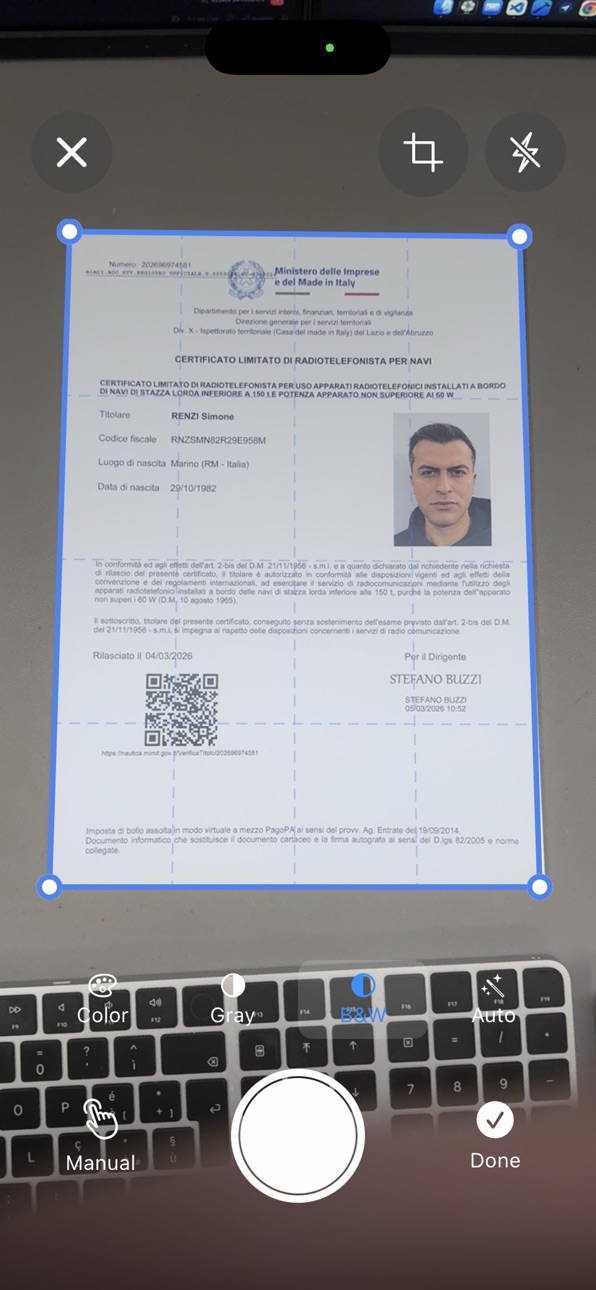
Automatic document edge detection powered by Apple's Machine Learning technology
Automatic capture when the document is stable
Manual capture with flash support
Automatic perspective correction
FILTERS AND OPTIMIZATION
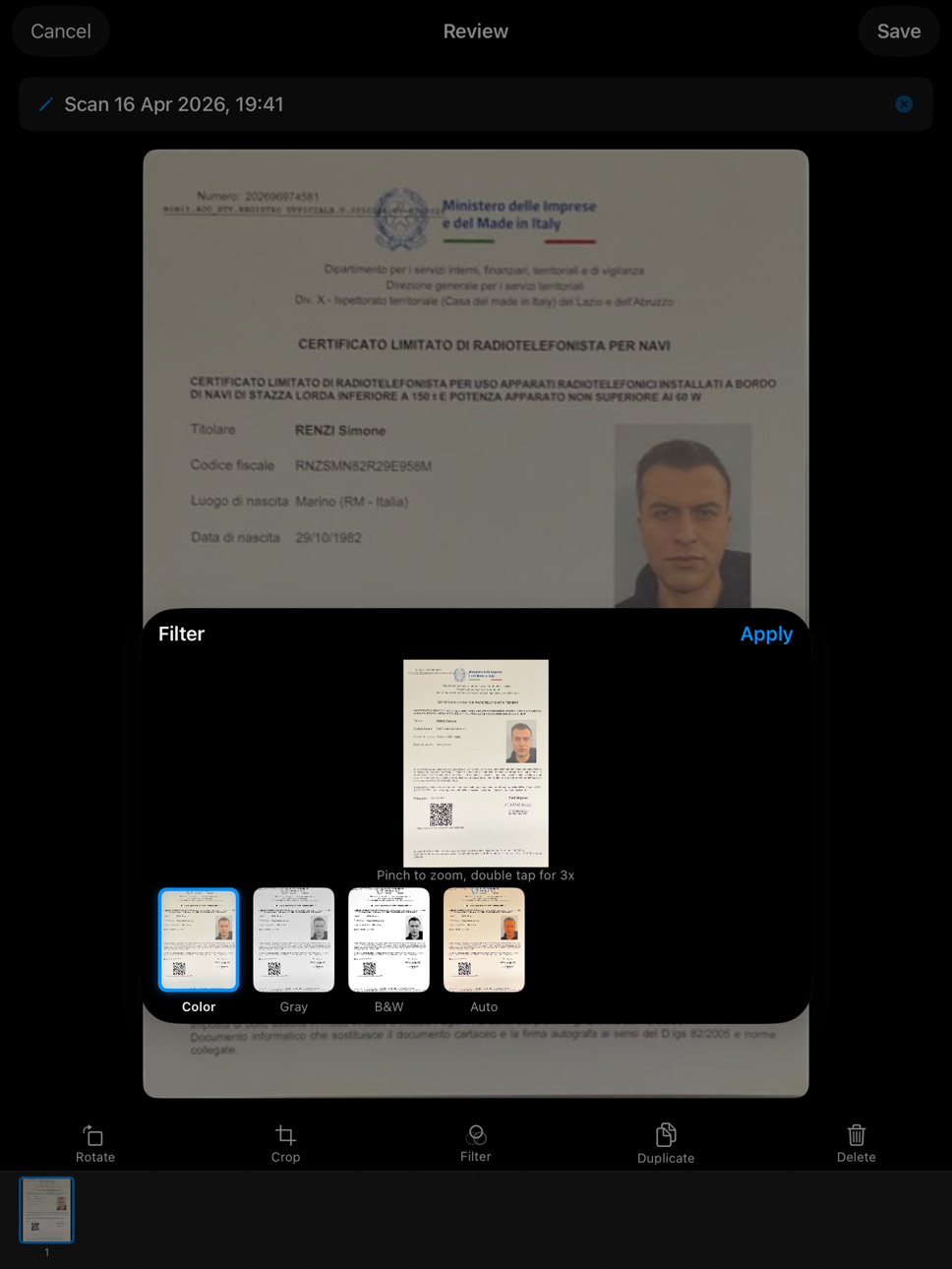
Color filter with contrast enhancement
Grayscale for clean documents
High-contrast Black & White
Auto Enhancement with Core Image smart filters
PROFESSIONAL PDF EXPORT
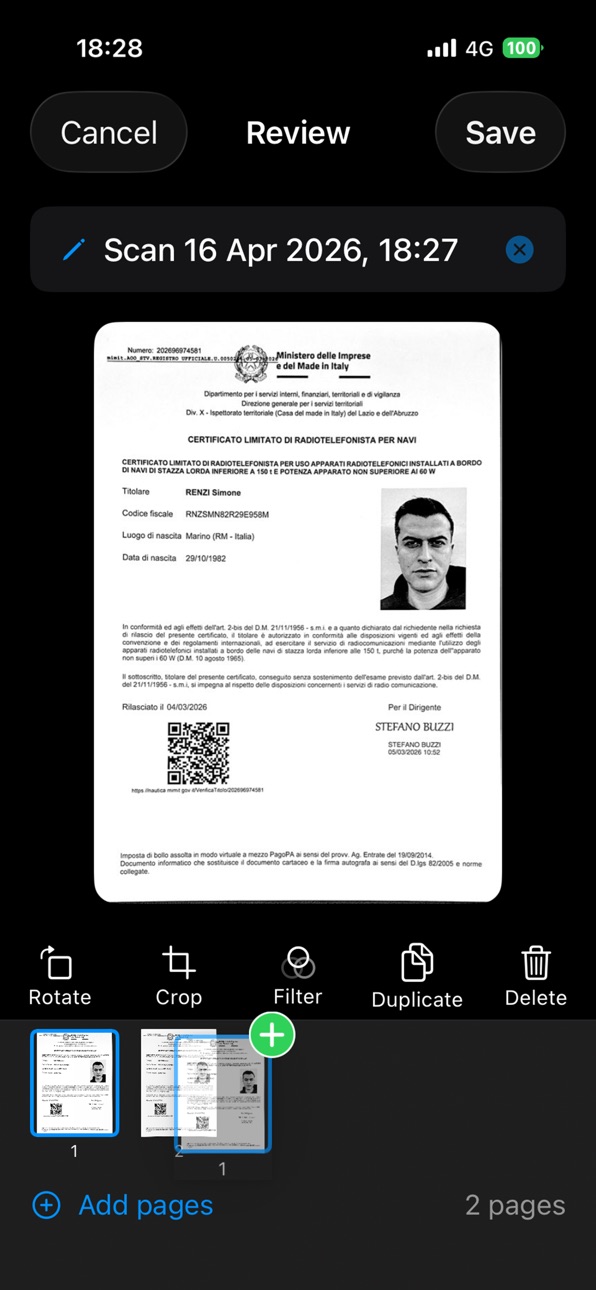
Generate multi-page PDFs
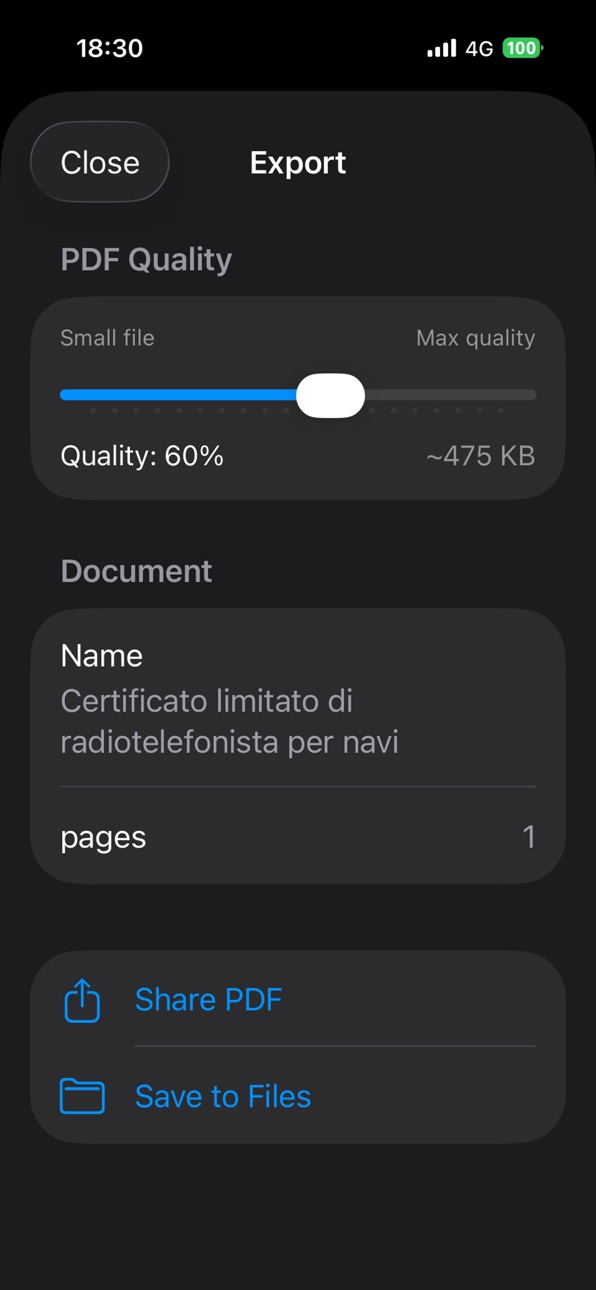
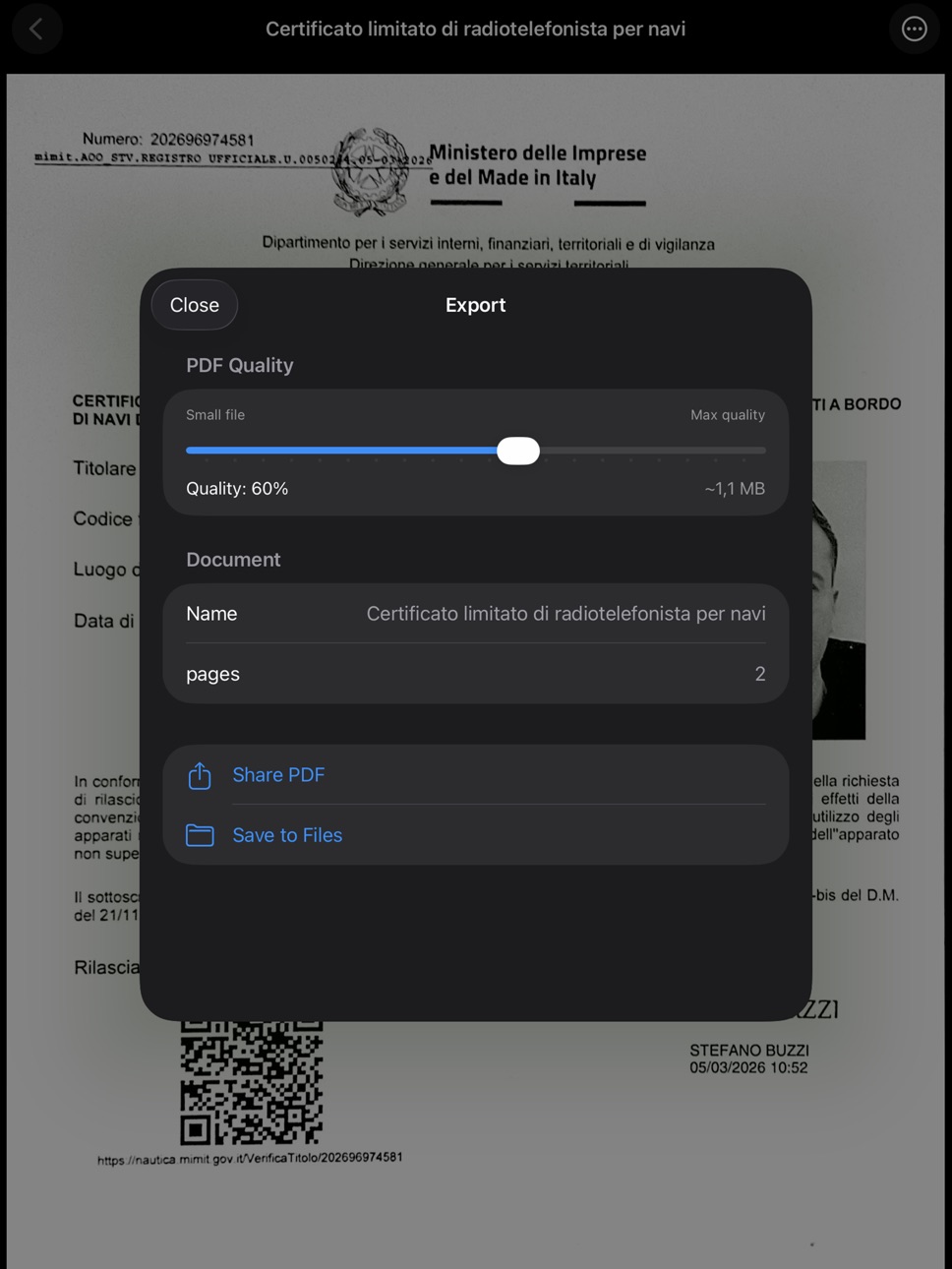
Total quality control with a continuous slider from 5% to 100%
Real-time file size estimation
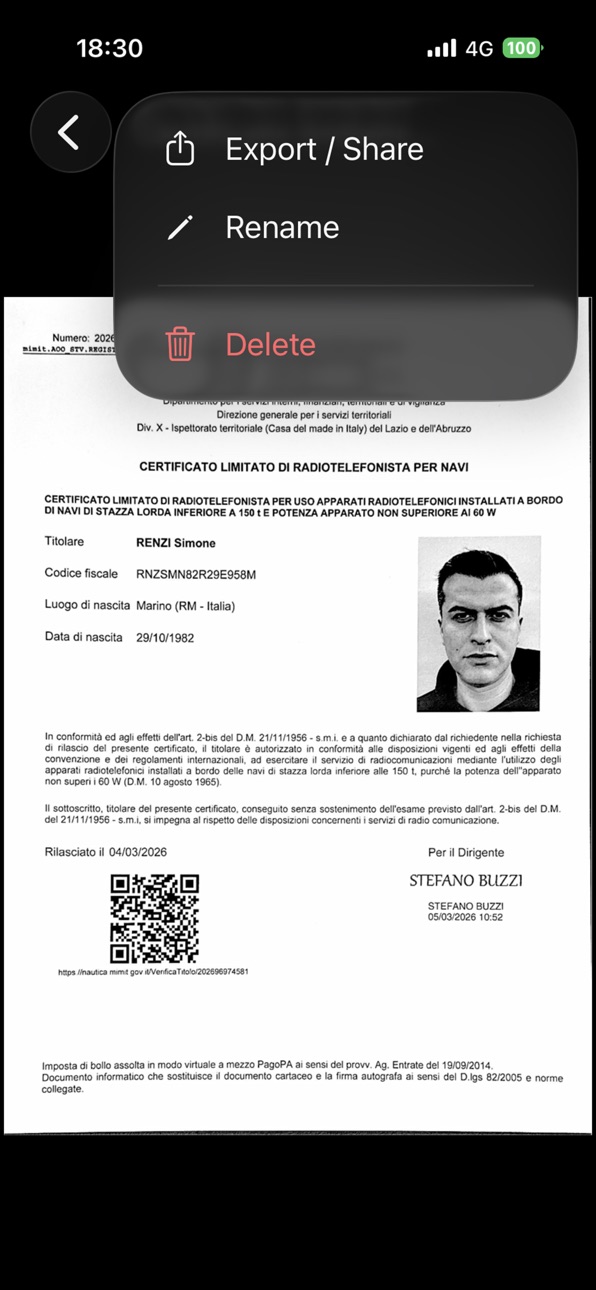
Share via AirDrop, email, messages, or any app
Save directly to the Files app
DOCUMENT MANAGEMENT
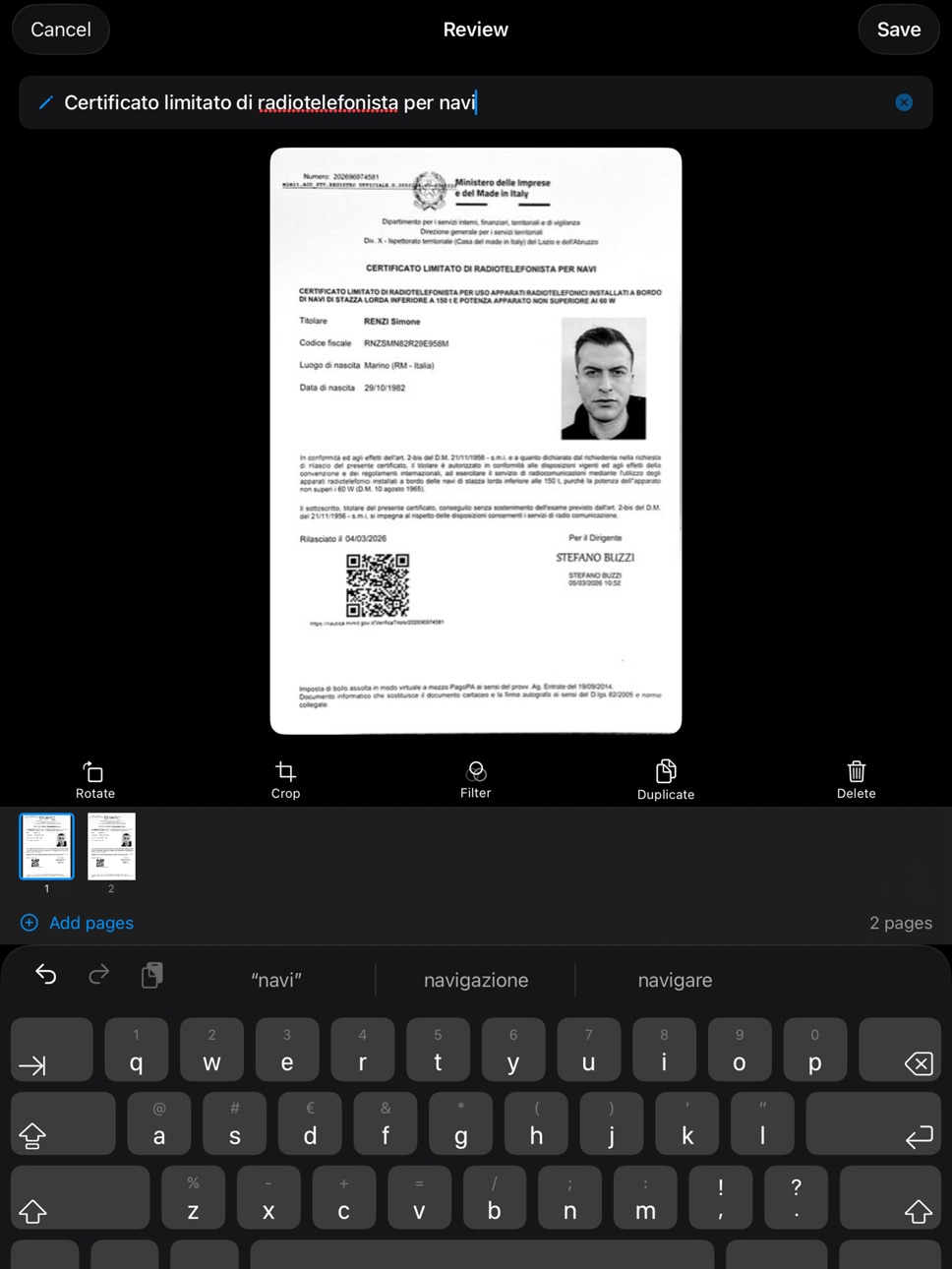
Organize your documents with custom names
Quickly search through your documents
Reorder, duplicate, or delete individual pages
Automatic drafts for works in progress
AUTOMATIC CROPPING AND ROTATION
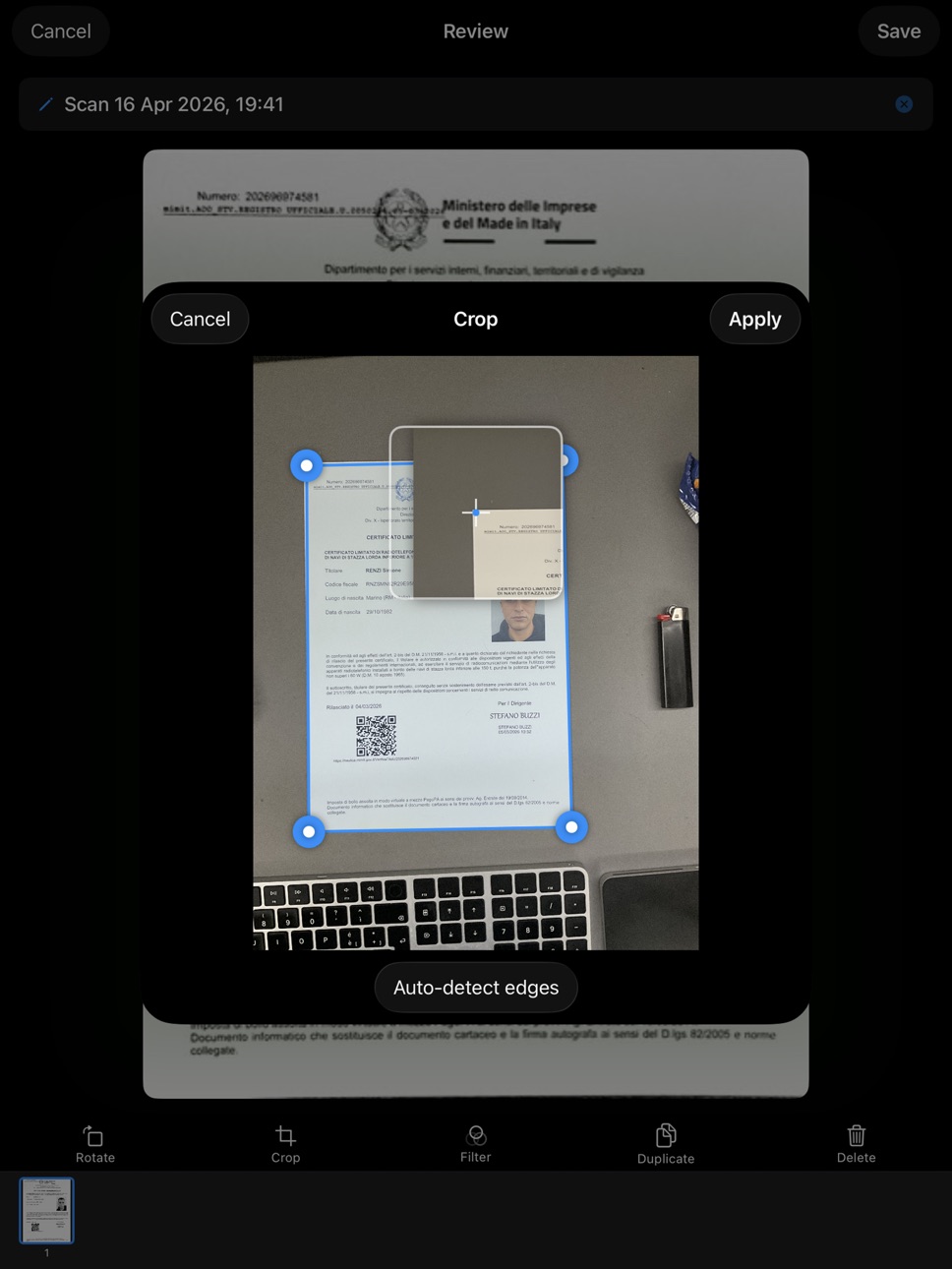
Edges are automatically detected and cropped
Manual edge adjustment to customize the result
Rotate by 90°, 180°, or 270°
iCLOUD BACKUP
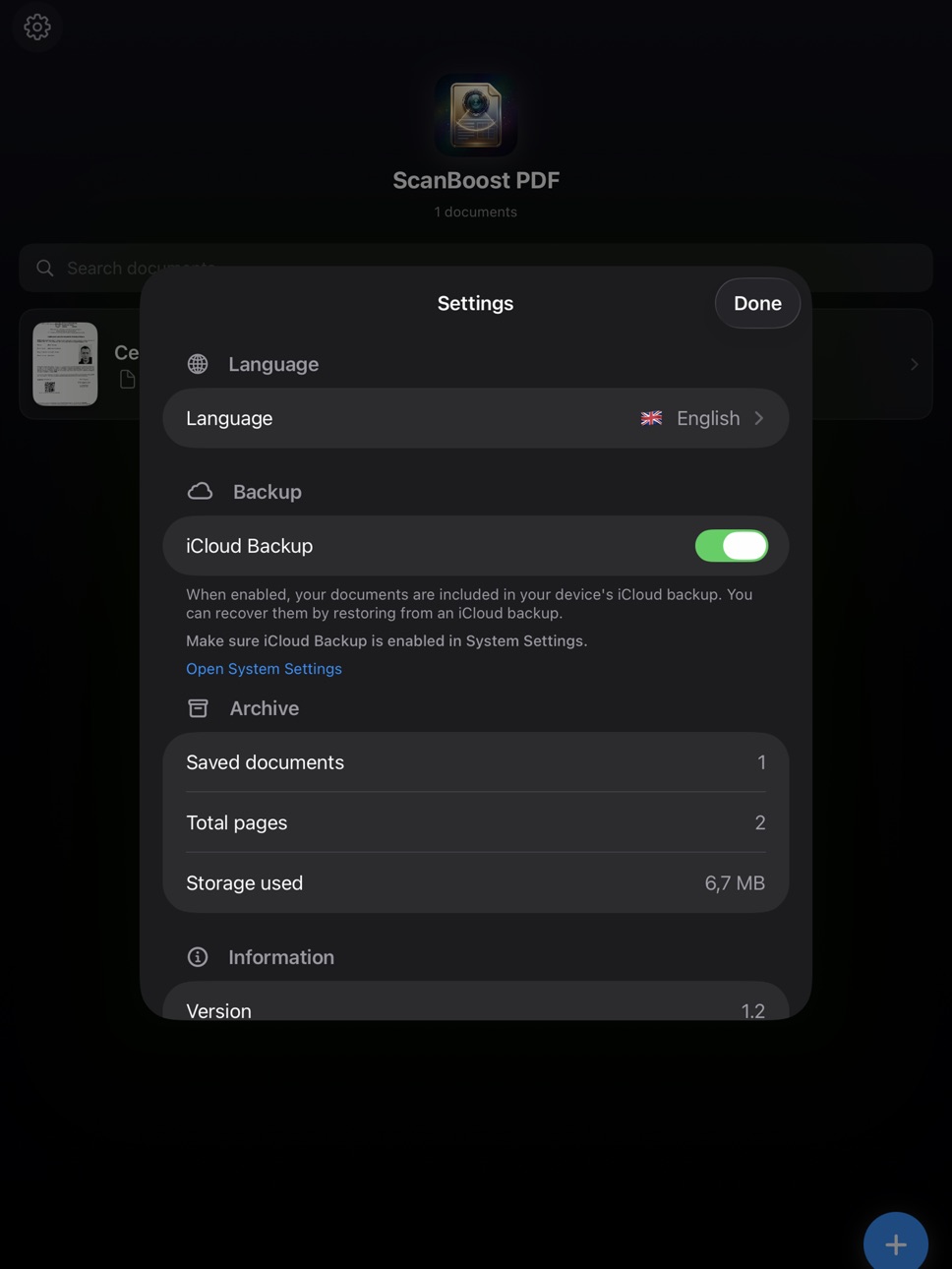
Optional iCloud backup for your documents
Automatic restore on a new device
Can be enabled or disabled from settings
PRIVACY AND SECURITY
100% on-device processing: no data is sent to external servers
No third-party tracking SDKs
No registration or account required
Your documents stay on your device
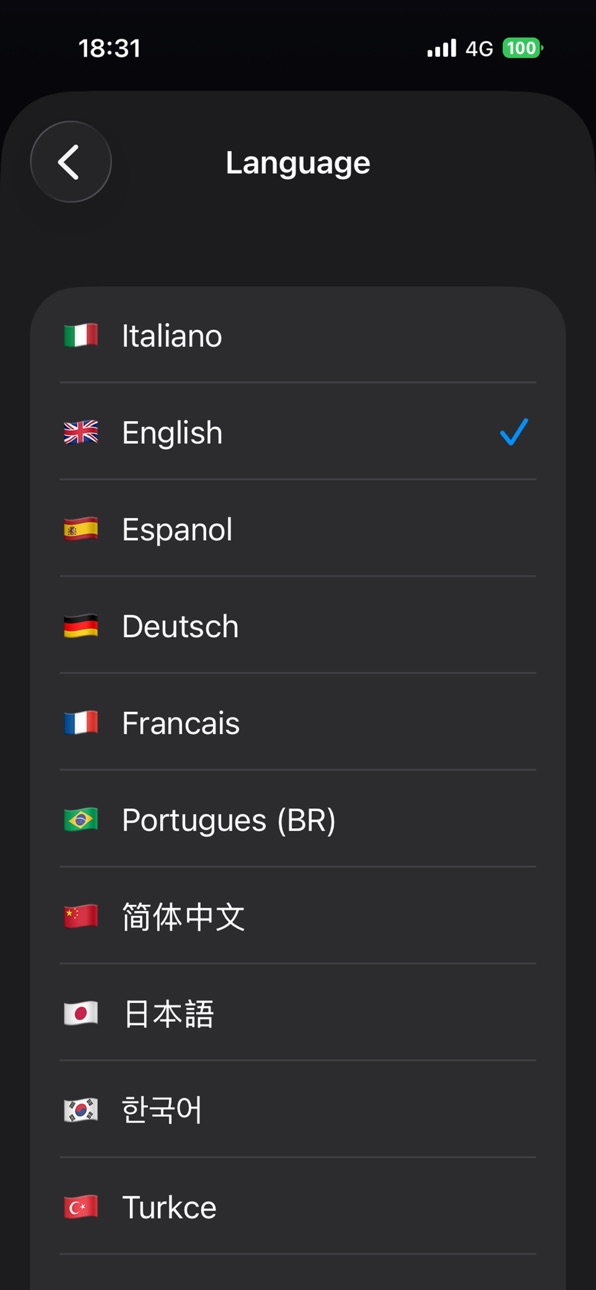
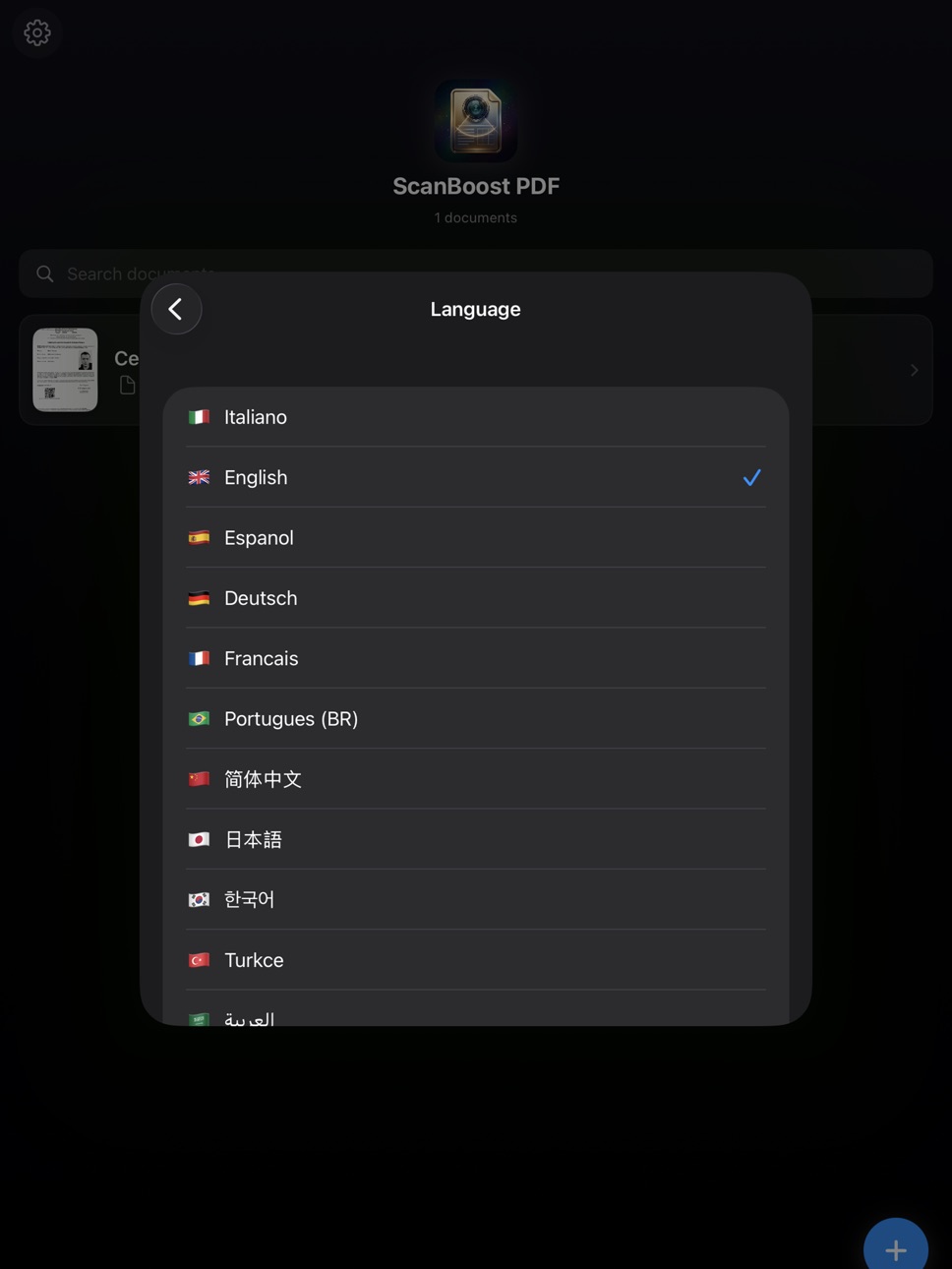
15 LANGUAGES
Italian, English, Spanish, German, French, Portuguese, Chinese, Japanese, Korean, Turkish, Arabic, Dutch, Polish, Russian, Hindi.
Accessibility
ipadiphonemacrealityDevicetvoswatch
Version history 2 versions
Build 884841538v2.12026-04-23 20:30:18
In this version we added smart organization and search.
Custom folders - Create folders from the Home screen to group invoices, contracts, notes or anything else you want to keep in order.
Move as you like - Drag and drop documents into the right folder, or use the "Move to..." menu with a long press. Deleting a folder never deletes the documents inside: they simply go back to the Home screen.
Search that really reads - The new search scans document names, folders and even the text content of every document. Search for a word written inside a scanned PDF and ScanBoost will find the document for you.
Absolute privacy - Text recognition happens entirely on your iPhone, with nothing sent to external servers.
Build 884597290v1.02026-04-22 17:28:24
No pricing data captured yet — comparisons appear once the app has paid storefronts or in-app purchases.
Availability 1 of 1 storefronts
| Region | Language | Price | Ratings | Avg | Version |
|---|---|---|---|---|---|
| US | en-US | Free | 0 | — | 2.1 |
Change log 6 changes · US
✎
releaseNotes updated
In this version we added smart organization and search.
Custom folders - Create folders from the Home screen to group invoices, contracts, notes or anything el
✎
description updated
ScanBoost PDF — The document scanner for iPhone and iPad.SMART SCANNING
Automatic document edge detection powered by Apple's Machine Learning technology
Automa
✎
subtitle updated
Fast and Accurate PDF Scanner
✎
name updated
ScanBoost PDF
◆
Version 2.1 released
In this version we added smart organization and search.
Custom folders - Create folders from the Home screen to group invoices, contracts, notes or anything else you want to keep in order.
Move as you like - Drag and drop documents into th
◆
Version 1.0 released