Home › Utilities

 US
US
1 of 1 storefronts
Content in en-US
Content in en-US
Information
Apple ID6761772524
Bundle IDcom.dolg.Web-to-PDF
SellerSeller
Min iOS15.6
Min macOS12.5
Device familiesiphone, ipad, ipod
Released2026-04-16
Copyright© 2026 Georgii Dolganov
Privacy policyLink ↗
Preview 2 platforms
iPhone 3 images


iPad 3 images


What’s New Version 1.4
• Improved the iPad interface: the screen now scales correctly to the full width.
• Redesigned the start screen: the "Save as PDF" button has been moved up.
• Simplified the Safari extension popup: removed the unnecessary top section.
• Improved the responsiveness of controls across different screen sizes.
• General stability and usability improvements.
Description
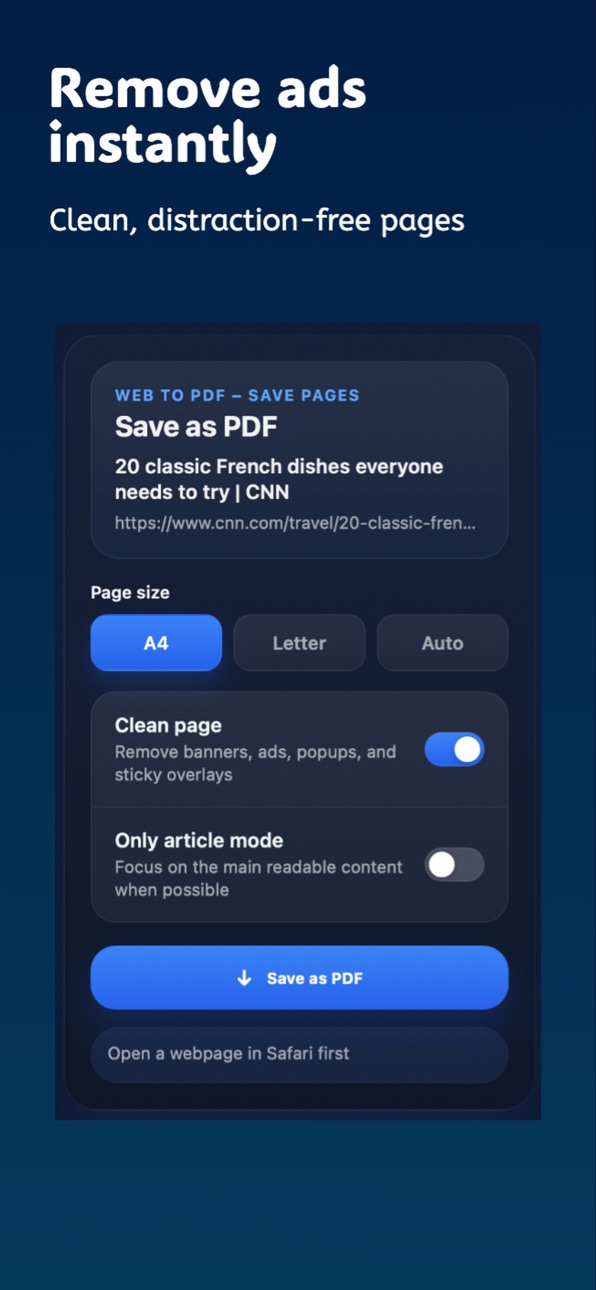
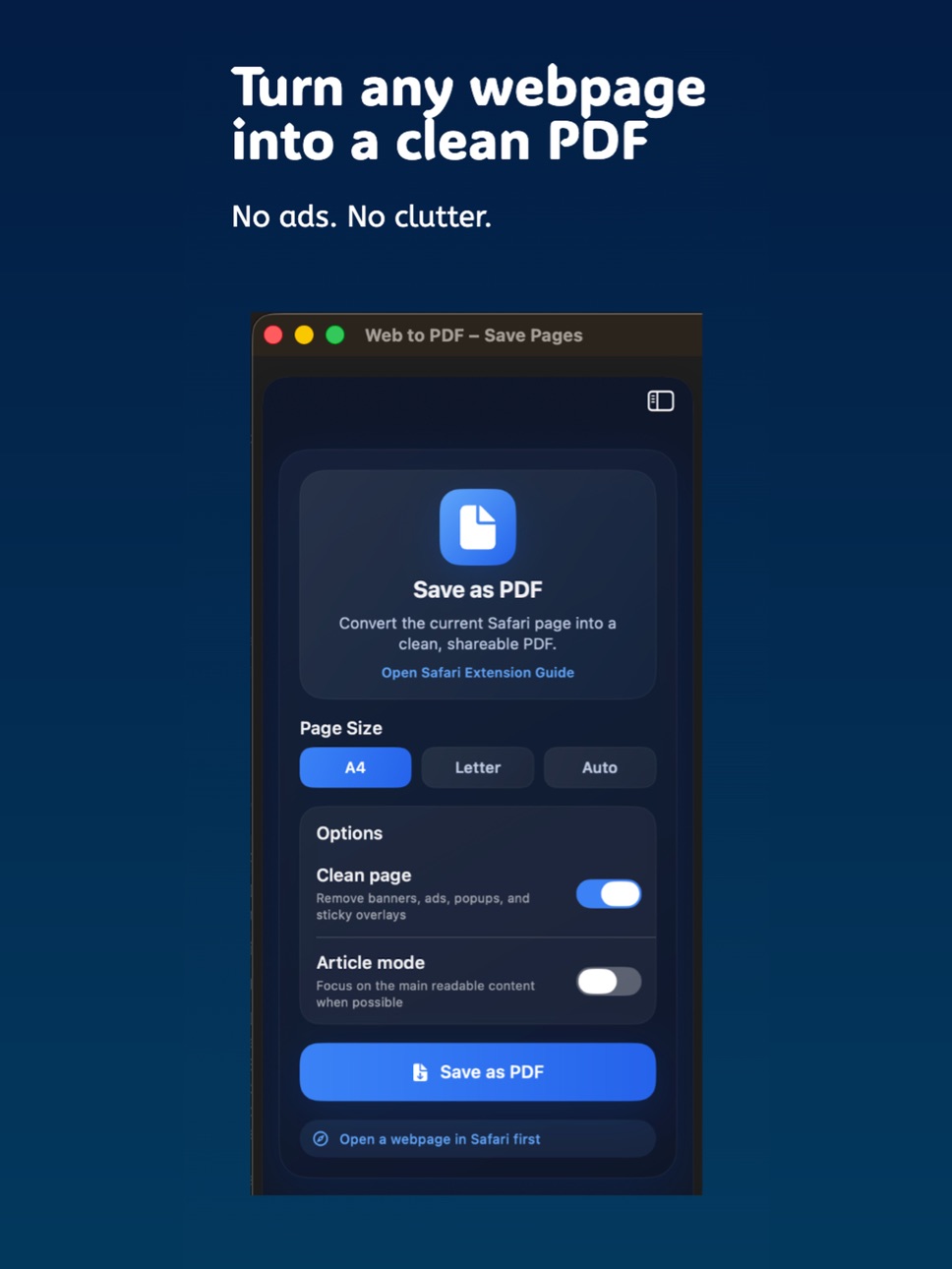
Turn any webpage into a clean, shareable PDF in seconds.
Safari to PDF makes it effortless to save articles, receipts, documentation, or any web content for offline reading or sharing. No distractions, no ads — just the content you need.
Key Features
• Convert any webpage to PDF instantly
• Clean layout — removes ads and clutter
• Works directly from Safari
• Save, share, or print your PDFs
• Fast and lightweight
• Privacy-first — no tracking
Perfect for
• Saving articles for offline reading
• Storing receipts and invoices
• Archiving important web pages
• Sharing clean documents
Privacy Focused
Your data stays on your device. No tracking. No unnecessary permissions.
Capabilities
Safari extension
Accessibility
ipadiphonemacrealityDevicetvoswatch
Version history 3 versions
Build 887834672v1.42026-07-04 22:08:58
• Improved the iPad interface: the screen now scales correctly to the full width.
• Redesigned the start screen: the "Save as PDF" button has been moved up.
• Simplified the Safari extension popup: removed the unnecessary top section.
• Improved the responsiveness of controls across different screen sizes.
• General stability and usability improvements.
Build 887453089v1.32026-06-25 22:48:26
What's New
Removed the top promotional banner.
Moved Save as PDF above Page Size.
Improved the layout for iPhone and iPad with a more responsive interface.
Build 884242834v1.22026-04-15 19:07:30
No pricing data captured yet — comparisons appear once the app has paid storefronts or in-app purchases.
Availability 1 of 1 storefronts
| Region | Language | Price | Ratings | Avg | Version |
|---|---|---|---|---|---|
| US | en-US | Free | 0 | — | 1.4 |
Change log 7 changes · US
✎
releaseNotes updated
• Improved the iPad interface: the screen now scales correctly to the full width.
• Redesigned the start screen: the "Save as PDF" button has been moved up.
• S
✎
description updated
Turn any webpage into a clean, shareable PDF in seconds.
Safari to PDF makes it effortless to save articles, receipts, documentation, or any web content for of
✎
subtitle updated
Save pages. Read offline.
✎
name updated
Web to PDF – Save Pages
◆
Version 1.4 released
• Improved the iPad interface: the screen now scales correctly to the full width.
• Redesigned the start screen: the "Save as PDF" button has been moved up.
• Simplified the Safari extension popup: removed the unnecessary top section.
• Imp
◆
Version 1.3 released
What's New
Removed the top promotional banner.
Moved Save as PDF above Page Size.
Improved the layout for iPhone and iPad with a more responsive interface.
◆
Version 1.2 released