Home › Utilities

 US
US
1 of 1 storefronts
Content in en-US
Content in en-US
Information
Preview 1 platform
iPhone 5 images
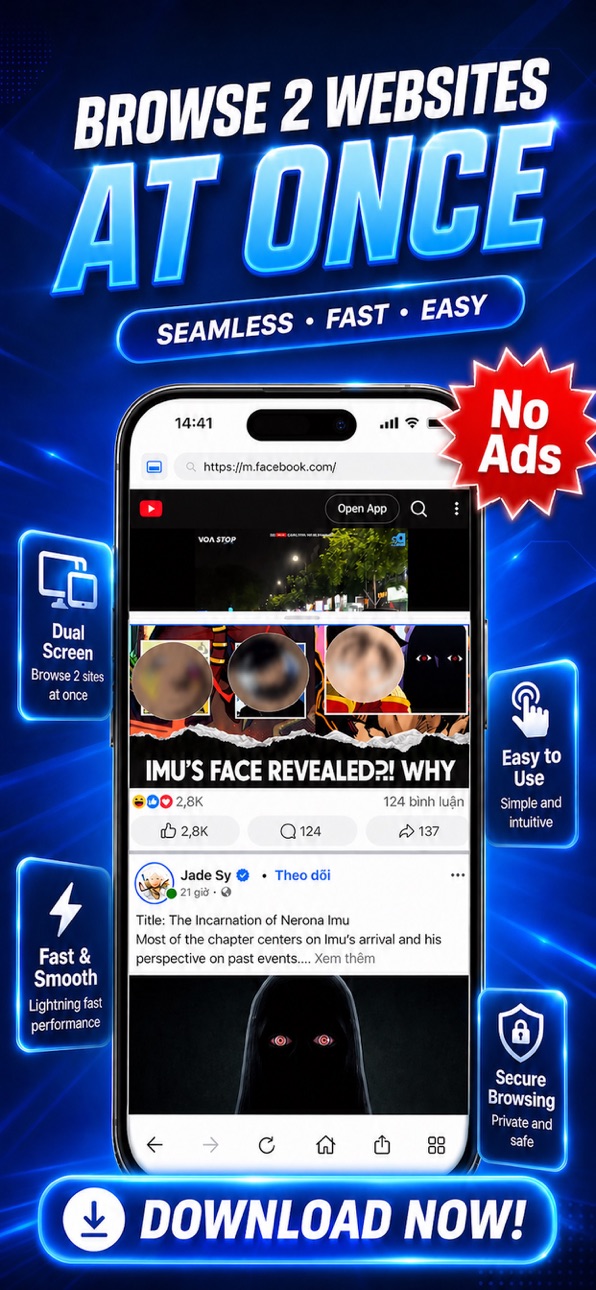
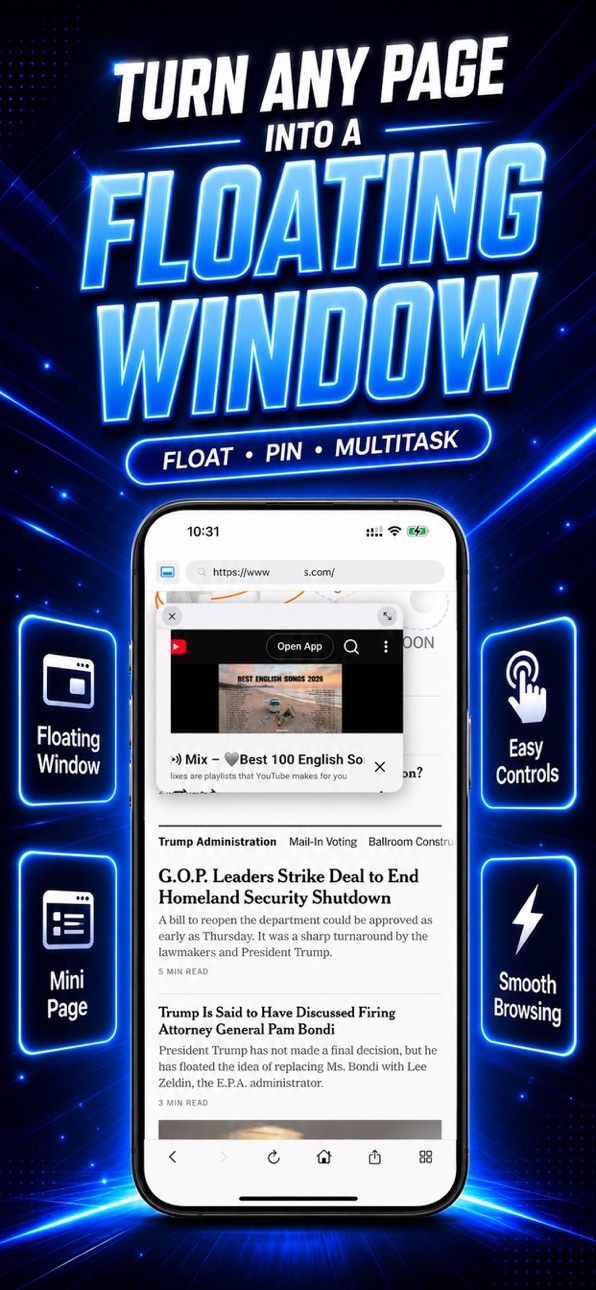

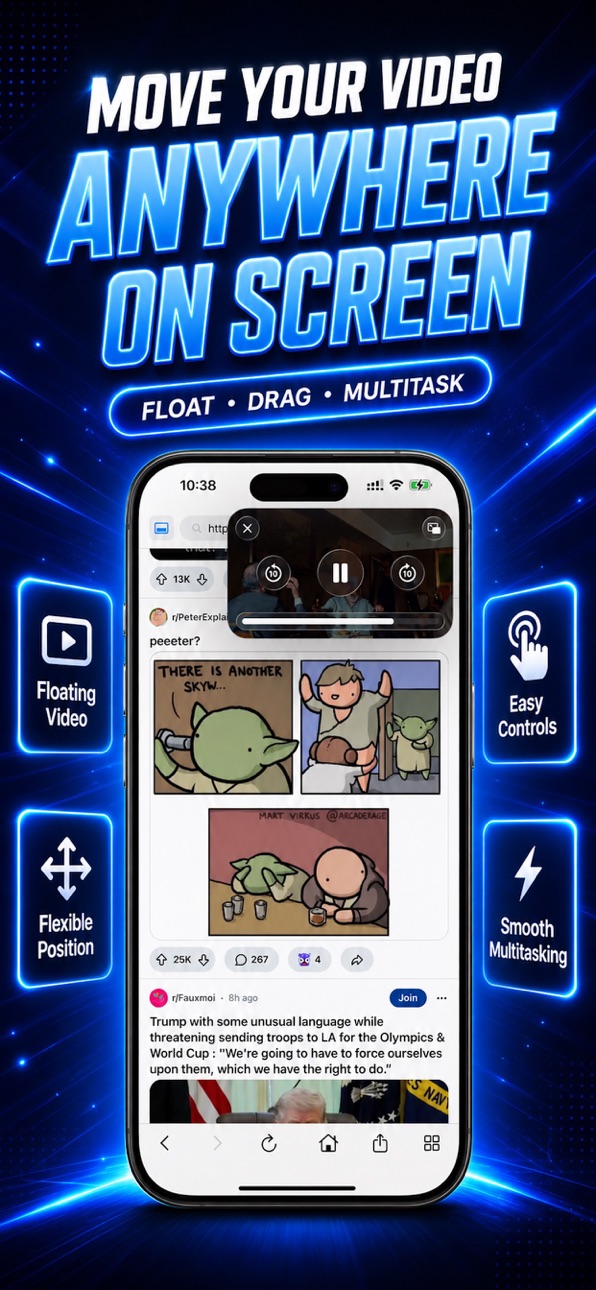
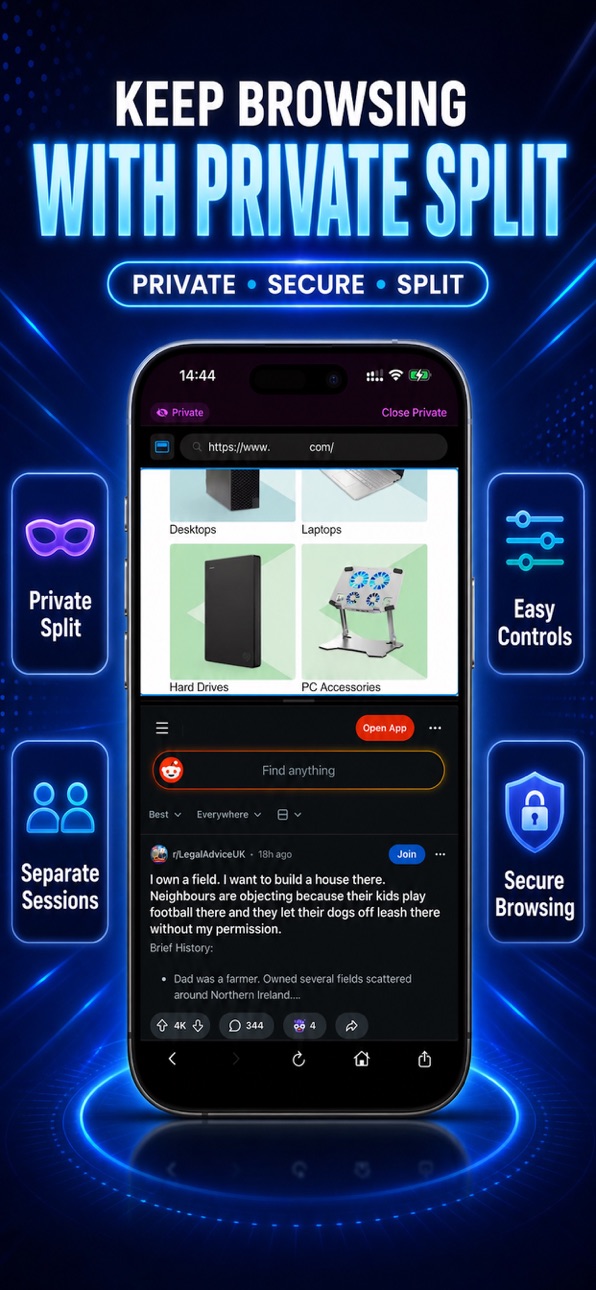
What’s New Version 1.1.1
Thank you for using our app. In this update, we’ve fixed bugs and improved overall performance to make the experience smoother and more reliable.
We’ve also added:
- Face ID unlock for protected content
- Workspace support to help you organize and work more efficiently
We’re always listening to your feedback and continuously improving the app for you.
Description
- Browse two websites at once, move any page into a floating window, and export what matters in seconds.
Split Screen: Dual Browser is a multitasking browser built for faster browsing on iPhone. Open two sites side by side, resize the split view, and keep important pages visible while you work, study, shop, or watch.
Use Private Split for a separate session, save files with built-in Downloads, and export web pages as PDF or image when you need to keep or share content.
Features:
- Browse 2 websites at the same time
- Resize split view with a simple drag
- Turn a page into a floating mini window
- Start a private split session
- Export web pages as PDF or image
- Save files with built-in Downloads
- Access bookmarks, history, and tools in one place
- Launch favorite sites from a quick home page
Perfect for research, shopping comparisons, reading while watching, saving articles, and everyday multitasking.
***Premium options may include:
- Weekly subscription with 3 days free trial for eligible users
- Lifetime purchase
*** Subscription details:
- Payment will be charged to your Apple ID account at confirmation of purchase.
- Auto-renewable subscriptions renew automatically unless canceled at least 24 hours before the end of the current period.
- Your account will be charged for renewal within 24 hours before the end of the current period.
- You can manage or cancel your subscription anytime in your App Store account settings.
- Any unused portion of a free trial, if offered, may be forfeited when you purchase a subscription.
- Restore Purchases is available inside the app.
***Disclaimer***
This app supports split web browsing inside the app. It does not split or run other apps side by side.
Privacy Policy: https://hosting-7ba9c.web.app/privacy.html
Terms Of Use: https://hosting-7ba9c.web.app/terms.html
Capabilities
In-App Purchases
Accessibility
ipadiphonemacrealityDevicetvoswatch
Version history 6 versions
Build 887512113v1.1.12026-06-27 18:48:22
Thank you for using our app. In this update, we’ve fixed bugs and improved overall performance to make the experience smoother and more reliable.
We’ve also added:
- Face ID unlock for protected content
- Workspace support to help you organize and work more efficiently
We’re always listening to your feedback and continuously improving the app for you.
Build 886416404v1.12026-06-02 17:51:18
- Fixed several bugs, improved overall performance, and added support for more languages to make SplitView smoother and easier to use for more users.
Build 885266831v1.0.32026-05-05 19:05:32
- Improved app performance and stability
- Update Screenshots
Build 885208712v1.0.22026-05-03 19:11:53
- Fixed minor bugs for a smoother experience
- Improved app performance and stability
Build 884964002v1.0.12026-04-27 20:33:47
What’s New
- Fixed minor bugs for a smoother experience
- Improved app performance and stability
- Optimized several details to make the app feel faster and more reliable
Thanks for using the app!
Build 884038090v1.02026-04-07 16:50:26
No pricing data captured yet — comparisons appear once the app has paid storefronts or in-app purchases.
Availability 1 of 1 storefronts
| Region | Language | Price | Ratings | Avg | Version |
|---|---|---|---|---|---|
| US | en-US | Free | 8 | 4.5 | 1.1.1 |
Change log 10 changes · US
✎
releaseNotes updated
Thank you for using our app. In this update, we’ve fixed bugs and improved overall performance to make the experience smoother and more reliable.
We’ve also add
✎
description updated
- Browse two websites at once, move any page into a floating window, and export what matters in seconds.
Split Screen: Dual Browser is a multitasking browser b
✎
subtitle updated
Floating window & web view
✎
name updated
Split Screen: Dual Browser
◆
Version 1.1.1 released
Thank you for using our app. In this update, we’ve fixed bugs and improved overall performance to make the experience smoother and more reliable.
We’ve also added:
- Face ID unlock for protected content
- Workspace support to help you organ
◆
Version 1.1 released
- Fixed several bugs, improved overall performance, and added support for more languages to make SplitView smoother and easier to use for more users.
◆
Version 1.0.3 released
- Improved app performance and stability
- Update Screenshots
◆
Version 1.0.2 released
- Fixed minor bugs for a smoother experience
- Improved app performance and stability
◆
Version 1.0.1 released
What’s New
- Fixed minor bugs for a smoother experience
- Improved app performance and stability
- Optimized several details to make the app feel faster and more reliable
Thanks for using the app!
◆
Version 1.0 released