Home › Medical

 US
US
1 of 1 storefronts
Content in en-US
Content in en-US
Information
Preview 2 platforms
iPhone 10 images





iPad 10 images




What’s New Version 1.0.7
- Improved icon
- Added steps counter
- Improved UI/UX
Description
The 321 Alert Caregiver App connects families to their 321 Alert medical alert system — so you can see your loved one's location, stay on top of alerts, and share monitoring with the people who matter most.
Key Features:
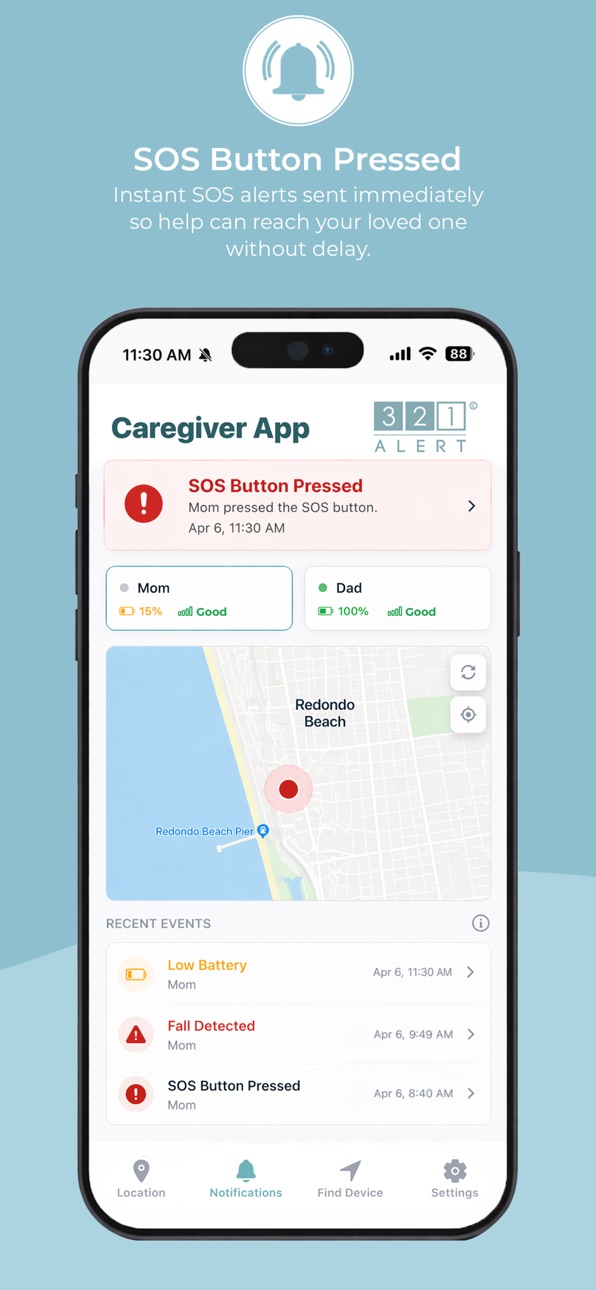
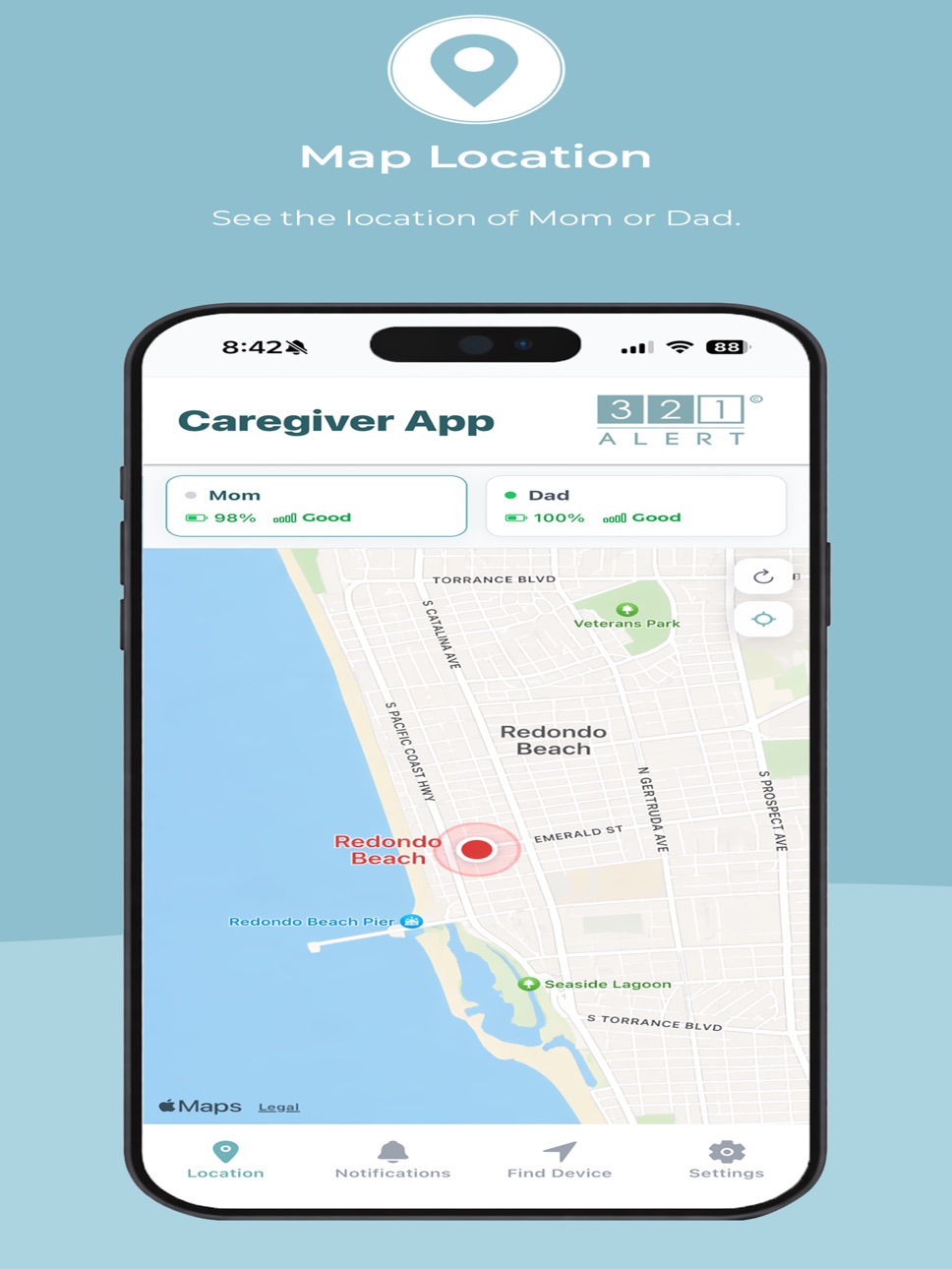
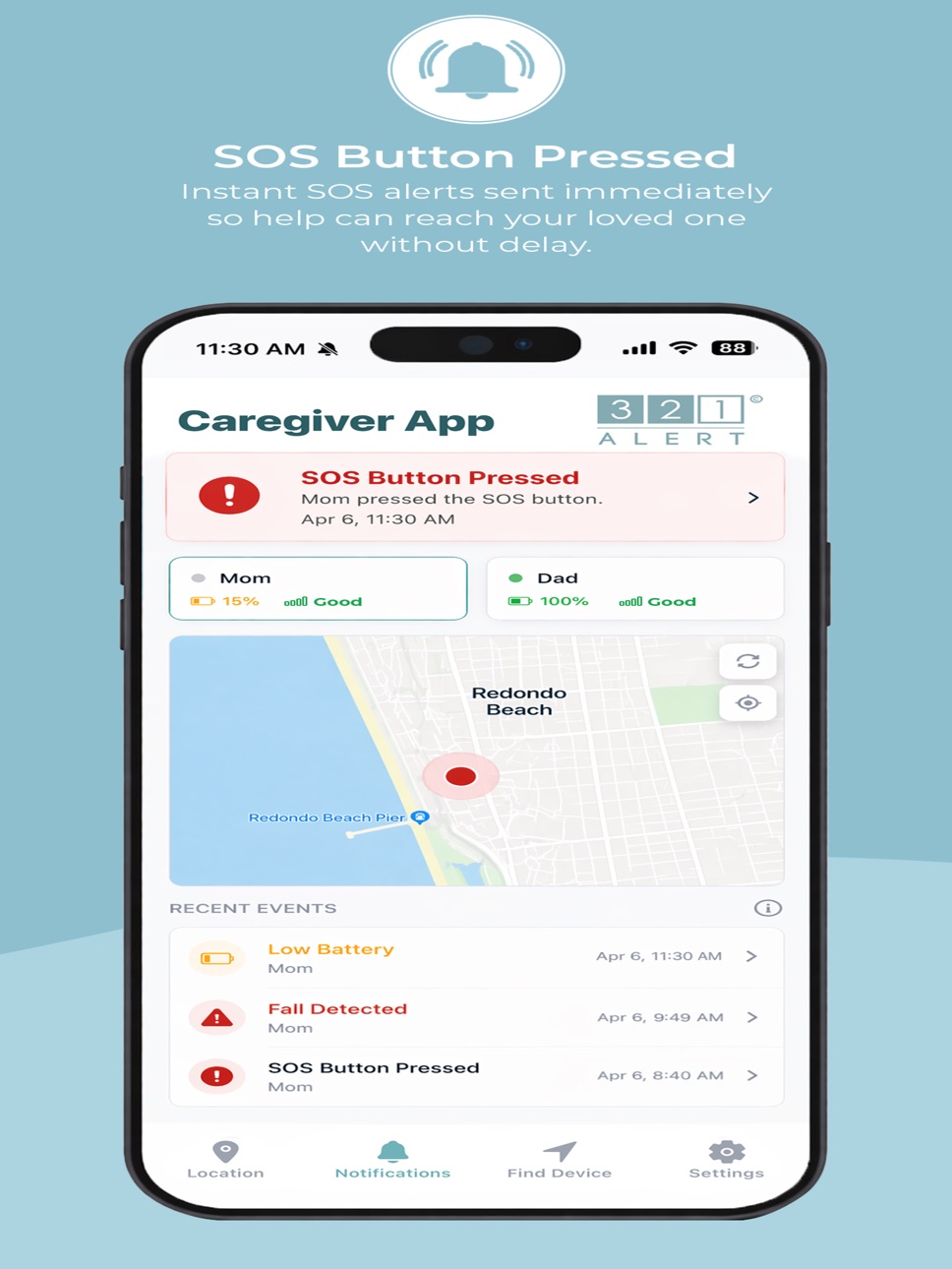
GPS location — View your loved one's real-time location on an interactive map, pulled live from their 321 Alert device.
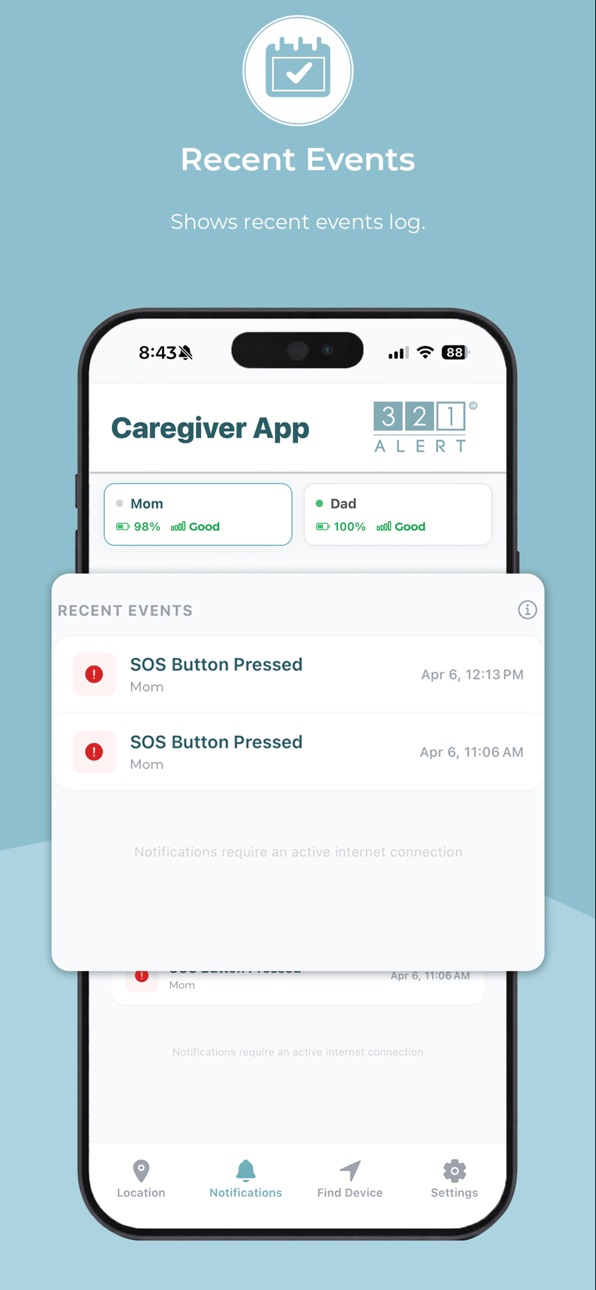
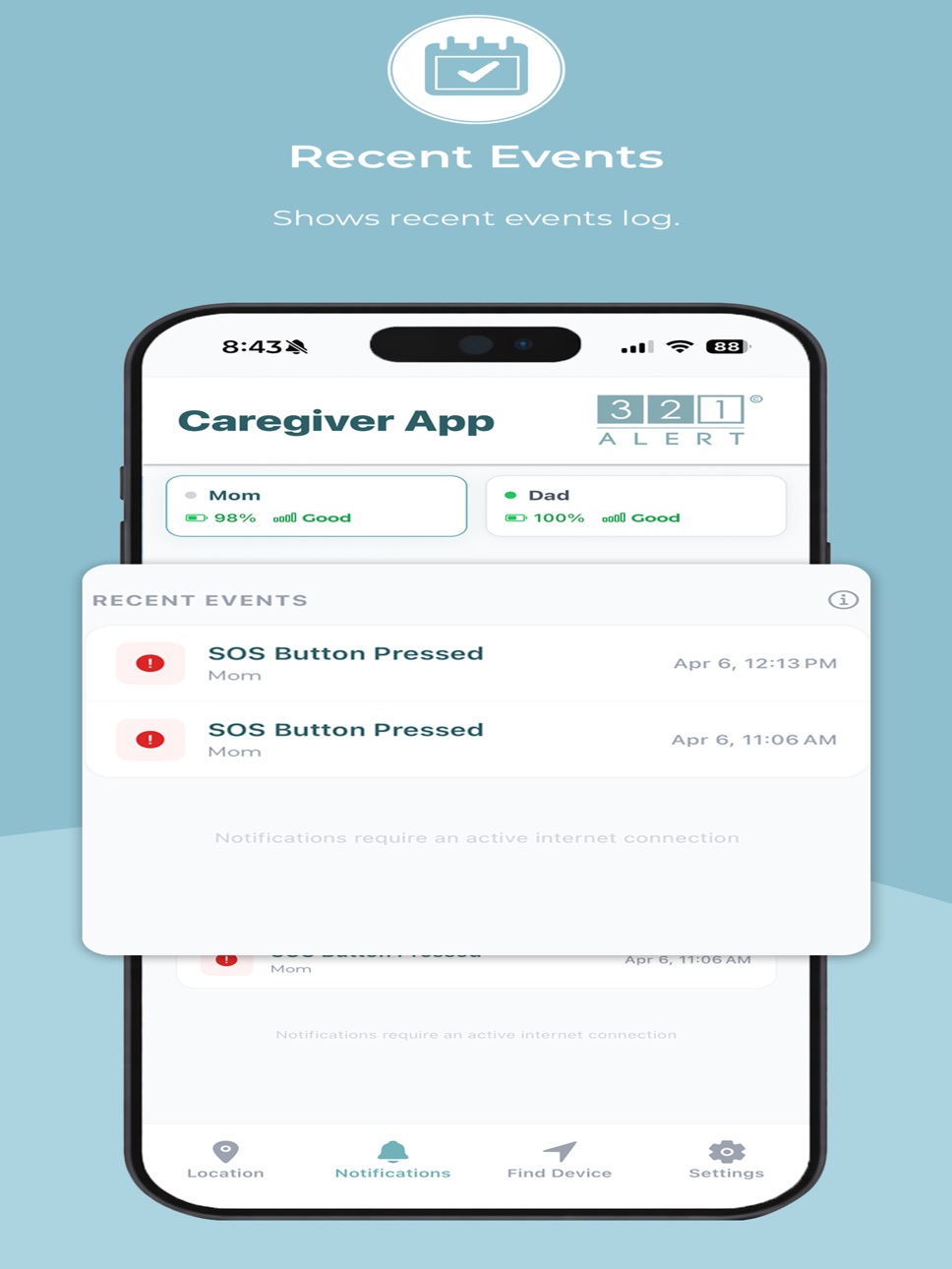
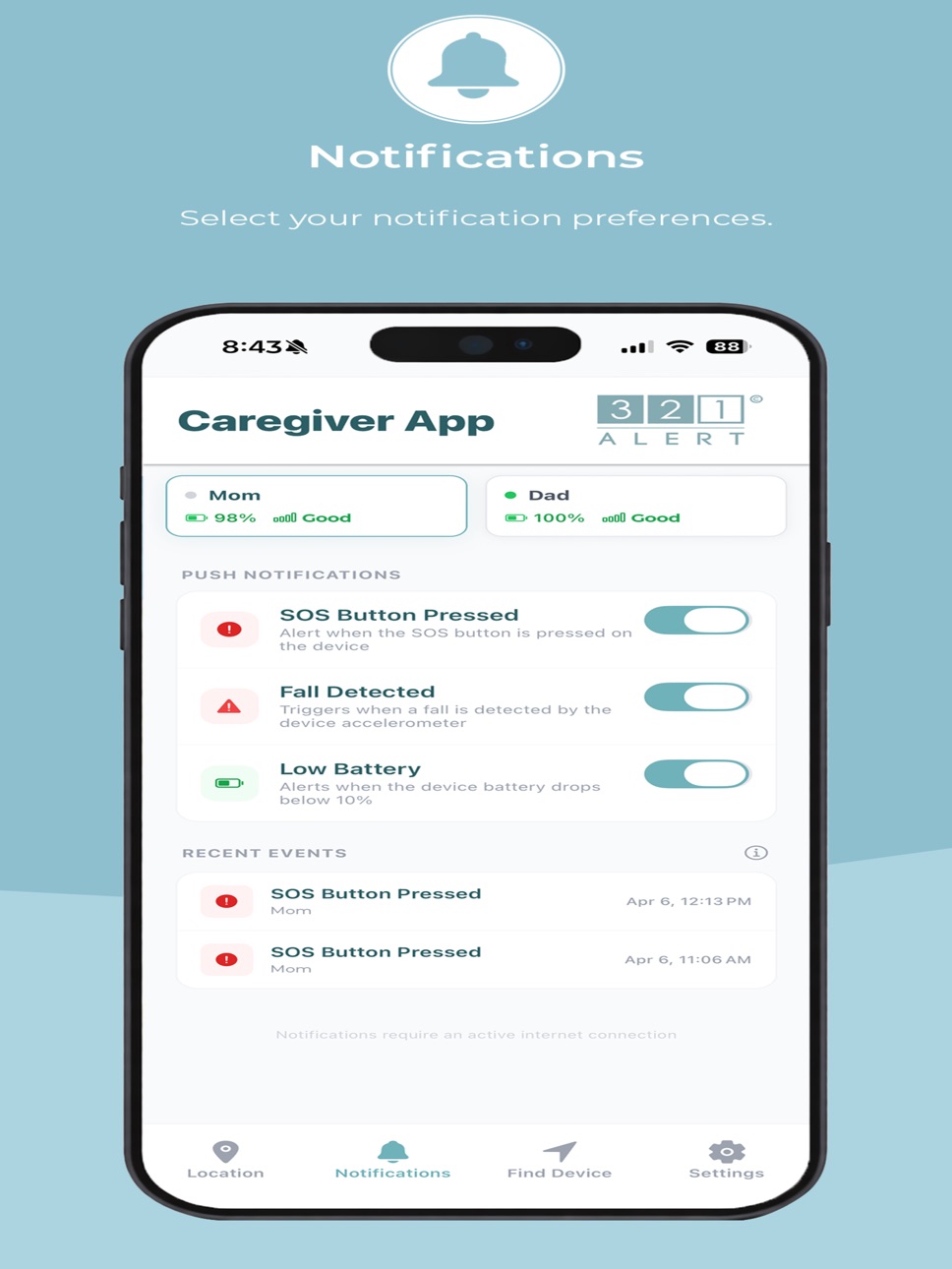
SOS and fall detection alerts — Receive instant push notifications if the SOS button is pressed or a fall is detected, with a full alert log so nothing gets missed.
Device battery and status — Monitor the device's battery level and connection status remotely, so it's always ready when it's needed.
Invite family members — Add multiple caregivers or family members so everyone stays informed from their own device.
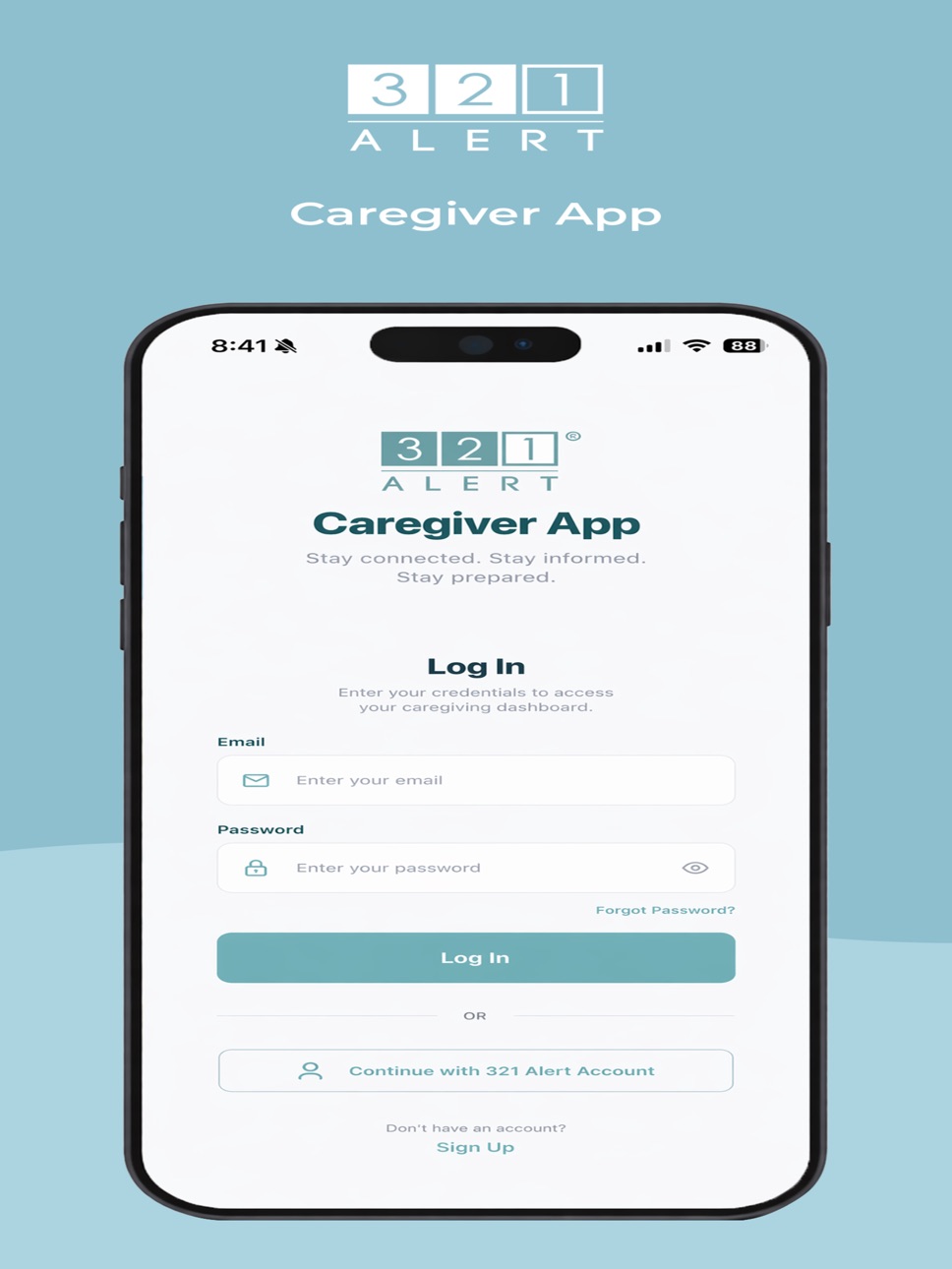
To activate the app, you must already have a 321 Alert medical alert system with an active monitoring subscription, and call 321 Alert to request app access.
Download 321 Alert Caregiver App today for instant peace of mind.
Accessibility
ipadiphonemacrealityDevicetvoswatch
Version history 8 versions
Build 888095511v1.0.72026-07-10 21:12:13
- Improved icon
- Added steps counter
- Improved UI/UX
Build 887065041v1.0.62026-06-17 17:50:35
Updated app icon and splash screen to the new 321 Alert branding.
Build 886580172v1.0.52026-06-05 22:38:51
What's new in 1.0.5
- Fixed the app icon to display correctly in the circle on Android launchers
- Updated the splash screen image
- Fixed the tab bar being hidden behind the Android navigation bar (back/home/recent buttons)
Build 885630376v1.0.42026-05-14 17:10:59
Changes Logo
Build 884873149v1.032026-05-02 17:14:09
What's New
- Real-time location tracking — see your loved one's live location on the Find Me map
- Instant SOS and fall detection alerts with full notification history
- Device battery and connection status at a glance
- Refreshed app icon and updated look
- Updated app icon
Build 884828589v1.0.22026-04-23 17:03:14
What's New in Version 1.0.2
This update includes bug fixes and visual improvements across the app.
Visual Improvements
- Version number, hint text, and status labels are now more readable throughout the app
- Fixed a gray bar covering the bottom of the Settings and Notifications screens on some devices
- Signal strength labels (Strong, Fair, Weak) now display correctly in the device details panel
Build 884723071v1.0.12026-04-22 17:08:34
What's New
This update includes significant improvements to real-time location tracking and device status display.
Location Tracking
- Device location now loads immediately when you open the app — no need to tap Refresh
- Location updates automatically as your device moves, in real time
- Fixed an issue where the app would show a stale location even after the device had moved
Signal Strength
- Fixed signal strength display — Strong, Fair, and Weak now accurately reflect the device's actual GSM signal
Stability
- Fixed a connection issue that caused rapid reconnects when the same account was logged in on multiple phones
- Improved connection reliability when returning to the app after it has been in the background
Build 883855084v1.02026-04-20 10:32:38
No pricing data captured yet — comparisons appear once the app has paid storefronts or in-app purchases.
Availability 1 of 1 storefronts
| Region | Language | Price | Ratings | Avg | Version |
|---|---|---|---|---|---|
| US | en-US | Free | 0 | — | 1.0.7 |
Change log 12 changes · US
✎
releaseNotes updated
- Improved icon
- Added steps counter
- Improved UI/UX
✎
description updated
The 321 Alert Caregiver App connects families to their 321 Alert medical alert system — so you can see your loved one's location, stay on top of alerts, and sha
✎
subtitle updated
Caregiver
✎
name updated
321 Alert - Caregiver App
◆
Version 1.0.7 released
- Improved icon
- Added steps counter
- Improved UI/UX
◆
Version 1.0.6 released
Updated app icon and splash screen to the new 321 Alert branding.
◆
Version 1.0.5 released
What's new in 1.0.5
- Fixed the app icon to display correctly in the circle on Android launchers
- Updated the splash screen image
- Fixed the tab bar being hidden behind the Android navigation bar (back/home/recent buttons)
◆
Version 1.0.4 released
Changes Logo
◆
Version 1.03 released
What's New
- Real-time location tracking — see your loved one's live location on the Find Me map
- Instant SOS and fall detection alerts with full notification history
- Device battery and connection status at a glance
- Refreshed
◆
Version 1.0.2 released
What's New in Version 1.0.2
This update includes bug fixes and visual improvements across the app.
Visual Improvements
- Version number, hint text, and status labels are now more readable throughout the app
- Fixed a gray bar cov
◆
Version 1.0.1 released
What's New
This update includes significant improvements to real-time location tracking and device status display.
Location Tracking
- Device location now loads immediately when you open the app — no need to tap Refresh
- Location
◆
Version 1.0 released