Home › Developer Tools

 US
US
1 of 1 storefronts
Content in en-US
Content in en-US
Information
Preview 2 platforms
iPhone 10 images

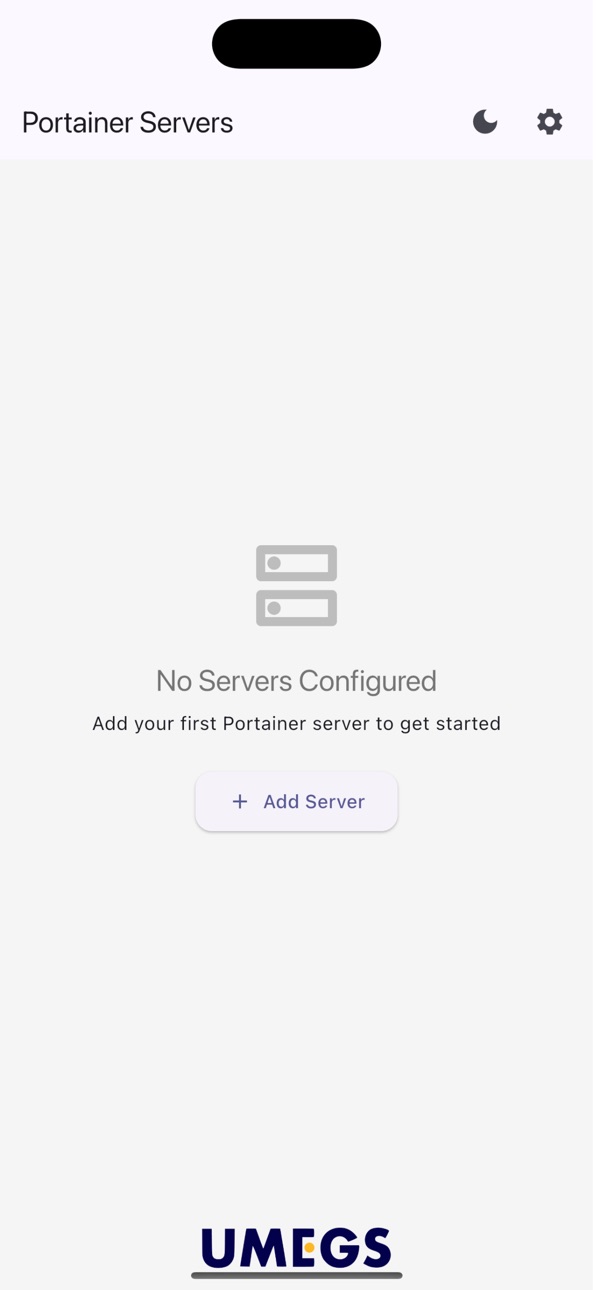

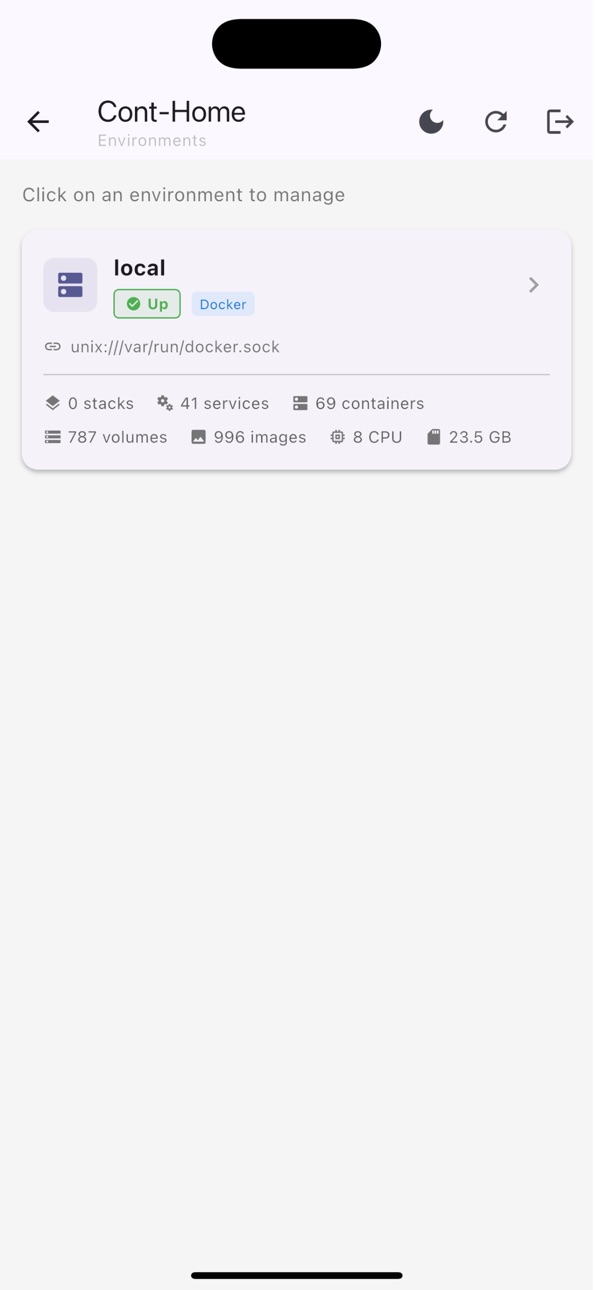
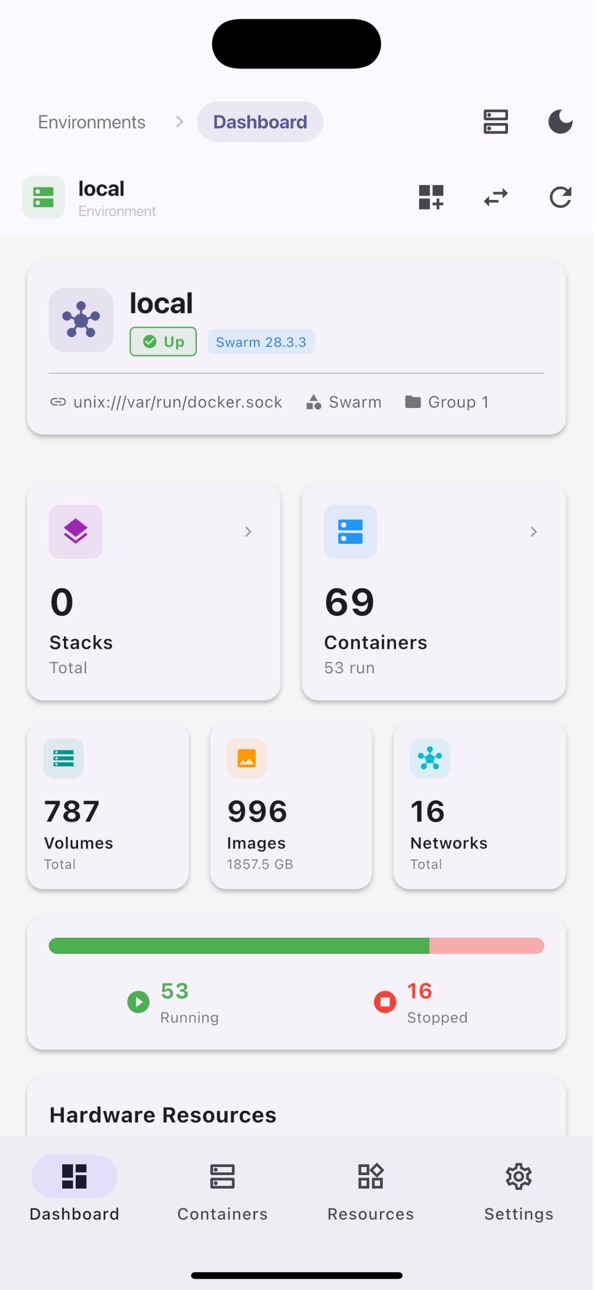


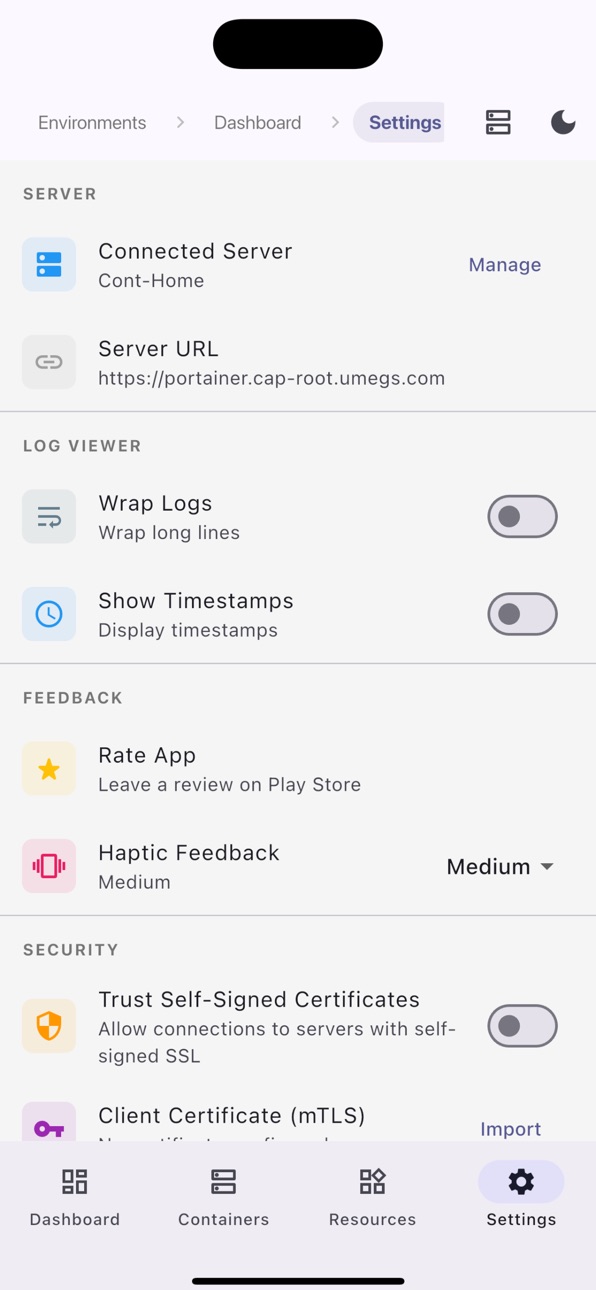


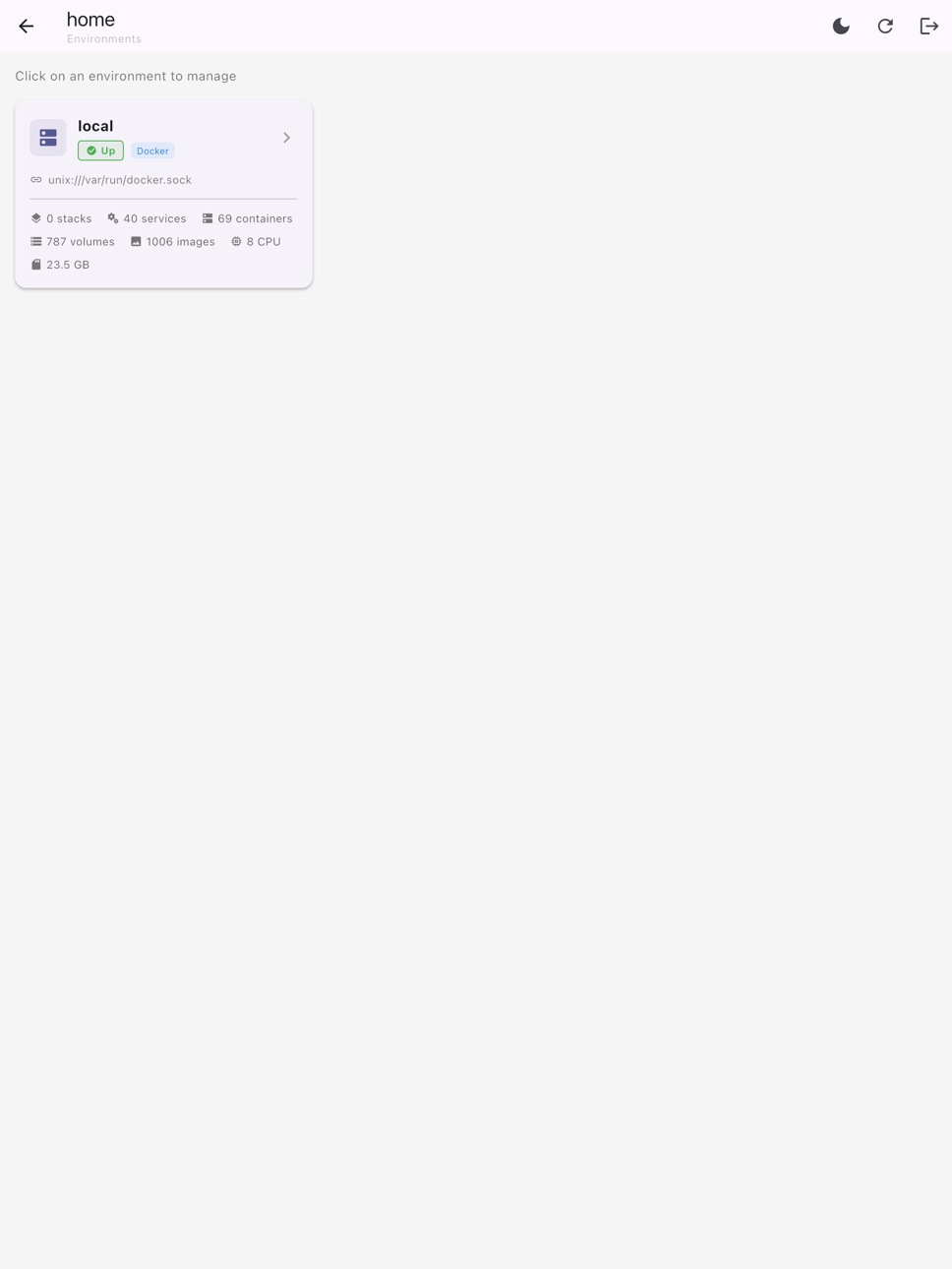
iPad 10 images




What’s New Version 0.1.4+9
- Fixed false "version behind" popup that blocked app usage
- Theme toggle no longer resets navigation back to start screen
- Logs tab: selectable text, collapsible toolbar, redesigned search bar
- Containers: icons in stat badges, fixed dark mode button contrast
- Fixed iOS build errors
Description
Portainer Mobile is the definitive professional tool for managing your Docker environments directly from your iPhone, iPad, and Mac. Built specifically for DevOps engineers, system administrators, and developers, this app brings the full power of the Portainer API to your pocket, ensuring your containers stay healthy and your deployments stay on track—no matter where you are.
Trusted by over 1,000 users on other platforms with top-tier feedback, Portainer Mobile offers a native, high-performance experience that makes server management feel effortless.
KEY FEATURES
Real-Time Monitoring: View live stats for your containers, including CPU usage, memory consumption, and network health.
Complete Lifecycle Management: Start, stop, restart, or remove containers with a single tap.
Log Access on the Go: Debug issues in seconds with real-time log streaming and a searchable console.
Multi-Server Support: Seamlessly switch between multiple Portainer instances or environments.
Image & Network Management: Manage your local and remote images and inspect network configurations with ease.
Push-to-Action: Quickly execute commands on running containers through a secure terminal interface.
BUILT FOR SECURITY
We know that server security is your #1 priority. Portainer Mobile uses a direct API connection to your server.
Zero Middle-Man: Your credentials and API keys are stored securely on your device’s Keychain.
No Data Harvesting: We do not track your server activity or collect your container data.
Encrypted Communication: Always connects via HTTPS to ensure your data is shielded.
WHY PORTAINER MOBILE?
Unlike mobile web browsers that are clunky and hard to navigate, Portainer Mobile provides a Native iOS Experience. Whether you are managing a single Raspberry Pi at home or a complex swarm in the cloud, our interface is designed for speed and clarity.
SUPPORT & COMMUNITY
We are committed to making this the best Docker management tool on the App Store. Join our growing community of users and help us shape the future of mobile DevOps.
Official Website: https://umegs.com
Support: info@umegs.com
Accessibility
ipadiphonemacrealityDevicetvoswatch
Version history 3 versions
Build 885419001v0.1.4+92026-05-09 00:55:33
- Fixed false "version behind" popup that blocked app usage
- Theme toggle no longer resets navigation back to start screen
- Logs tab: selectable text, collapsible toolbar, redesigned search bar
- Containers: icons in stat badges, fixed dark mode button contrast
- Fixed iOS build errors
Build 884136139v1.0.12026-04-04 19:09:59
Bug Fixes.
Build 883782967v1.02026-04-01 14:17:30
No pricing data captured yet — comparisons appear once the app has paid storefronts or in-app purchases.
Availability 1 of 1 storefronts
| Region | Language | Price | Ratings | Avg | Version |
|---|---|---|---|---|---|
| US | en-US | Free | 1 | 2.0 | 0.1.4+9 |
Change log 7 changes · US
✎
releaseNotes updated
- Fixed false "version behind" popup that blocked app usage
- Theme toggle no longer resets navigation back to start screen
- Logs tab: selectable text, collaps
✎
description updated
Portainer Mobile is the definitive professional tool for managing your Docker environments directly from your iPhone, iPad, and Mac. Built specifically for DevO
✎
subtitle updated
Manage Docker Containers
✎
name updated
Portainer Mobile: Docker Admin
◆
Version 0.1.4+9 released
- Fixed false "version behind" popup that blocked app usage
- Theme toggle no longer resets navigation back to start screen
- Logs tab: selectable text, collapsible toolbar, redesigned search bar
- Containers: icons in stat badges, fixed da
◆
Version 1.0.1 released
Bug Fixes.
◆
Version 1.0 released