Home › Productivity

 US
US
1 of 1 storefronts
Content in en-US
Content in en-US
Information
Preview 2 platforms
iPhone 4 images

iPad 4 images

Description
PDF to JPG Converter – Fast, Simple & Powerful
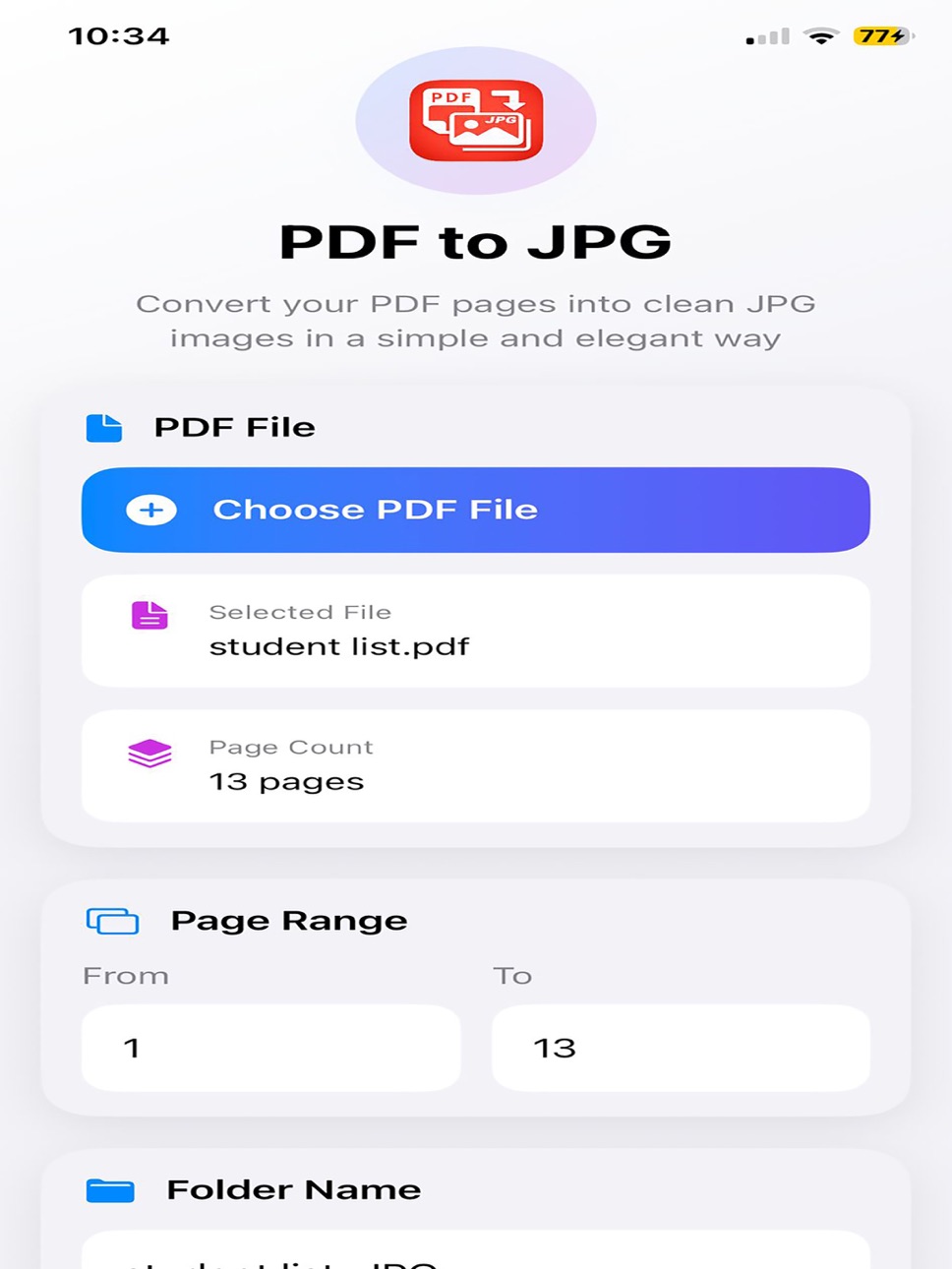
Turn your PDF files into high-quality JPG images in just seconds. Designed for speed, simplicity, and full control, this app makes converting documents effortless.
Key Features
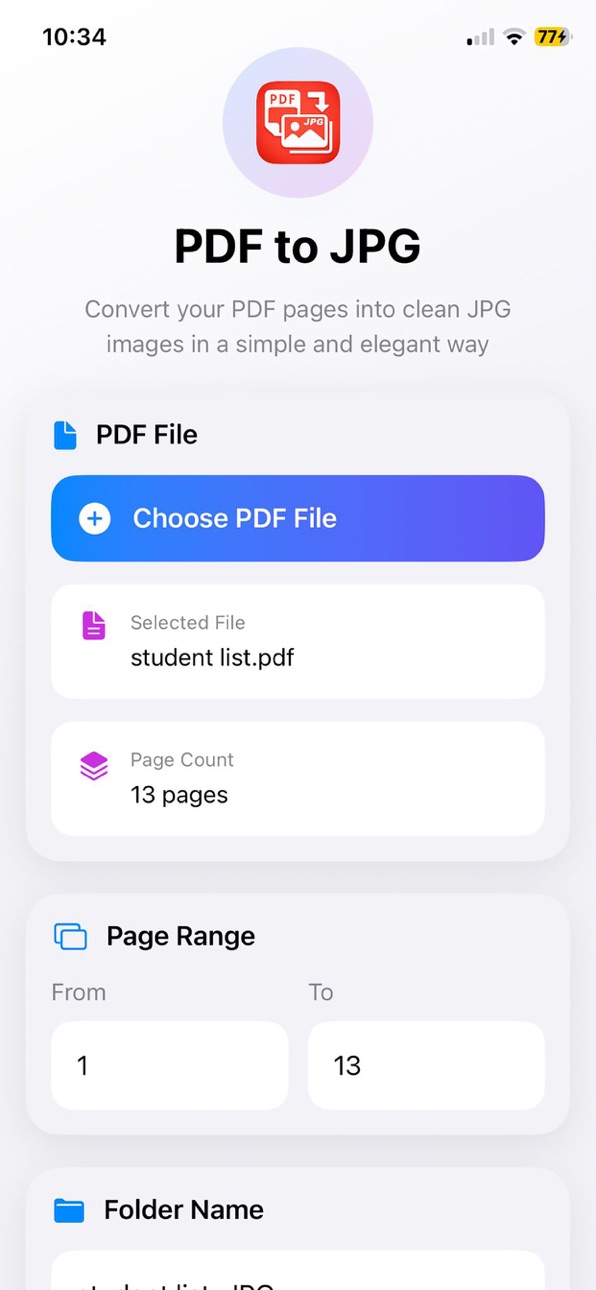
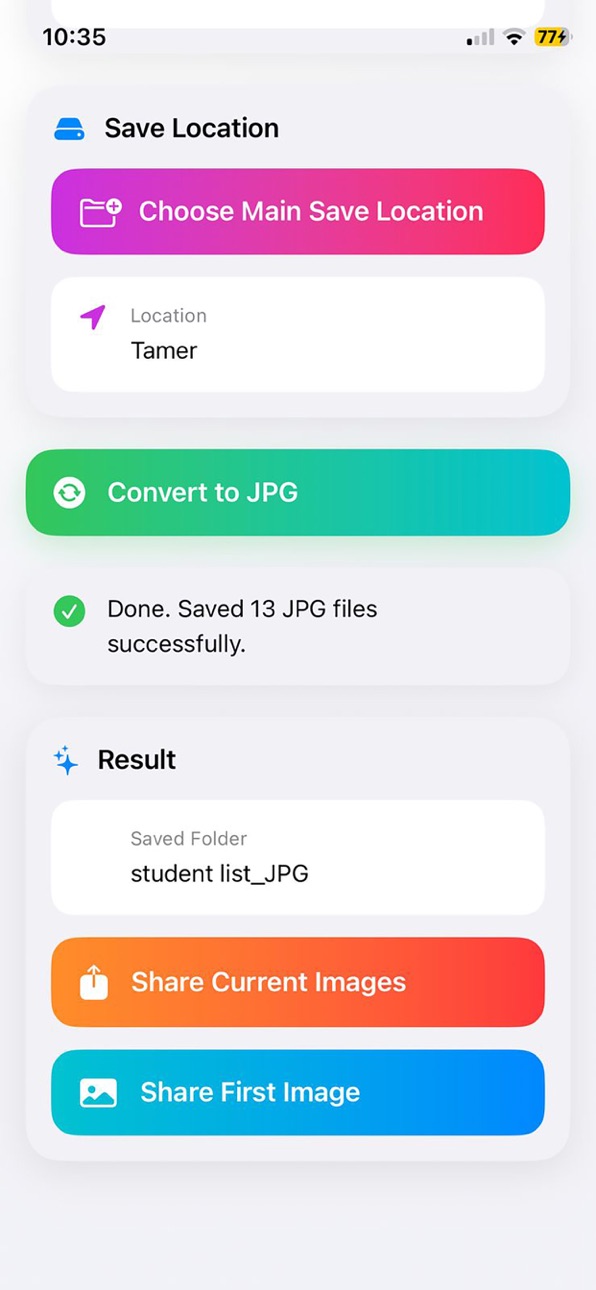
• Convert PDF pages to clear JPG images
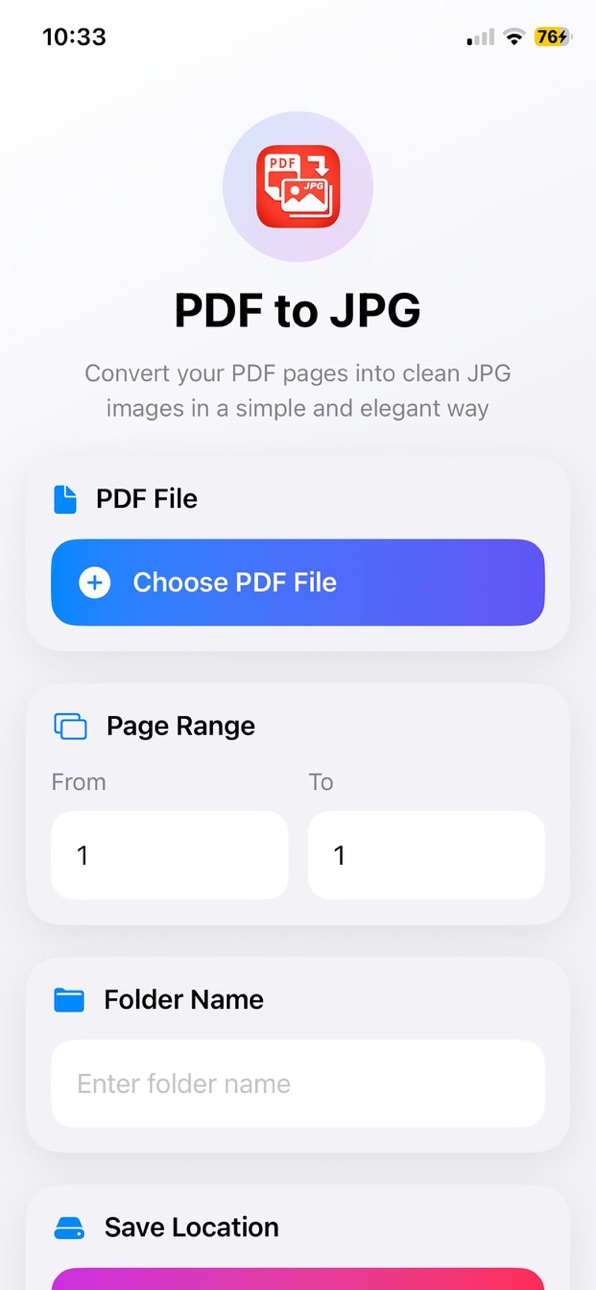
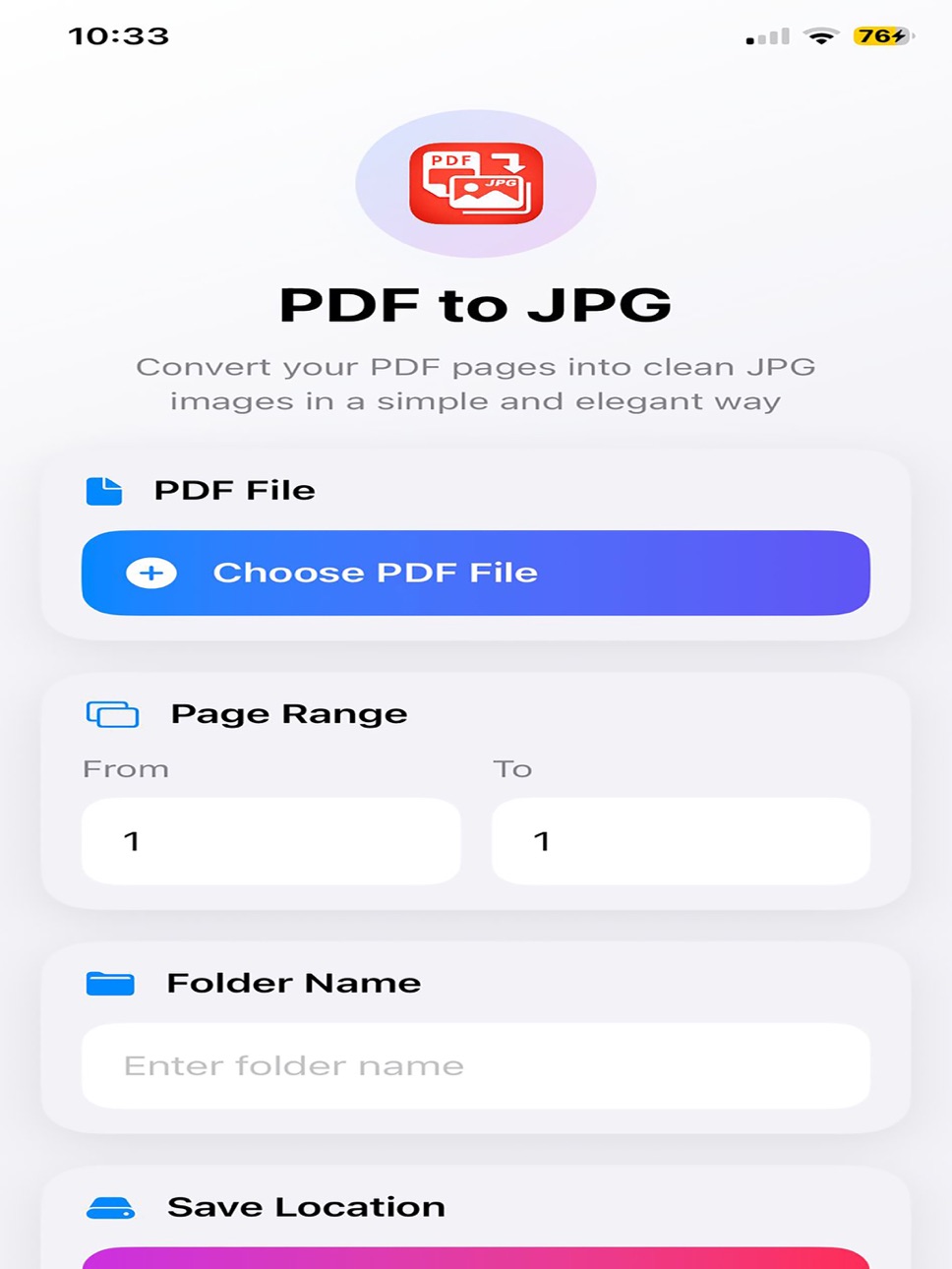
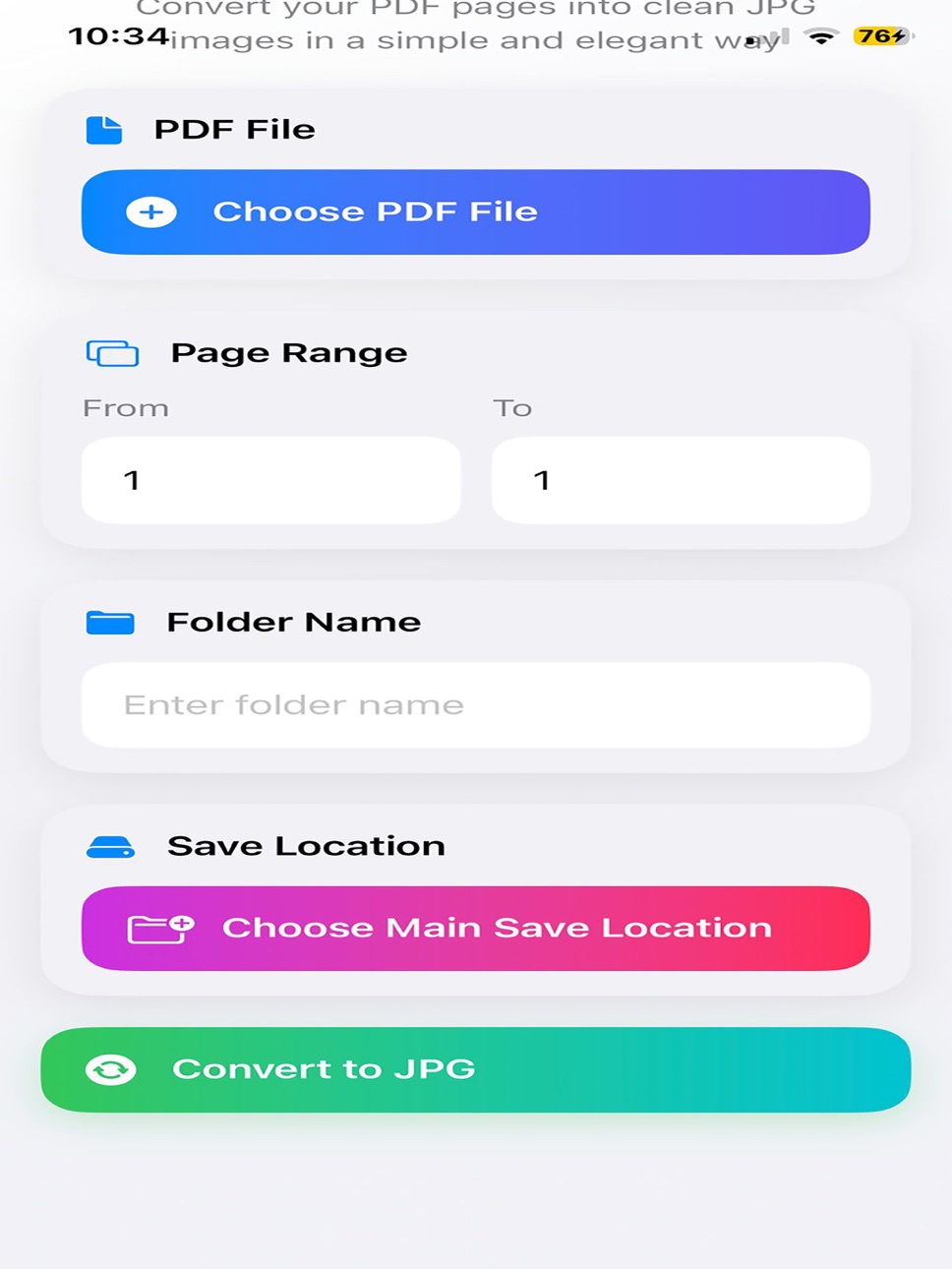
• Select specific page range or convert entire document
• Automatically detect total page count
• Customize folder name before saving
• Choose your own save location
• Share images instantly after conversion
• Clean, modern, and easy-to-use interface
• Works smoothly with large PDF files
Fast & Flexible
No complicated steps. Just choose your file, select pages, and convert. Your images are generated quickly and saved exactly where you want.
Full Control
Unlike many apps, you can:
Pick where to save your files
Rename folders before conversion
Share images directly after processing
Privacy First
Your files stay on your device. No uploads. No tracking. 100% secure.
Perfect For
• Students
• Office work
• Sharing documents as images
• Saving PDF pages to gallery
Why Choose This App?
Because it's:
Simple
Fast
Clean
Reliable
No ads overload. No confusing tools. Just pure functionality.
Accessibility
ipadiphonemacrealityDevicetvoswatch
Version history 1 versions
Build 883733709v1.02026-03-25 20:13:50
No pricing data captured yet — comparisons appear once the app has paid storefronts or in-app purchases.
Availability 1 of 1 storefronts
| Region | Language | Price | Ratings | Avg | Version |
|---|---|---|---|---|---|
| US | en-US | Free | 0 | — | 1.0 |
Change log 4 changes · US
✎
description updated
PDF to JPG Converter – Fast, Simple & Powerful
Turn your PDF files into high-quality JPG images in just seconds. Designed for speed, simplicity, and full contr
✎
subtitle updated
Fast PDF to Image Converter
✎
name updated
pdftoimages
◆
Version 1.0 released