Home › Productivity

 US
US
1 of 1 storefronts
Content in en-US
Content in en-US
Information
Preview 2 platforms
iPhone 10 images




iPad 10 images



What’s New Version 1.0.28 (28)
Bug fix - highlighting in the editor is now working correctly.
Description
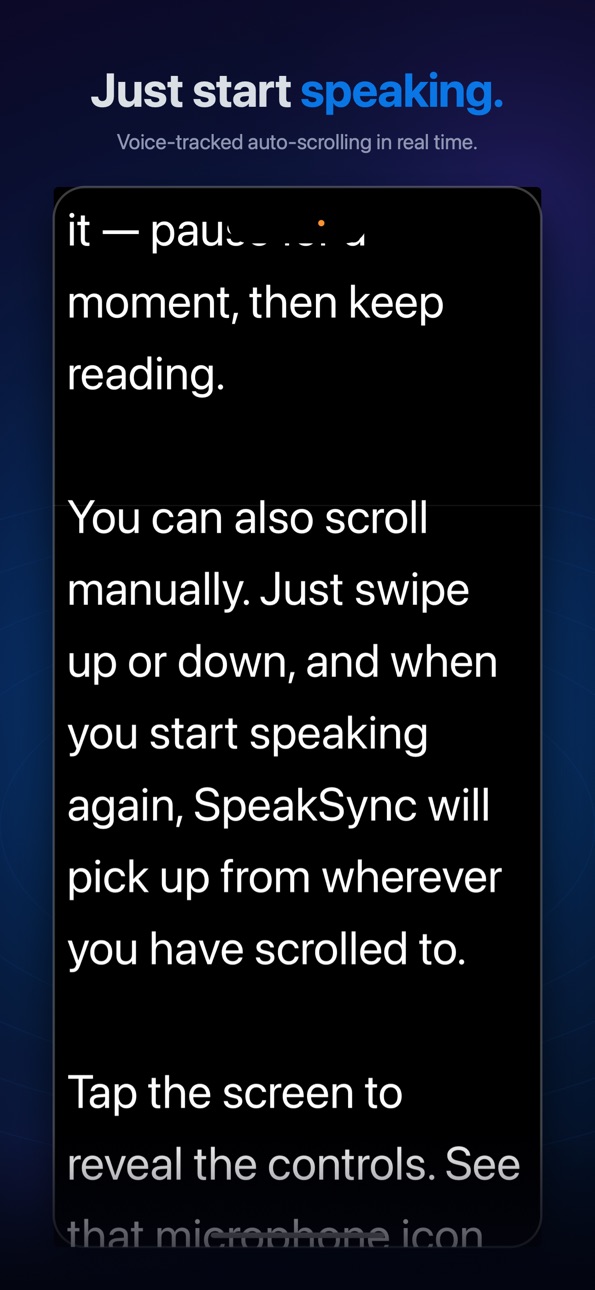
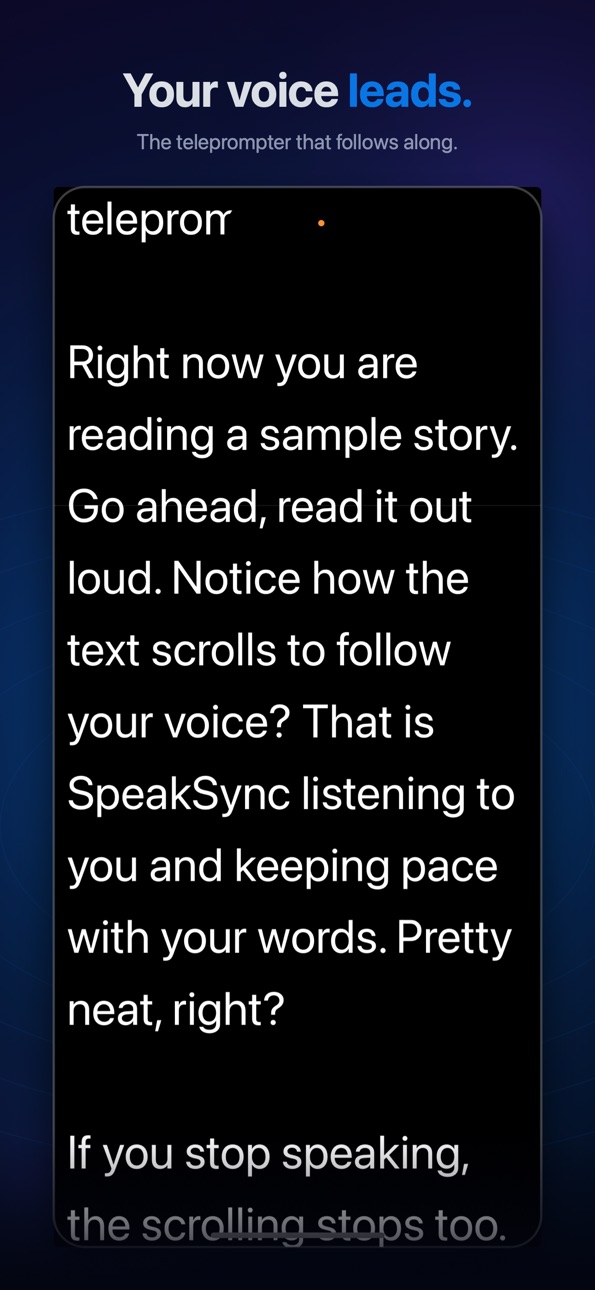
SpeakSync is a voice-tracking teleprompter for iPhone and iPad. Just start speaking and your script scrolls automatically, following your natural pace in real time.
YOUR VOICE LEADS. SPEAKSYNC FOLLOWS.
Unlike traditional teleprompters that scroll at a fixed speed, SpeakSync listens to your voice and matches your position in the script. Pause to collect your thoughts and the prompter waits. Speed up and it keeps pace. Go off-script and it picks up where you left off.
IMPORT ANYTHING
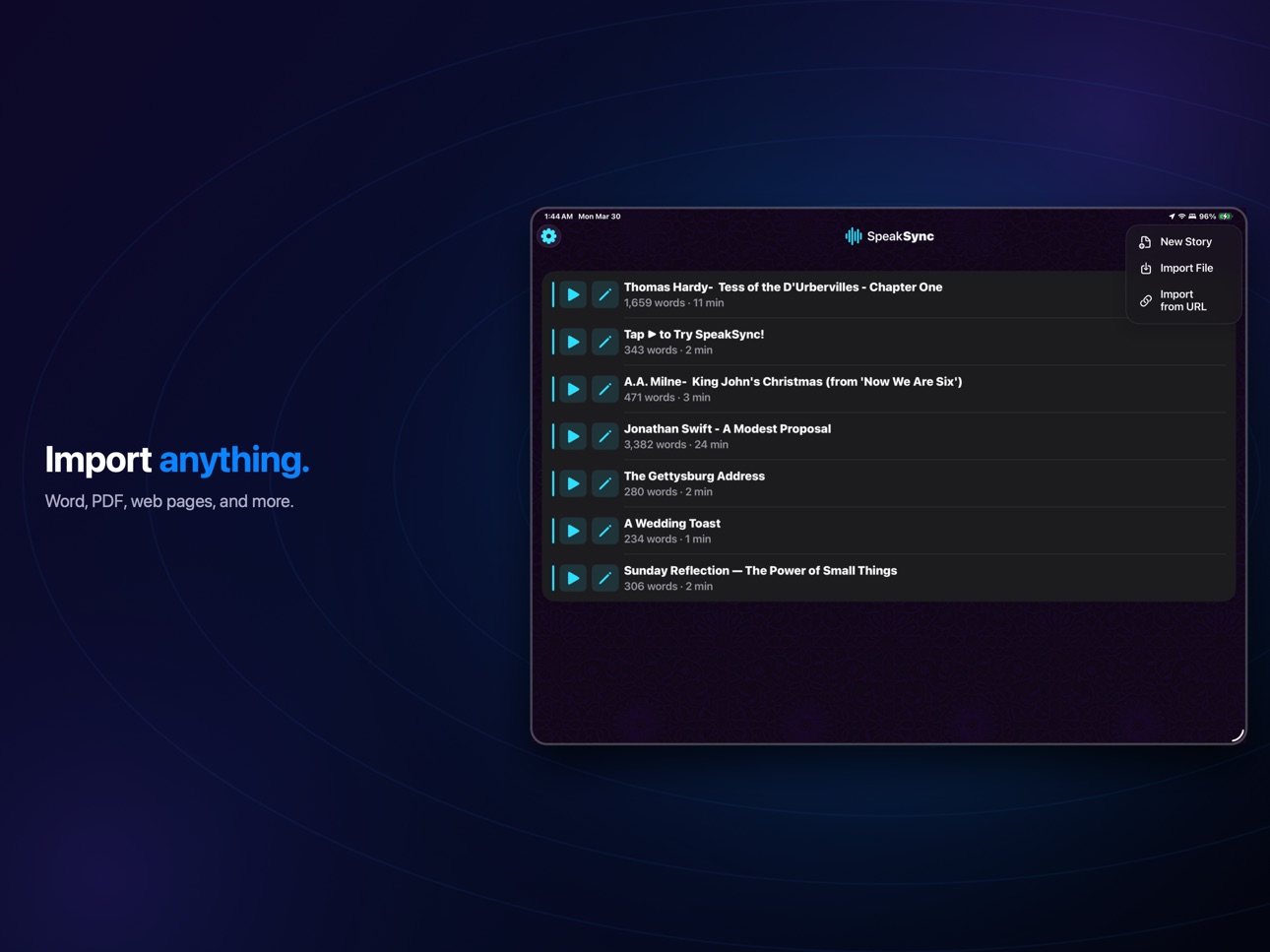
Bring in scripts from Word documents, PDFs, rich text files, plain text, web pages, and more. Bold, italic, and underline formatting is preserved. Just tap the + button and you're ready to go.
RICH TEXT EDITOR
Write and format your scripts directly in the app. Pinch to zoom, and use the built-in formatting tools for bold, italic, and underline. Auto-save means you never lose your work.
REHEARSAL MODE
Practice from any point in your script with a built-in session timer. Jump straight from the editor into rehearsal to polish your delivery before the real thing.
BUILT FOR SPEAKERS
Voice-tracked auto-scrolling with smooth 60fps animation
Works in 30+ languages
Per-script font size and typeface
Invert colours, mirror display, and rotate 180° for beam-splitter setups
Manual scroll with iOS-style momentum when you need it
Long-press to repoint voice tracking anywhere in your script
Pinch to resize text on the fly
HANDS-FREE ACCESSIBILITY
The Prompter is fully voice-controlled — no touch interaction required while presenting. SpeakSync scrolls by listening, making it accessible to users with motor impairments or anyone who simply can't touch the screen while speaking. Set up your script, start voice tracking, and your hands are free.
PRIVACY FIRST
All speech recognition happens entirely on your device. Your voice is never sent to any server. No analytics, no tracking, no ads.
ICLOUD SYNC
Optionally sync your scripts across all your devices with iCloud. Off by default — you choose.
PERFECT FOR
Pastors and ministers delivering sermons
Public speakers and lecturers
Wedding toasts and eulogies
Video creators reading scripts to camera
Anyone who speaks from a written text
Download SpeakSync and turn your iPhone or iPad into a teleprompter that truly listens.
Terms of Use (EULA): https://www.apple.com/legal/internet-services/itunes/dev/stdeula/
Capabilities
In-App Purchases
Accessibility
developerUrlipadiphonemacrealityDevicetvoswatch
Version history 7 versions
Build 885907931v1.0.28 (28)2026-05-20 23:21:29
Bug fix - highlighting in the editor is now working correctly.
Build 885383140v1.0.27 (27)2026-05-07 20:35:37
Fixes an issue where some free-tier users were redirected to the subscription paywall when trying to play the bundled sample stories. Sample stories are always free to read, voice-track, and lightly edit.
Build 885287589v1.0.262026-05-05 19:00:34
Introducing SpeakSync Pro — your subscription for serious public speaking work. Start with a 3-day free trial.
Free for everyone:
- All bundled sample stories — read, edit, and voice-track without limits.
- Your own writing, up to 150 words per script.
Unlocked with SpeakSync Pro:
- Unlimited writing — no word cap.
- Full-length imports from Word, PDF, RTF, and the web.
- Every voice-tracking and rehearsal feature.
Also in this update:
- A streamlined PDF import flow — editable text preview with column reordering, header and footer stripping, and paragraph reflow.
- Smoother editor — the cursor now lands at the top of new stories, and New Story takes you straight into editing with the keyboard ready.
- Improved dark mode, with adaptive light and dark wallpapers.
- Stability and performance improvements throughout.
Build 884935005v1.0.232026-04-26 20:50:39
Modified PDF ingestion
Minor bug fixes - font ghosting issue while resizing, etc.
Further Android compatibility tweaks
Build 884263912v1.0.192026-04-08 18:17:42
Mainly bug fixes and consistency improvements for compatibility with Android version
Editor:
- Added B/I/U buttons to the keyboard formatting toolbar
- Wallpaper background on editor toolbar and footer
- Adaptive title layout — inline in landscape/iPad, separate row in portrait iPhone
- Pre-selected text in the rename dialog for faster renaming
- Compact footer with smaller word count display
- Dynamic Island fix — formatting toolbar no longer clips in landscape
- Font size indicator during pinch-to-zoom (top-left, matching prompter)
Prompter:
- Improved voice tracking recovery after font resize
User Guide:
- Updated for dual-platform coverage (iOS and Android)
- 15 new screenshots with captions
- All 33 translations refreshed
Stability:
- Crash safety and thread safety improvements
Sample Stories:
- Auto-discovery of sample story files (no hardcoded list)
- Title now read from the first line of each file
Build 883685464v1.02026-04-03 00:28:21
Build 884087888v1.0.172026-04-03 20:46:35
Promo code capability
No pricing data captured yet — comparisons appear once the app has paid storefronts or in-app purchases.
Availability 1 of 1 storefronts
| Region | Language | Price | Ratings | Avg | Version |
|---|---|---|---|---|---|
| US | en-US | Free | 3 | 5.0 | 1.0.28 (28) |
Change log 11 changes · US
✎
releaseNotes updated
Bug fix - highlighting in the editor is now working correctly.
✎
description updated
SpeakSync is a voice-tracking teleprompter for iPhone and iPad. Just start speaking and your script scrolls automatically, following your natural pace in real t
✎
subtitle updated
Voice-tracking teleprompter
✎
name updated
SpeakSync
◆
Version 1.0.28 (28) released
Bug fix - highlighting in the editor is now working correctly.
◆
Version 1.0.27 (27) released
Fixes an issue where some free-tier users were redirected to the subscription paywall when trying to play the bundled sample stories. Sample stories are always free to read, voice-track, and lightly edit.
◆
Version 1.0.26 released
Introducing SpeakSync Pro — your subscription for serious public speaking work. Start with a 3-day free trial.
Free for everyone:
- All bundled sample stories — read, edit, and voice-track without limits.
- Your own writing, up to 150 word
◆
Version 1.0.23 released
Modified PDF ingestion
Minor bug fixes - font ghosting issue while resizing, etc.
Further Android compatibility tweaks
◆
Version 1.0.19 released
Mainly bug fixes and consistency improvements for compatibility with Android version
Editor:
- Added B/I/U buttons to the keyboard formatting toolbar
- Wallpaper background on editor toolbar and footer
- Adaptive title layout — inline in l
◆
Version 1.0.17 released
Promo code capability
◆
Version 1.0 released