Home › Entertainment

 US
US
1 of 1 storefronts
Content in en-US
Content in en-US
Information
Preview 4 platforms
iPhone 7 images



iPad 4 images


Mac 4 images



Apple TV 4 images


What’s New Version 1.35
• Minor improvements and bug fixes
• Updated App Store screenshots
Description
Strimix is a media player only. It does not provide, host, sell, or supply any channels, movies, series, playlists, or subscriptions. A valid provider account and legally authorized content are required.
About Strimix
Strimix is a premium IPTV and media player built for a fast, elegant, and modern viewing experience across iPhone, iPad, Mac, and Apple TV.
Bring your own provider and enjoy live TV, movies, and series in one beautifully designed app with powerful playback, smart discovery, favorites, continue watching, and a polished interface made for every screen.
Key Features
• iCloud Sync — Seamlessly sync your portals, settings, favorites, and watch history across all your Apple devices
• Wide Provider Support — Compatible with Stalker Portals, Xtream Codes, and M3U playlists
• 4K • Dolby • HDR Playback — Powered by NOVA for enhanced, high-quality playback on supported streams
What you can do with Strimix
• Watch live TV, movies, and series from your own provider
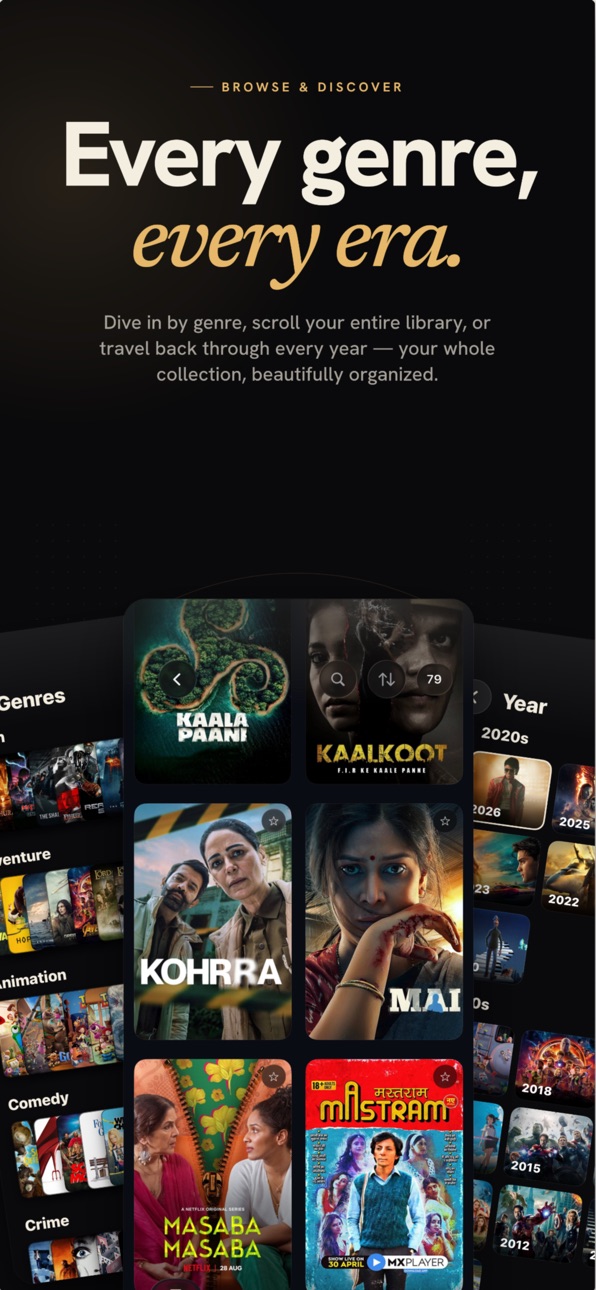
• Browse content with a clean, modern interface
• Save channels and titles with Favorites for quick access
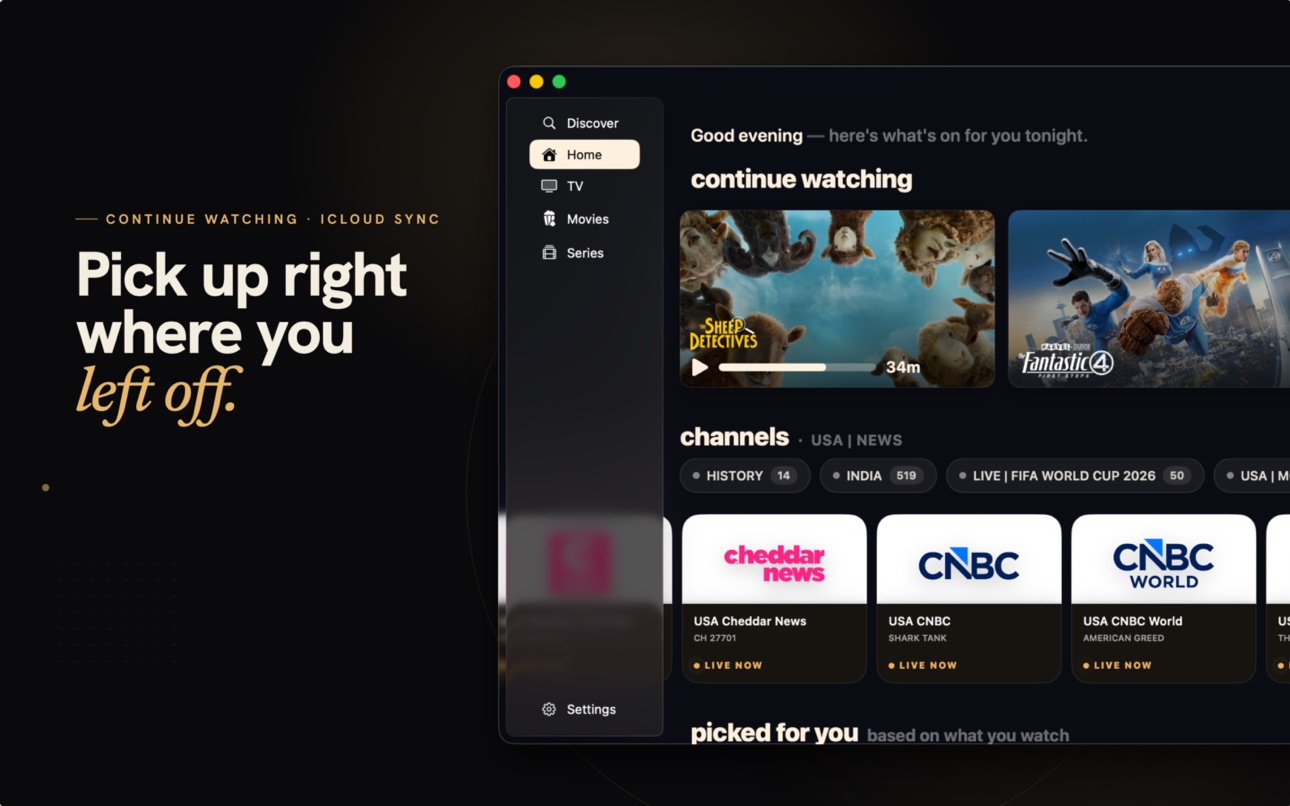
• Pick up where you left off with Continue Watching
• Discover new content with curated recommendations
• Enjoy advanced playback features for a premium experience
• Experience layouts optimized for iPhone, iPad, Mac, and Apple TV
• Use Picture in Picture and multi-screen features where supported
• Enjoy support for modern formats, metadata, and rich media artwork
Designed for a better viewing experience
Strimix focuses on speed, simplicity, and premium design. Whether you are watching live channels, exploring a movie library, or continuing a series, everything is organized to feel smooth, intuitive, and immersive.
Privacy Policy: https://strimix.online/privacy.html
Terms of Use (EULA): https://www.apple.com/legal/internet-services/itunes/dev/stdeula/
In-App Purchases US pricing
Strimix PRO Subscription
Monthly · Monthly$1.99
Annual · Yearly 3-day free trial$9.99
One-Time Purchases
Strimix PRO Lifetime$29.99
Capabilities
In-App Purchases
Accessibility
ipadiphonemacrealityDevicetvoswatch
Version history 20 versions
Build 887511336v1.352026-07-10 18:08:42
• Minor improvements and bug fixes
• Updated App Store screenshots
Build 887468455v1.342026-06-26 23:07:28
Portrait mode has landed.
Hold Strimix upright and browse your channels, movies, and shows the natural way — no more turning your phone sideways.
Build 887151983v1.332026-06-18 16:39:07
- Minor bug fixes and optimization
Build 887012194v1.322026-06-16 01:04:46
We're piloting video ads on Strimix to help fund its future — and in return, the PRO watermark is gone on iPhone & iPad.
Light by design — about one ad when you open a live channel, or one when you start a movie or show. Often you'll see none at all.
Go Pro to remove ads entirely — zero ads, zero distractions.
Already Pro? Nothing changes for you — distraction-free, forever.
Plus the usual round of speed-ups and fixes. Thanks for being part of the journey!
Build 886968061v1.312026-06-15 14:16:34
We're piloting video ads on Strimix to help fund its future — and in return, the PRO watermark is gone on iPhone & iPad.
Light by design — about one ad when you open a live channel, or one when you start a movie or show. Often you'll see none at all.
Go Pro to remove ads entirely — zero ads, zero distractions.
Already Pro? Nothing changes for you — distraction-free, forever.
Plus the usual round of speed-ups and fixes. Thanks for being part of the journey!
Build 886852784v1.302026-06-13 16:13:58
• Faster channel switching and smoother scrolling
• Improved recording reliability and fixed audio issues
• Better onboarding and portal setup experience
• More stable playback with fixes for certain live stream crashes
• General performance improvements and EPG refinements
Build 886552907v1.292026-06-05 14:22:50
New Features
• Full EPG Guide across all platforms
• Set reminders for upcoming programs and receive push notifications before they start.
• Live Recording
• Added AVPlayer as a Live Player option for supported streams.
• Redesigned Downloads tab.
Improvements & Fixes
• Improved iCloud Sync reliability.
• Fixed onboarding sync issues.
• Added a Skip button for existing users during onboarding.
• Stalker Portal users can now switch between available configs.
• Various UI, navigation, and stability improvements.
Build 886269108v1.282026-05-29 16:45:20
- Completely redesigned onboarding experience
- Refreshed Portal Setup flow with a cleaner and more intuitive setup process
- Improved HDR playback compatibility and reliability
- UI refinements across the app
- Various bug fixes and stability improvements
Build 885867519v1.262026-05-20 20:11:30
- Added the Flow Player back as an available playback option
- iPhone now features a native tab bar experience
- New accent color theme applied throughout the app
- Manage your playlist content directly from App Settings
- Hide tab bar sections you don’t use for a cleaner experience
- Minor UI improvements and refinements across the app
- Performance improvements through internal cleanup and removal of unused code structures
Build 885836448v1.25.12026-05-19 04:29:02
• Added a native tab bar experience for iPad
• UI refinements and polish across the Home view
• Added back the Flow Player as a playback option
• Fixed a critical issue where some new users were unable to add portals
Build 885755077v1.252026-05-18 21:42:25
- Added a native tab bar experience for iPad
- UI refinements and polish across the Home view
- Added back the Flow Player as an available playback option
- Fixed a critical issue where some new users were unable to add portals
Build 885387392v1.242026-05-15 23:13:51
- Various bug fixes and improvements
- Minor UI/UX refinements across the app
Build 885289756v1.232026-05-07 14:18:24
- Improved playback — fixed an issue where some movies/shows wouldn’t start
- Added the ability to rename and delete groups
- Added Aspect Ratio and Play/Pause controls for the live player
- Clearing History and Progress now works properly
- General improvements, fixes, and performance enhancements
Build 885251723v1.222026-05-04 20:38:48
- Bug fixes and general enhancements
Build 885167512v1.212026-05-01 19:27:34
- Redesigned live player for a smoother viewing experience
- Under-the-hood improvements for better performance and reliability
- Bug fixes and general stability enhancements
Build 884876420v1.202026-04-24 17:14:19
• Bug fixes and performance improvements
Build 884339681v1.192026-04-17 18:20:02
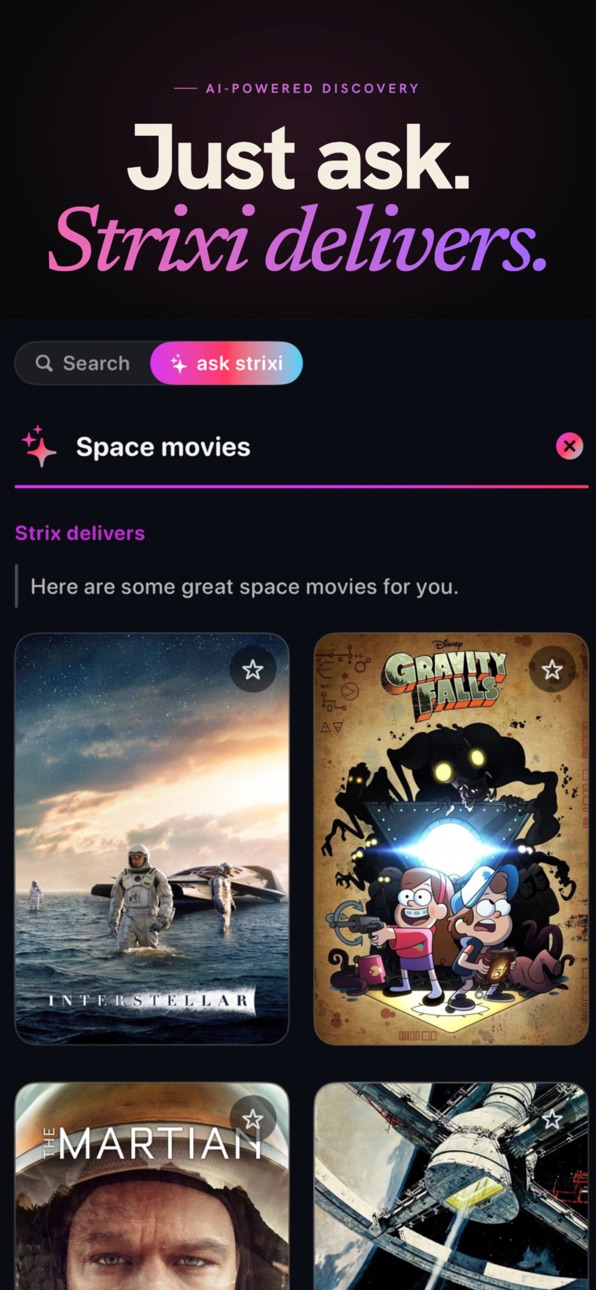
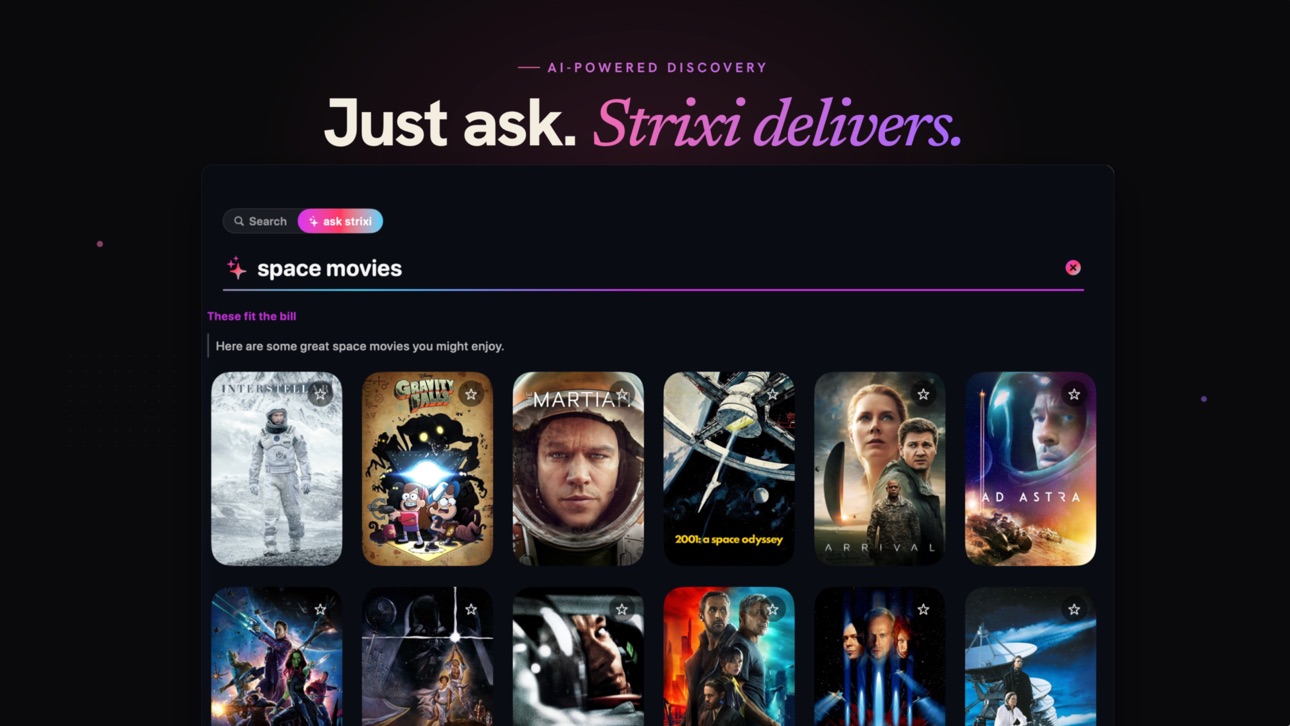
• Introducing Strixi — your new AI companion
• New way to discover movies and shows
• Refined UI for a more polished and consistent experience
• Smoother, more reliable playback
• Bug fixes and performance improvements
Build 884254812v1.182026-04-08 18:14:31
• Performance improvements and overall stability enhancements
• TV Guide updates with a cleaner layout, improved timeline, and better navigation
• Ability to switch playback engines directly from the player
• Minor bug fixes and general improvements across iPhone, iPad, Mac, and Apple TV
If you’re enjoying the app, please consider leaving a review — it really means a lot
Build 883997942v1.172026-04-01 22:26:06
- App Transition
Build 883670043v1.02026-03-23 20:34:10
Price history by region
Currency
Show
Columns
Search
Availability 1 of 1 storefronts
| Region | Language | Price | Ratings | Avg | Version |
|---|---|---|---|---|---|
| US | en-US | Free | 7 | 4.7 | 1.35 |
Change log 24 changes · US
✎
releaseNotes updated
• Minor improvements and bug fixes
• Updated App Store screenshots
✎
description updated
Strimix is a media player only. It does not provide, host, sell, or supply any channels, movies, series, playlists, or subscriptions. A valid provider account a
✎
subtitle updated
Watch Live TV, Movies, Series
✎
name updated
STRIMIX - IPTV & M3U Player
◆
Version 1.35 released
• Minor improvements and bug fixes
• Updated App Store screenshots
◆
Version 1.34 released
Portrait mode has landed.
Hold Strimix upright and browse your channels, movies, and shows the natural way — no more turning your phone sideways.
◆
Version 1.33 released
- Minor bug fixes and optimization
◆
Version 1.32 released
We're piloting video ads on Strimix to help fund its future — and in return, the PRO watermark is gone on iPhone & iPad.
Light by design — about one ad when you open a live channel, or one when you start a movie or show. Often you'll see n
◆
Version 1.31 released
We're piloting video ads on Strimix to help fund its future — and in return, the PRO watermark is gone on iPhone & iPad.
Light by design — about one ad when you open a live channel, or one when you start a movie or show. Often you'll see n
◆
Version 1.30 released
• Faster channel switching and smoother scrolling
• Improved recording reliability and fixed audio issues
• Better onboarding and portal setup experience
• More stable playback with fixes for certain live stream crashes
• General performanc
◆
Version 1.29 released
New Features
• Full EPG Guide across all platforms
• Set reminders for upcoming programs and receive push notifications before they start.
• Live Recording
• Added AVPlayer as a Live Player option for supported streams.
• Redesigned Downlo
◆
Version 1.28 released
- Completely redesigned onboarding experience
- Refreshed Portal Setup flow with a cleaner and more intuitive setup process
- Improved HDR playback compatibility and reliability
- UI refinements across the app
- Various bug fixes and stabil
◆
Version 1.26 released
- Added the Flow Player back as an available playback option
- iPhone now features a native tab bar experience
- New accent color theme applied throughout the app
- Manage your playlist content directly from App Settings
- Hide tab bar sect
◆
Version 1.25.1 released
• Added a native tab bar experience for iPad
• UI refinements and polish across the Home view
• Added back the Flow Player as a playback option
• Fixed a critical issue where some new users were unable to add portals
◆
Version 1.25 released
- Added a native tab bar experience for iPad
- UI refinements and polish across the Home view
- Added back the Flow Player as an available playback option
- Fixed a critical issue where some new users were unable to add portals
◆
Version 1.24 released
- Various bug fixes and improvements
- Minor UI/UX refinements across the app
◆
Version 1.23 released
- Improved playback — fixed an issue where some movies/shows wouldn’t start
- Added the ability to rename and delete groups
- Added Aspect Ratio and Play/Pause controls for the live player
- Clearing History and Progress now works properly
◆
Version 1.22 released
- Bug fixes and general enhancements
◆
Version 1.21 released
- Redesigned live player for a smoother viewing experience
- Under-the-hood improvements for better performance and reliability
- Bug fixes and general stability enhancements
◆
Version 1.20 released
• Bug fixes and performance improvements
◆
Version 1.19 released
• Introducing Strixi — your new AI companion
• New way to discover movies and shows
• Refined UI for a more polished and consistent experience
• Smoother, more reliable playback
• Bug fixes and performance improvements
◆
Version 1.18 released
• Performance improvements and overall stability enhancements
• TV Guide updates with a cleaner layout, improved timeline, and better navigation
• Ability to switch playback engines directly from the player
• Minor bug fixes and general imp
◆
Version 1.17 released
- App Transition
◆
Version 1.0 released