Home › Utilities

3 of 3 storefronts
Content in en-US
Content in en-US
Information
Preview 2 platforms
iPhone 5 images


iPad 5 images




What’s New Version 1.1.0
You can now zoom on your objects !
Description
Ever wondered how much something weighs? Just point your camera and find out.
Scale for Grams uses AI to estimate the weight of anything from a single photo. No physical scale needed. Just snap, scan, and get your result in seconds.
FIVE POWERFUL SCAN MODES
Weight Estimation
Point your camera at any object and get an instant weight estimate in grams, ounces, pounds, or kilograms. A confidence percentage shows you exactly how reliable each result is.
Calorie Counter
Scan your food to see calories, protein, carbs, and fat at a glance. Perfect for meal prep, portion tracking, or just satisfying your curiosity.
Object Identification
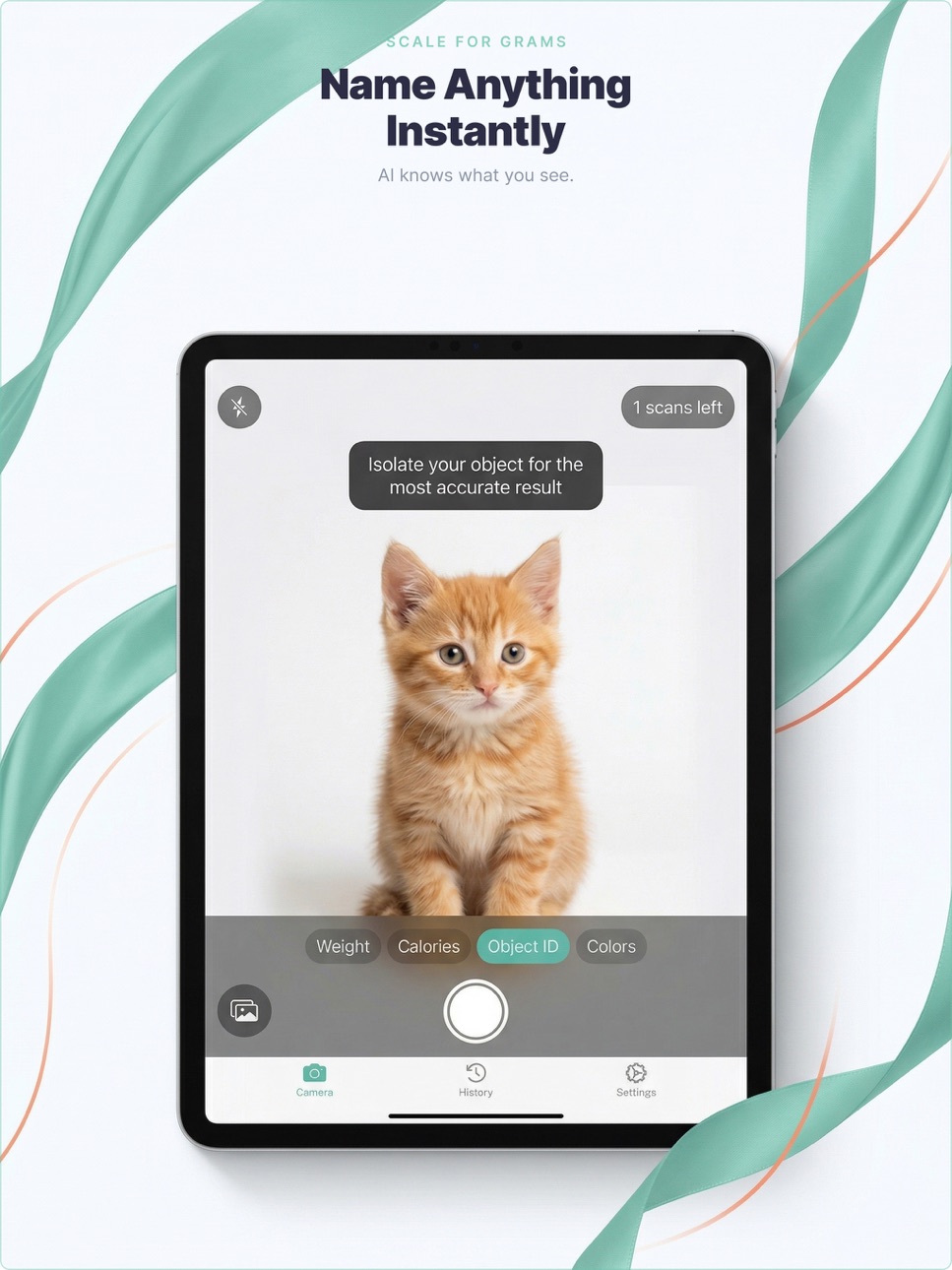
Not sure what something is? Scan it and let AI identify it with a detailed description.
Color Palette
Extract the dominant colors from any photo with exact HEX, RGB, and HSL codes. Great for designers, artists, and anyone who loves color.
Length Measurement
Estimate the dimensions of objects right from your camera.
WHY PEOPLE LOVE IT
- Works instantly: just point, scan, done
- Shows confidence levels so you know how reliable each estimate is
- Supports grams, ounces, pounds, and kilograms
- Beautiful result cards you can share with friends
- Scan history keeps track of everything you have measured
- Light and dark mode
HOW IT WORKS
1. Open the app and pick your scan mode
2. Point your camera at the object (or pick a photo from your gallery)
3. AI analyzes your photo and delivers your result in seconds
START FOR FREE
Try Scale for Grams with 3 free scans. Love it? Unlock unlimited scans with a subscription.
To get full access to the app, you need to purchase an auto-renewal subscription. You can cancel it at any time.
Manage or cancel your subscription in Settings > Apple ID > Subscriptions.
Privacy Policy: https://scaleweight.14x.app/en/privacy
Terms of Use: https://scaleweight.14x.app/en/terms
In-App Purchases US pricing
Scale Pro Plan Subscription
Scale Pro Weekly · 7 days 7-day free trial$3.99
Scale Pro Yearly · Yearly$29.99
Capabilities
In-App Purchases
Accessibility
ipadiphonemacrealityDevicetvoswatch
Version history 2 versions
Build 884113124v1.1.02026-04-05 19:08:26
You can now zoom on your objects !
Build 883636703v1.02026-03-31 12:03:04
Price history by region
Currency
Show
Columns
Search
Availability 3 of 3 storefronts
| Region | Language | Price | Ratings | Avg | Version |
|---|---|---|---|---|---|
 US US | en-US | Free | 1 | 1.0 | 1.1.0 |
 KE KE | en-GB | Free | 0 | — | 1.1.0 |
 NG NG | en-GB | Free | 0 | — | 1.1.0 |
Change log 6 changes · US
✎
releaseNotes updated
You can now zoom on your objects !
✎
description updated
Ever wondered how much something weighs? Just point your camera and find out.
Scale for Grams uses AI to estimate the weight of anything from a single photo. N
✎
subtitle updated
Calorie Counter, Digital Scale
✎
name updated
Scale for Grams: Weight & Food
◆
Version 1.1.0 released
You can now zoom on your objects !
◆
Version 1.0 released