Home › Productivity

 US
US
1 of 1 storefronts
Content in en-US
Content in en-US
Information
Preview 2 platforms
iPhone 7 images




iPad 5 images



What’s New Version 1.0.1
- Auto-Generate Recurring Loops
- Fixed gap: completeSubtask now auto-generates the next recurring loop when all subtasks complete a loop (previously only closeLoop did this)
- Loop Priority Levels:
* Added LoopPriority type (low/medium/high/urgent) with color-coded constants
* Priority picker in AddLoopSheet with flame/arrow icons
* Priority badge on LoopCard with colored pills
* Sorting by priority on home screen (urgent first, then high, medium, low)
* Priority carries over when recurring loops auto-generate
- Quick Add Bar
* New quick-add input bar on home screen with flash icon
* Type a title, hit enter or tap + button to instantly create a loop with defaults
* Haptic feedback on creation
- Due Date Reminders
* New scheduleDueDateReminders() function in notifications.ts
* Sends targeted notifications for overdue, due-today, and due-tomorrow loops
* Auto-scheduled via useEffect in LoopProvider whenever loops or notification settings change
* Only fires when notifications are enabled
Description
Close The Loop — Task Circles That Actually Close
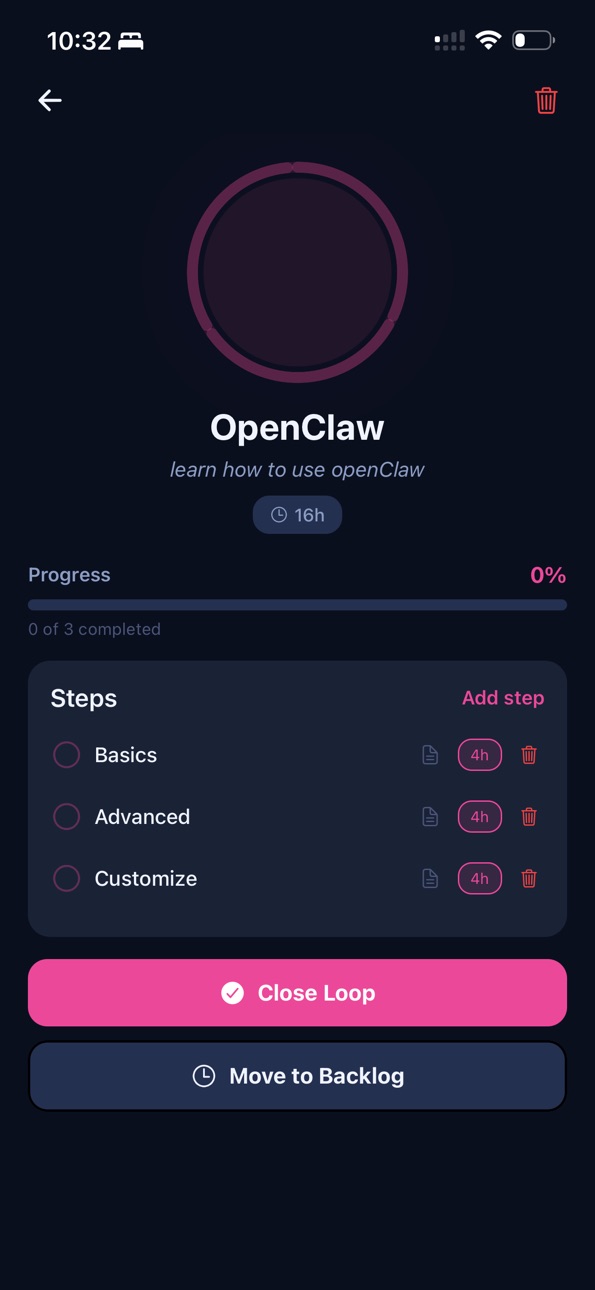
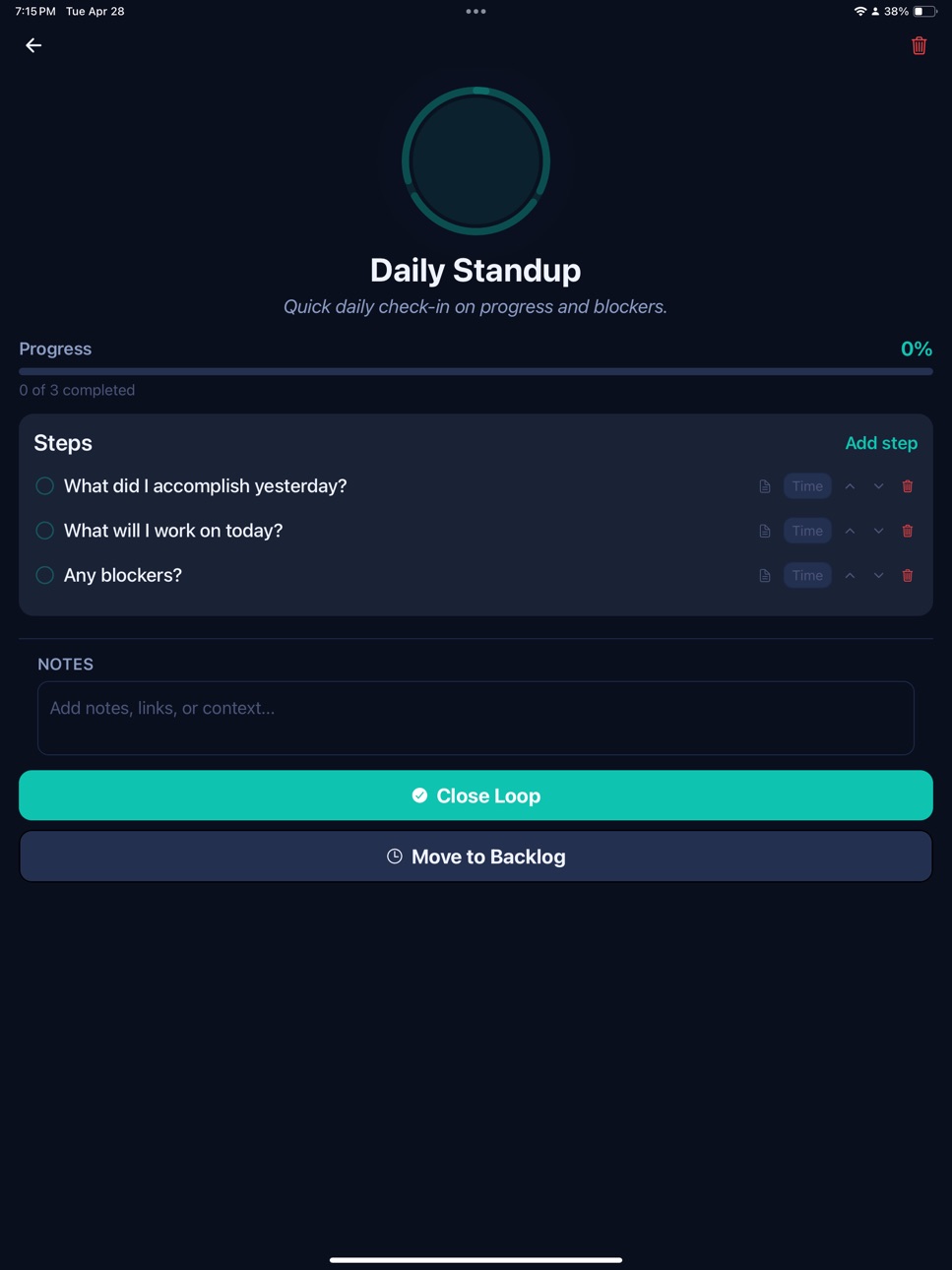
Most task apps give you a list. Close The Loop gives you a picture. Every goal becomes an animated circle that fills in as you complete the steps inside it — and snaps shut the moment you're done.
See your momentum, not just your backlog.
Each loop shows exactly how much is left. Subtasks animate into place as you check them off, giving you the satisfying visual proof that you're making real progress — not just moving items around.
Know your capacity before you overcommit.
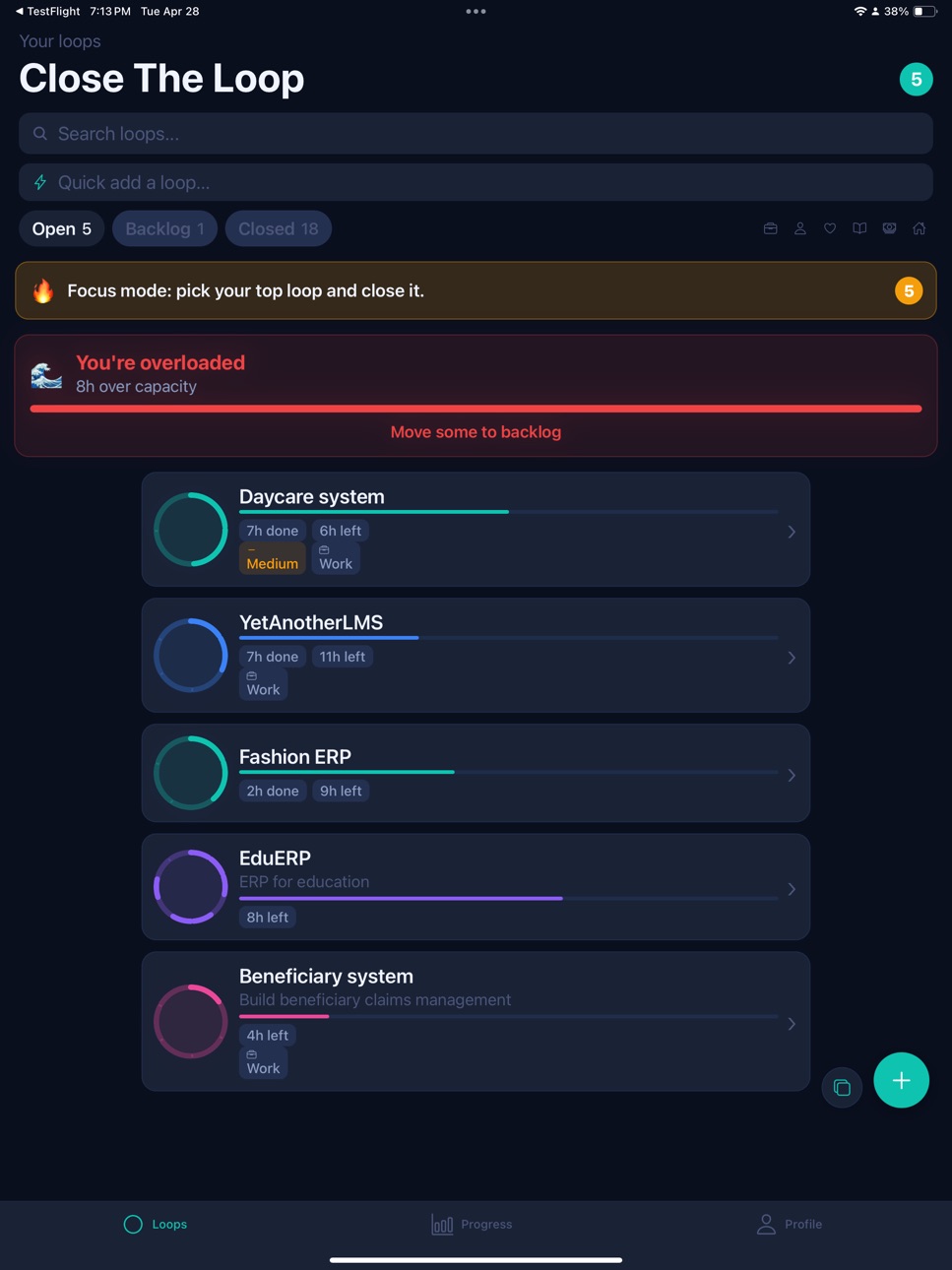
Set your weekly hour budget, then watch Close The Loop flag you when your open loops are pushing past it. Every subtask carries a time estimate, and the app totals it up so you can plan honestly instead of optimistically.
One place for now, next, and someday.
Active loops live on your home screen. Loops you're not ready for yet go to the Backlog — out of the way, but never forgotten. When the time is right, move them to open with a tap.
Built for how you actually work.
Animated loop rings that fill as subtasks complete
Per-subtask time estimates with a live capacity bar
Backlog stage to park work without losing it
Daily push notification reminders at the hour you choose
Full dark and light mode, switching automatically with your system
Avatar and profile personalization
Analytics dashboard showing completion streaks and trends
Multi-device sync — start on one phone, pick up on another
Free for 30 days. Then just $1.99/month.
Everything is included in the trial — no feature gates, no artificial limits. After 30 days, keep full access for less than a coffee a month.
License: Standard end-user license agreement as described by Apple and Google (the "Standard EULA" terms specified by Apple apply in addition to these Terms for App Store users) https://www.apple.com/legal/internet-services/itunes/dev/stdeula/.
Terms: https://closetheloops.laladynamics.com/terms
In-App Purchases US pricing
Monthly Premium Subscription Subscription
Close The Loop Premium · Monthly 1-month free trial$1.99
Capabilities
In-App Purchases
Accessibility
ipadiphonemacrealityDevicetvoswatch
Version history 2 versions
Build 884341364v1.0.12026-05-08 08:54:14
- Auto-Generate Recurring Loops
- Fixed gap: completeSubtask now auto-generates the next recurring loop when all subtasks complete a loop (previously only closeLoop did this)
- Loop Priority Levels:
* Added LoopPriority type (low/medium/high/urgent) with color-coded constants
* Priority picker in AddLoopSheet with flame/arrow icons
* Priority badge on LoopCard with colored pills
* Sorting by priority on home screen (urgent first, then high, medium, low)
* Priority carries over when recurring loops auto-generate
- Quick Add Bar
* New quick-add input bar on home screen with flash icon
* Type a title, hit enter or tap + button to instantly create a loop with defaults
* Haptic feedback on creation
- Due Date Reminders
* New scheduleDueDateReminders() function in notifications.ts
* Sends targeted notifications for overdue, due-today, and due-tomorrow loops
* Auto-scheduled via useEffect in LoopProvider whenever loops or notification settings change
* Only fires when notifications are enabled
Build 883636386v1.02026-04-06 16:59:00
Price history by region
Currency
Show
Columns
Search
Availability 1 of 1 storefronts
| Region | Language | Price | Ratings | Avg | Version |
|---|---|---|---|---|---|
| US | en-US | Free | 0 | — | 1.0.1 |
Change log 6 changes · US
✎
releaseNotes updated
- Auto-Generate Recurring Loops
- Fixed gap: completeSubtask now auto-generates the next recurring loop when all subtasks complete a loop (previously only close
✎
description updated
Close The Loop — Task Circles That Actually Close
Most task apps give you a list. Close The Loop gives you a picture. Every goal becomes an animated circle tha
✎
subtitle updated
Close tasks not just scroll
✎
name updated
Close The Loops
◆
Version 1.0.1 released
- Auto-Generate Recurring Loops
- Fixed gap: completeSubtask now auto-generates the next recurring loop when all subtasks complete a loop (previously only closeLoop did this)
- Loop Priority Levels:
* Added LoopPriority type (low/medium/hi
◆
Version 1.0 released