Home › Photo & Video

 US
US
1 of 1 storefronts
Content in en-US
Content in en-US
Information
Apple ID6760841519
Bundle IDcom.apuze.converter
SellerSeller
Min iOS17.0
Min macOS14.0
Device familiesiphone, ipad
Released2026-03-30
Copyright© 2026 Apuze
Privacy policyLink ↗
Preview 2 platforms
iPhone 10 images


iPad 10 images



What’s New Version 1.4.4
What's new:
• Better layout and support for larger text sizes
• Bug fixes and performance improvements
Description
That video too big to send on WhatsApp? Photos eating up your storage? Need to merge PDFs before a deadline?
You shouldn't have to upload your personal files to some random website just to shrink them. With Compressor, everything happens right on your iPhone or iPad — no internet needed, no accounts, no ads. Your files never leave your device.
HOW IT WORKS
1. Pick your files — photos, videos, or PDFs
2. Choose what you need — compress, convert, merge, or more
3. Done — save or share your results instantly
That's it. No waiting for uploads. No wondering who else can see your files.
COMPRESS WITHOUT LOSING QUALITY
Shrink videos from hundreds of megabytes to just a few — perfect for WhatsApp, email, or freeing up storage. Compress photos and PDFs too, with full control over quality. Choose from presets like WhatsApp (16 MB), Email (25 MB), or set your own target size.
CONVERT ANY FORMAT
HEIC photos others can't open? MOV videos that won't play on every device? Convert between JPEG, PNG, WebP, HEIC, MP4, MOV, M4A, and WAV — all in seconds.
PDF TOOLS YOU'LL ACTUALLY USE
Merge multiple PDFs into one. Split pages out. Compress oversized PDFs. Create PDFs from photos. No more hunting for a website to do a simple PDF task.
MORE THAN JUST A COMPRESSOR
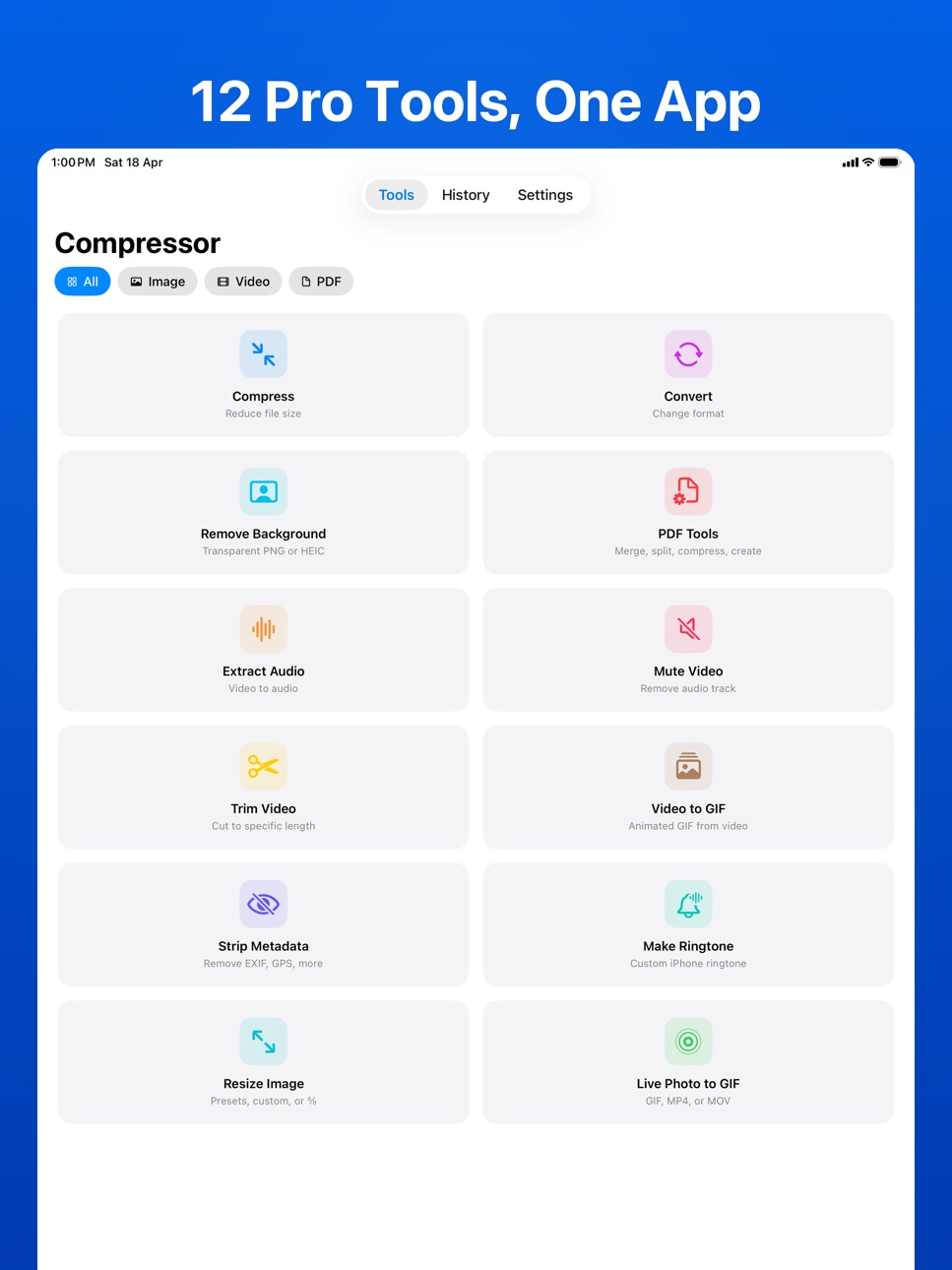
• Remove backgrounds from photos — clean cutouts in one tap
• Resize images for Instagram, Facebook, passport photos, or any custom size
• Trim videos to the exact clip you need
• Turn videos or Live Photos into GIFs
• Make custom iPhone ringtones from any video or audio
• Extract audio from videos
• Mute videos — remove sound without re-encoding
• Strip metadata for privacy before sharing
BATCH PROCESSING
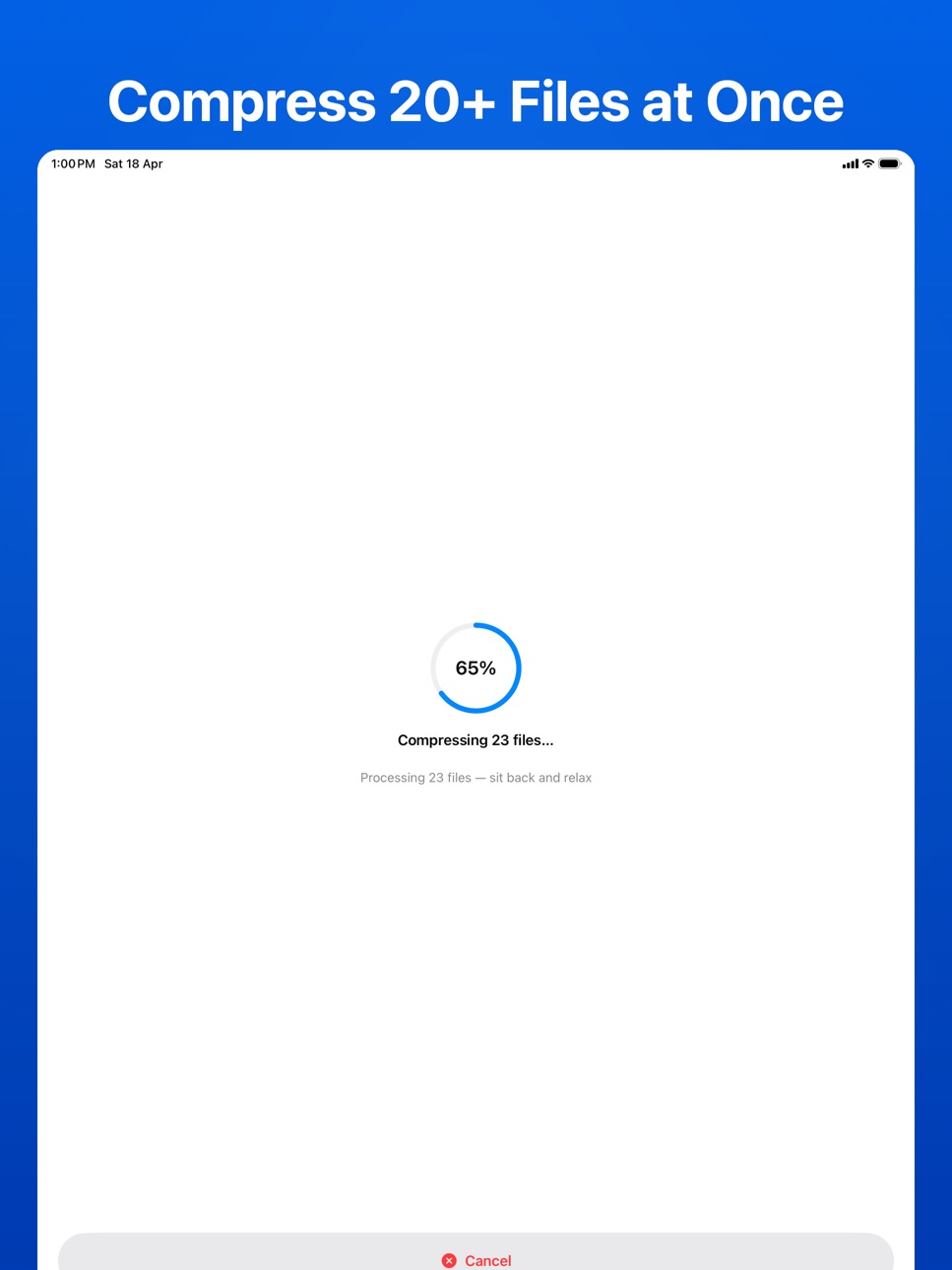
Select multiple files at once. Compress 20 photos in one go instead of one by one. Your time matters.
BUILT FOR YOUR PRIVACY
• No internet connection required — ever
• No cloud uploads — files stay on your device
• No account or sign-up needed
• No ads
• No data collection or tracking
Free to use with 2 conversions per day. Upgrade to Pro for unlimited access — one-time purchase, no subscriptions.
In-App Purchases US pricing
Compressor Pro Subscription
Pro Monthly · Monthly$0.99
Pro Annual · Yearly$4.99
One-Time Purchases
Pro Lifetime$9.99
Capabilities
In-App Purchases
Accessibility
ipadiphonemacrealityDevicetvoswatch
Version history 7 versions
Build 887365720v1.4.42026-06-24 15:23:44
What's new:
• Better layout and support for larger text sizes
• Bug fixes and performance improvements
Build 885206270v1.4.32026-05-28 15:55:30
What's new:
• Fixed metadata being stripped during video compression and conversion
• Bug fixes and performance improvements
Build 884478631v1.4.22026-04-21 13:12:07
What's new:
• History — search, filter by category, sort options, and date sections
• Numerous stability and performance improvements
Build 884118701v1.4.02026-04-07 02:26:06
Mute Video Overhaul
Detects videos without audio before processing. Play icon preview. Accurate result counts — skips files with no audio.
Extract Audio Improvements
Audio detection, duration badges, estimated output size, inline format picker with bitrate/sample rate descriptions.
Background Remover Polish
Pinch-to-zoom in preview and mask refinement. Paint/Move toggle for precise editing. Brush alignment fix. Reset all strokes button. WebP output with transparency.
GIF Improvements
Speed changes now work reliably on all platforms. Speed slider visible immediately.
Bug Fixes
Build 884072209v1.3.02026-04-03 19:04:24
WebP Output
Convert, compress, and resize images to WebP — smaller files with great quality.
Trim Video Redesign
Live frame preview, full-screen playback preview, estimated file size, audio removal, and MP4/MOV export.
Smarter Saving
Files auto-save after every conversion. Organized folders by default. Clear alerts when Photos access is needed.
GIF Improvements
Speed changes now work reliably on all platforms.
Bug Fixes
Build 883941869v1.2.02026-04-01 19:59:35
New Tools
• Resize Image — Presets, custom dimensions, percentage scaling
• Trim Video — Lossless or precise trimming with filmstrip timeline
• Video to GIF — Animated GIFs with speed control, trim, and quality options
Improvements
• Split PDF redesigned — cleaner, focused page selection
• Ringtone naming and iOS 26 share sheet support
• Cleaner output filenames
• Bug fixes and performance improvements
Build 883553839v1.02026-03-30 14:25:10
Price history by region
Currency
Show
Columns
Search
Availability 1 of 1 storefronts
| Region | Language | Price | Ratings | Avg | Version |
|---|---|---|---|---|---|
| US | en-US | Free | 3 | 5.0 | 1.4.4 |
Change log 11 changes · US
✎
releaseNotes updated
What's new:
• Better layout and support for larger text sizes
• Bug fixes and performance improvements
✎
description updated
That video too big to send on WhatsApp? Photos eating up your storage? Need to merge PDFs before a deadline?
You shouldn't have to upload your personal files t
✎
subtitle updated
Shrink PDF, Resize & Convert
✎
name updated
Lessr: Photo Video Compressor
◆
Version 1.4.4 released
What's new:
• Better layout and support for larger text sizes
• Bug fixes and performance improvements
◆
Version 1.4.3 released
What's new:
• Fixed metadata being stripped during video compression and conversion
• Bug fixes and performance improvements
◆
Version 1.4.2 released
What's new:
• History — search, filter by category, sort options, and date sections
• Numerous stability and performance improvements
◆
Version 1.4.0 released
Mute Video Overhaul
Detects videos without audio before processing. Play icon preview. Accurate result counts — skips files with no audio.
Extract Audio Improvements
Audio detection, duration badges, estimated output size, inline format pi
◆
Version 1.3.0 released
WebP Output
Convert, compress, and resize images to WebP — smaller files with great quality.
Trim Video Redesign
Live frame preview, full-screen playback preview, estimated file size, audio removal, and MP4/MOV export.
Smarter Saving
◆
Version 1.2.0 released
New Tools
• Resize Image — Presets, custom dimensions, percentage scaling
• Trim Video — Lossless or precise trimming with filmstrip timeline
• Video to GIF — Animated GIFs with speed control, trim, and quality options
Improvements
◆
Version 1.0 released