Home › Utilities

 US
US
1 of 1 storefronts
Content in en-US
Content in en-US
Information
Preview 2 platforms
iPhone 4 images

iPad 4 images



What’s New Version 1.4.8
Add transfer notification bar to display transfer progress
Automatically copy received text to clipboard
Description
Cross-device file transfer, straight to your devices.
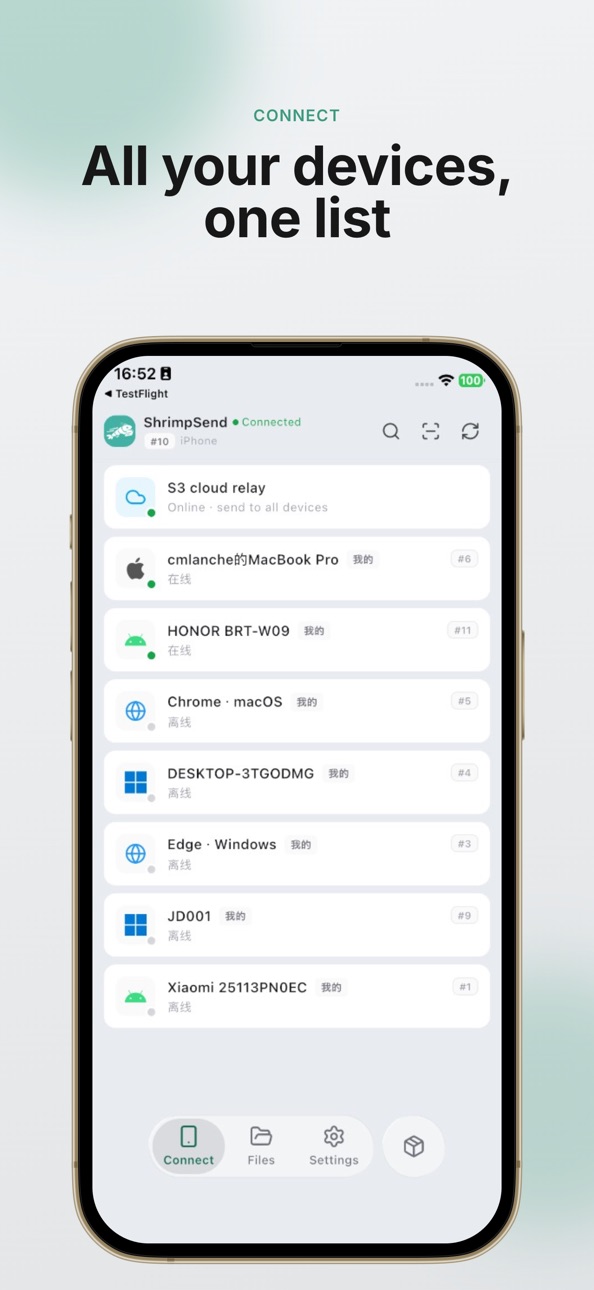
ShrimpSend turns your phone, laptop, desktop, and browser into one device-to-device conversation. Drop in text, clipboard snippets, photos, videos, folders, or large files, choose where they should go, and keep moving. No public link to create. No chat thread to clean up. Just send once and reach the device you need.
WHY SHRIMPSEND
• Built for your own devices — move daily work between phone, computer, and browser
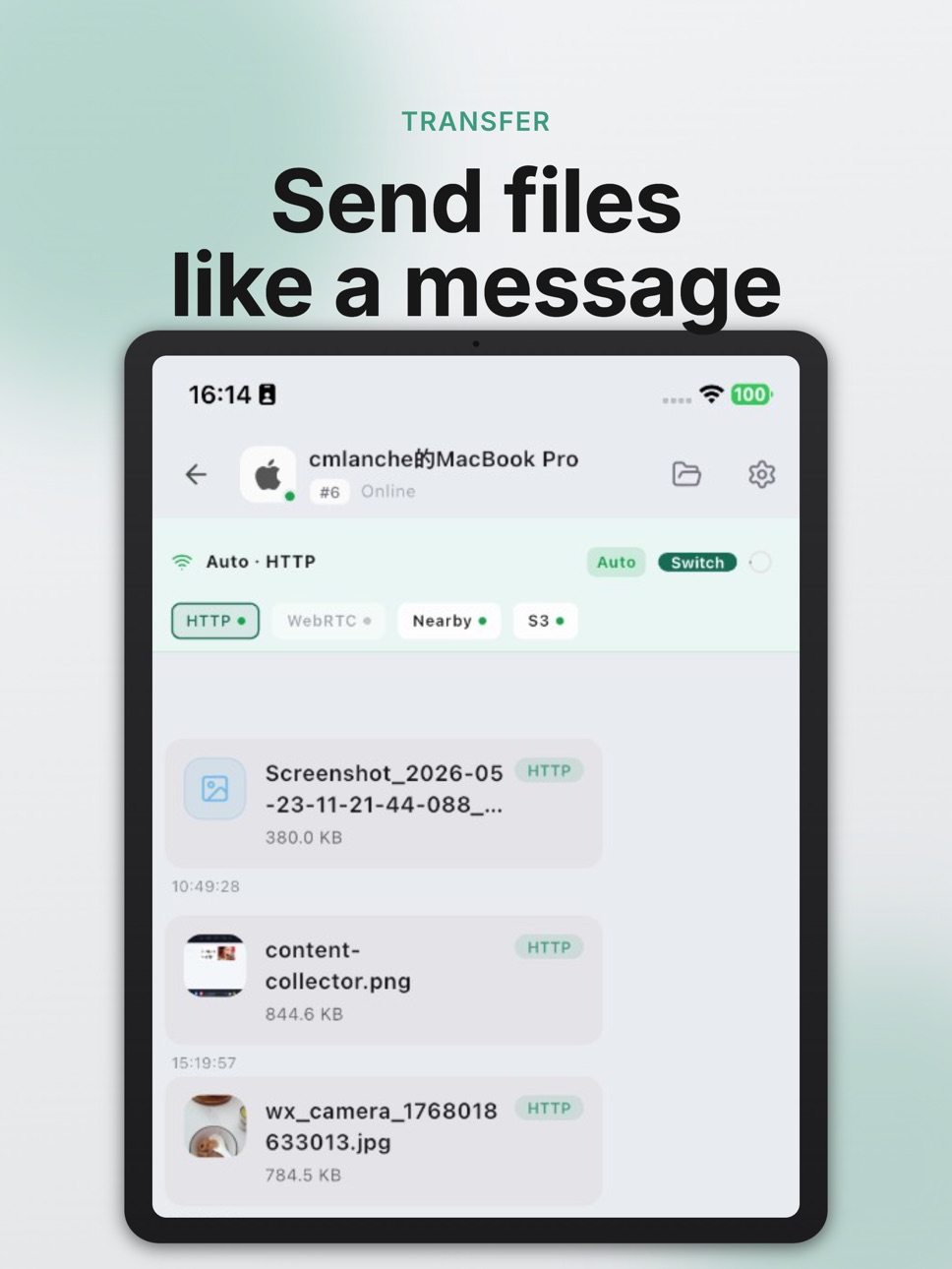
• LAN-first by design — use direct LAN / WebRTC paths on the same network when available
• Big-file friendly — native apps can resume interrupted transfers instead of starting over
• One flow for everything — text, media, documents, and large files live in the same device session
• Web when you need it — sign in to bring a browser into your device list
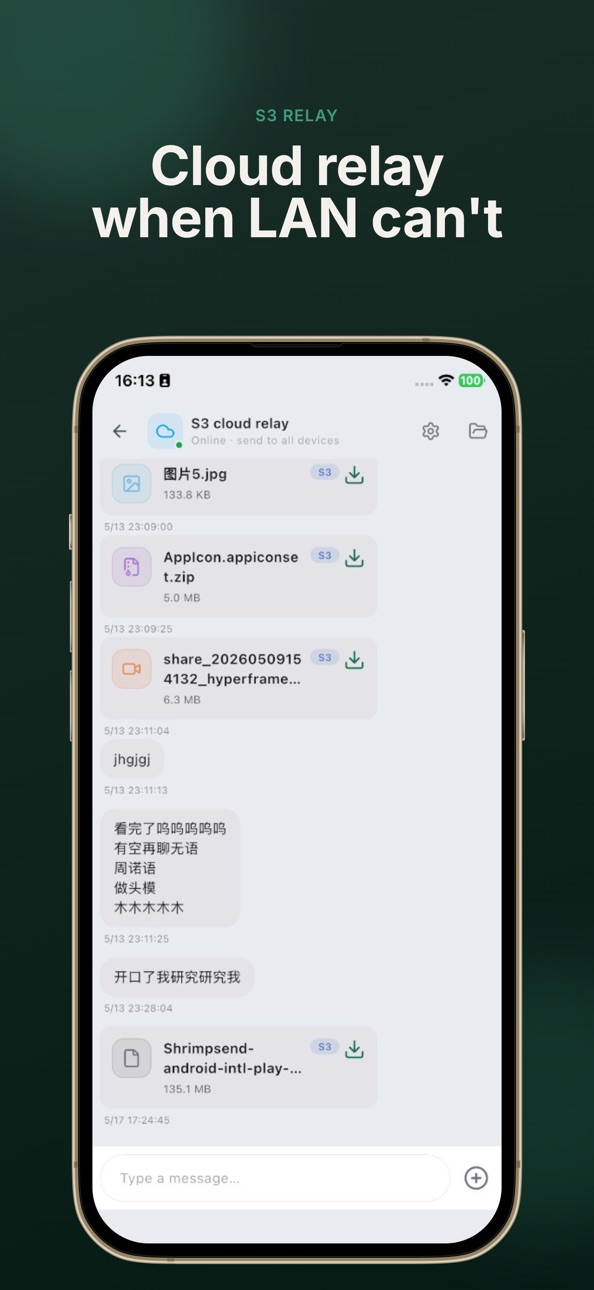
• Reliable fallback — use hosted storage or your own S3-compatible bucket when direct paths are not available
HOW IT FEELS
Open ShrimpSend, pick a target device, and send. Screenshots arrive on your laptop. A video lands on your desktop. A note from your browser shows up on your phone. Large files can prefer the local network, while cross-network delivery still has a fallback path.
LAN & SIGN-IN
On the same Wi-Fi, native apps can discover each other with mDNS without signing in. Sign in to sync devices, add web participation, and use server-assisted path setup for stricter firewall or NAT environments.
MEMBERSHIP (OPTIONAL)
Start free. Paid plans add more devices and hosted upload quota. Subscriptions are managed through the App Store and can be canceled anytime in Settings → Apple ID → Subscriptions.
Learn more: https://shrimpsend.com/en
Privacy: https://shrimpsend.com/en/docs/privacy
Capabilities
In-App Purchases
Accessibility
ipadiphonemacrealityDevicetvoswatch
Version history 6 versions
Build 887076742v1.4.82026-06-17 17:44:24
Add transfer notification bar to display transfer progress
Automatically copy received text to clipboard
Build 886817874v1.4.72026-06-12 13:31:35
- iOS 26 Native Liquid Glass navigation support
- Fixed: unable to send text messages to external devices when logged in
- Stronger encryption with a unique per-user encryption key
- Private data in S3 is now encrypted
Build 886667961v1.4.62026-06-08 19:15:44
lots of update
Build 886362691v1.4.02026-06-01 16:36:07
1. fix unable share files to shrimpsend
2. fix file save strategy
Build 886315640v1.3.62026-05-30 17:45:16
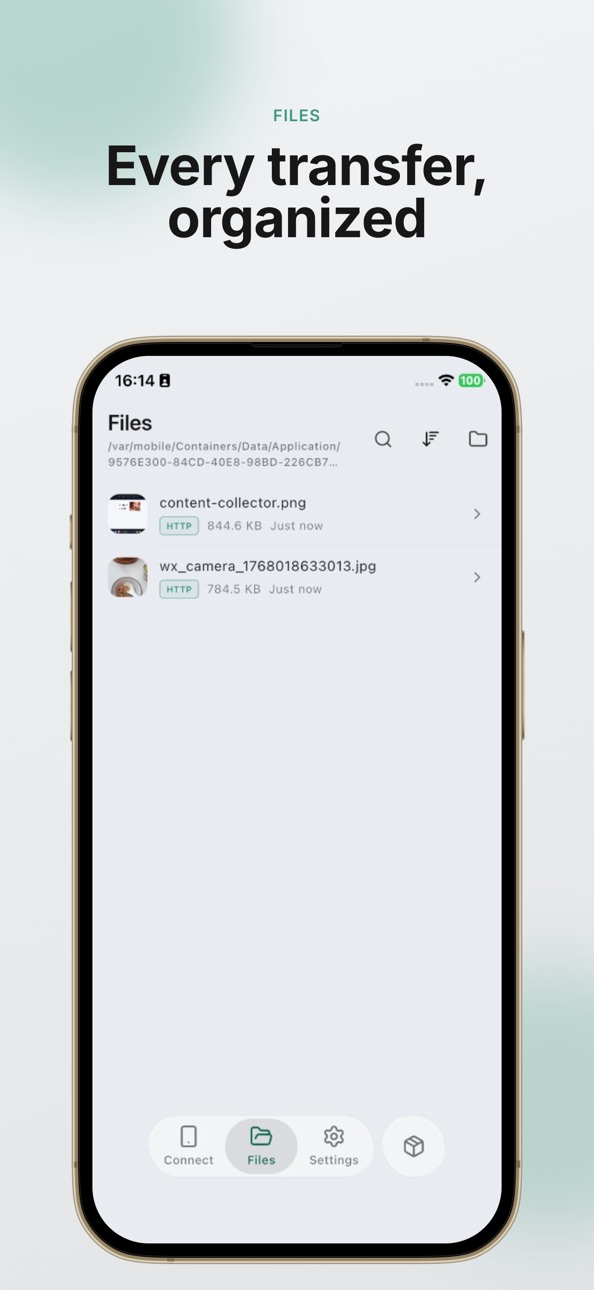
1. Refactored file storage for a smoother experience—files are saved where you expect them.
2. Added quick actions to the file preview screen.
3. New Save As option to copy files to another folder.
4. Removed the duplicate-name overwrite setting; naming conflicts are handled automatically.
Build 883534808v1.3.32026-05-28 08:38:39
No pricing data captured yet — comparisons appear once the app has paid storefronts or in-app purchases.
Availability 1 of 1 storefronts
| Region | Language | Price | Ratings | Avg | Version |
|---|---|---|---|---|---|
| US | en-US | Free | 0 | — | 1.4.8 |
Change log 10 changes · US
✎
releaseNotes updated
Add transfer notification bar to display transfer progress
Automatically copy received text to clipboard
✎
description updated
Cross-device file transfer, straight to your devices.
ShrimpSend turns your phone, laptop, desktop, and browser into one device-to-device conversation. Drop in
✎
subtitle updated
Fast & Reliable File Transfer
✎
name updated
ShrimpSend-Fast File Transfer
◆
Version 1.4.8 released
Add transfer notification bar to display transfer progress
Automatically copy received text to clipboard
◆
Version 1.4.7 released
- iOS 26 Native Liquid Glass navigation support
- Fixed: unable to send text messages to external devices when logged in
- Stronger encryption with a unique per-user encryption key
- Private data in S3 is now encrypted
◆
Version 1.4.6 released
lots of update
◆
Version 1.4.0 released
1. fix unable share files to shrimpsend
2. fix file save strategy
◆
Version 1.3.6 released
1. Refactored file storage for a smoother experience—files are saved where you expect them.
2. Added quick actions to the file preview screen.
3. New Save As option to copy files to another folder.
4. Removed the duplicate-name overwrite se
◆
Version 1.3.3 released