Home › Utilities

 US
US
1 of 1 storefronts
Content in en-US
Content in en-US
Information
Preview 2 platforms
iPhone 5 images


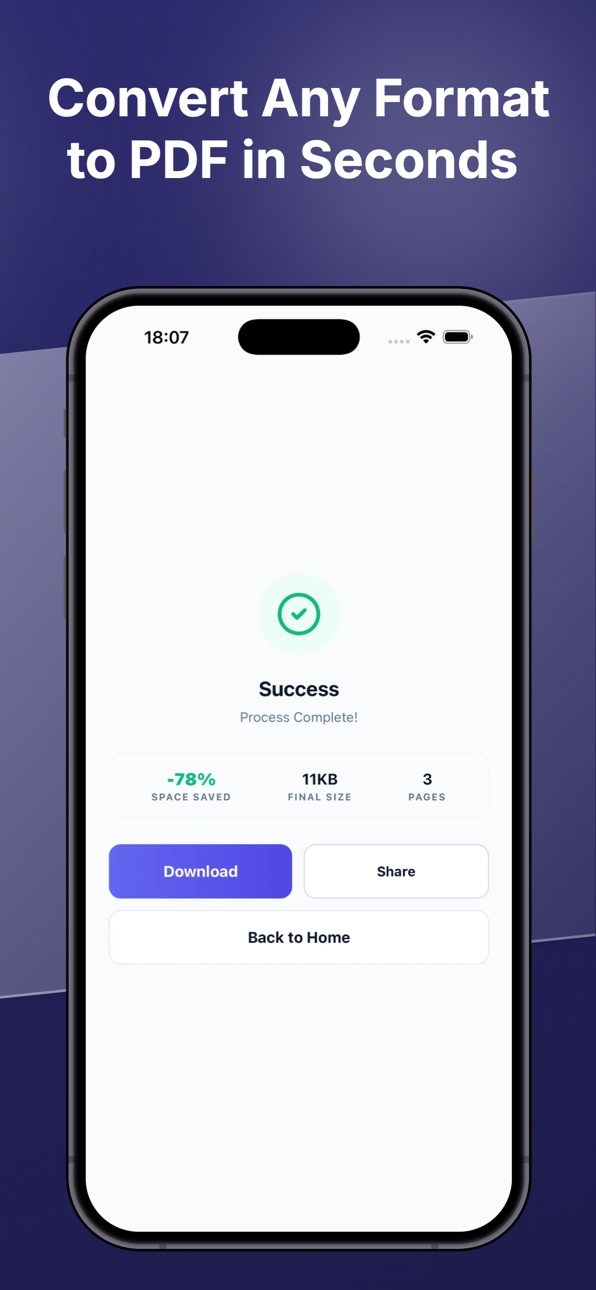
iPad 5 images


Description
One App for All Your PDF Needs!
PDF Master is your comprehensive all-in-one toolkit for editing, converting, scanning, and signing PDF documents. Whether you’re a student or a professional, bring desktop-class PDF power to your pocket!
WHY PDF MASTER?
● Advanced Editor: Edit text, crop images, rotate pages, or add page numbers with ease. ● Fast Converter: Instantly convert PDF to Word, Excel, PowerPoint, and JPG—or vice-versa. ● Smart Scanner (OCR): Turn paper documents into high-quality PDFs with Text Recognition (OCR). ● Fill & Sign: Sign documents with your fingertip, add stamps, or fill out forms on the go. ● Security & Privacy: Protect your PDFs with passwords or safely remove them when needed. ● File Management: Merge multiple PDFs, split large files, or compress them to save space.
CORE FEATURES:
Merge & Split PDF
Password Protect & Unlock PDF
PDF to Office (Word, PPT, Excel)
Image to PDF (JPG to PDF)
Document Scanner & OCR Text Recognition
Digital Signatures & Watermarks
Page Numbering & Organization (Crop, Rotate, Delete)
Repair Damaged PDF Files
Solve complex PDF tasks in seconds with PDF Master. Subscribe for unlimited access, or simply watch a short ad to unlock premium tools for free!
Eula: https://www.apple.com/legal/internet-services/itunes/dev/stdeula/
In-App Purchases US pricing
Pro Subscription Group Subscription
Weekly · 7 days$4.99
Yearly · Yearly 3-day free trial$29.99
One-Time Purchases
Lifetime Pro Unlock$59.99
Capabilities
In-App Purchases
Accessibility
ipadiphonemacrealityDevicetvoswatch
Version history 1 versions
Build 883412613v1.02026-03-23 06:21:32
Price history by region
Currency
Show
Columns
Search
Availability 1 of 1 storefronts
| Region | Language | Price | Ratings | Avg | Version |
|---|---|---|---|---|---|
| US | en-US | Free | 0 | — | 1.0 |
Change log 4 changes · US
✎
description updated
One App for All Your PDF Needs!
PDF Master is your comprehensive all-in-one toolkit for editing, converting, scanning, and signing PDF documents. Whether you’re
✎
subtitle updated
Edit, Sign, Scan & Convert
✎
name updated
PDF Master: Edit, Sign & Scan
◆
Version 1.0 released