Home › Utilities

 US
US
1 of 1 storefronts
Content in en-US
Content in en-US
Information
Preview 2 platforms
iPhone 10 images




iPad 4 images


What’s New Version 1.1.5
Minor bug fixes and SDK updates.
Description
GeoMeasure - GPS & AR Measurement Toolkit
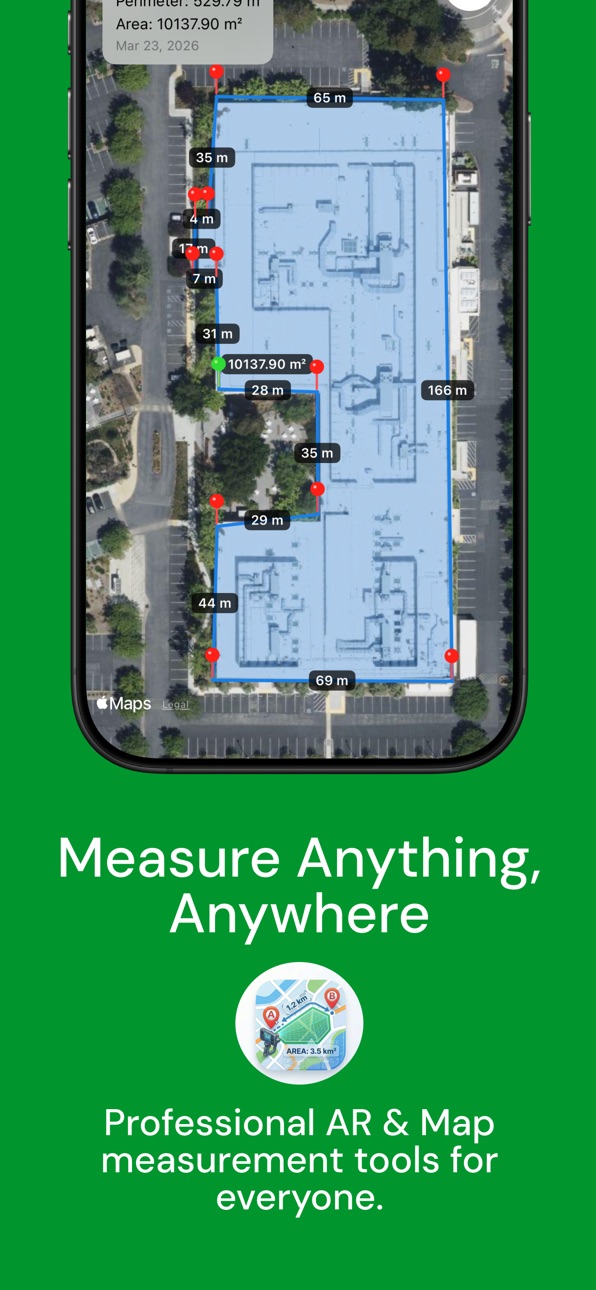
GeoMeasure is the ultimate professional tool for accurate measurement of areas, distances, volumes, and perimeters. Whether you are a land surveyor, a farmer measuring crops, an outdoor enthusiast, or simply someone measuring room dimensions at home, GeoMeasure provides high-precision results with a sleek, intuitive interface through both GPS Maps and Augmented Reality (AR).
Key Features:
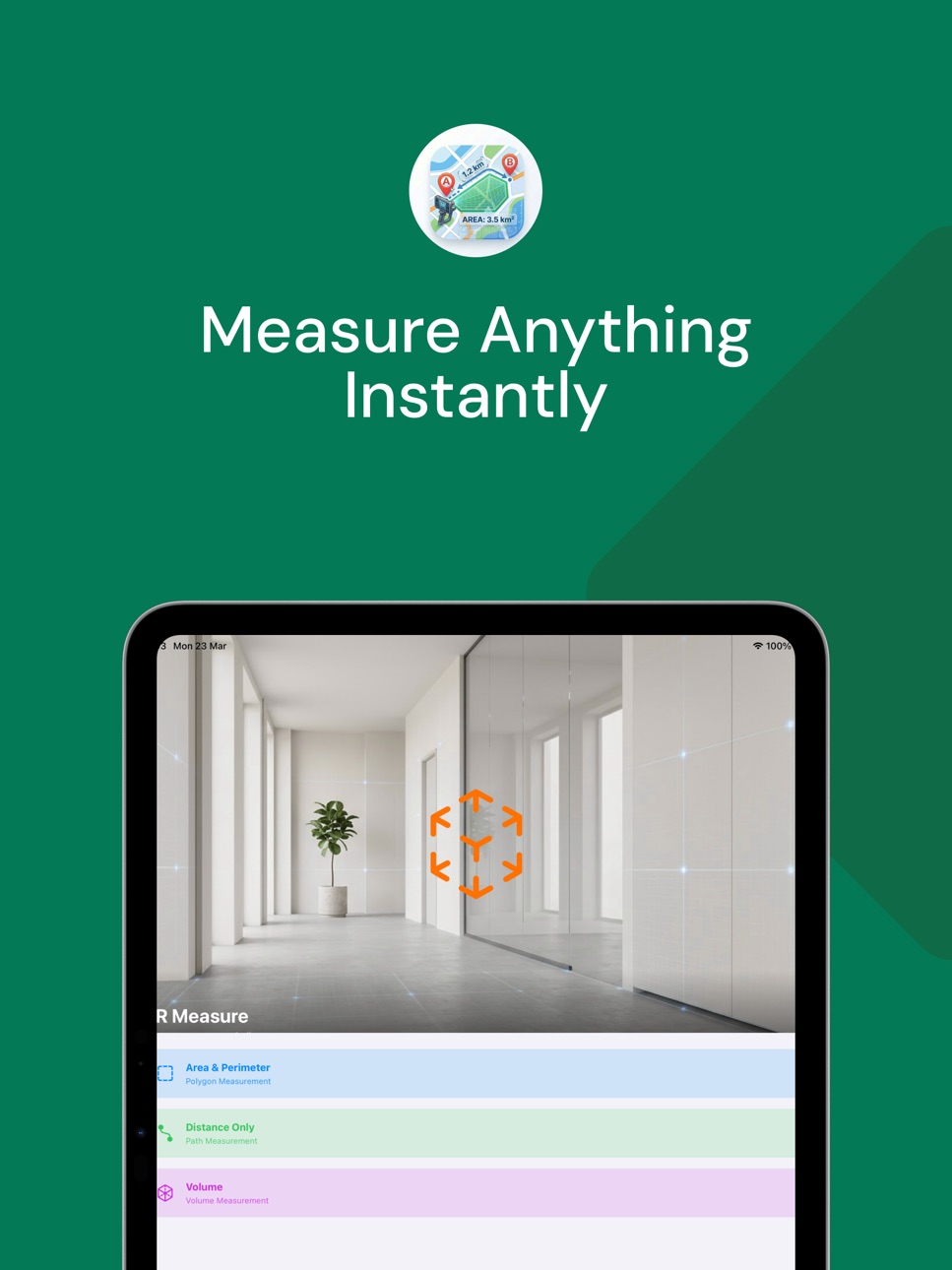
- Powerful AR Measurement (New): Transform your device into a virtual tape measure! Instantly measure straight distances, 2D floor areas, or even extract full 3D volumes (prisms) using cutting-edge ARKit technology.
- Save AR Snapshots: Seamlessly save your AR measurements with stunning 3D wireframes and metric labels right into your history.
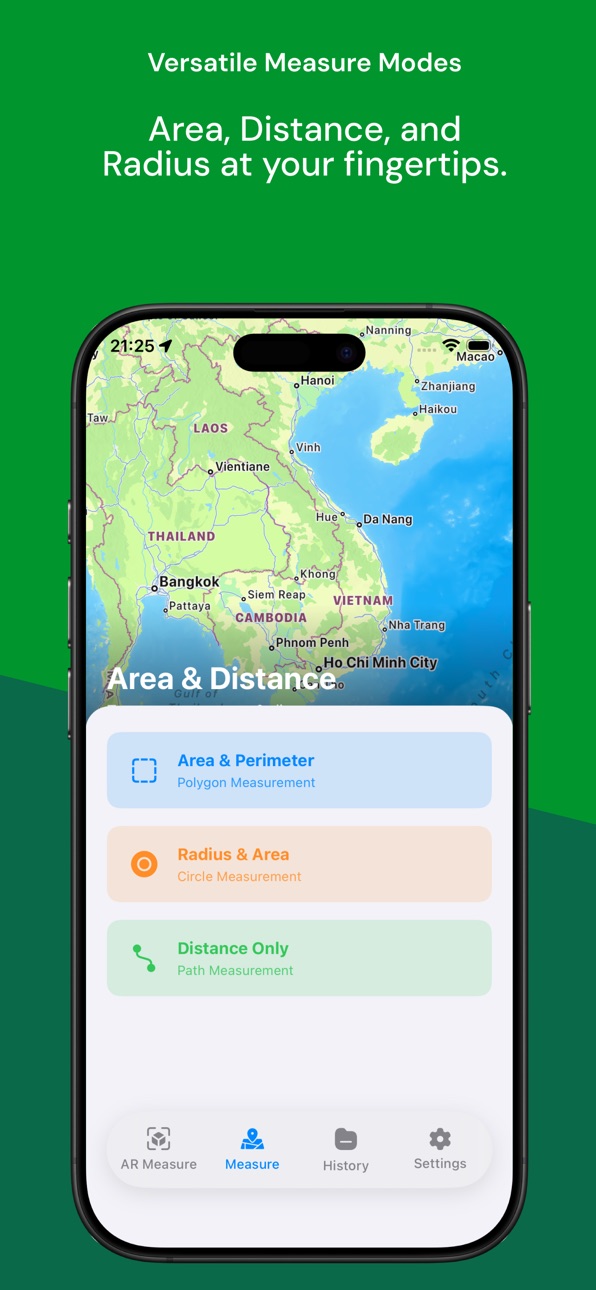
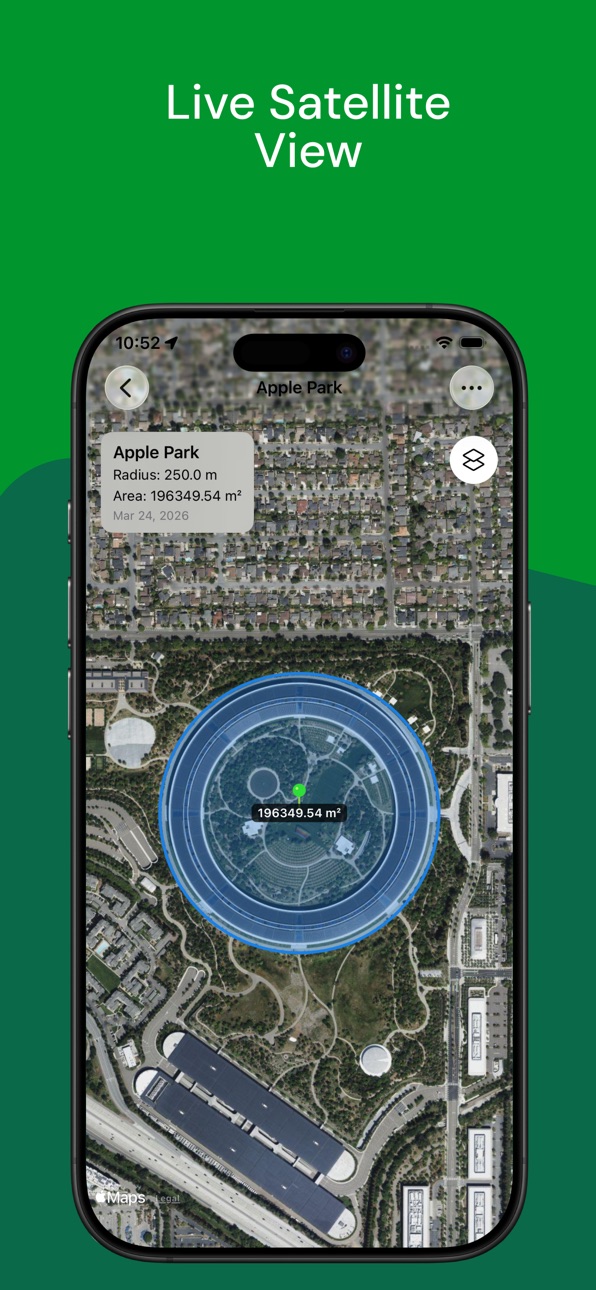
- Multiple Map Modes: Accurately measure map areas and perimeters via Polygon, calculate radius with Circle mode, or track distance along a specific Path.
- High Precision: Built on advanced MapKit and ARKit technology to ensure professional-grade accuracy in both giant fields and tight interior spaces.
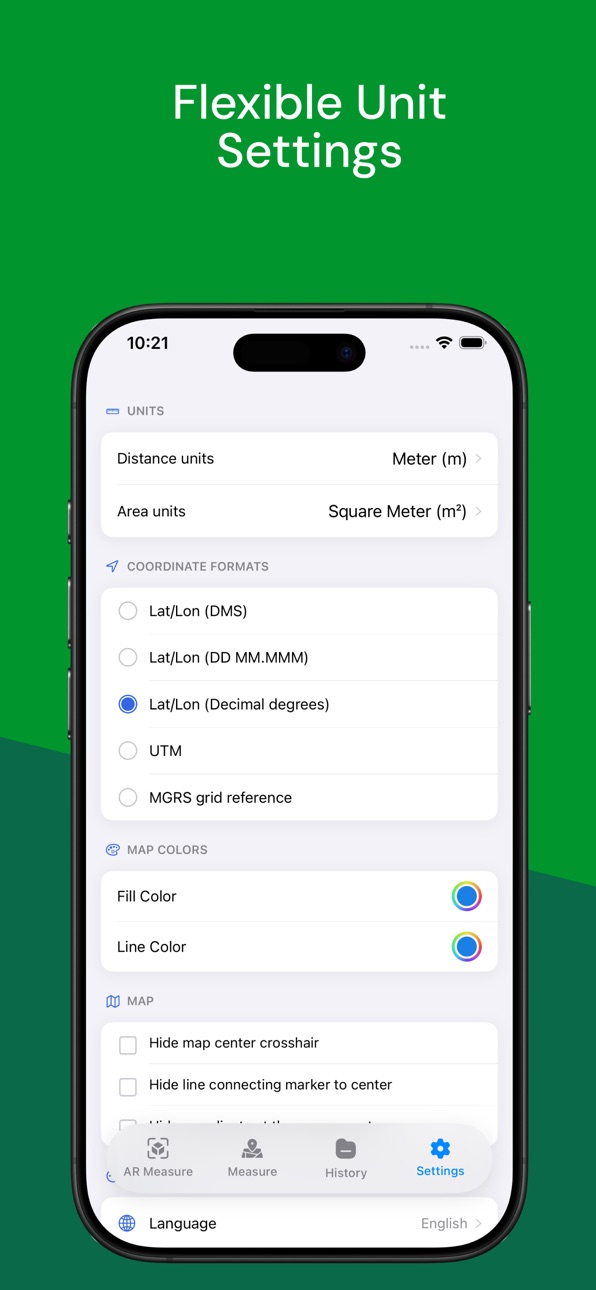
- Flexible Units: Quickly switch between Metric (m, km, ha, m², m³) and Imperial (ft, yd, mile, acre, sq ft) units. Smart formatting ensures small measurements automatically adapt to cm or cm³.
- Professional Export: Keep all your sessions beautifully organized in History (segmented by Map and AR). Save and export your measurements to PDF for reports and sharing.
- Global Support: Fully localized in 15 languages, including English and Vietnamese.
Simplify your field work, interior planning, and daily measuring tasks with GeoMeasure—your all-in-one dimensional toolkit.
In-App Purchases US pricing
Premium Subscription
GeoMeasure Premium · Yearly$19.99
GeoMeasure Premium - Monthly · Monthly$4.99
GeoMeasure Premium - Weekly · 7 days$1.99
Capabilities
In-App Purchases
Accessibility
ipadiphonemacrealityDevicetvoswatch
Version history 7 versions
Build 887480876v1.1.52026-07-01 20:27:19
Minor bug fixes and SDK updates.
Build 885310371v1.1.42026-05-06 16:26:52
- Remove duplictae flow open app
- improve UX
Build 884395417v1.1.32026-04-11 17:43:21
fix minor bugs
Build 884108758v1.1.22026-04-04 01:02:23
update ads id and fix minor bug
Build 883701901v1.1.12026-03-27 01:52:32
- Add IAP
- Update screenshot
- Fix minor bug
Build 883633163v1.1.02026-03-24 10:25:51
This update brings massive upgrades to our AR Measurement capabilities and significantly improves your history management!
New Features:
• AR Volume Measurement: Taking AR tools to the next level! You can now measure the real-world volume of any box or space. Simply draw the base area and lift your device to set the height. A stunning 3D wireframe will instantly calculate the volume logic for you.
• Save AR Measurements: You asked, we listened! You can now press 'Save' after an AR measurement to capture a 3D snapshot of your surroundings complete with floating metric labels.
• Redesigned AR Landing Menu: We've unified all 3 modes (Distance, Area, Volume) directly onto the AR entry screen so you can start measuring faster than ever.
Improvements & Bug Fixes:
• Upgraded History Tab: Reorganized the History screen with a segmented control to help you seamlessly filter between Map-based and AR-based measurements.
• New AR Detail View: Added a custom, stunning detail card layout just for your saved AR snapshots and dimension metrics.
• Smart Metric Formatting: Small values (under $1m$) intuitively fallback to precise $cm, cm^2,$ or $cm^3$ scaling instead of truncating to zero, ensuring perfect accuracy.
• Squashed various bugs and improved AR real-time rendering performance.
Thank you for using Measure Map! If you enjoy these new features, please consider leaving us a review on the App Store.
Build 883145370v1.0.02026-03-20 15:38:03
Price history by region
Currency
Show
Columns
Search
Availability 1 of 1 storefronts
| Region | Language | Price | Ratings | Avg | Version |
|---|---|---|---|---|---|
| US | en-US | Free | 1 | 5.0 | 1.1.5 |
Change log 11 changes · US
✎
releaseNotes updated
Minor bug fixes and SDK updates.
✎
description updated
GeoMeasure - GPS & AR Measurement Toolkit
GeoMeasure is the ultimate professional tool for accurate measurement of areas, distances, volumes, and perimeters. W
✎
subtitle updated
Calculate GPS Area & 3D Volume
✎
name updated
GeoMeasure - GPS & AR Ruler
◆
Version 1.1.5 released
Minor bug fixes and SDK updates.
◆
Version 1.1.4 released
- Remove duplictae flow open app
- improve UX
◆
Version 1.1.3 released
fix minor bugs
◆
Version 1.1.2 released
update ads id and fix minor bug
◆
Version 1.1.1 released
- Add IAP
- Update screenshot
- Fix minor bug
◆
Version 1.1.0 released
This update brings massive upgrades to our AR Measurement capabilities and significantly improves your history management!
New Features:
• AR Volume Measurement: Taking AR tools to the next level! You can now measure the real-world volume
◆
Version 1.0.0 released