Home › Utilities

 US
US
1 of 1 storefronts
Content in en-US
Content in en-US
Information
Preview 2 platforms
iPhone 7 images
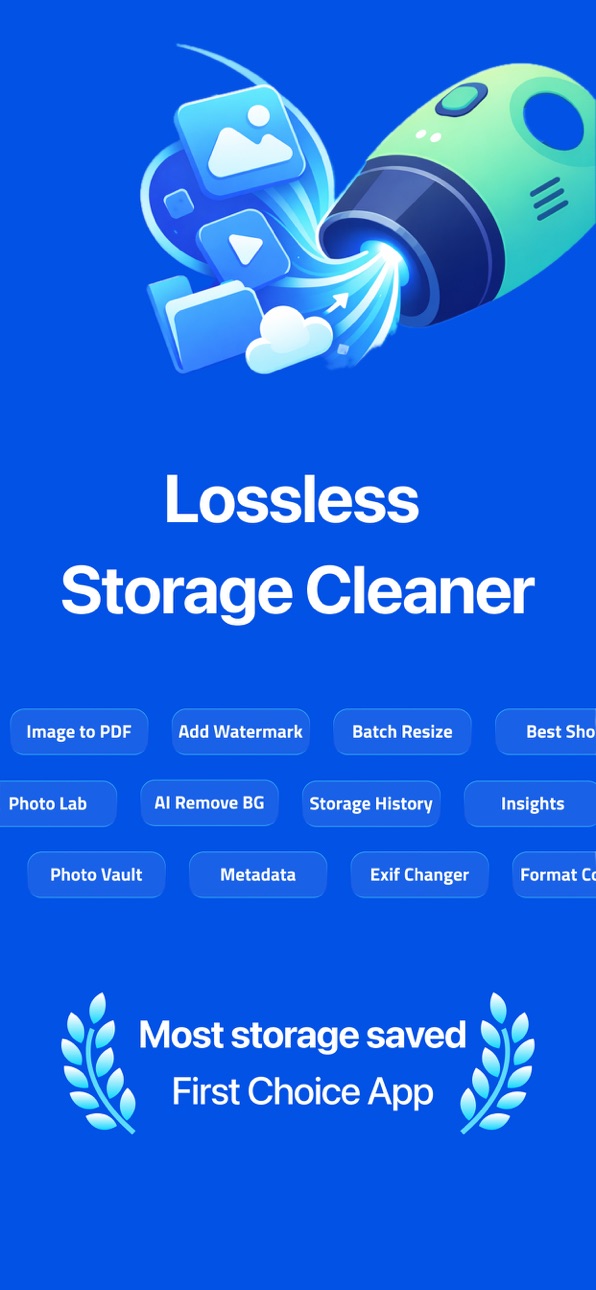


iPad 4 images


What’s New Version 1.4
What's New in v1.3:
• Bug fixes
• Performance improvements
Description
Running out of iPhone storage? TinySpace makes it easy to free up space by compressing photos and videos without deleting your moments. No cloud uploads — everything happens right on your device.
TinySpace scans your photo library and shows you exactly how much space you can save. With a few taps, shrink your photos and videos to take up less storage while keeping them looking great.
HOW TINYSPACE FREES UP YOUR iPHONE STORAGE?
Compress Photos and Videos
Shrink photos and videos so they use less space. Pick the level that works for you. Gentle keeps things looking almost the same. Balanced gives good quality with bigger savings. Maximum squeezes out the most space. Originals are replaced only after smaller versions are safely saved.
Find and Remove Duplicate Photos
Take a lot of burst photos or similar shots? TinySpace finds groups of nearly identical photos taken seconds apart. Pick the best one from each group and delete the rest. One of the fastest ways to organize your library and recover gigabytes.
Browse Your Biggest Files
See all media sorted by size to find what eats up the most storage. Filter by photos, videos, or screenshots to quickly decide what to compress first.
Convert PNG Screenshots to JPEG
Screenshots saved as PNG are much larger than needed. TinySpace converts them to JPEG, saving significant space with no visible difference.
Strip Live Photos
Live Photos save a short video clip with each shot, using extra space. TinySpace converts them to regular photos, freeing that space instantly.
Track Your Savings
TinySpace keeps a history of everything you compressed so you can see how much storage you recovered over time.
Private and Secure
TinySpace works entirely on your iPhone. Photos and videos are never uploaded anywhere. All compression happens locally. Your photos stay private.
COMMON QUESTIONS
How do I free up storage on my iPhone without deleting photos?
TinySpace compresses your existing photos and videos so they take up less space. You keep all your photos. No photos are deleted unless you choose to remove duplicates.
How much iPhone storage can I save?
Most users save 30 to 70 percent of their photo library storage. If you have 20 GB of photos and videos, you could free up 6 to 14 GB.
Will my photos look worse after compression?
With Gentle and Balanced settings, most people cannot tell the difference. Maximum saves the most space but may show some changes when zoomed in closely.
Is it safe to compress my photos?
Yes. TinySpace saves the compressed version first, then asks your permission to delete originals. You approve every deletion through a standard iPhone confirmation.
Does TinySpace need an internet connection?
No. Everything works offline. TinySpace processes photos and videos directly on your iPhone without sending anything to the internet.
Why is my iPhone storage full even though I deleted apps?
Photos and videos usually take up far more space than apps. A single 4K video can be over 1 GB. TinySpace reduces the size of your media library, often the biggest space hog on any iPhone.
How do I organize my photo library?
Open TinySpace, let it scan your library, then start with Biggest Files to compress your largest items first. Next use Best Shot to find and remove duplicates. These two steps alone can recover several gigabytes.
TinySpace is the simple, private, and effective way to manage iPhone storage. Download it today and stop seeing that iPhone Storage Almost Full message.
TINYSPACE PREMIUM
Some advanced features may require an in-app subscription. Try TinySpace Premium with a free trial — cancel anytime in Settings > Apple ID > Subscriptions.
Privacy: https://tinyspace.app/privacy.html
Terms: https://tinyspace.app/terms.html
Capabilities
In-App Purchases
Accessibility
ipadiphonemacrealityDevicetvoswatch
Version history 5 versions
Build 886996866v1.42026-06-17 07:15:49
What's New in v1.3:
• Bug fixes
• Performance improvements
Build 885996737v1.32026-05-26 07:02:32
What's New in v1.3:
• Bug fixes
• Performance improvements
Build 883702297v1.22026-03-25 13:29:38
What's New in v1.2:
• Fresh new app icon with a modern design
• Performance improvements and bug fixes
• Enhanced stability across all features
Build 883123997v1.12026-03-09 06:29:01
Bug fixes and performance updates!
Build 882983869v1.02026-03-05 13:23:20
No pricing data captured yet — comparisons appear once the app has paid storefronts or in-app purchases.
Availability 1 of 1 storefronts
| Region | Language | Price | Ratings | Avg | Version |
|---|---|---|---|---|---|
| US | en-US | Free | 3 | 5.0 | 1.4 |
Change log 9 changes · US
✎
releaseNotes updated
What's New in v1.3:
• Bug fixes
• Performance improvements
✎
description updated
Running out of iPhone storage? TinySpace makes it easy to free up space by compressing photos and videos without deleting your moments. No cloud uploads — every
✎
subtitle updated
Gallery Clean Delete Duplicate
✎
name updated
Tiny Space - Free Up Storage
◆
Version 1.4 released
What's New in v1.3:
• Bug fixes
• Performance improvements
◆
Version 1.3 released
What's New in v1.3:
• Bug fixes
• Performance improvements
◆
Version 1.2 released
What's New in v1.2:
• Fresh new app icon with a modern design
• Performance improvements and bug fixes
• Enhanced stability across all features
◆
Version 1.1 released
Bug fixes and performance updates!
◆
Version 1.0 released