Home › Education

 US
US
1 of 1 storefronts
Content in en-US
Content in en-US
Information
Apple ID6759831413
Bundle IDcom.jvnconsultancy.writejapanesealphabet
SellerSeller
Min iOS15.1
Min macOS12.0
Device familiesiphone, ipad, ipod
Released2026-03-03
Copyright© 2026 JVN Consultancy
Privacy policyLink ↗
Preview 2 platforms
iPhone 4 images


iPad 4 images


What’s New Version 1.3.0
• Added app localization
• Added Settings screen
• Choose Light, Dark, or System theme
• Added optional auto-play pronunciation audio
• Tap letters to hear pronunciation
• Added haptics setting
Description
Learn to write Japanese Hiragana through guided handwriting practice.
Write Japanese Hiragana is an educational app designed to help beginners develop confident Japanese handwriting through structured tracing and repetition exercises. The app focuses on correct stroke order, character balance, and flow to build strong writing habits from the start.
Whether you are a student, parent, or self-learner, this app provides a calm and distraction-free way to practice Hiragana writing.
Learn by Writing
Writing by hand strengthens recognition and memory. With this app you can:
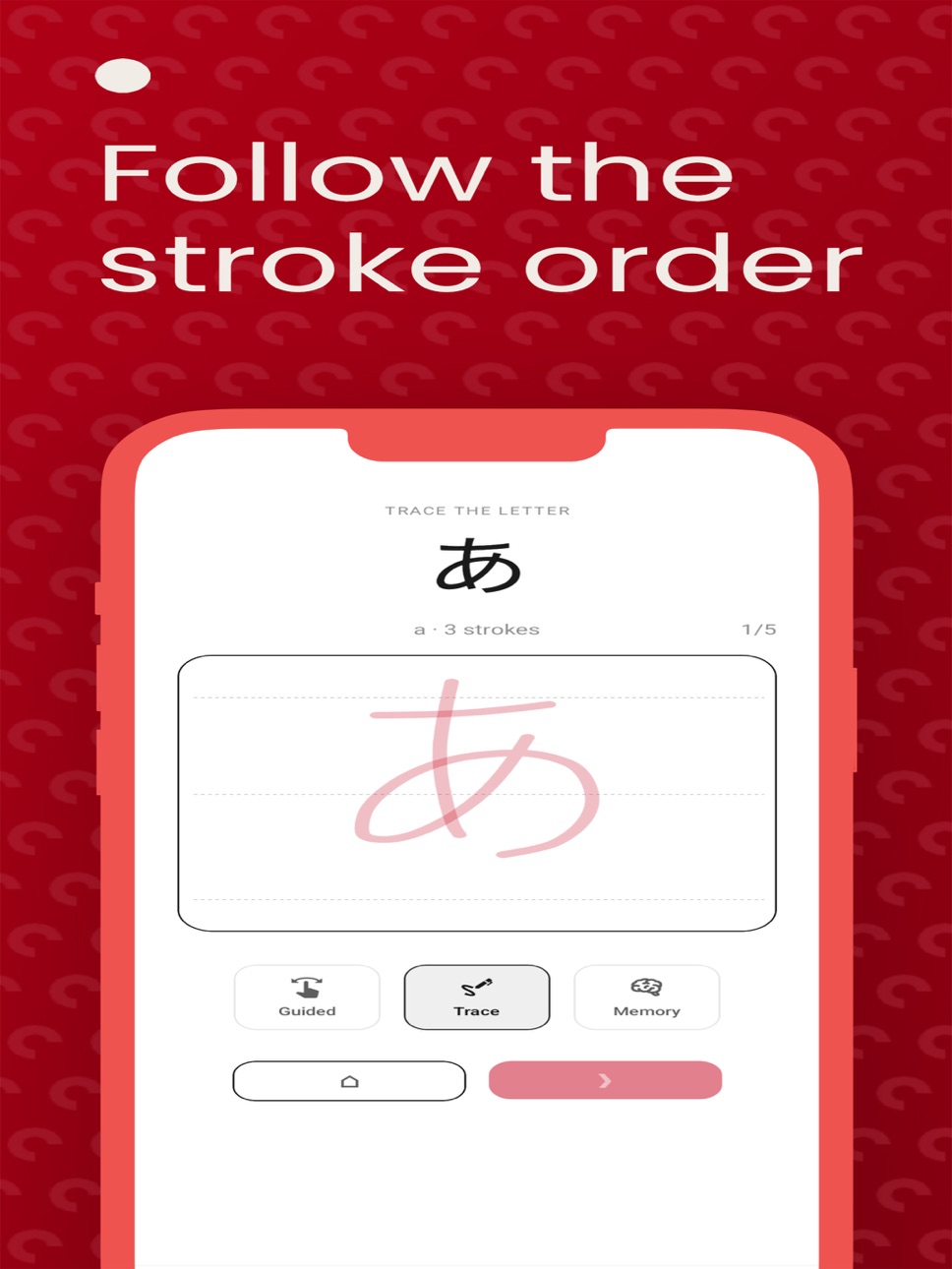
- Trace Hiragana characters step by step
- Follow correct Japanese stroke order
- Practice writing characters independently
- Improve balance and flow through repetition
Each character is presented clearly to support focused and consistent practice.
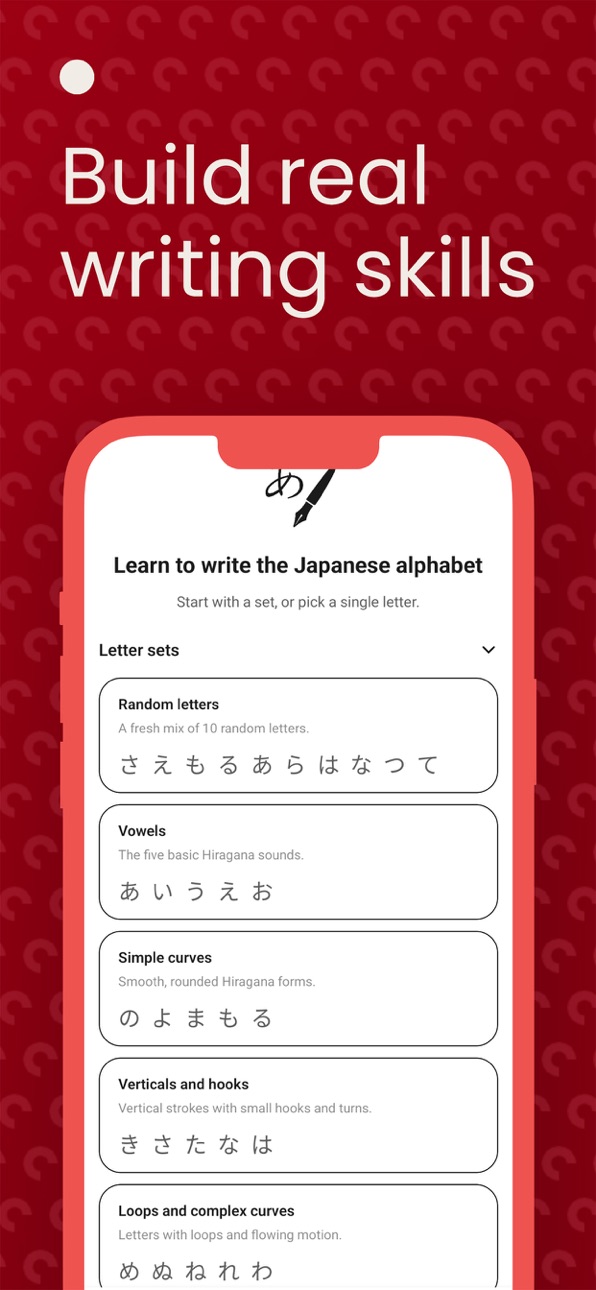
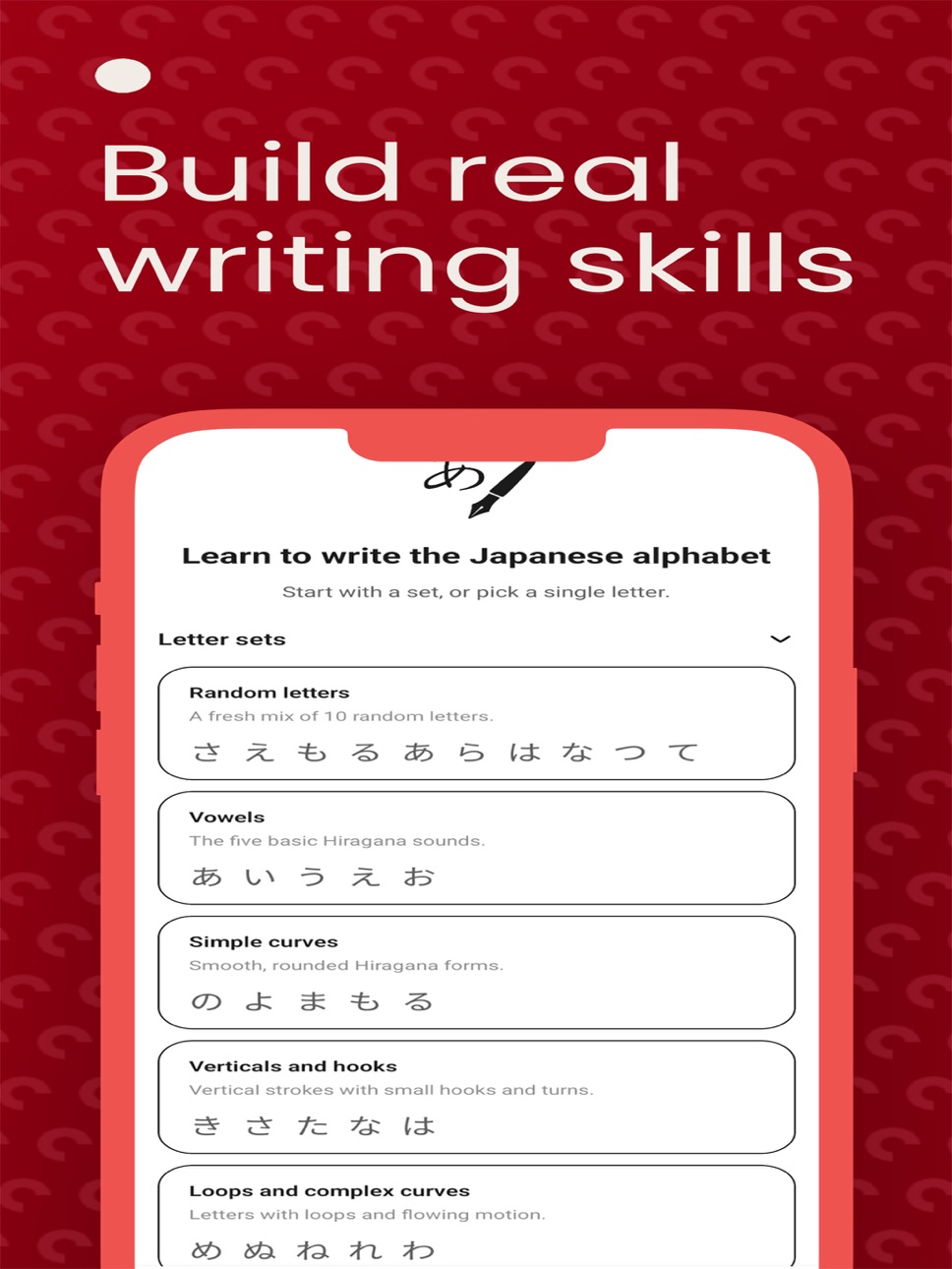
Structured Hiragana Practice
Hiragana is organized into progressive learning sets:
- Simple curved characters
- Characters with vertical strokes and hooks
- Multi-stroke forms
- Full Hiragana review set
You can also practice individual characters at any time.
Multiple Writing Modes
Each character includes different learning modes:
Trace Mode - Follow the character outline
Guided Mode - Write with minimal visual support
Memory Mode - Write independently without guidance
This progression helps learners move from tracing to confident handwriting.
- Designed for Focus
- Clean, distraction-free interface
- Light and dark mode support
- Calm, paper-like writing experience
- Suitable for children and adults
- No pop-ups or interruptions
Privacy First
- No account required
- No ads
- No tracking
- No data collection
All handwriting practice happens locally on your device.
Who It Is For
- Beginners learning Japanese
- Children practicing Hiragana
- Adults improving handwriting skills
- Students studying the Japanese language
Build confidence in Japanese handwriting one character at a time.
Accessibility
ipadiphonemacrealityDevicetvoswatch
Version history 4 versions
Build 885493163v1.3.02026-06-03 06:58:45
• Added app localization
• Added Settings screen
• Choose Light, Dark, or System theme
• Added optional auto-play pronunciation audio
• Tap letters to hear pronunciation
• Added haptics setting
Build 884998435v1.1.22026-05-06 21:08:59
Added in-app review prompt
Added skip button
Added option to send feedback
Build 884798109v1.1.02026-04-22 19:45:39
Added in-app review prompt
Added option to send feedback
Build 882894726v1.0.02026-03-03 23:58:05
Price history by region
Currency
Show
Columns
Search
Availability 1 of 1 storefronts
| Region | Language | Price | Ratings | Avg | Version |
|---|---|---|---|---|---|
| US | en-US | USD 3.99 | 0 | — | 1.3.0 |
Change log 8 changes · US
✎
releaseNotes updated
• Added app localization
• Added Settings screen
• Choose Light, Dark, or System theme
• Added optional auto-play pronunciation audio
• Tap letters to hear pron
✎
description updated
Learn to write Japanese Hiragana through guided handwriting practice.
Write Japanese Hiragana is an educational app designed to help beginners develop confiden
✎
subtitle updated
Handwriting and Tracing
✎
name updated
Japanese Writing Practice
◆
Version 1.3.0 released
• Added app localization
• Added Settings screen
• Choose Light, Dark, or System theme
• Added optional auto-play pronunciation audio
• Tap letters to hear pronunciation
• Added haptics setting
◆
Version 1.1.2 released
Added in-app review prompt
Added skip button
Added option to send feedback
◆
Version 1.1.0 released
Added in-app review prompt
Added option to send feedback
◆
Version 1.0.0 released