Home › Business

 US
US
1 of 1 storefronts
Content in en-US
Content in en-US
Information
Preview 2 platforms
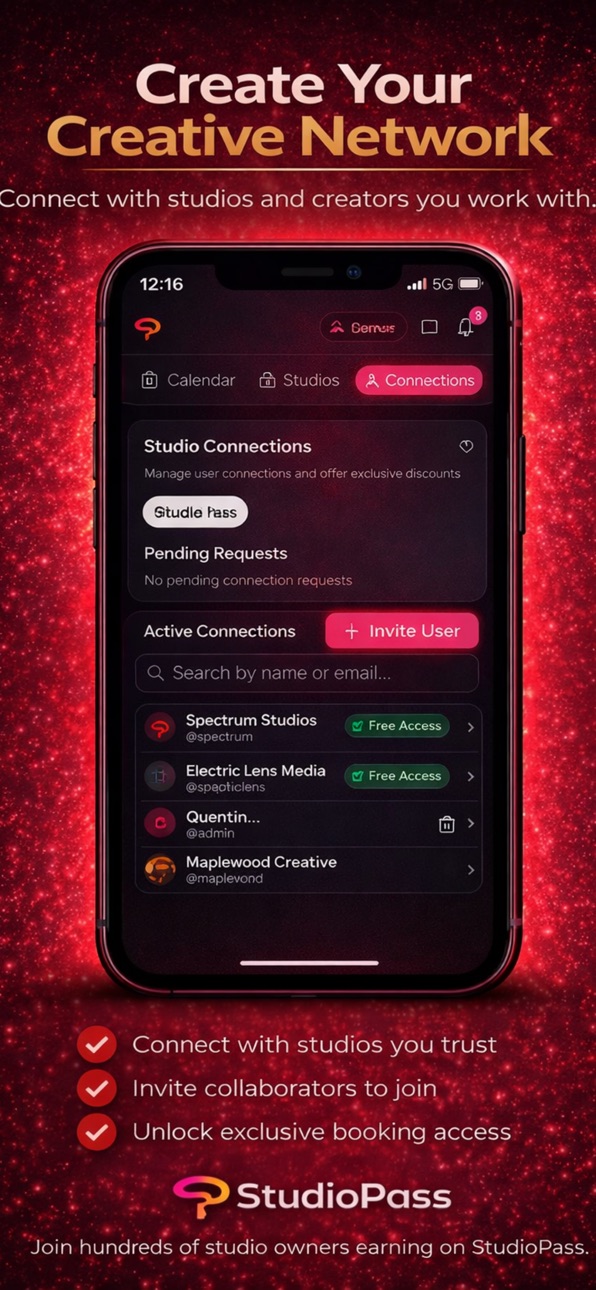
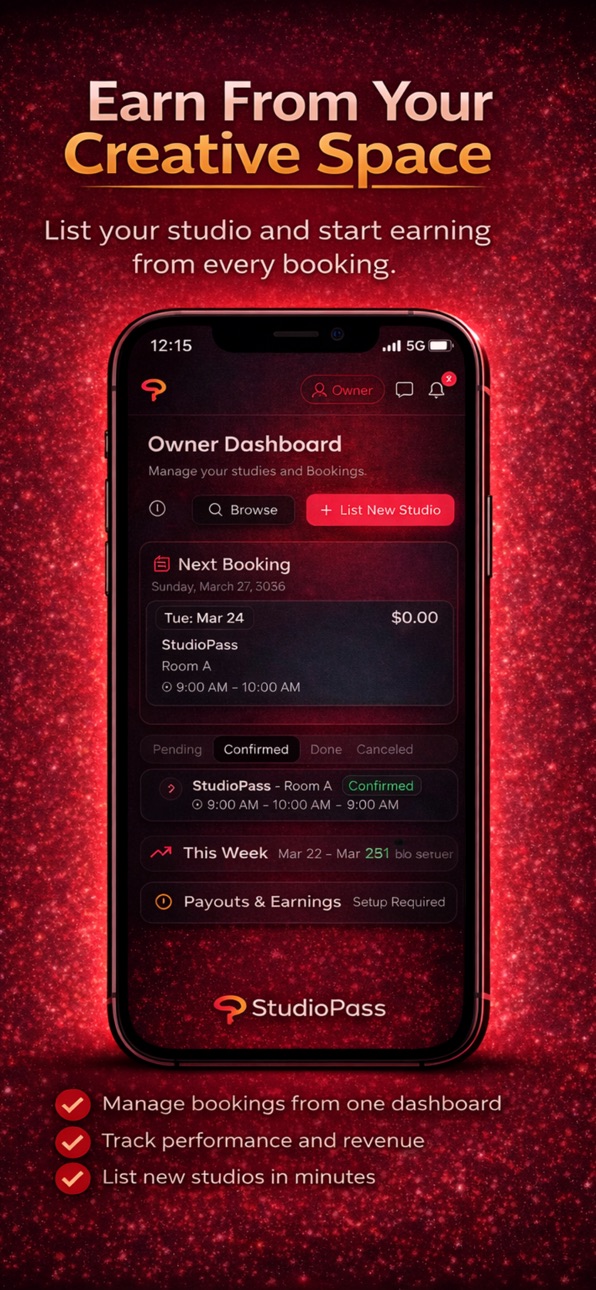
iPhone 6 images


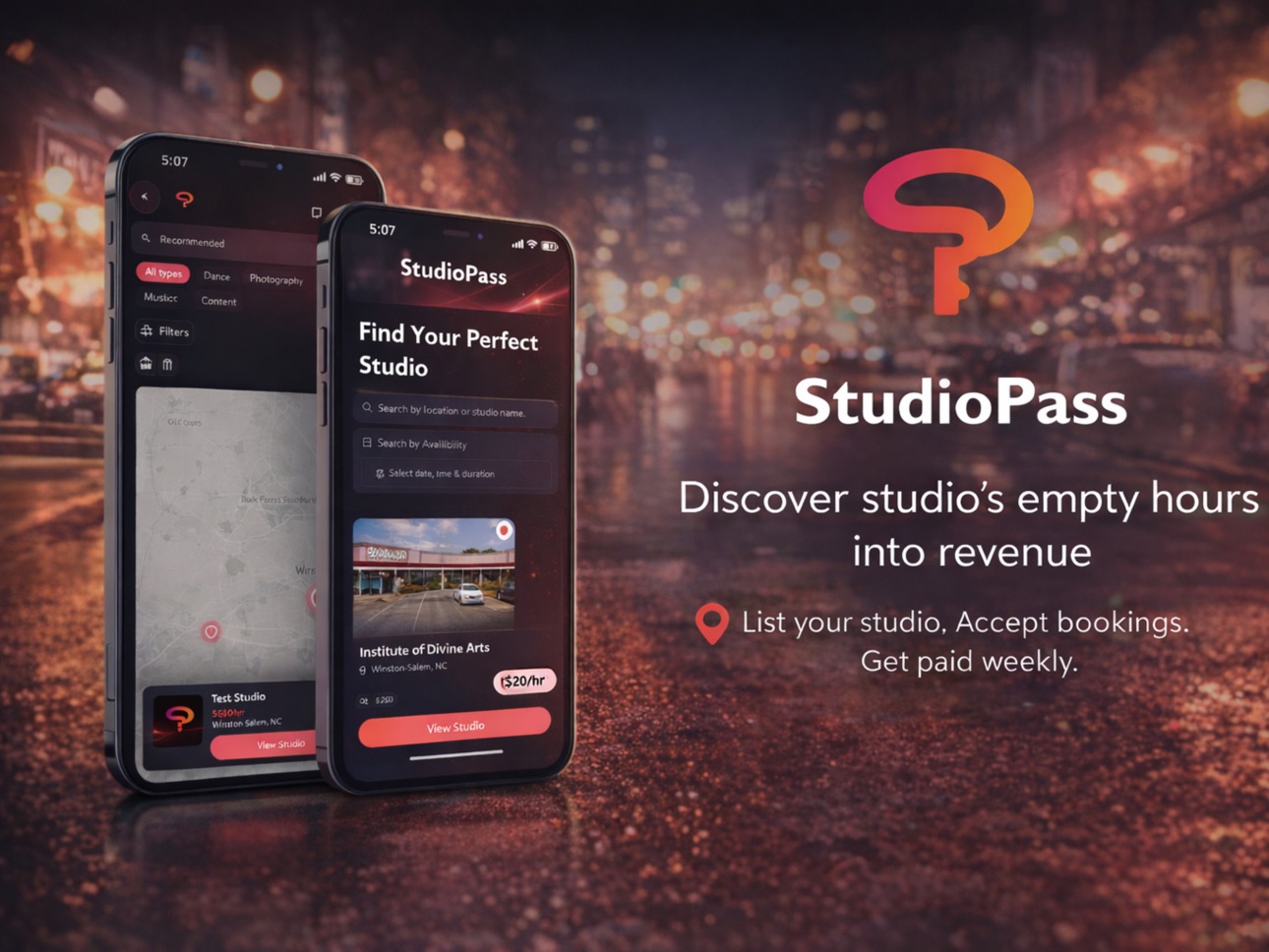
iPad 7 images



What’s New Version 7.4.0
Smarter Booking Flow
The booking experience now guides you step by step. After selecting a date,
the calendar collapses and available times come into focus. After picking a
time, the duration picker opens. After choosing a duration, your booking
summary and checkout appear — keeping the flow clean and forward-moving.
Studio Photo Gallery
Tapping "Show All" on a studio page now opens a full-screen photo gallery with
swipe support, navigation arrows, and a close button. Works on iOS, Android,
and mobile web.
Fixes & Polish
- Gallery arrows and close button now stay visible after tapping — no more
disappearing controls
- Checkout card fields load with a smooth skeleton instead of a jarring flash
- Deleting a studio now shows a loading indicator and disables buttons while
the deletion processes
- The app now defaults to dark mode for all new and logged-out users
- Various layout and transition improvements throughout the booking and
checkout screens
Description
StudioPass makes booking creative spaces simple.
Find and book studios by the hour for:
• Dance rehearsals
• Photography sessions
• Content creation
• Private events
• Creative projects
Browse available studios, view real-time availability, and book instantly through a secure checkout experience.
For Studio Owners:
List your space, manage bookings, control pricing, and receive payouts directly through the platform.
StudioPass connects creators with the spaces they need — quickly, securely, and efficiently.
Accessibility
developerUrlipadiphonemacrealityDevicetvoswatch
Version history 9 versions
Build 887227351v7.4.02026-06-20 18:52:41
Smarter Booking Flow
The booking experience now guides you step by step. After selecting a date,
the calendar collapses and available times come into focus. After picking a
time, the duration picker opens. After choosing a duration, your booking
summary and checkout appear — keeping the flow clean and forward-moving.
Studio Photo Gallery
Tapping "Show All" on a studio page now opens a full-screen photo gallery with
swipe support, navigation arrows, and a close button. Works on iOS, Android,
and mobile web.
Fixes & Polish
- Gallery arrows and close button now stay visible after tapping — no more
disappearing controls
- Checkout card fields load with a smooth skeleton instead of a jarring flash
- Deleting a studio now shows a loading indicator and disables buttons while
the deletion processes
- The app now defaults to dark mode for all new and logged-out users
- Various layout and transition improvements throughout the booking and
checkout screens
Build 887116535v7.3.02026-06-18 16:37:51
What's New in StudioPass 7.3.0
We've made it easier for studio owners to know exactly who's booking their
space.
Creator Identity on Booking Cards
Booking cards now show the creator's profile photo, name, and Trusted
Connection status — so you know who's coming before you even open the booking.
Upgraded Booking Detail Page
The booking detail page now features a dedicated creator profile section at
the top with a larger photo, full name, username, and member since date.
Trusted Connections are highlighted with a gradient badge.
Smarter Tab Order
The booking tabs now open to Pending by default — your most actionable
bookings are front and center. The full history is one tap away under All.
Bug Fixes
Fixed an issue where creator profile photos were not loading on owner-facing
booking cards and the booking detail page.
Build 886956171v7.2.02026-06-15 14:16:05
What's New
- Added damage reporting — studio owners can now file incident reports on
bookings, and creators can submit responses directly in the app
- Admin panel now includes a Damage Reports tab for full oversight of all
incidents
Improvements
- Admin booking view now has a detail drawer — tap View on any booking to see
full booking info, payment status, and history
- Admin refund controls added to the booking drawer — full and partial refund
options with confirmation flow and audit log
- Fixed an issue where studio creation and new account welcome emails were not
being delivered
- Studio owners now receive a confirmation email when their studio is
successfully created
Build 886171045v7.1.1 (5)2026-05-27 14:14:07
What's New in 7.1.1
This update includes reliability improvements and security enhancements ahead
of launch.
Fixed
- Studio invite links now work correctly — creators can accept a connection
from a text message link without hitting an error
- Studio owners can now re-invite a creator after removing them, without
seeing a false "Already connected" message
- The app no longer shows "Setup" mode in the navigation after completing
studio onboarding — no more force-closing required
- Improved handling when opening an invite link before the app has fully
loaded
Security
- Tightened database access policies across several areas
- Booking prices are now fully verified server-side
Build 885886762v7.1.0 (3)2026-05-20 18:51:19
What's New in StudioPass 7.1.0
We've been working hard to make StudioPass feel faster, smoother, and more
reliable before our official launch.
- Payouts are live — Studio owners can now receive payments directly to their
PayPal account
- Report an Issue — Easily report problems from anywhere in the app and get a
response from our support team
- Smoother booking experience — Faster load times, cleaner transitions, and
fewer visual glitches throughout
- Push notification improvements — More reliable delivery for booking updates
and messages
- Bug fixes and polish — Dozens of small improvements to make everything feel
premium and trustworthy
Thank you for being an early supporter of StudioPass. We're just getting
started.
Build 884159396v7.0.12026-04-14 22:56:46
Fixed scroll lock bugs
Better owner metrics
Onboarding ready
Build 883620071v1.22026-03-22 23:22:04
Push Notifications
Build 883602770v1.12026-03-21 17:14:03
Updating icon color and size. Also an update to preview screenshots.
Build 882802821v1.02026-03-09 14:57:19
No pricing data captured yet — comparisons appear once the app has paid storefronts or in-app purchases.
Availability 1 of 1 storefronts
| Region | Language | Price | Ratings | Avg | Version |
|---|---|---|---|---|---|
| US | en-US | Free | 1 | 5.0 | 7.4.0 |
Change log 13 changes · US
✎
releaseNotes updated
Smarter Booking Flow
The booking experience now guides you step by step. After selecting a date,
✎
description updated
StudioPass makes booking creative spaces simple.
Find and book studios by the hour for:
• Dance rehearsals
• Photography sessions
• Content creation
• Private
✎
subtitle updated
Book Creative Studio Spaces
✎
name updated
StudioPass App
◆
Version 7.4.0 released
Smarter Booking Flow
The booking experience now guides you step by step. After selecting a date,
the calendar collapses and available times come into focus. After picking a
◆
Version 7.3.0 released
What's New in StudioPass 7.3.0
We've made it easier for studio owners to know exactly who's booking their
space.
◆
Version 7.2.0 released
What's New
- Added damage reporting — studio owners can now file incident reports on
bookings, and creators can submit responses directly in the app
◆
Version 7.1.1 (5) released
What's New in 7.1.1
This update includes reliability improvements and security enhancements ahead
of launch.
◆
Version 7.1.0 (3) released
What's New in StudioPass 7.1.0
We've been working hard to make StudioPass feel faster, smoother, and more
reliable before our
◆
Version 7.0.1 released
Fixed scroll lock bugs
Better owner metrics
Onboarding ready
◆
Version 1.2 released
Push Notifications
◆
Version 1.1 released
Updating icon color and size. Also an update to preview screenshots.
◆
Version 1.0 released