Home › Productivity

 US
US
1 of 1 storefronts
Content in en-US
Content in en-US
Information
Preview 2 platforms
iPhone 9 images



iPad 10 images





What’s New Version 1.0.5
• Improved PDF to Word conversion — scanned documents now produce editable, perfectly formatted text
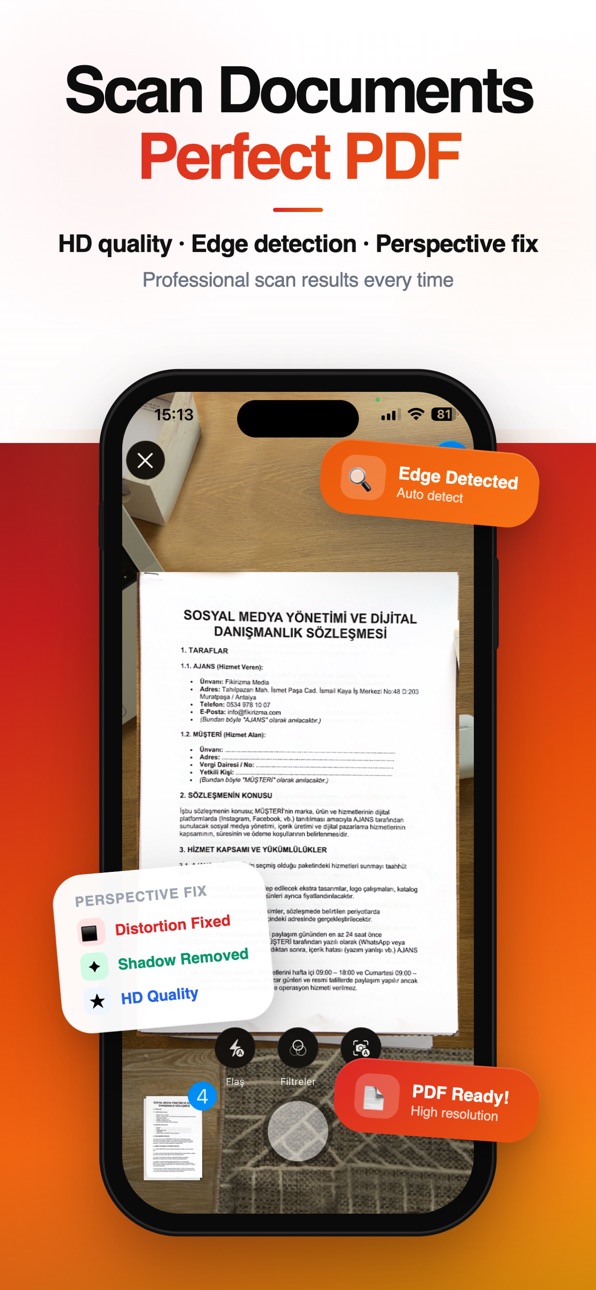
• Document Scanner enhanced — sharper scans with automatic edge detection and perspective correction
• Smoother app launch animation
• Tab bar labels now display correctly in all languages
• Completely redesigned onboarding experience
• Guest mode — use the app without signing in
• Improved account page with settings access for all users
• Memory optimization for faster PDF processing
• Navigation fixes throughout the app
• Updated translations for all 10 languages
• Bug fixes and performance improvements
Description
PDF Tools & Scanner gives you 20+ PDF tools and a native iOS document scanner — all in one app. Convert, edit, organize and scan PDF documents right
from your iPhone.
Convert from PDF
• PDF to Word — preserves tables and formatting for instant editing
• PDF to Excel — smart column detection exports data accurately
• PDF to PowerPoint — convert slides into editable presentations
• PDF to JPG or PNG — turn each page into a high-quality image
• PDF to Text — extract all readable text as plain .txt
• PDF to HTML — convert to web-ready HTML format
Convert to PDF
• Word, Excel, PowerPoint, Html→ PDF
• Photos and images → PDF
Edit PDF —
• Merge: Combine multiple PDFs into one, drag to reorder
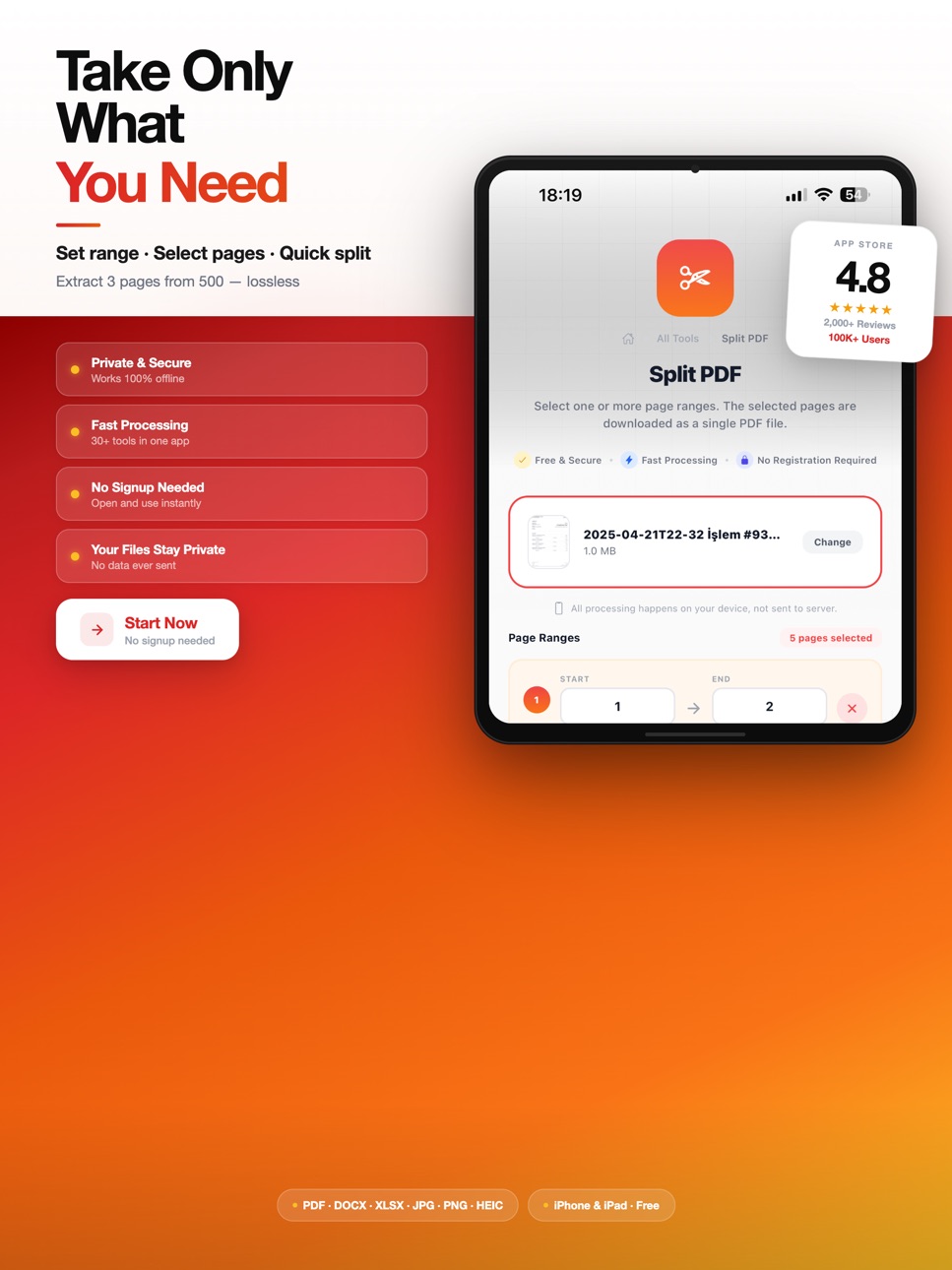
• Split: Select specific pages to extract or separate
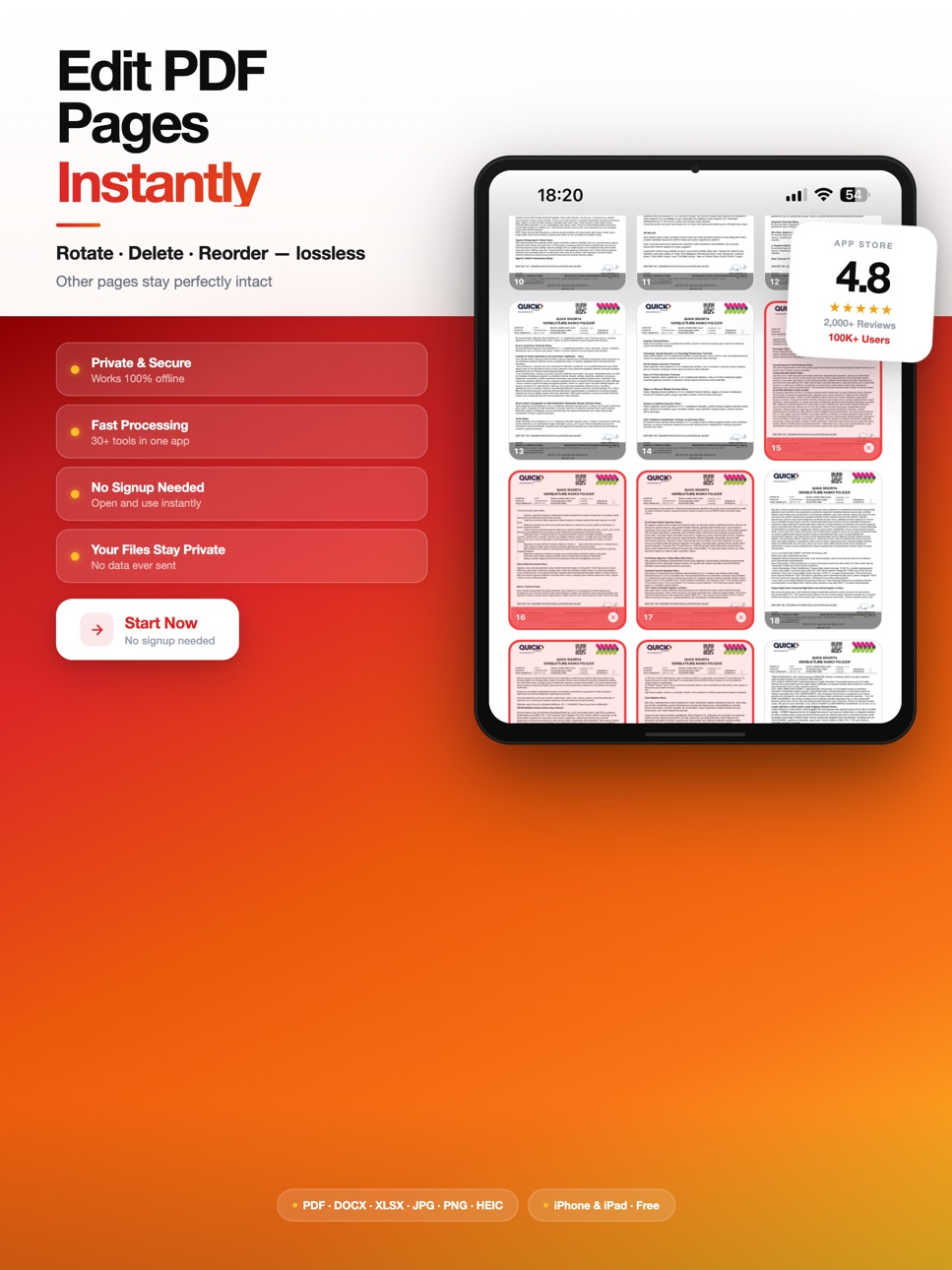
• Rotate: Fix sideways or upside-down pages (90°/180°/270°)
• Delete Pages: Visual page grid to remove unwanted pages
• Add Page Numbers: Choose position, style and starting number
• Watermark: Add text or image watermarks
• PDF Info: View page count, file size and metadata
Document Scanner
Scan paper documents with your iPhone camera. Auto-detects document edges, corrects perspective and saves as PDF. Digitize receipts,
contracts, notes, IDs and more.
Basic Plan: 3 jobs/day · 100 MB file size · Ads shown
Pro Plan: Unlimited jobs · 1 GB file size · PDF to Excel/PPT/HTML · Priority support
Terms of Use: https://www.apple.com/legal/internet-services/itunes/dev/stdeula/
Privacy Policy: https://freepdf.co/privacy
In-App Purchases US pricing
PDF Tools Pro Subscription
Weekly · 7 days 3-day free trial$3.99
Monthly · Monthly 7-day free trial$5.99
Yearly · Yearly 7-day free trial$44.99
Capabilities
In-App Purchases
Accessibility
ipadiphonemacrealityDevicetvoswatch
Version history 6 versions
Build 884341706v1.0.52026-04-09 23:44:20
• Improved PDF to Word conversion — scanned documents now produce editable, perfectly formatted text
• Document Scanner enhanced — sharper scans with automatic edge detection and perspective correction
• Smoother app launch animation
• Tab bar labels now display correctly in all languages
• Completely redesigned onboarding experience
• Guest mode — use the app without signing in
• Improved account page with settings access for all users
• Memory optimization for faster PDF processing
• Navigation fixes throughout the app
• Updated translations for all 10 languages
• Bug fixes and performance improvements
Build 883904489v1.0.42026-04-08 01:13:02
• Improved PDF to Word conversion — scanned documents now produce editable, perfectly formatted text
• Document Scanner enhanced — sharper scans with automatic edge detection and perspective correction
• Smoother app launch animation
• Tab bar labels now display correctly in all languages
• Completely redesigned onboarding experience
• Guest mode — use the app without signing in
• Improved account page with settings access for all users
• Memory optimization for faster PDF processing
• Navigation fixes throughout the app
• Updated translations for all 10 languages
• Bug fixes and performance improvements
Build 883728558v1.0.32026-03-28 16:31:47
• Improved PDF to Word conversion — scanned documents now produce editable, perfectly formatted text
• Document Scanner enhanced — sharper scans with automatic edge detection and perspective correction
• Smoother app launch animation
• Tab bar labels now display correctly in all languages
• Completely redesigned onboarding experience
• Guest mode — use the app without signing in
• Improved account page with settings access for all users
• Memory optimization for faster PDF processing
• Navigation fixes throughout the app
• Updated translations for all 10 languages
• Bug fixes and performance improvements
Build 883631659v1.0.22026-03-22 23:26:56
• Completely redesigned onboarding experience
• Guest mode — use the app without signing in
• Improved account page with settings access for all users
• Memory optimization for faster PDF processing
• Navigation fixes throughout the app
• Updated translations for all 10 languages
• Bug fixes and performance improvements
Build 883432223v1.0.12026-03-18 09:23:06
Bug fixes and performance improvements. Added ad support and UX enhancements.
Build 882801821v1.02026-03-16 10:44:48
Price history by region
Currency
Show
Columns
Search
Availability 1 of 1 storefronts
| Region | Language | Price | Ratings | Avg | Version |
|---|---|---|---|---|---|
| US | en-US | Free | 0 | — | 1.0.5 |
Change log 10 changes · US
✎
releaseNotes updated
• Improved PDF to Word conversion — scanned documents now produce editable, perfectly formatted text
✎
description updated
PDF Tools & Scanner gives you 20+ PDF tools and a native iOS document scanner — all in one app. Convert, edit, organize and scan PDF documents right
from you
✎
subtitle updated
PDF Tools Converter Scanner
✎
name updated
FreePDF: PDF Converter & Scan
◆
Version 1.0.5 released
• Improved PDF to Word conversion — scanned documents now produce editable, perfectly formatted text
• Document Scanner enhanced — sharper scans with automatic edge detection and p
◆
Version 1.0.4 released
• Improved PDF to Word conversion — scanned documents now produce editable, perfectly formatted text
• Document Scanner enhanced — sharper scans with automatic edge detection and p
◆
Version 1.0.3 released
• Improved PDF to Word conversion — scanned documents now produce editable, perfectly formatted text
• Document Scanner enhanced — sharper scans with automatic edge detection and
◆
Version 1.0.2 released
• Completely redesigned onboarding experience
• Guest mode — use the app without signing in
◆
Version 1.0.1 released
Bug fixes and performance improvements. Added ad support and UX enhancements.
◆
Version 1.0 released