Home › Utilities

 US
US
1 of 1 storefronts
Content in en-US
Content in en-US
Information
Apple ID6759609367
Bundle IDcom.mgchoi.time-tracker
SellerSeller
Min iOS26.0
Min macOS26.0
Device familiesiphone
Released2026-02-25
Copyright© 2025 Myung Geun Choi
Privacy policyLink ↗
Preview 1 platform
iPhone 5 images



What’s New Version 1.0.1
1. Home screen widget
2. Control center widget
3. Live Activity and Dynamic Island
Description
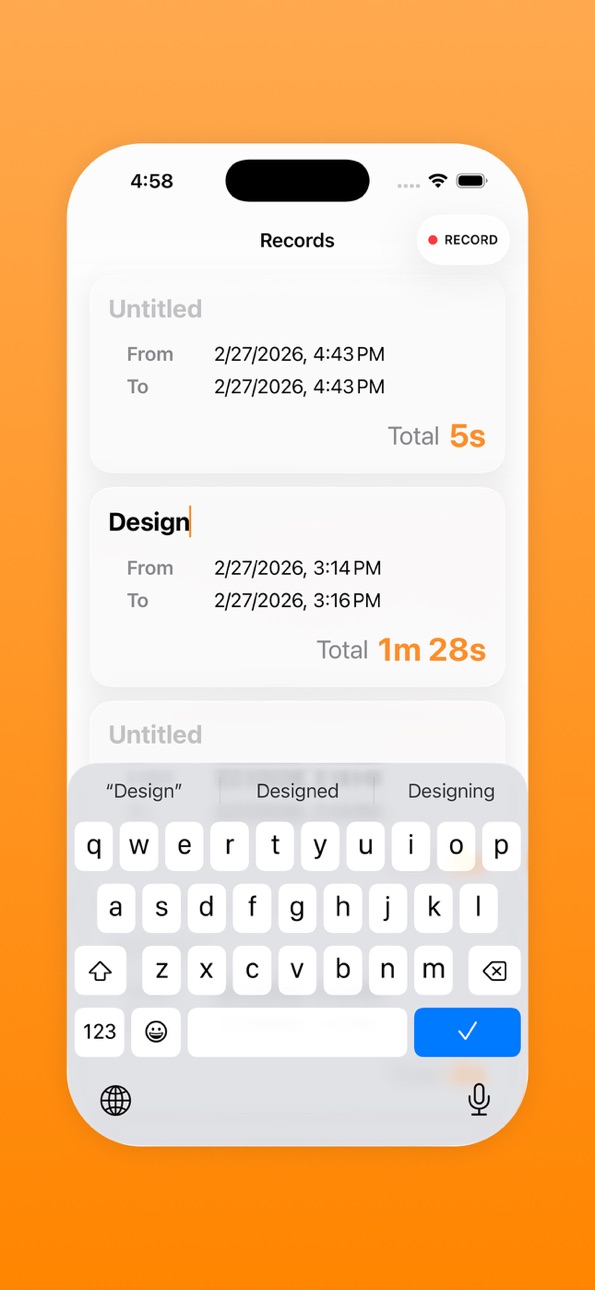
Duration Tracker helps you understand how much time you are truly investing in your work.
Simply tap Record to mark the start time, and tap Stop when you finish. The app automatically calculates and displays the duration between the two timestamps, giving you a clear view of how long each session lasts.
You can split your work into multiple sessions and track them separately. When needed, select multiple sessions to instantly see the total time spent across all selected activities.
With a clean and straightforward interface, Duration Tracker makes it easy to stay aware of your time and focus on what matters most.
Accessibility
ipadiphonemacrealityDevicetvoswatch
Version history 2 versions
Build 882843991v1.0.12026-03-03 23:31:51
1. Home screen widget
2. Control center widget
3. Live Activity and Dynamic Island
Build 882748007v1.0.02026-02-25 22:42:41
No pricing data captured yet — comparisons appear once the app has paid storefronts or in-app purchases.
Availability 1 of 1 storefronts
| Region | Language | Price | Ratings | Avg | Version |
|---|---|---|---|---|---|
| US | en-US | Free | 0 | — | 1.0.1 |
Change log 6 changes · US
✎
releaseNotes updated
1. Home screen widget
2. Control center widget
3. Live Activity and Dynamic Island
✎
description updated
Duration Tracker helps you understand how much time you are truly investing in your work.
Simply tap Record to mark the start time, and tap Stop when you finis
✎
subtitle updated
A Simple Session Timer
✎
name updated
Duration Tracker
◆
Version 1.0.1 released
1. Home screen widget
2. Control center widget
3. Live Activity and Dynamic Island
◆
Version 1.0.0 released