Home › Productivity

 US
US
1 of 1 storefronts
Content in en-US
Content in en-US
Information
Preview 3 platforms
iPhone 8 images




iPad 8 images



Mac 5 images


What’s New Version 1.6
This update brings performance improvements, bug fixes, and a smoother experience across the PDF converter, editor, and scanner.
- Bug fixes for better stability
Description
PDF Making - Complete PDF Converter & PDF Maker for iPhone & iPad
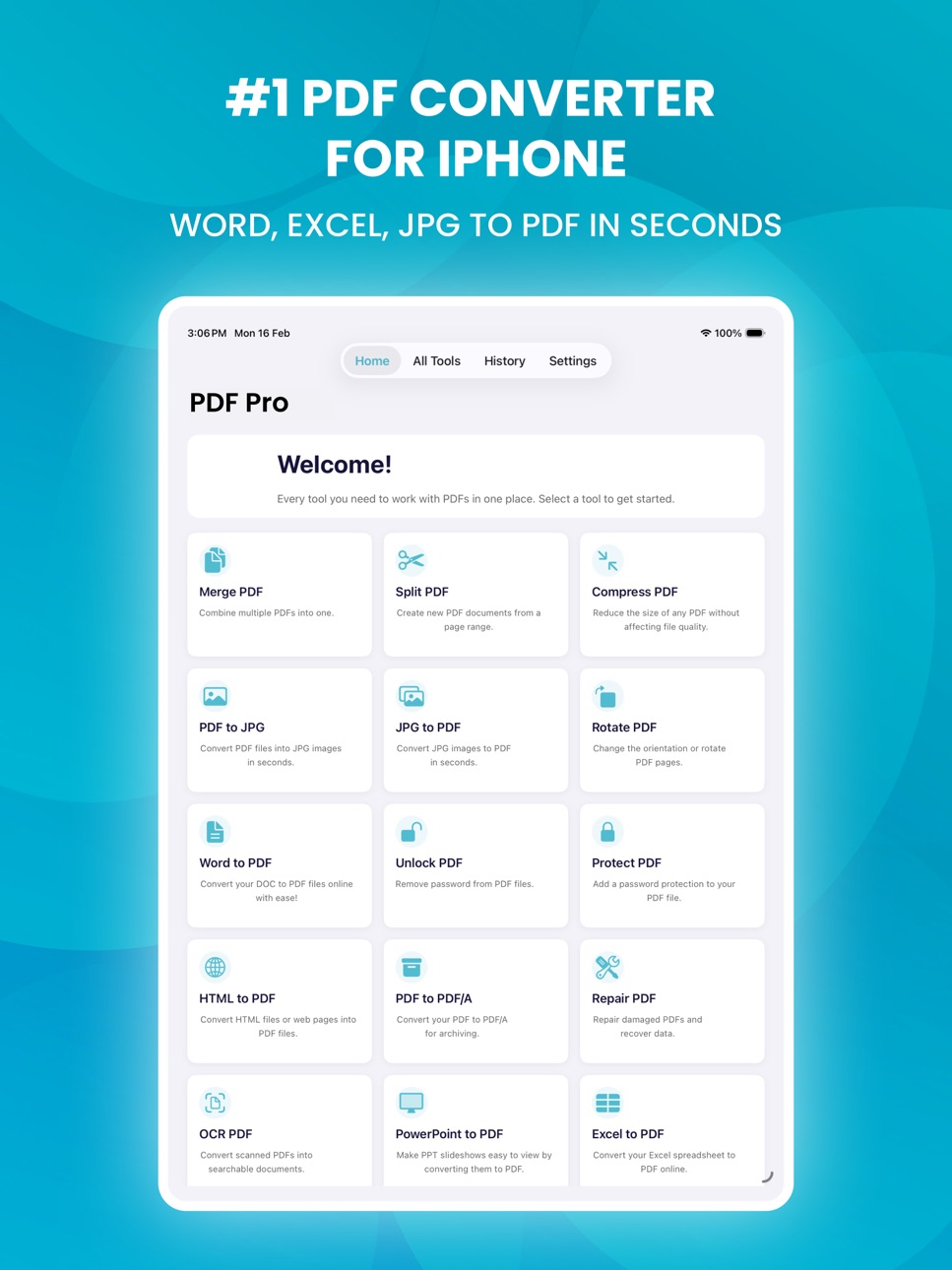
PDF Making is a fast, reliable PDF converter and document manager built for iPhone and iPad. Convert Word to PDF, JPG to PDF, Excel to PDF, and more - all in seconds, right from your phone. No desktop. No internet. No hassle.
----------------------------
PDF CONVERTER & FILE CONVERSION
----------------------------
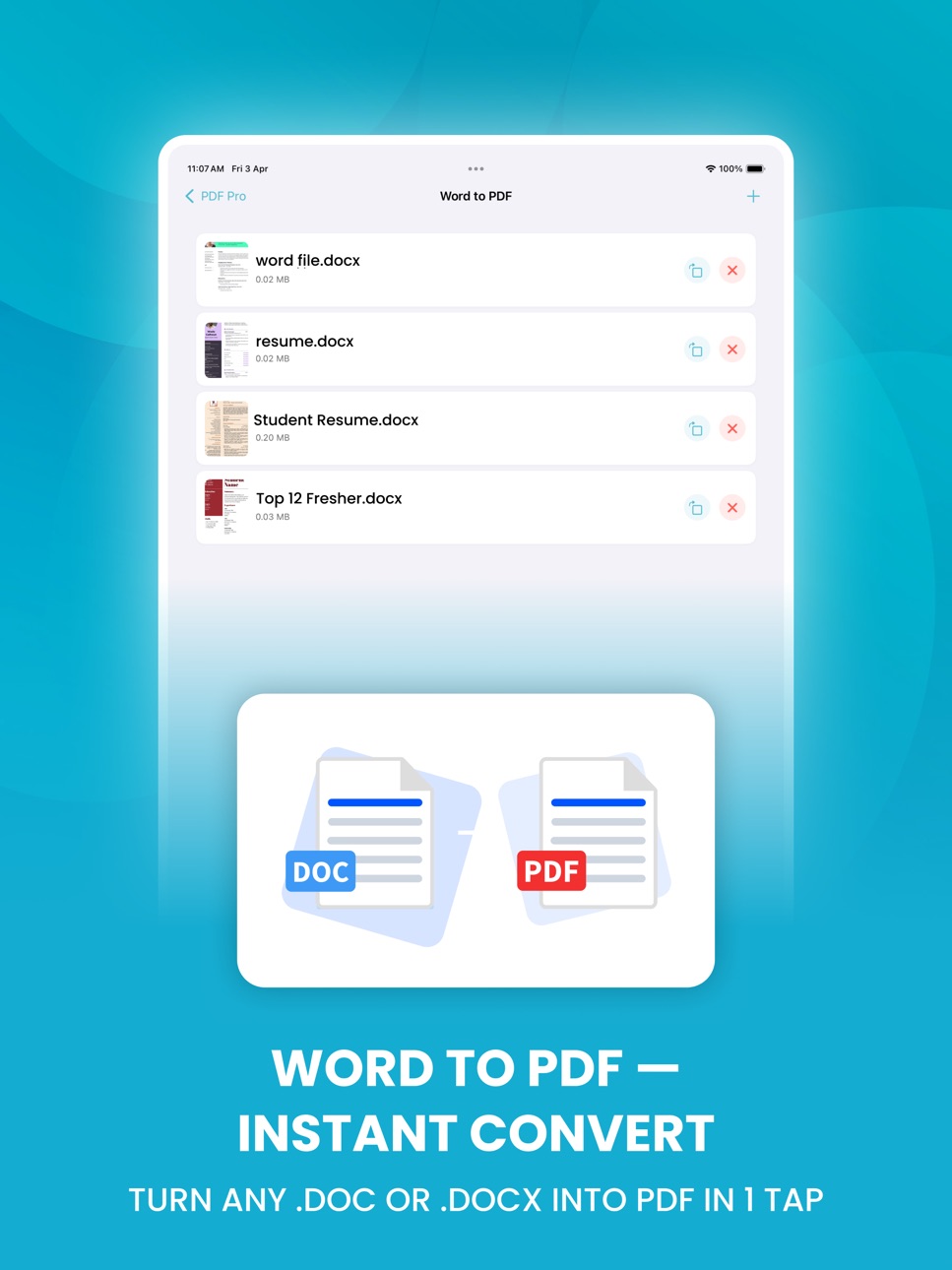
- Word to PDF - Convert .doc and .docx files to PDF instantly
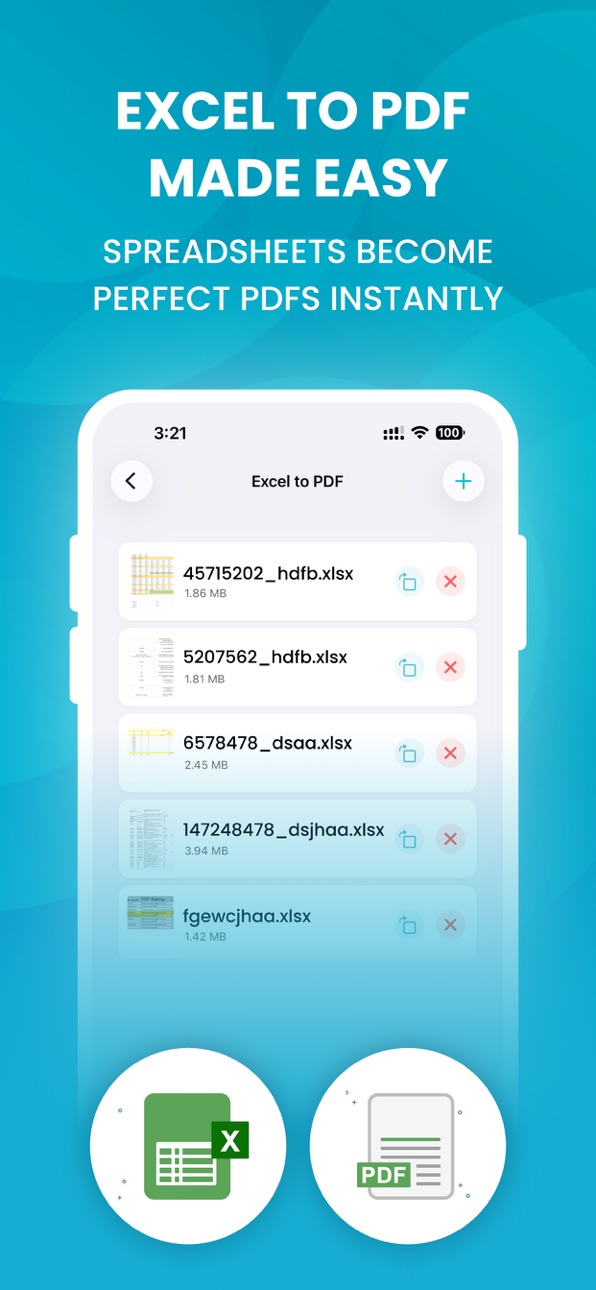
- Excel to PDF - Turn spreadsheets into clean PDF documents
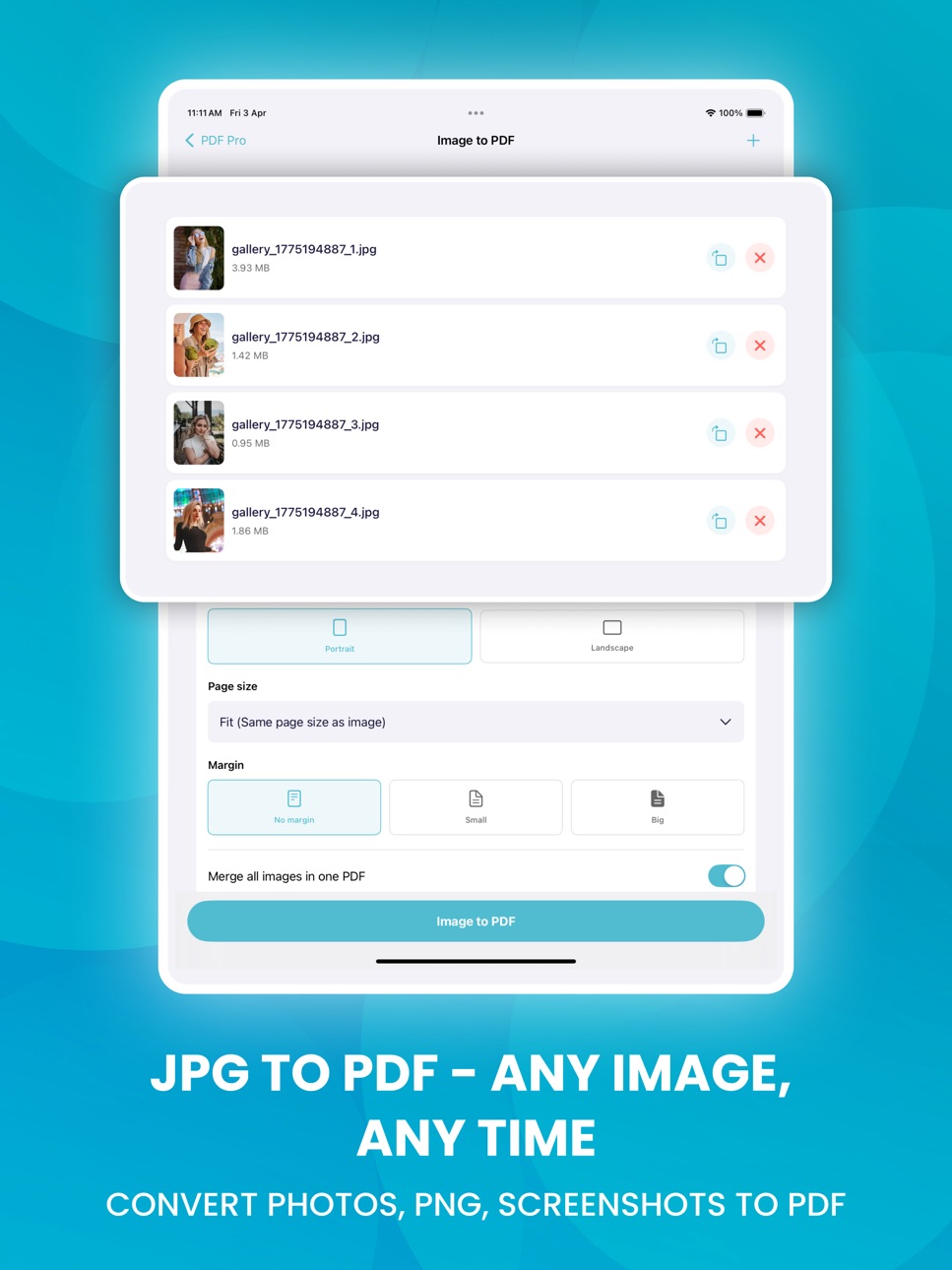
- JPG to PDF & PNG to PDF - Convert photos and images in one tap
- PDF to Word - Turn PDF files into editable Word documents
- PPT to PDF - Convert presentation slides to PDF with ease
- Image to PDF - Batch convert multiple photos into one PDF file
- PDF Converter - Convert any document format to PDF quickly
----------------------------
PDF EDITOR & FILE MANAGER
----------------------------
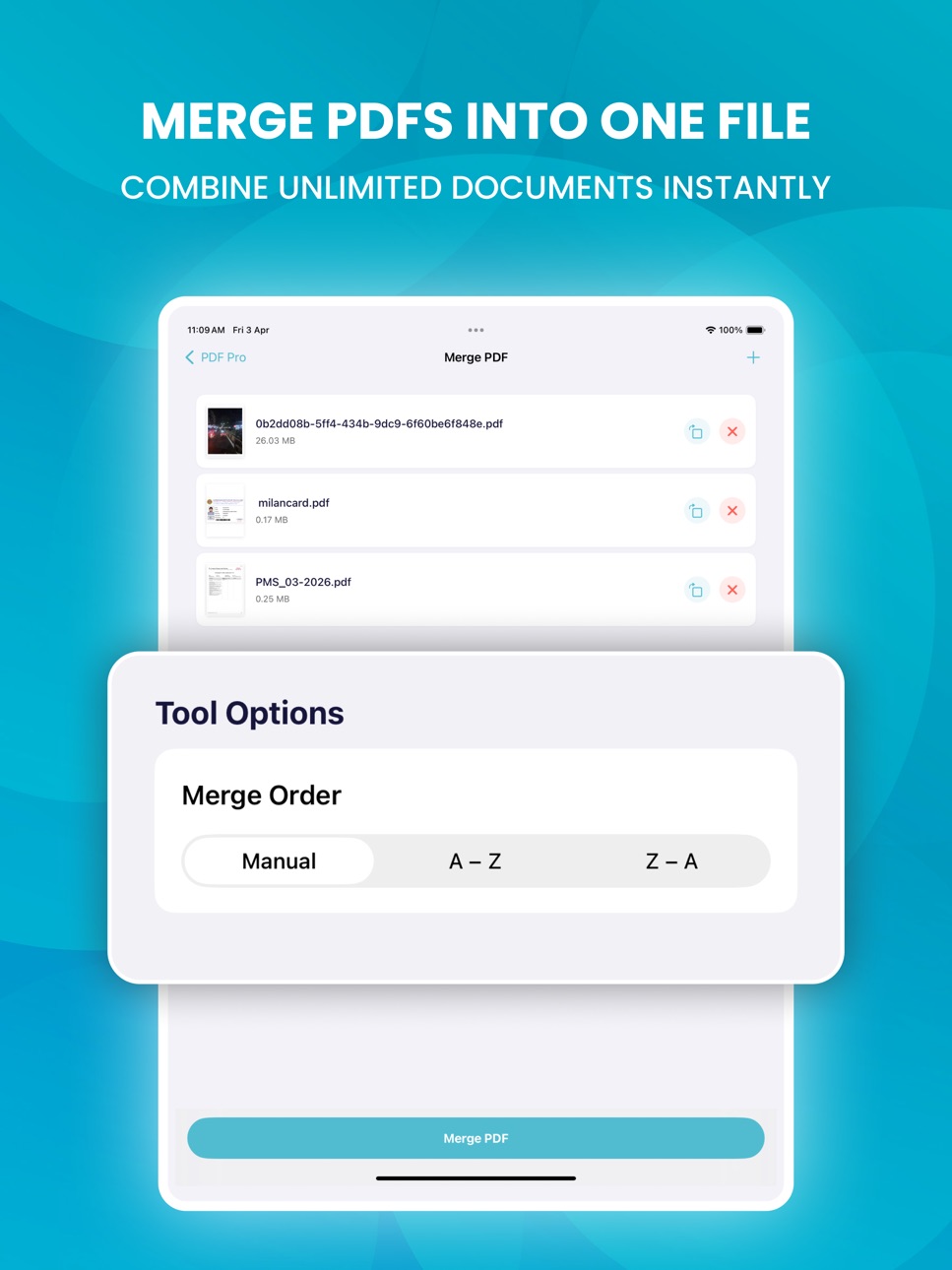
- Merge PDF - Combine multiple PDF files into one document
- Split PDF - Extract and separate pages from any PDF
- Compress PDF - Shrink PDF file size with minimal quality loss
- Reorder, Rotate & Delete Pages - Edit every page with full control
- PDF Page Editor - Rearrange and manage pages in any order
- Rename & Organize - Keep all your PDF files easy to find
----------------------------
SCAN, SIGN & ANNOTATE
----------------------------
- PDF Scanner - Scan paper documents using your iPhone camera
- Auto Edge Detection - Smart cropping and page straightening
- Sign PDF - Add handwritten or typed signatures to documents
- Fill PDF Forms - Type directly into any PDF form field
- Annotate PDF - Highlight text, add notes, draw, and stamp
- Create PDF - Build new PDF documents from a blank page
----------------------------
SHARE & EXPORT
----------------------------
- Share via Email or any messaging app instantly
- Export to cloud storage with one tap
- AirDrop to nearby Apple devices in seconds
- Open in any app - full iOS share sheet support
- 100% offline PDF tool - no upload, no cloud, no waiting
----------------------------
WHO IS PDF MAKING FOR?
----------------------------
- Students - Convert assignments and notes to PDF instantly
- Professionals - Create contracts, invoices, and business reports
- Business Owners - Manage and convert documents on the go
- Travelers - Save boarding passes, IDs, and tickets as PDF
- Everyone - Anyone who needs a simple, powerful PDF solution
----------------------------
WHY PDF MAKING?
----------------------------
- Easy to use - no learning curve, works from day one
- Fast PDF processing - results in seconds on any iPhone
- High-quality PDF output - sharp, clean, professional results
- Secure & private - files stay on your device, never uploaded
- Fully offline - no Wi-Fi or mobile data required
- Lightweight - does not slow down your iPhone or iPad
Download PDF Making now - your all-in-one PDF converter, editor, scanner, and file manager for iPhone and iPad.
----------------------------
SUBSCRIPTION INFO
----------------------------
PDF Making offers a Premium subscription unlocking all PDF conversion, editing, scanning, and signing features. Pricing is shown clearly before purchase. Payment is charged to your Apple ID at confirmation. Subscription renews automatically unless cancelled at least 24 hours before renewal. Manage or cancel anytime in Apple ID Settings.
Terms of Use: https://www.pdfmaking.com/TermsConditions
Privacy Policy: https://www.pdfmaking.com/PrivacyPolicy
Capabilities
In-App Purchases
Accessibility
ipadiphonemacrealityDevicetvoswatch
Version history 7 versions
Build 886819346v1.62026-06-16 15:22:50
This update brings performance improvements, bug fixes, and a smoother experience across the PDF converter, editor, and scanner.
- Bug fixes for better stability
Build 884353622v1.52026-04-13 13:10:11
This update brings performance improvements, bug fixes, and a smoother experience across the PDF converter, editor, and scanner.
- Faster PDF conversion and file processing
- Improved screen layout and navigation
- Bug fixes for better stability
Build 884100857v1.42026-04-06 13:23:14
This update brings performance improvements, bug fixes, and a smoother experience across the PDF converter, editor, and scanner.
- Faster PDF conversion and file processing
- Improved screen layout and navigation
- Bug fixes for better stability
Build 883410363v1.32026-04-02 18:14:16
This update brings performance improvements, bug fixes, and a smoother experience across the PDF converter, editor, and scanner.
- Faster PDF conversion and file processing
- Improved screen layout and navigation
- Bug fixes for better stability
Build 882864680v1.22026-03-09 18:40:45
This update includes general improvements to make the app smoother, faster, and easier to use. We’ve refined the overall experience, improved screen layout , and fixed bugs for better stability and reliability across the app.
Build 882787119v1.12026-02-25 21:42:30
This update includes general improvements to make the app smoother, faster, and easier to use. We’ve refined the overall experience, improved screen layout , and fixed bugs for better stability and reliability across the app.
Build 882591628v1.02026-02-24 05:44:22
No pricing data captured yet — comparisons appear once the app has paid storefronts or in-app purchases.
Availability 1 of 1 storefronts
| Region | Language | Price | Ratings | Avg | Version |
|---|---|---|---|---|---|
| US | en-US | Free | 28 | 4.6 | 1.6 |
Change log 11 changes · US
✎
releaseNotes updated
This update brings performance improvements, bug fixes, and a smoother experience across the PDF converter, editor, and scanner.
- Bug fixes for better stabili
✎
description updated
PDF Making - Complete PDF Converter & PDF Maker for iPhone & iPad
PDF Making is a fast, reliable PDF converter and document manager built for iPhone and iPad.
✎
subtitle updated
JPG, Excel, Photos to PDF
✎
name updated
Word to PDF Converter: PDF Pro
◆
Version 1.6 released
This update brings performance improvements, bug fixes, and a smoother experience across the PDF converter, editor, and scanner.
- Bug fixes for better stability
◆
Version 1.5 released
This update brings performance improvements, bug fixes, and a smoother experience across the PDF converter, editor, and scanner.
- Faster PDF conversion and file processing
- Improved screen layout and navigation
- Bug fixes for better sta
◆
Version 1.4 released
This update brings performance improvements, bug fixes, and a smoother experience across the PDF converter, editor, and scanner.
- Faster PDF conversion and file processing
- Improved screen layout and navigation
- Bug fixes for better sta
◆
Version 1.3 released
This update brings performance improvements, bug fixes, and a smoother experience across the PDF converter, editor, and scanner.
- Faster PDF conversion and file processing
- Improved screen layout and navigation
- Bug fixes for better sta
◆
Version 1.2 released
This update includes general improvements to make the app smoother, faster, and easier to use. We’ve refined the overall experience, improved screen layout , and fixed bugs for better stability and reliability across the app.
◆
Version 1.1 released
This update includes general improvements to make the app smoother, faster, and easier to use. We’ve refined the overall experience, improved screen layout , and fixed bugs for better stability and reliability across the app.
◆
Version 1.0 released