Home › Productivity

 US
US
1 of 1 storefronts
Content in en-US
Content in en-US
Information
Apple ID6759274708
Bundle IDcom.slowbuild.pdfpocket
SellerSeller
Min iOS18
Min macOS15.0
Device familiesiphone, ipad
Released2026-03-03
Copyright© Yong Wang
Privacy policyLink ↗
Preview 2 platforms
iPhone 6 images



iPad 6 images


What’s New Version 1.0.2
Thank you for using PDF Pocket!
This update includes:
• Performance improvements and bug fixes
• Enhanced stability across all features
• Optimized scanning and OCR accuracy
We're constantly improving — if you enjoy the app, please leave a review. Your feedback helps us make PDF Pocket even better!
Description
Turn your iPhone and iPad into a powerful PDF scanner and editor. PDF Pocket handles everything from scanning paper documents to signing contracts — fast, private, and completely offline.
SCAN ANYTHING IN SECONDS
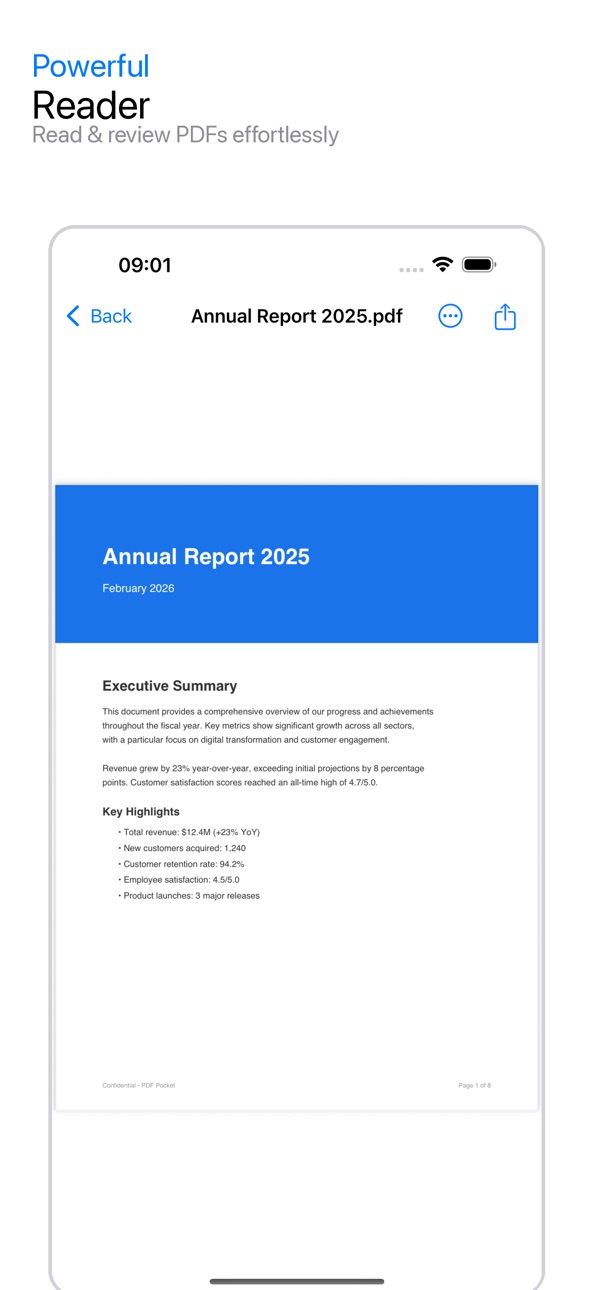
Point your camera at any document and get a crisp, clean PDF instantly. Auto edge detection, perspective correction, and shadow removal work together so every scan looks professional. Capture multiple pages in one go, or import files from your photo library and cloud storage.
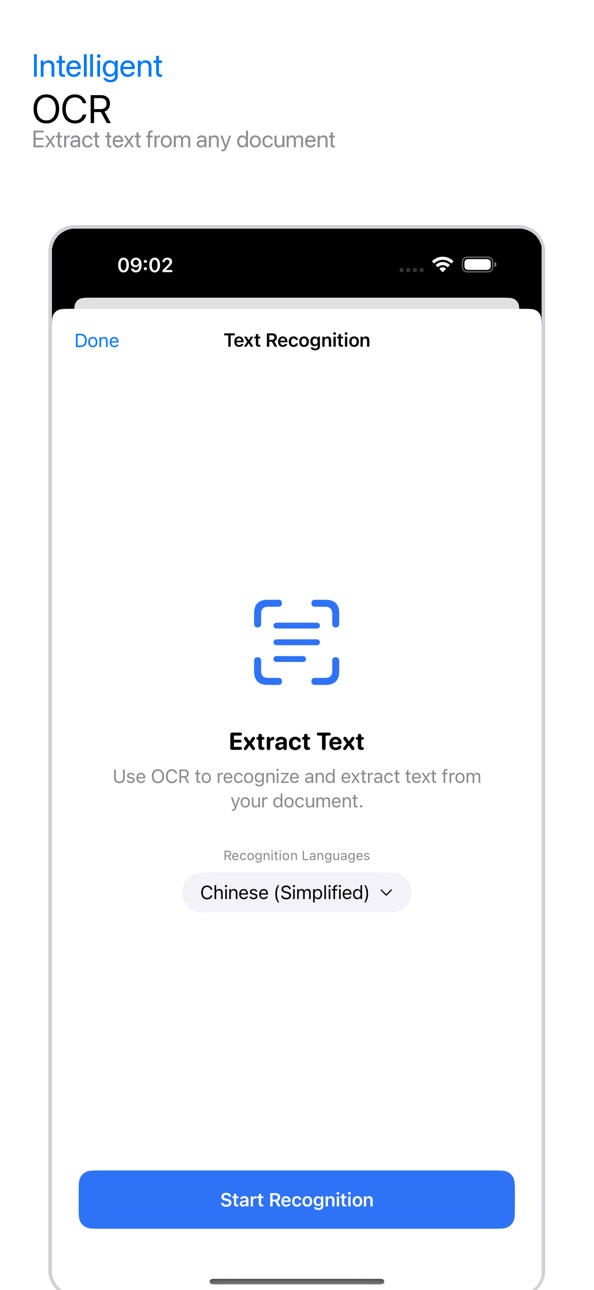
BUILT-IN OCR
Make any scanned document searchable with on-device text recognition. Copy, search, and share text from scans — no internet connection required. Your documents stay on your device.
ANNOTATE & MARK UP
Highlight, underline, and strikethrough with 7 colors. Add text notes, draw freehand with Apple Pencil support, and stamp documents. Every tool you need for reviewing and commenting is right at your fingertips.
SIGN DOCUMENTS ANYWHERE
Create and save your handwritten signatures. Place them on any page with precise positioning, scaling, and rotation. Sign contracts, forms, and agreements without printing a single sheet of paper.
POWERFUL PAGE TOOLS
• Merge multiple PDFs into one
• Split documents by page range
• Rotate, reorder, insert, or delete pages
• Compress files to reduce size
• Add watermarks and page numbers
• Password-protect sensitive documents
AI-POWERED PRODUCTIVITY
Let AI summarize long documents in seconds. Translate content across languages. Generate deliverables like reports, emails, and study notes — all from your PDF.
SMART FILE MANAGEMENT
Organize with folders, tags, and favorites. Full-text search finds any document instantly. Grid or list view, recent files, and a built-in trash bin keep everything tidy.
COMPARE DOCUMENTS
Place two versions side by side and spot every difference. Text diff and visual comparison make reviewing revisions effortless.
SHARE YOUR WAY
Export as PDF or image. Share directly to WhatsApp, email, AirDrop, or any app. Use the Share Extension to import PDFs from other apps into PDF Pocket with one tap.
PERFECT FOR
• Students scanning lecture notes and textbooks
• Freelancers signing invoices and contracts
• Office workers annotating reports and presentations
• Researchers organizing and summarizing papers
• Anyone who needs a fast, reliable PDF tool on the go
SUBSCRIPTION INFORMATION
PDF Pocket Pro offers weekly, monthly, and yearly subscription options, as well as a one-time lifetime purchase. Payment will be charged to your Apple ID account at confirmation of purchase. Subscription automatically renews unless cancelled at least 24 hours before the end of the current period. Your account will be charged for renewal within 24 hours prior to the end of the current period. You can manage and cancel your subscriptions by going to your App Store account settings after purchase.
Privacy Policy: https://slowbuild.dev/pdf-pocket/privacy.html
Terms of Use: https://slowbuild.dev/pdf-pocket/terms.html
Capabilities
In-App Purchases
Accessibility
ipadiphonemacrealityDevicetvoswatch
Version history 2 versions
Build 883066142v1.0.22026-03-10 15:41:15
Thank you for using PDF Pocket!
This update includes:
• Performance improvements and bug fixes
• Enhanced stability across all features
• Optimized scanning and OCR accuracy
We're constantly improving — if you enjoy the app, please leave a review. Your feedback helps us make PDF Pocket even better!
Build 882528171v1.0.12026-03-04 00:53:16
No pricing data captured yet — comparisons appear once the app has paid storefronts or in-app purchases.
Availability 1 of 1 storefronts
| Region | Language | Price | Ratings | Avg | Version |
|---|---|---|---|---|---|
| US | en-US | Free | 1 | 4.0 | 1.0.2 |
Change log 6 changes · US
✎
releaseNotes updated
Thank you for using PDF Pocket!
This update includes:
• Performance improvements and bug fixes
• Enhanced stability across all features
• Optimized scanning an
✎
description updated
Turn your iPhone and iPad into a powerful PDF scanner and editor. PDF Pocket handles everything from scanning paper documents to signing contracts — fast, priva
✎
subtitle updated
Scan, OCR, Sign & Annotate
✎
name updated
PDF Pocket: Scanner & Editor
◆
Version 1.0.2 released
Thank you for using PDF Pocket!
This update includes:
• Performance improvements and bug fixes
• Enhanced stability across all features
• Optimized scanning and OCR accuracy
We're constantly improving — if you enjoy the app, please leave
◆
Version 1.0.1 released