Home › Productivity

ClearMind: Screen Time Control
use your phone with intention.
 US
US
1 of 1 storefronts
Content in en-US
Content in en-US
Information
Preview 2 platforms
iPhone 6 images


iPad 6 images




What’s New Version 1.1.1
Introducing: Limit Distractions & Full Clarity
Major blocking infrastructure update, adding the ability to limit individual apps, tracking per app opens, usage, and more!
Download Now!!!
(1.1.1 Adds Bug Fixes on Home Screen Data)
Description
We’re building a new way to use the internet. ClearMind is the first tool that lets you design exactly how you want to use your device, giving you control over the digital world for the first time.
ClearMind is more than an app blocker, or a gamified screen time tracker - with it, you are getting the chance to define what your tool is for.
**WHY CLEARMIND IS DIFFERENT**
With all other screen time apps, you block distractions during certain hours so you can focus.
They take the approach that you need to schedule time to be focused. Fundamentally, they imply that the default mode is distraction, and that to get rid of distraction you need to block it during certain hours so you can focus. Simply put - we believe that is backwards.
With ClearMind, you do not schedule time to focus, you schedule time to be distracted.
**HOW TO USE CLEARMIND**
You select the apps that you want to use on your device, all others are shielded.
A timer tracks how long you remain in clarity, using only your allowed apps.
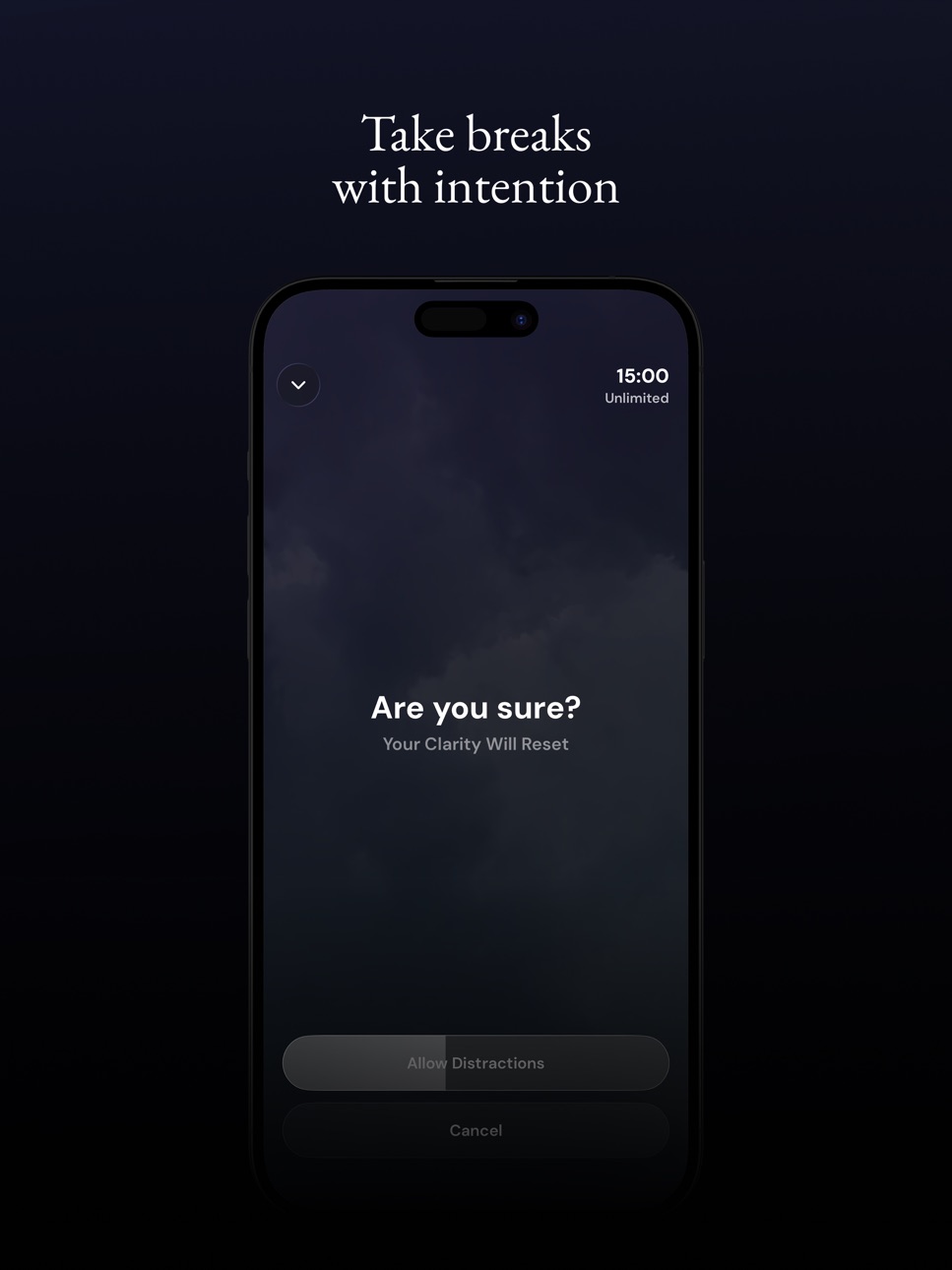
When you want to take a break, simply reset your clarity & enable the blocked apps
Extra Features:
You can set limits on breaks, how often or how long.
You can schedule apps to be allowed during set times, or on set days.
You can track concurrent streaks, or daily time.
Terms: clearmind.so/terms
Privacy: clearmind.so/privacy
Contact: support@clearmind.so
In-App Purchases US pricing
ClearMind Premium Subscription
Yearly 7-day free trial$34.99
Monthly$9.99
Capabilities
In-App Purchases
Accessibility
ipadiphonemacrealityDevicetvoswatch
Version history 4 versions
Build 886054197v1.1.12026-05-28 21:39:00
Introducing: Limit Distractions & Full Clarity
Major blocking infrastructure update, adding the ability to limit individual apps, tracking per app opens, usage, and more!
Download Now!!!
(1.1.1 Adds Bug Fixes on Home Screen Data)
Build 885923229vv1.1.02026-05-22 16:01:33
Introducing: Limit Distractions & Full Clarity
Major blocking infrastructure update, adding the ability to limit individual apps, tracking per app opens, usage, and more!
Download Now!!!
Build 885075911v1.0.12026-05-08 16:02:33
Updates:
- Improved visibility on assets across the app
- Minor bug fixes to onboarding flow
- Refined share messages & invite requests
- Adjustments to content on profile page
Build 882517071v1.02026-04-24 16:34:17
Price history by region
Currency
Show
Columns
Search
Availability 1 of 1 storefronts
| Region | Language | Price | Ratings | Avg | Version |
|---|---|---|---|---|---|
| US | en-US | Free | 5 | 5.0 | 1.1.1 |
Change log 8 changes · US
✎
releaseNotes updated
Introducing: Limit Distractions & Full Clarity
Major blocking infrastructure update, adding the ability to limit individual apps, tracking per app opens, usage
✎
description updated
We’re building a new way to use the internet. ClearMind is the first tool that lets you design exactly how you want to use your device, giving you control over
✎
subtitle updated
use your phone with intention.
✎
name updated
ClearMind: Screen Time Control
◆
Version 1.1.1 released
Introducing: Limit Distractions & Full Clarity
Major blocking infrastructure update, adding the ability to limit individual apps, tracking per app opens, usage, and more!
Download Now!!!
(1.1.1 Adds Bug Fixes on Home Screen Data)
◆
Version v1.1.0 released
Introducing: Limit Distractions & Full Clarity
Major blocking infrastructure update, adding the ability to limit individual apps, tracking per app opens, usage, and more!
Download Now!!!
◆
Version 1.0.1 released
Updates:
- Improved visibility on assets across the app
- Minor bug fixes to onboarding flow
- Refined share messages & invite requests
- Adjustments to content on profile page
◆
Version 1.0 released