Home › Utilities

 US
US
1 of 1 storefronts
Content in en-US
Content in en-US
Information
Preview 2 platforms
iPhone 4 images


iPad 4 images



What’s New Version 2.5
Meet the new DocKit: a full-featured PDF editor — scan, edit, organize, and secure your documents in one simple app.
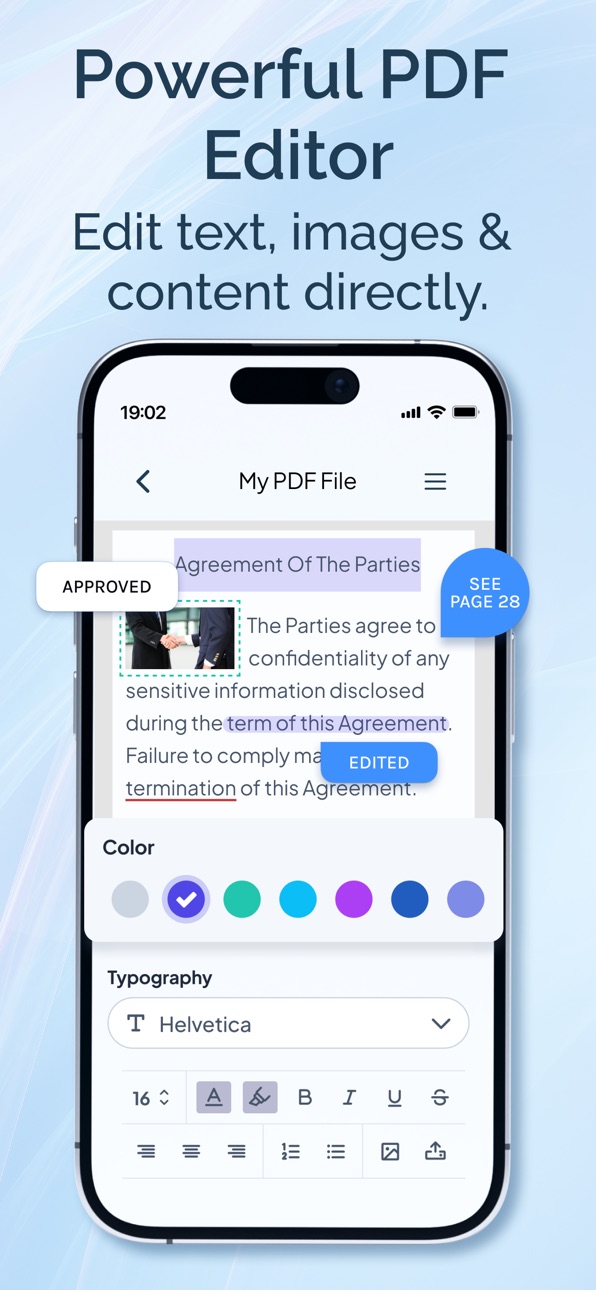
• Powerful PDF editing: add, delete, duplicate, replace, and rotate pages
• Split PDFs or merge multiple PDFs into one
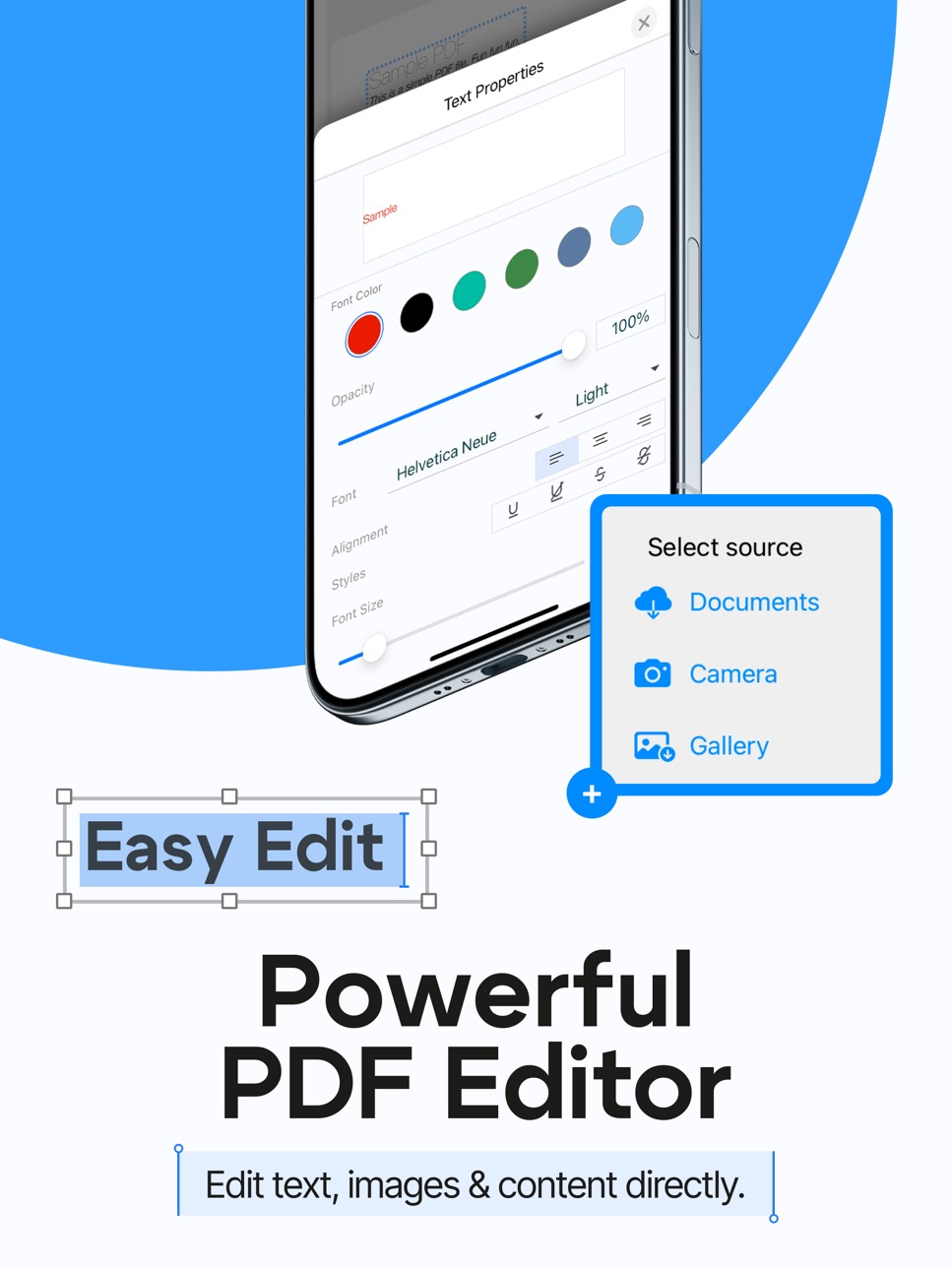
• Edit PDF text with smart auto font detection
• Add images and signatures in seconds
• Pro scanning: Auto & Manual modes + Photo/B&W/Grayscale/Color filters
• Fix scans anytime: reshoot pages, crop, rotate, apply filters, delete pages
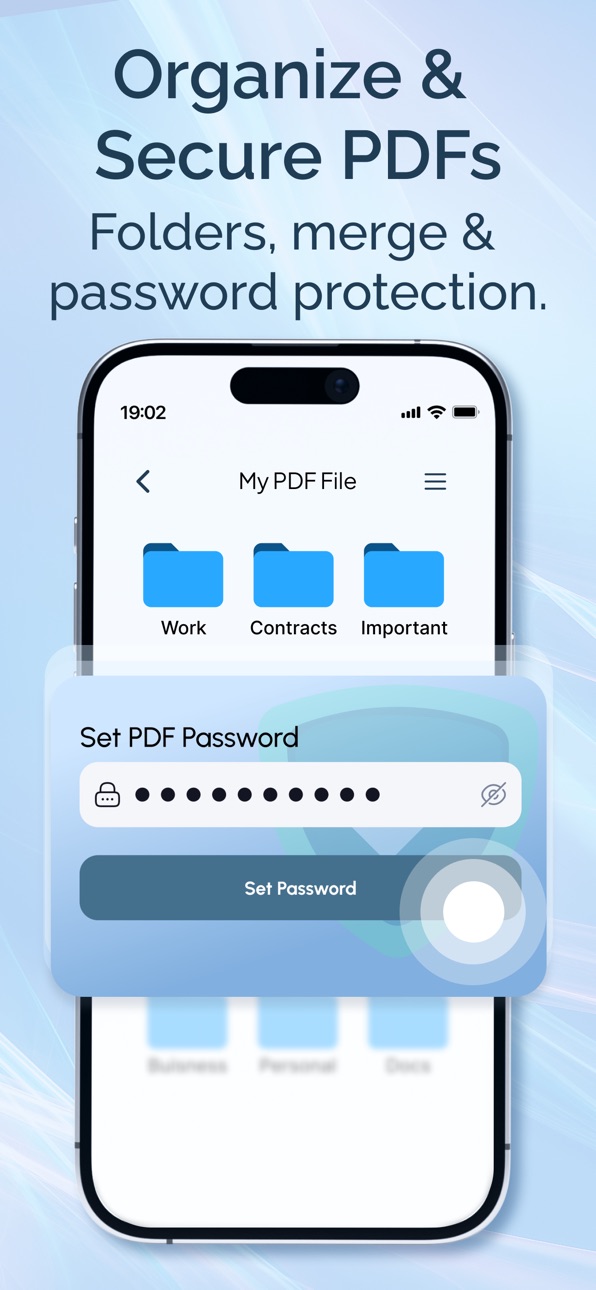
• Built-in file manager & folders: import from Files or Photos, keep everything organized
• Keep documents private: password-lock PDFs with one tap
Description
Scan, edit, organize, and secure your PDFs — all in one simple app.
DocKit is the easiest way to turn paper into clean PDFs, manage your files, and make quick edits right from your iPhone. Whether you’re working, studying, or handling personal documents, DocKit helps you get everything done faster.
Powerful PDF editing
Edit your documents with full page control:
Add pages
Delete pages
Duplicate pages
Replace pages
Rotate pages
Split PDFs
Merge multiple PDFs into one
Make your PDFs clean, organized, and ready to share.
Scan documents like a pro
Create high-quality scans in seconds:
Auto & Manual scan modes
Built-in filters: Photo, B&W, Grayscale, Color
Reshoot pages anytime if you don’t like the result
Edit scanned pages: Crop, rotate, apply filters, delete pages
Perfect for receipts, contracts, IDs, notes, invoices, school papers, and more.
Keep documents private
Protect sensitive files in one tap:
Password lock for PDFs
Secure your documents before sending or storing them
Great for personal files, business documents, and anything confidential.
Built-in file manager & folders
DocKit is more than a scanner — it’s your document workspace:
Import files from Files app or Photos
Create folders to keep everything organized
Folder actions: Move, duplicate, rename, delete
Document actions: Share, lock, move, duplicate, rename, delete
No more messy document chaos — keep everything structured and easy to find.
Why users love DocKit
Fast scanning + clean results
Simple page editing tools
Organize documents with folders
Protect PDFs with passwords
Perfect for work, school & everyday life
Download PDF Editor & Scan: DocKit today and manage your documents the smart way.
Links to our Terms of Service and Privacy Policy can be found below.
Privacy Policy: https://file-reader.ru/pdf-editor/privacy-policy/
Terms of Use: https://file-reader.ru/pdf-editor/terms-of-service/
In-App Purchases US pricing
Main Subscription
Full access · 7 days 3-day free trial$4.99
Capabilities
In-App Purchases
Accessibility
ipadiphonemacrealityDevicetvoswatch
Version history 7 versions
Build 887394890v2.52026-06-25 05:36:23
Meet the new DocKit: a full-featured PDF editor — scan, edit, organize, and secure your documents in one simple app.
• Powerful PDF editing: add, delete, duplicate, replace, and rotate pages
• Split PDFs or merge multiple PDFs into one
• Edit PDF text with smart auto font detection
• Add images and signatures in seconds
• Pro scanning: Auto & Manual modes + Photo/B&W/Grayscale/Color filters
• Fix scans anytime: reshoot pages, crop, rotate, apply filters, delete pages
• Built-in file manager & folders: import from Files or Photos, keep everything organized
• Keep documents private: password-lock PDFs with one tap
Build 887327233v2.42026-06-23 18:26:28
Meet the new DocKit: a full-featured PDF editor — scan, edit, organize, and secure your documents in one simple app.
• Powerful PDF editing: add, delete, duplicate, replace, and rotate pages
• Split PDFs or merge multiple PDFs into one
• Edit PDF text with smart auto font detection
• Add images and signatures in seconds
• Pro scanning: Auto & Manual modes + Photo/B&W/Grayscale/Color filters
• Fix scans anytime: reshoot pages, crop, rotate, apply filters, delete pages
• Built-in file manager & folders: import from Files or Photos, keep everything organized
• Keep documents private: password-lock PDFs with one tap
Build 886242676v2.32026-05-28 18:46:50
Meet your all-in-one PDF editor and scanner for iPhone — built to make every document look clean, organized, and secure.
Scan paper into polished PDFs, edit pages with precision, merge or split files, organize everything in folders, and protect private documents with a password.
Whether it’s a contract, receipt, ID, invoice, or study note, DocKit helps you finish document tasks faster and share with confidence.
Update today and unlock Pro tools for a smoother, more powerful PDF workflow.
Build 883627005v2.22026-03-23 20:36:58
Meet the new DocKit: a full-featured PDF editor — scan, edit, organize, and secure your documents in one simple app.
• Powerful PDF editing: add, delete, duplicate, replace, and rotate pages
• Split PDFs or merge multiple PDFs into one
• Edit PDF text with smart auto font detection
• Add images and signatures in seconds
• Pro scanning: Auto & Manual modes + Photo/B&W/Grayscale/Color filters
• Fix scans anytime: reshoot pages, crop, rotate, apply filters, delete pages
• Built-in file manager & folders: import from Files or Photos, keep everything organized
• Keep documents private: password-lock PDFs with one tap
Build 883124780v2.12026-03-11 18:15:57
We’ve introduced a powerful new PDF editor that makes working with documents easier than ever. This update brings a complete set of tools to view, edit, and enhance your PDF files directly on your device.
• Full-featured PDF editor with essential editing tools
• Edit text in PDFs with automatic font detection
• Insert images into your documents
• Add signatures quickly and easily
• Scan documents and convert them into PDFs
Build 883053509v2.02026-03-05 21:19:52
We’ve introduced a powerful new PDF editor that makes working with documents easier than ever. This update brings a complete set of tools to view, edit, and enhance your PDF files directly on your device.
• Full-featured PDF editor with essential editing tools
• Edit text in PDFs with automatic font detection
• Insert images into your documents
• Add signatures quickly and easily
• Scan documents and convert them into PDFs
Build 882338777v1.02026-02-22 13:23:14
Price history by region
Currency
Show
Columns
Search
Availability 1 of 1 storefronts
| Region | Language | Price | Ratings | Avg | Version |
|---|---|---|---|---|---|
| US | en-US | Free | 4 | 5.0 | 2.5 |
Change log 11 changes · US
✎
releaseNotes updated
Meet the new DocKit: a full-featured PDF editor — scan, edit, organize, and secure your documents in one simple app.
• Powerful PDF editing: add, delete, dupli
✎
description updated
Scan, edit, organize, and secure your PDFs — all in one simple app.
DocKit is the easiest way to turn paper into clean PDFs, manage your files, and make quick e
✎
subtitle updated
Scan, Edit, Merge & Lock PDFs
✎
name updated
PDF Editor & Scanner: DocKit
◆
Version 2.5 released
Meet the new DocKit: a full-featured PDF editor — scan, edit, organize, and secure your documents in one simple app.
• Powerful PDF editing: add, delete, duplicate, replace, and rotate pages
• Split PDFs or merge multiple PDFs into one
• E
◆
Version 2.4 released
Meet the new DocKit: a full-featured PDF editor — scan, edit, organize, and secure your documents in one simple app.
• Powerful PDF editing: add, delete, duplicate, replace, and rotate pages
• Split PDFs or merge multiple PDFs into one
• E
◆
Version 2.3 released
Meet your all-in-one PDF editor and scanner for iPhone — built to make every document look clean, organized, and secure.
Scan paper into polished PDFs, edit pages with precision, merge or split files, organize everything in folders, and pro
◆
Version 2.2 released
Meet the new DocKit: a full-featured PDF editor — scan, edit, organize, and secure your documents in one simple app.
• Powerful PDF editing: add, delete, duplicate, replace, and rotate pages
• Split PDFs or merge multiple PDFs into one
• E
◆
Version 2.1 released
We’ve introduced a powerful new PDF editor that makes working with documents easier than ever. This update brings a complete set of tools to view, edit, and enhance your PDF files directly on your device.
• Full-featured PDF editor with es
◆
Version 2.0 released
We’ve introduced a powerful new PDF editor that makes working with documents easier than ever. This update brings a complete set of tools to view, edit, and enhance your PDF files directly on your device.
• Full-featured PDF editor with es
◆
Version 1.0 released