Home › Utilities

 US
US
1 of 1 storefronts
Content in en-US
Content in en-US
Information
Preview 2 platforms
iPhone 6 images


iPad 6 images


What’s New Version 1.6
Optimized user experience and improved scanning speed!
Description
Running out of storage on your iPhone?
CleanBox streamlines “Scan → Review → Clean” so you can free up space in minutes.
Key Features
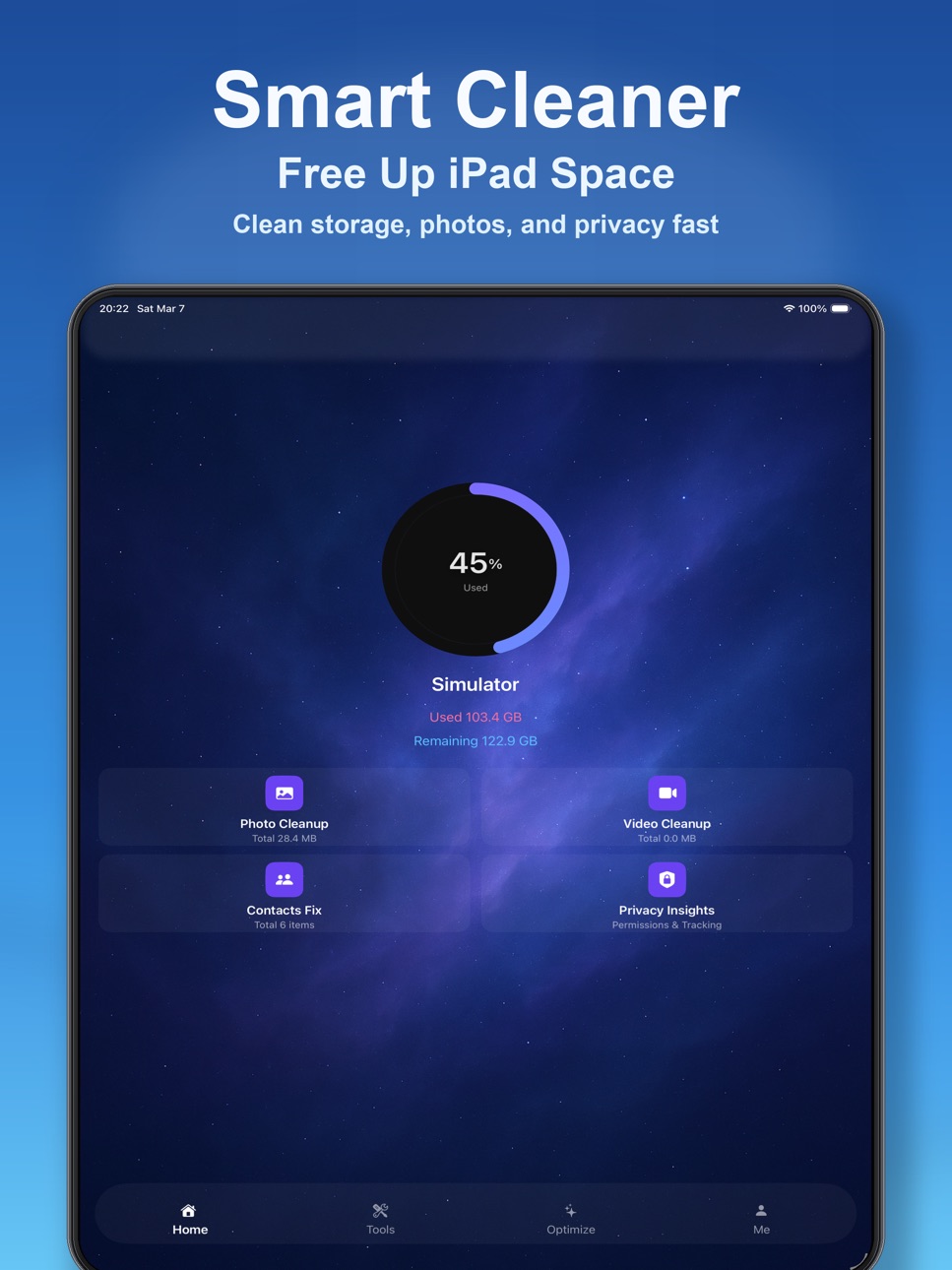
- On-device AI photo cleanup: detect duplicate, similar, blurry photos and screenshots in one pass
- Large file finder: quickly locate large photos, videos, and screen recordings
- Contact cleanup: find duplicate contacts and entries missing a name or phone number
- One-tap scan: clear results with support for batch actions
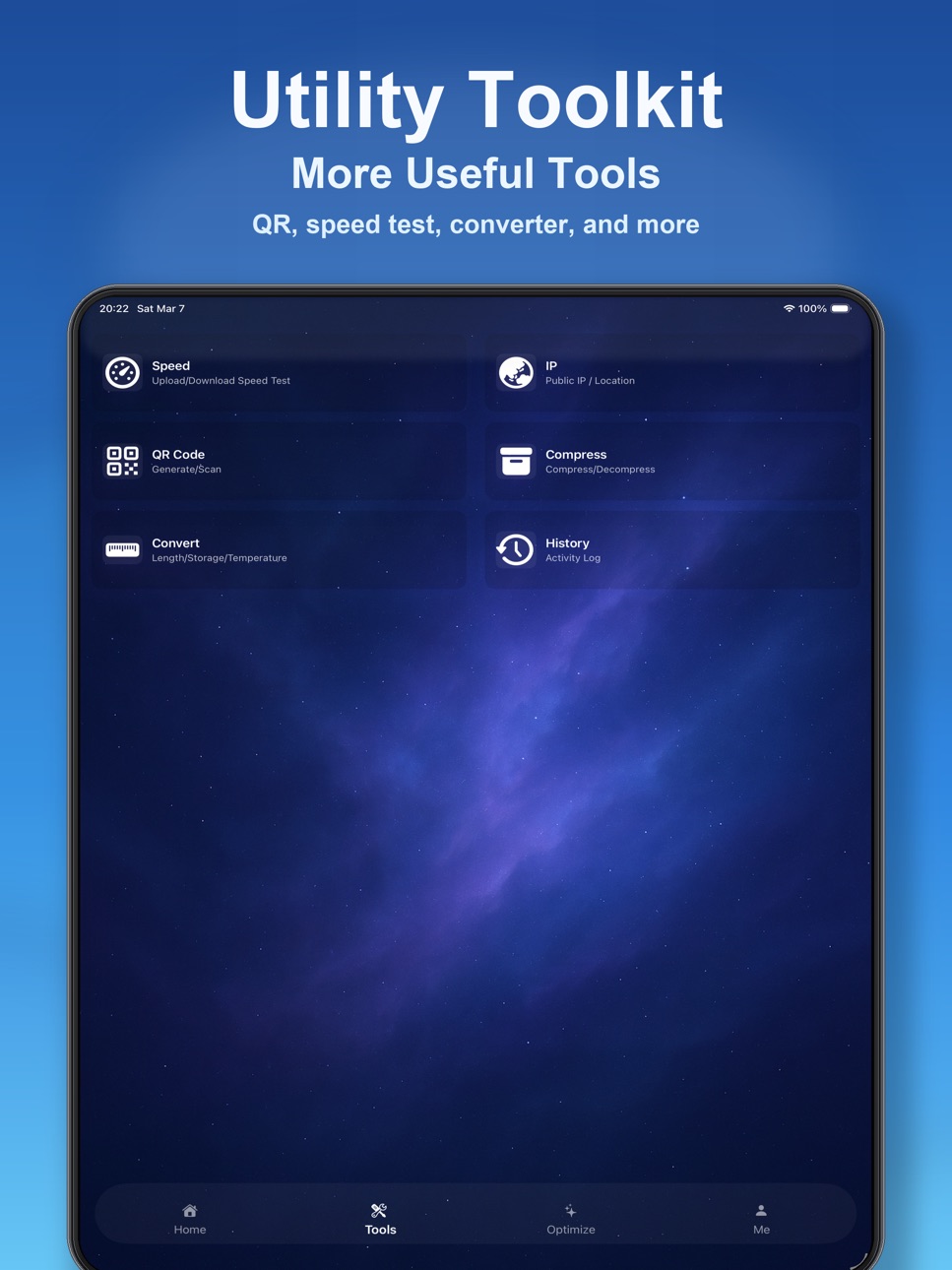
- Utility toolbox: network speed test, IP lookup, QR code create/scan, file compression, and unit conversion
Great For These Scenarios
- You need to free up storage immediately
- You want to quickly find photos and videos taking the most space
- Your contacts are messy with too many duplicates
- You prefer a simple, intuitive, and efficient cleanup flow
Privacy & Security
- CleanBox processes photos, videos, and contacts only on your local device
- CleanBox does not use any third-party AI service, and no photo/video/contact content is sent to any third-party AI provider
- Personal data such as photos, videos, and contacts is not uploaded to servers
Subscription Information
CleanBox offers auto-renewing subscription plans:
- Weekly subscription: US$9.99
- Monthly subscription: US$29.99
- Yearly subscription: US$99.99
New users can enjoy a 3-day free trial.
After the trial ends, the subscription renews automatically and the fee is charged to your Apple ID account.
Subscriptions can be managed or canceled anytime in your Apple ID account settings.
To avoid renewal, cancel at least 24 hours before the end of the current subscription period.
Privacy Policy & Terms
Privacy Policy:
https://cleanbox.top/privacy.html
Terms of Use:
https://cleanbox.top/terms.html
In-App Purchases US pricing
Subscription Subscription
Weekly Plan Basic · 7 days$9.99
Weekly Plan Pro · 7 days 3-day free trial$19.99
Monthly Plan · Monthly 3-day free trial$29.99
Yearly Plan · Yearly 3-day free trial$99.99
Capabilities
In-App Purchases
Accessibility
ipadiphonemacrealityDevicetvoswatch
Version history 6 versions
Build 887598234v1.62026-06-30 07:57:25
Optimized user experience and improved scanning speed!
Build 883128915v1.52026-03-11 14:46:47
Optimized cleaning and scanning performance for faster, more stable results.
Build 882695158v1.32026-03-02 19:39:46
Optimized cleaning and scanning performance for faster, more stable results.
Build 882488393v1.22026-02-18 23:28:29
Polished key flows and performance for a smoother, more stable experience.
Build 882381241v1.12026-02-15 00:50:23
Optimize speed to enhance user experience
Build 881931705v1.02026-02-11 11:19:33
Price history by region
Currency
Show
Columns
Search
Availability 1 of 1 storefronts
| Region | Language | Price | Ratings | Avg | Version |
|---|---|---|---|---|---|
| US | en-US | Free | 0 | — | 1.6 |
Change log 10 changes · US
✎
releaseNotes updated
Optimized user experience and improved scanning speed!
✎
description updated
Running out of storage on your iPhone?
CleanBox streamlines “Scan → Review → Clean” so you can free up space in minutes.
Key Features
- On-device AI photo
✎
subtitle updated
Clean Photos & Free Space
✎
name updated
Clever CleanBox
◆
Version 1.6 released
Optimized user experience and improved scanning speed!
◆
Version 1.5 released
Optimized cleaning and scanning performance for faster, more stable results.
◆
Version 1.3 released
Optimized cleaning and scanning performance for faster, more stable results.
◆
Version 1.2 released
Polished key flows and performance for a smoother, more stable experience.
◆
Version 1.1 released
Optimize speed to enhance user experience
◆
Version 1.0 released