Home › Business

 US
US
1 of 1 storefronts
Content in en-US
Content in en-US
Information
Apple ID6758303068
Bundle IDcom.timetrack.app
SellerSeller
Min iOS15.0
Min macOS12.0
Device familiesiphone, ipad, ipod
Released2026-02-14
Copyright© 2026 Guseva Kristina
Privacy policyLink ↗
Preview 2 platforms
iPhone 5 images


iPad 5 images

What’s New Version 1.7
Optimization
Description
Know exactly how much you earn. Every shift. Every hour. Every project.
Work Hours Time Tracker is the fastest, simplest way to clock in, track your hours, calculate your pay, and export professional timesheets — built for people who get paid by the hour.
Whether you're a freelancer billing clients, an hourly employee tracking shifts, a contractor juggling multiple projects, or a small business owner managing a team — this app replaces messy spreadsheets and paper timesheets with one clean, powerful tool.
WHY PEOPLE CHOOSE WORK HOURS TIME TRACKER
→ One-tap clock in/out — start tracking in under 2 seconds, no setup required
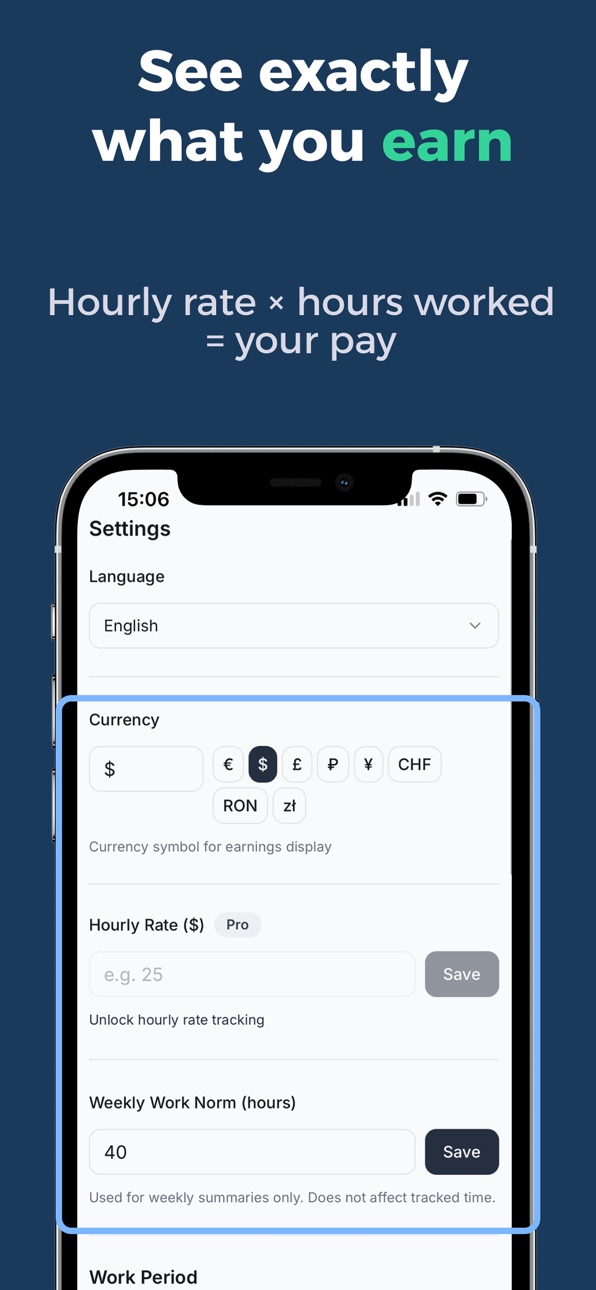
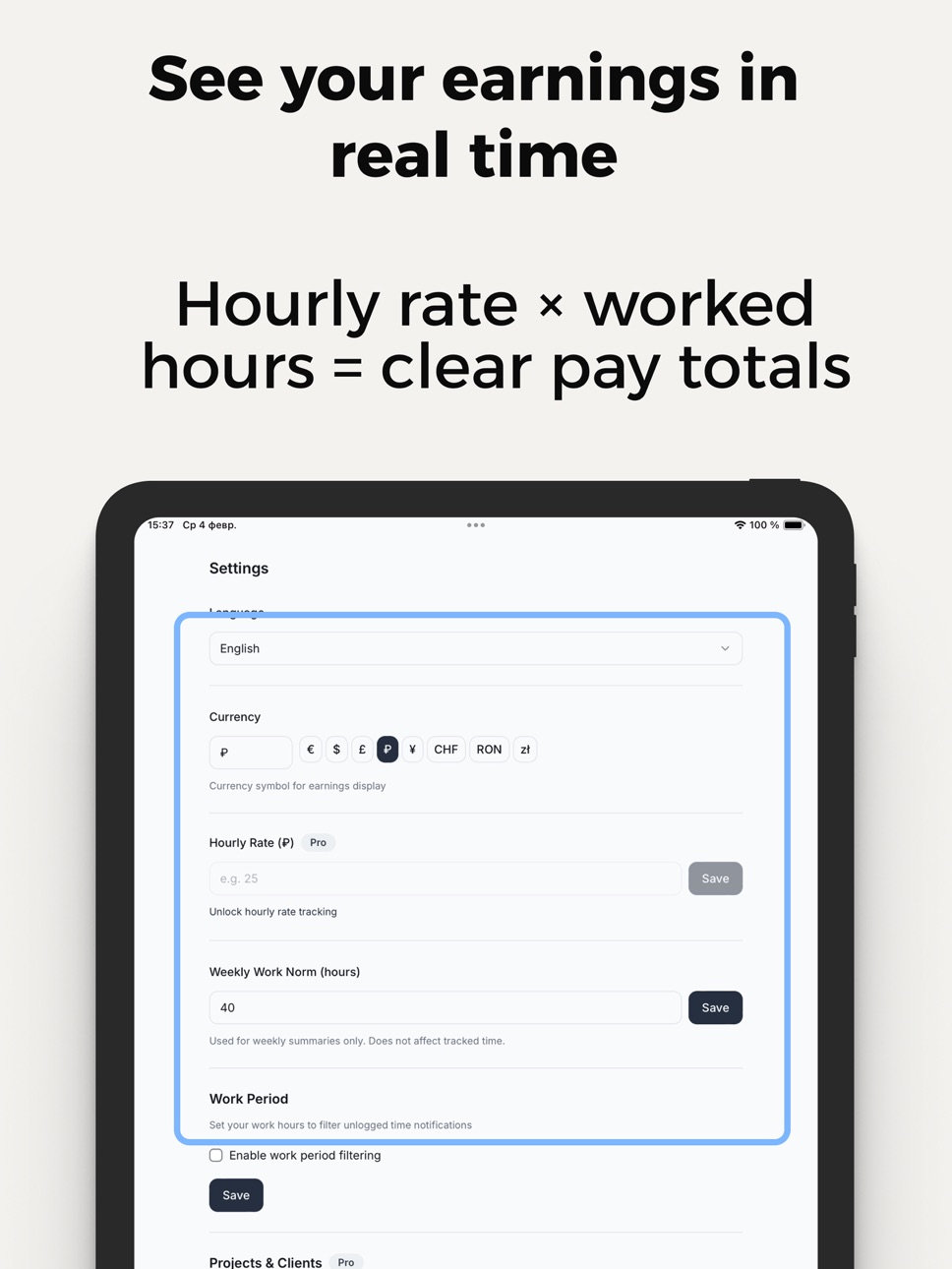
→ See your earnings in real time — hourly rate × hours worked = clear pay total, always up to date
→ Overtime calculated automatically — regular hours and OT separated at a glance
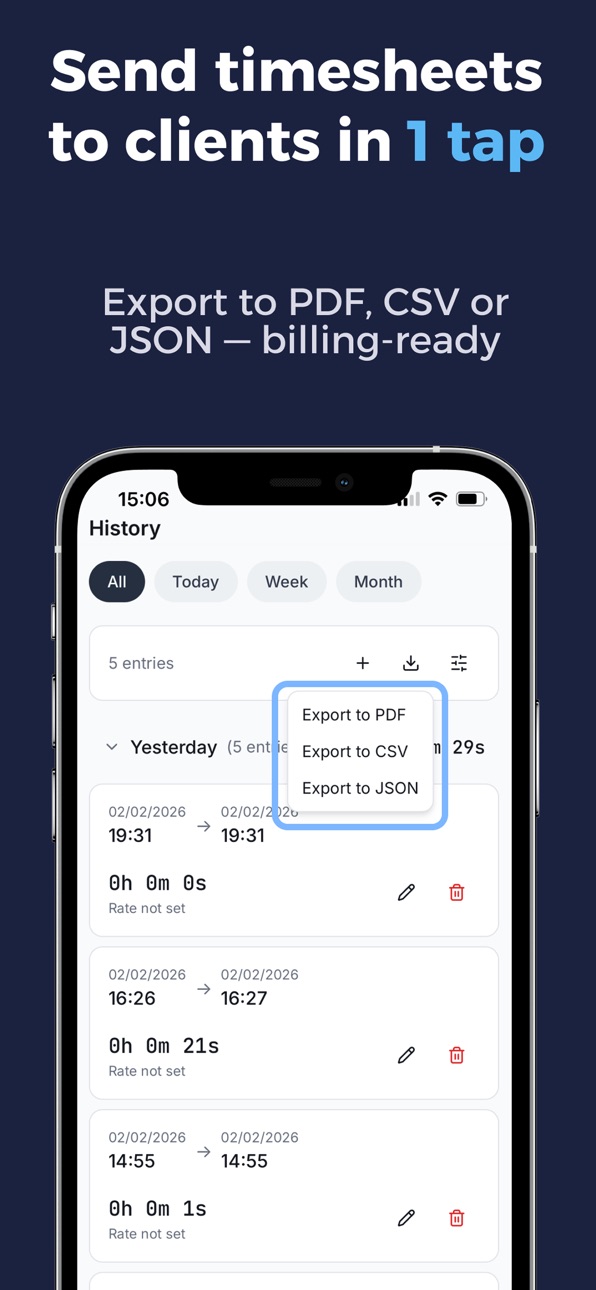
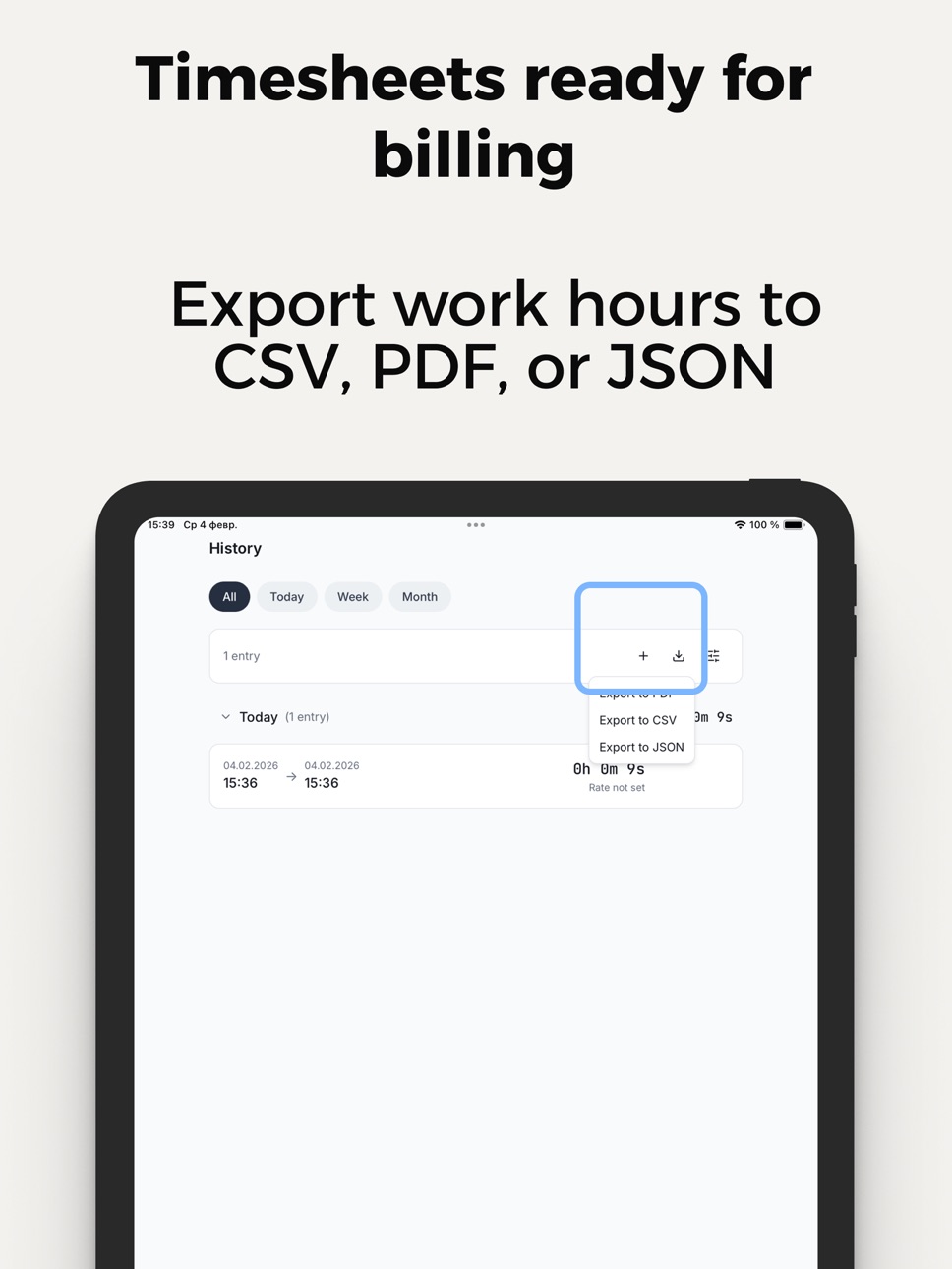
→ Export-ready timesheets — send CSV, PDF, or JSON to clients, payroll, HR, or accounting
→ Individual hourly rates per project and client — set different rates for every job
→ Works fully offline — no internet needed, all data stays on your device
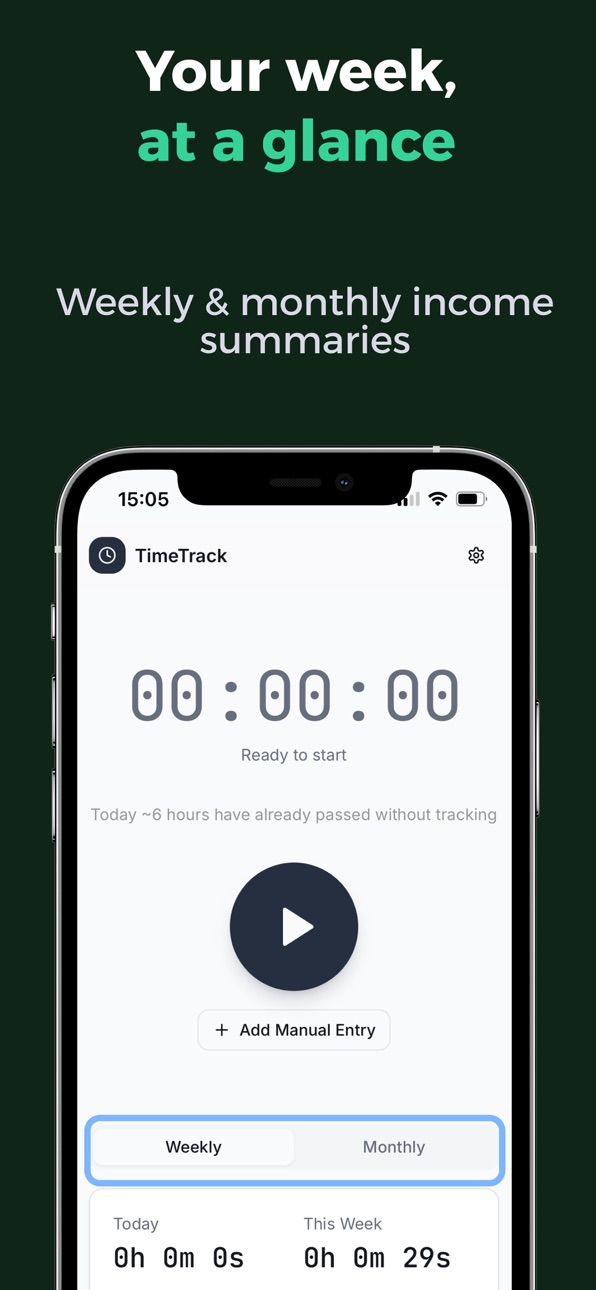
→ Complete history — view every session by day, week, or month with totals
HOW IT WORKS
1. Tap Clock In when your shift starts
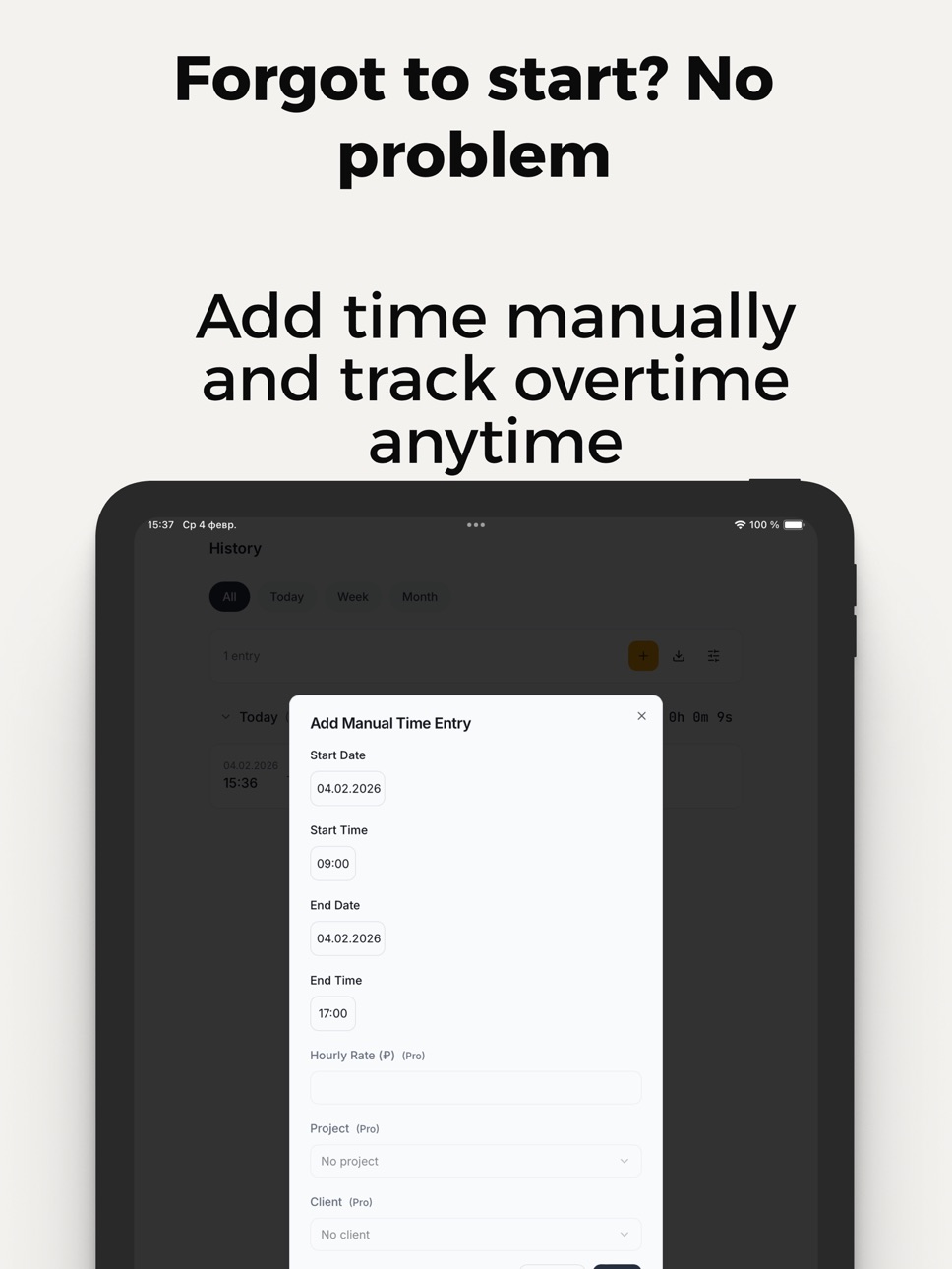
2. Tap Clock Out when you finish — or enter hours manually
3. The app calculates your pay instantly, including overtime
4. Export your timesheet as CSV, PDF, or JSON whenever you need
BUILT FOR YOUR WORKFLOW
• Freelancers & contractors: Track billable hours per client, set custom rates per project, export timesheets ready to attach to invoices
• Hourly employees: One-tap clock in/out, automatic overtime tracking, weekly and monthly pay summaries
• Shift workers: Use the live timer or enter hours manually, view clear history by day, week, or month
• Small business owners: Manage time across projects and team members, export data for payroll and accounting
• Remote workers & consultants: Track time across clients and tasks, keep billing accurate and transparent
KEY FEATURES
• One-tap clock in / clock out timer
• Manual time entry for past or missed sessions
• Automatic overtime tracking and separation
• Custom hourly rate per project and client
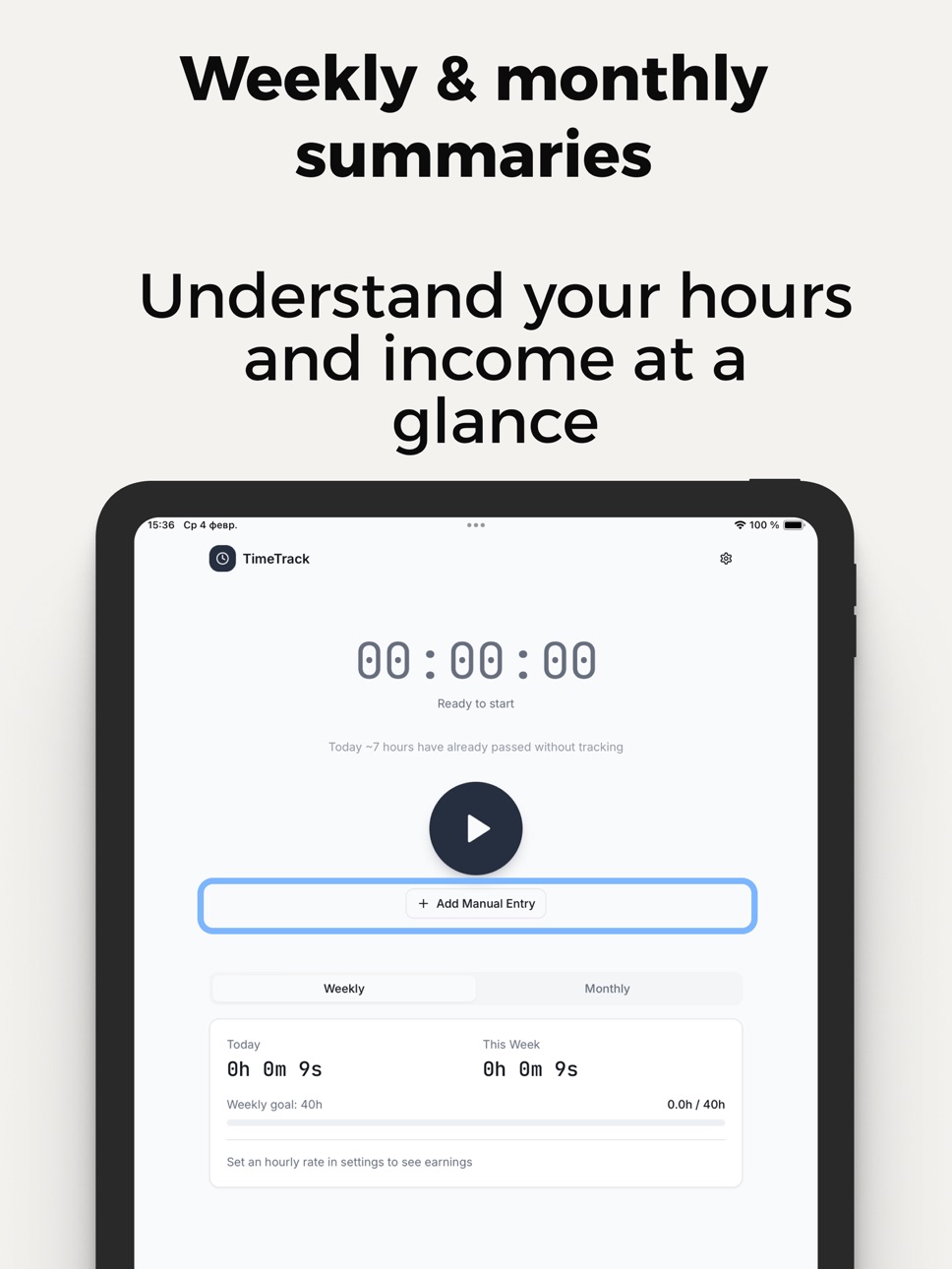
• Weekly & monthly earnings summaries
• Full work history with daily and period totals
• Timesheets ready for billing and payroll
• CSV, PDF & JSON export
• Offline mode — no internet required
• Clean, fast, distraction-free interface
• iPad and Apple Watch support
• Secure on-device data storage
Stop guessing. Start tracking. Download Work Hours Time Tracker and know exactly what your time is worth — every shift, every week, every month.
Time Tracker Pro (subscription)
Unlock billable hours tracking, hourly rate calculations, and full export (CSV, PDF, JSON). Payment is charged to your Apple ID and auto-renews unless cancelled at least 24 hours before the end of the current period. Manage in Apple ID › Subscriptions.
Terms: https://www.apple.com/legal/internet-services/itunes/dev/stdeula/
In-App Purchases US pricing
Premium features Subscription
Annual Plan · Yearly$49.99
Monthly Plan · Monthly$3.99
Weekly Plan · 7 days$3.99
One-Time Purchases
Lifetime Premium Access$129.99
Capabilities
In-App Purchases
Accessibility
ipadiphonemacrealityDevicetvoswatch
Version history 8 versions
Build 884932874v1.72026-04-27 17:27:33
Optimization
Build 884759289v1.62026-04-22 21:20:19
Optimizations and fixes
Build 883929978v1.52026-04-03 01:13:37
Performance improvements and optimization fixes.
Build 883792750v1.42026-03-27 22:15:50
- Redesigned Settings with category-based navigation
- Filter history by shift and earnings range
- Edit planned shifts directly in the calendar
- Global monthly earnings cap with presets
- Upload your company logo for PDF exports
- Bug fixes and stability improvements
Build 883549339v1.32026-03-20 00:15:16
Optimization fixes
Build 882909084v1.22026-03-11 07:49:12
Optimization fixes
Build 882535232v1.12026-02-18 22:25:31
• Individual hourly rates per project and client
• Free creation of 1 project and 1 client
• Improved translations and localization
• Performance improvements and bug fixes
Build 881856184v1.02026-02-14 14:37:33
Price history by region
Currency
Show
Columns
Search
Availability 1 of 1 storefronts
| Region | Language | Price | Ratings | Avg | Version |
|---|---|---|---|---|---|
| US | en-US | Free | 0 | — | 1.7 |
Change log 12 changes · US
✎
releaseNotes updated
Optimization
✎
description updated
Know exactly how much you earn. Every shift. Every hour. Every project.
Work Hours Time Tracker is the fastest, simplest way to clock in, track your hours, cal
✎
subtitle updated
Clock In. Track Pay. Export
✎
name updated
Work Hours Time Tracker
◆
Version 1.7 released
Optimization
◆
Version 1.6 released
Optimizations and fixes
◆
Version 1.5 released
Performance improvements and optimization fixes.
◆
Version 1.4 released
- Redesigned Settings with category-based navigation
- Filter history by shift and earnings range
- Edit planned shifts directly in the calendar
- Global monthly earnings cap with presets
- Upload your company logo for PDF exports
- Bug fix
◆
Version 1.3 released
Optimization fixes
◆
Version 1.2 released
Optimization fixes
◆
Version 1.1 released
• Individual hourly rates per project and client
• Free creation of 1 project and 1 client
• Improved translations and localization
• Performance improvements and bug fixes
◆
Version 1.0 released