Home › Productivity

 US
US
1 of 1 storefronts
Content in en-US
Content in en-US
Information
Apple ID6758268708
Bundle IDde.nick-friedrich.Offkit
SellerSeller
Min iOS26.0
Min macOS26.0
Device familiesiphone, ipad
Released2026-02-20
Copyright© Nick Friedrich
Privacy policyLink ↗
Preview 2 platforms
iPhone 9 images


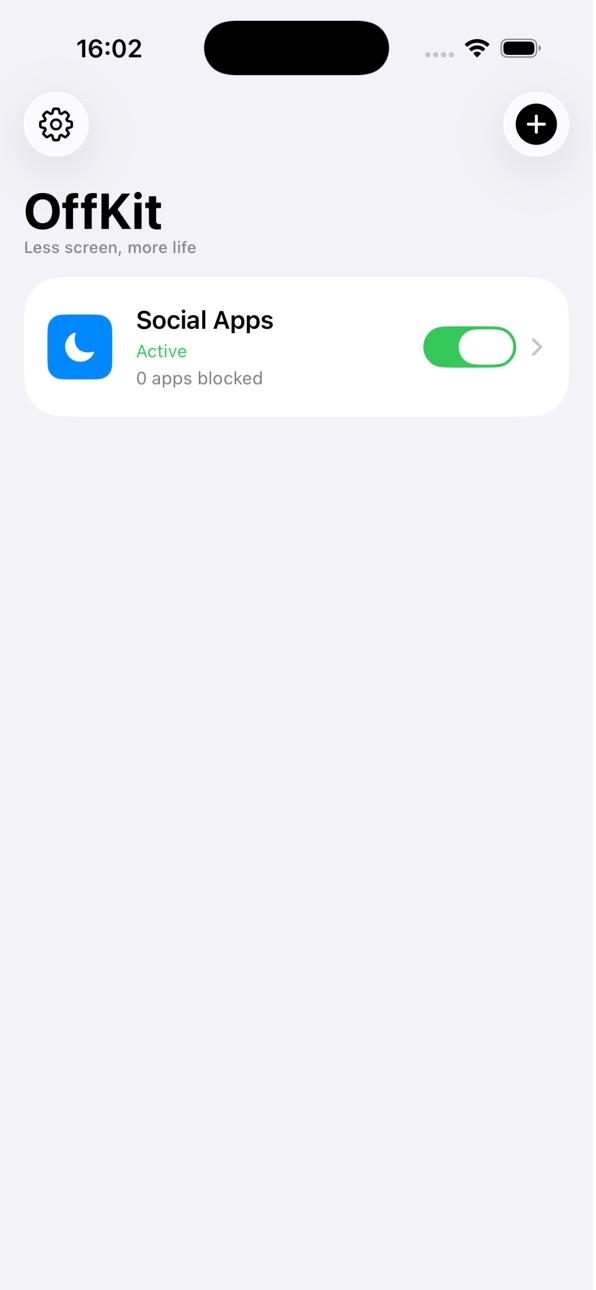
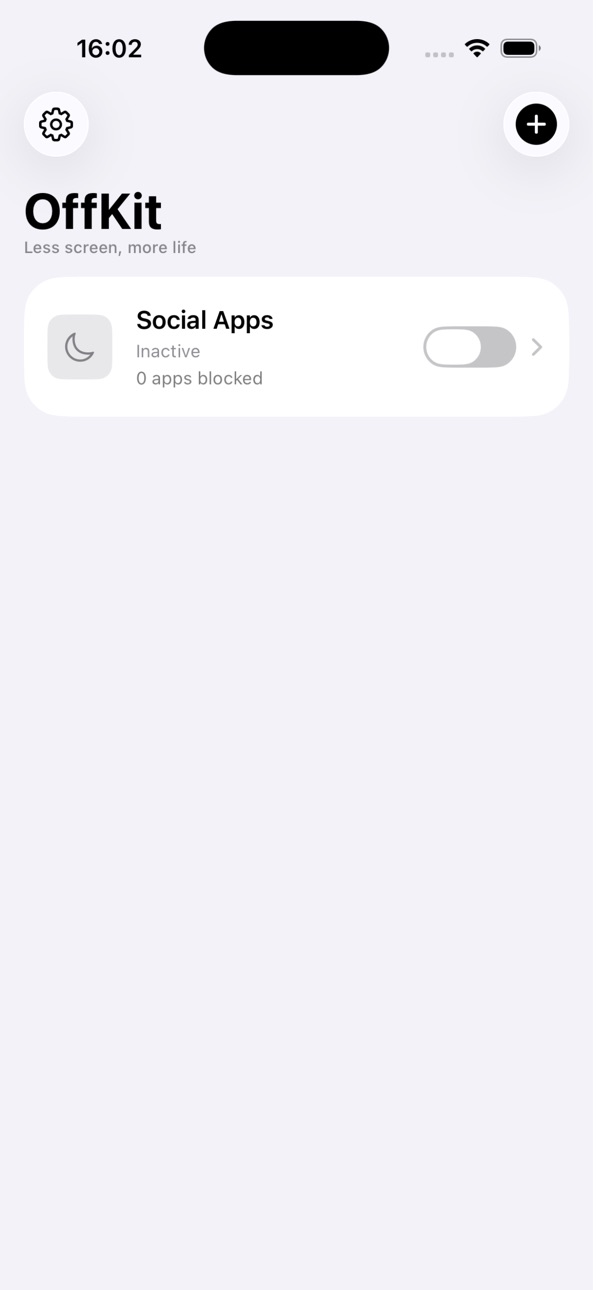

iPad 1 image

What’s New Version 1.3.1
# Changelog
# 1.3.1
- Added an advanced QR option to start focus in OffKit while still requiring the QR code to end it
- Made QR guidance state-aware and clarified that the normal Camera app and Control Center Code Scanner work with OffKit codes
- Renamed the scenario setup section to “Turn Focus On and Off”
# 1.3.0
- Added scenario renaming from the Edit Scenario screen
- Clarified that QR codes can be scanned with the iPhone Camera app or Code Scanner in Control Center
- Reordered New Scenario and Edit Scenario so Unlock Mode is selected immediately after the scenario name
- Made the entire Unlock Mode row tappable and clarified how each mode works
- Reworked lock-duration setup to clearly explain when apps will automatically unblock
- Added 5-minute and 10-minute lock durations, alongside the existing duration options
- Added visible Pro labels for locked durations; selecting one opens the Pro upgrade screen
- Free users can use Always On and 1-, 2-, 3-, or 4-hour lock durations; Pro unlocks 5–45 minute and 6-hour to 1-week durations
- Added Debug-only entitlement controls to force Free or Pro mode for testing without changing sandbox purchases
# 1.2.0
- Added Activity Unlock: unlock apps by reaching a step goal or completing Apple Watch Move or Exercise rings
- Added HealthKit background updates for activity-based locks
- Added a clearer unlock mode selector: Manual, QR Code, or Activity
- Improved scenario toggles so Activity scenarios stay enabled even after apps are temporarily unblocked
- Improved scenario rows to show whether apps/categories are currently blocked or only selected
- Fixed category-only scenarios showing “0 apps”
- Fixed HealthKit authorization and background delivery issues
- General bug fixes and improvements
# 1.0.1
- Bug fixes and improvements
Description
OffKit is an app blocker designed to stop impulsive scrolling and reduce screen time.
Instead of instantly tapping “unblock,” OffKit adds real-world friction before distracting apps become available again.
Choose how you unlock:
• scan a QR code you placed intentionally
• reach a daily step goal
• complete your Apple Watch Move or Exercise ring
For QR unlock, place your code:
• at your desk
• in another room
• downstairs
• with a friend
For Activity unlock, make screen time something you earn by moving first.
That small moment of friction helps break the automatic habit loop behind social media addiction, doomscrolling, and endless scrolling.
Use OffKit to:
• block distracting apps
• reduce screen time
• stay focused while studying or working
• prevent late-night doomscrolling
• build healthier digital habits
• turn phone use into intentional action
Perfect for:
• students
• ADHD-friendly focus routines
• productivity
• digital detox
• better sleep
• intentional phone use
• movement-based screen time limits
Privacy First
OffKit uses Apple’s Screen Time and HealthKit APIs. Your personal data is never sold.
Take back control of your attention with OffKit.
Terms of Use: https://offkit.eu/terms
In-App Purchases US pricing
OffKit Pro Subscription
(Annual) · Yearly$19.99
One-Time Purchases
OffKit Pro (Lifetime)$16.99
Capabilities
In-App Purchases
Accessibility
ipadiphonemacrealityDevicetvoswatch
Version history 4 versions
Build 887349425v1.3.12026-06-24 21:17:06
# Changelog
# 1.3.1
- Added an advanced QR option to start focus in OffKit while still requiring the QR code to end it
- Made QR guidance state-aware and clarified that the normal Camera app and Control Center Code Scanner work with OffKit codes
- Renamed the scenario setup section to “Turn Focus On and Off”
# 1.3.0
- Added scenario renaming from the Edit Scenario screen
- Clarified that QR codes can be scanned with the iPhone Camera app or Code Scanner in Control Center
- Reordered New Scenario and Edit Scenario so Unlock Mode is selected immediately after the scenario name
- Made the entire Unlock Mode row tappable and clarified how each mode works
- Reworked lock-duration setup to clearly explain when apps will automatically unblock
- Added 5-minute and 10-minute lock durations, alongside the existing duration options
- Added visible Pro labels for locked durations; selecting one opens the Pro upgrade screen
- Free users can use Always On and 1-, 2-, 3-, or 4-hour lock durations; Pro unlocks 5–45 minute and 6-hour to 1-week durations
- Added Debug-only entitlement controls to force Free or Pro mode for testing without changing sandbox purchases
# 1.2.0
- Added Activity Unlock: unlock apps by reaching a step goal or completing Apple Watch Move or Exercise rings
- Added HealthKit background updates for activity-based locks
- Added a clearer unlock mode selector: Manual, QR Code, or Activity
- Improved scenario toggles so Activity scenarios stay enabled even after apps are temporarily unblocked
- Improved scenario rows to show whether apps/categories are currently blocked or only selected
- Fixed category-only scenarios showing “0 apps”
- Fixed HealthKit authorization and background delivery issues
- General bug fixes and improvements
# 1.0.1
- Bug fixes and improvements
Build 886368409v1.2.02026-06-03 07:58:58
# 1.2.0
- Added Activity Unlock: unlock apps by reaching a step goal or completing Apple Watch Move or Exercise rings
- Added HealthKit background updates for activity-based locks
- Added a clearer unlock mode selector: Manual, QR Code, or Activity
- Improved scenario toggles so Activity scenarios stay enabled even after apps are temporarily unblocked
- Improved scenario rows to show whether apps/categories are currently blocked or only selected
- Fixed category-only scenarios showing “0 apps”
- Fixed HealthKit authorization and background delivery issues
- General bug fixes and improvements
# 1.0.1
- Bug fixes and improvements
Build 885575867v1.0.12026-05-12 22:33:23
# 1.0.1
- Bugfixes and improvments
Build 881826032v1.02026-02-20 18:18:36
Price history by region
Currency
Show
Columns
Search
Availability 1 of 1 storefronts
| Region | Language | Price | Ratings | Avg | Version |
|---|---|---|---|---|---|
| US | en-US | Free | 0 | — | 1.3.1 |
Change log 8 changes · US
✎
releaseNotes updated
# Changelog
# 1.3.1
- Added an advanced QR option to start focus in OffKit while still requiring the QR code to end it
- Made QR guidance state-aware and clar
✎
description updated
OffKit is an app blocker designed to stop impulsive scrolling and reduce screen time.
Instead of instantly tapping “unblock,” OffKit adds real-world friction be
✎
subtitle updated
Stop doomscrolling. Block apps
✎
name updated
App Blocker OffKit
◆
Version 1.3.1 released
# Changelog
# 1.3.1
- Added an advanced QR option to start focus in OffKit while still requiring the QR code to end it
- Made QR guidance state-aware and clarified that the normal Camera app and Control Center Code Scanner work with OffKi
◆
Version 1.2.0 released
# 1.2.0
- Added Activity Unlock: unlock apps by reaching a step goal or completing Apple Watch Move or Exercise rings
- Added HealthKit background updates for activity-based locks
- Added a clearer unlock mode selector: Manual, QR Code, or
◆
Version 1.0.1 released
# 1.0.1
- Bugfixes and improvments
◆
Version 1.0 released