Home › Photo & Video

 US
US
1 of 1 storefronts
Content in en-US
Content in en-US
Information
Apple ID6758035348
Bundle IDcom.editly.photoeditorapp
SellerSeller
Min iOS17.0
Min macOS14.0
Device familiesiphone, ipad
Released2026-02-10
Copyright© Ansuz Ltd
Privacy policyLink ↗
Preview 2 platforms
iPhone 7 images



iPad 5 images


What’s New Version 1.7
• Under-the-hood improvements for a smoother, more reliable experience
• Performance tune-ups and minor bug fixes
Description
Transform your photos into stunning masterpieces with Editly – the powerful AI-driven photo editor designed for everyone from beginners to professionals.
FACE RESHAPING
Sculpt and refine facial features with precision. Adjust face shape, slim, width, and length. Reshape nose size, width, and tip. Enhance eyes with size, spacing, tilt, shape presets, and color change. Refine lips, jaw, chin, and forehead with intuitive controls.
BODY RESHAPING
Contour your body with waist slimming, shoulder and hip adjustment, height and leg reshaping – all with real-time preview.
MAKEUP STUDIO
Apply lipstick, blush, contour, foundation, eyeliner, and eyeshadow with rich color palettes and style presets. Use AI makeup presets for one-tap professional looks.
HAIR TOOLS
Change hair color with natural and vibrant palettes. Transform hair styles. Add and customize beard style, density, and color.
BEAUTY RETOUCHING
One-tap AI Beauty enhancement. Smooth skin, remove wrinkles and blemishes, whiten teeth, brighten eyes, and fix red-eye.
AI-POWERED TOOLS
Remove unwanted objects with AI Object Removal. Blur, replace, or remove backgrounds. Apply AI Age Change for younger or older looks. Transform photos into AI Cartoon art styles. Expand photos beyond the frame with AI Uncrop.
EFFECTS AND FILTERS
Apply Light FX effects including bokeh, lens flare, and sparkle. Choose from high-quality filters with adjustable intensity and real-time preview.
PROFESSIONAL ADJUSTMENTS
Fine-tune brightness, contrast, saturation, exposure, highlights, shadows, warmth, tint, sharpness, clarity, and vibrance. Crop with multiple aspect ratios or freeform. Smooth rotation controls.
CREATIVE BRUSH TOOLS
Paint brush with color picker. Eraser, blur, and sharpen brushes. Dodge and burn tools with adjustable size and opacity.
TEXT AND STICKERS
Add text with multiple fonts, customizable colors, and alignment. Apply emojis, shapes, and symbols.
PERFORMANCE
Metal GPU acceleration for smooth, real-time editing. Non-destructive workflow with full undo and redo. Optimized for iPhone and iPad.
EXPORT OPTIONS
Save as JPEG, PNG, or HEIF with quality and resolution control. Share directly to social media.
CLOUD PHOTOS
Sync edited photos across devices with secure cloud backup.
SUBSCRIPTION OPTIONS
Monthly: $9.99 per month
Yearly: $71.99 per year (Save 40%)
Download Editly and turn every photo into a work of art.
Terms of Use: https://editly.org/terms
Privacy Policy: https://editly.org/privacy
In-App Purchases US pricing
Editly Subscription Subscription
Editly · Monthly 7-day free trial$9.99
Editly · Yearly 7-day free trial$71.99
Editly · 7 days 7-day free trial$2.99
Editly · Monthly 7-day free trial$14.99
Editly · Yearly 7-day free trial$99.99
One-Time Purchases
Editly$149.99
Capabilities
In-App Purchases
Accessibility
ipadiphonemacrealityDevicetvoswatch
Version history 8 versions
Build 887668766v1.72026-07-01 16:30:23
• Under-the-hood improvements for a smoother, more reliable experience
• Performance tune-ups and minor bug fixes
Build 887320856v1.62026-06-30 03:26:13
• A more stable editor — fixed rare crashes and freezes during intensive edits, with leaner memory use for smoother long sessions
• More reliable saves, exports, and cloud sync, plus clearer messages when something goes wrong
• Full VoiceOver accessibility across editing controls (sliders, color palette, and more)
• Clearer feedback when restoring purchases and when an upload doesn't complete
• Privacy & security hardening — more secure on-device storage of your details and stronger account protection
• Various bug fixes and performance improvements
Build 886976797v1.52026-06-15 18:37:12
• Full-resolution export — your filter and color/tone edits now save at the photo's original resolution instead of a downscaled copy.
• More natural skin smoothing — retouching is now skin-aware for realistic results that don't look plastic.
• Fixed Cartoon styles (Comic & Poster) that could render too dark.
• Manage your data from Settings — export or delete your account, and report content.
• New privacy controls — a Diagnostics & Analytics on/off switch, plus an age check at sign-up.
• Lots of fixes — export quality & format, undo for Sky Replacement / Concert Mode / Restore, filter thumbnails, and more.
Build 886369227v1.42026-06-01 17:51:57
Body Slim Tool — All New!
• Reshape your body naturally with single-finger swipe
• Smooth liquify engine for realistic results — no weird artifacts
• Slim waist, enhance curves, sculpt your look with precision
• Undo & reset controls for full editing flexibility
Improvements
• Smoother warp rendering with new GPU displacement engine
• Better touch responsiveness for body editing
• General stability and performance fixes
Build 886136420v1.32026-05-26 17:55:19
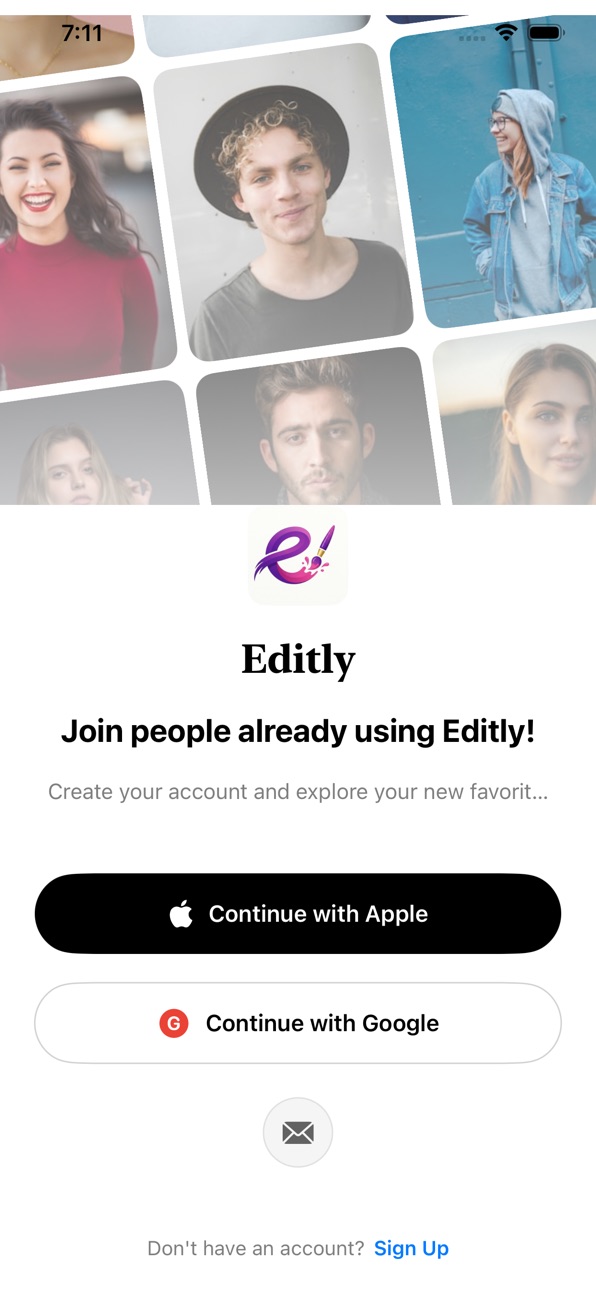
- New cinematic video backgrounds on login, sign up, and forgot password screens for a premium visual experience
- Redesigned authentication flow with dark theme and frosted glass UI elements
- Added subscription gate after sign in - new users see the paywall before accessing the app
- Manage Account option in Settings with sign out and delete account
- App now requests photo library and camera permissions on first launch
- Fixed Share Editly link
- Performance and stability improvements
Build 885867742v1.22026-05-20 17:47:07
New Logo, New Look
Fresh brand identity with our new purple "e" paintbrush logo across the entire app.
Smarter Export
Fixed an issue where saved photos could appear over-processed. Exports now render exactly what you see on
screen.
Better Filters
Vintage, Sepia and all preset filters now apply correctly with no crashes.
Beauty Tools Upgraded
- Skin Smooth now uses real Gaussian blur for natural results
- Red Eye Fix corrects both eyes reliably
- Undo works properly for all beauty edits
AI Tools Refined
- Cancel now works correctly for AI Remove and Object Detect
- Better error handling across all AI features
Editing Fixes
- Crop reset no longer wipes your other edits
- Filter and adjustment values persist when switching tools
- Undo/redo works consistently across all categories
Bug fixes and performance improvements.
Build 885558973v1.12026-05-12 22:30:39
New in Version 1.1
- New modern app icon
- Compact dial controls replacing sliders across all tools
- Redesigned Face Shape, Nose, Eyes, Lips, Jaw, Chin, Forehead panels
- Unified single-dial Body Reshaping interface
- Streamlined Makeup tools: Lipstick, Blush, Contour, Foundation, Eyeliner, Eyeshadow
- Compact Hair Color, Hair Style, and Beard panels
- Redesigned AI Age Change, Cartoon, and Uncrop panels
- Updated Light FX with category tabs and effect grid
- New Export tab with quick Save, Options, and Share buttons
- iPad grid layout for category and sub-tool bars
- Fixed tool options not showing on reselection
- Improved panel transitions and height management
- Performance optimizations
Build 881659812v1.02026-02-10 19:57:48
Price history by region
Currency
Show
Columns
Search
Availability 1 of 1 storefronts
| Region | Language | Price | Ratings | Avg | Version |
|---|---|---|---|---|---|
| US | en-US | Free | 0 | — | 1.7 |
Change log 12 changes · US
✎
releaseNotes updated
• Under-the-hood improvements for a smoother, more reliable experience
• Performance tune-ups and minor bug fixes
✎
description updated
Transform your photos into stunning masterpieces with Editly – the powerful AI-driven photo editor designed for everyone from beginners to professionals.
FACE
✎
subtitle updated
Pro Photo Editing Made Simple
✎
name updated
Editly- Photo Editor & Retouch
◆
Version 1.7 released
• Under-the-hood improvements for a smoother, more reliable experience
• Performance tune-ups and minor bug fixes
◆
Version 1.6 released
• A more stable editor — fixed rare crashes and freezes during intensive edits, with leaner memory use for smoother long sessions
• More reliable saves, exports, and cloud sync, plus clearer messages when something goes wrong
• Full V
◆
Version 1.5 released
• Full-resolution export — your filter and color/tone edits now save at the photo's original resolution instead of a downscaled copy.
• More natural skin smoothing — retouching is now skin-aware for realistic results that don't look pla
◆
Version 1.4 released
Body Slim Tool — All New!
• Reshape your body naturally with single-finger swipe
• Smooth liquify engine for realistic results — no weird artifacts
• Slim waist, enhance curves, sculpt your look with precision
• Undo & reset control
◆
Version 1.3 released
- New cinematic video backgrounds on login, sign up, and forgot password screens for a premium visual experience
- Redesigned authentication flow with dark theme and frosted glass UI elements
- Added subscription gate after sign in -
◆
Version 1.2 released
New Logo, New Look
Fresh brand identity with our new purple "e" paintbrush logo across the entire app.
Smarter Export
Fixed an issue where saved photos could appear over-processed. Exports now render exactly what you see on
◆
Version 1.1 released
New in Version 1.1
- New modern app icon
◆
Version 1.0 released