Home › Photo & Video

 US
US
1 of 1 storefronts
Content in en-US
Content in en-US
Information
Preview 1 platform
iPhone 3 images
What’s New Version 1.1
Ad-free option is now available via in-app purchase.
Description
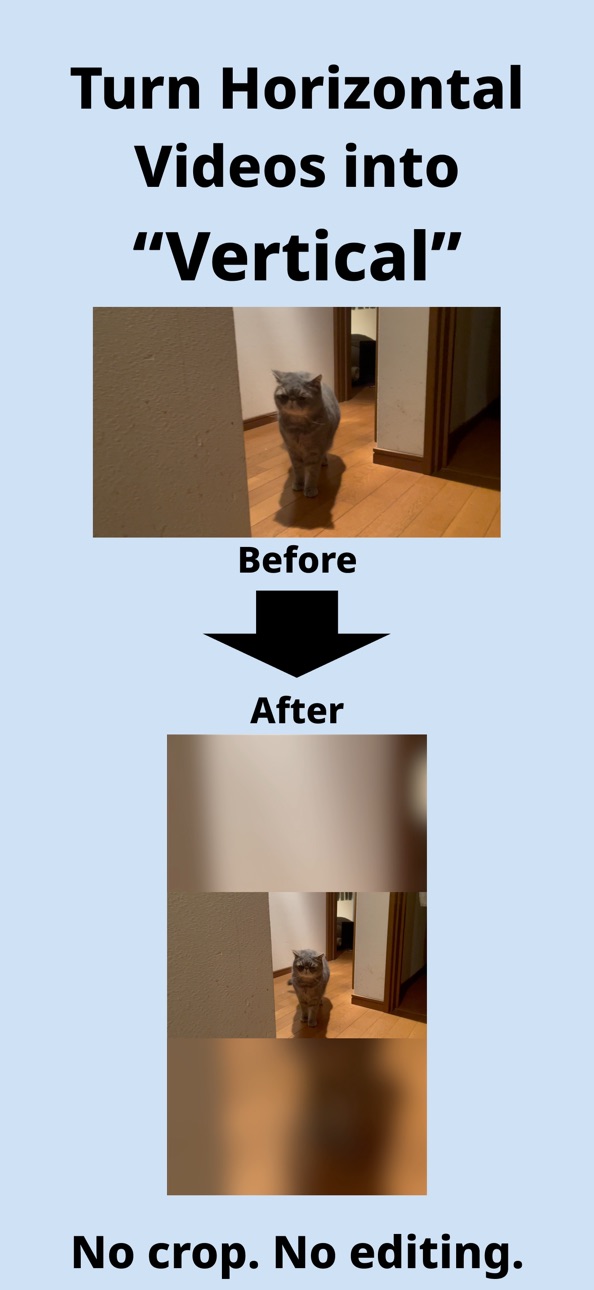
Video Fit is the easiest way to convert horizontal videos into vertical format — without cropping or complex editing.
If you’ve ever tried to reuse an old YouTube video for TikTok, Instagram Reels, or YouTube Shorts, you know the pain:
videos get cropped, faces are cut off, or you’re forced to use complicated editing apps.
Video Fit solves this instantly.
■ What Video Fit Does
• Converts horizontal (16:9) videos into vertical (9:16) format
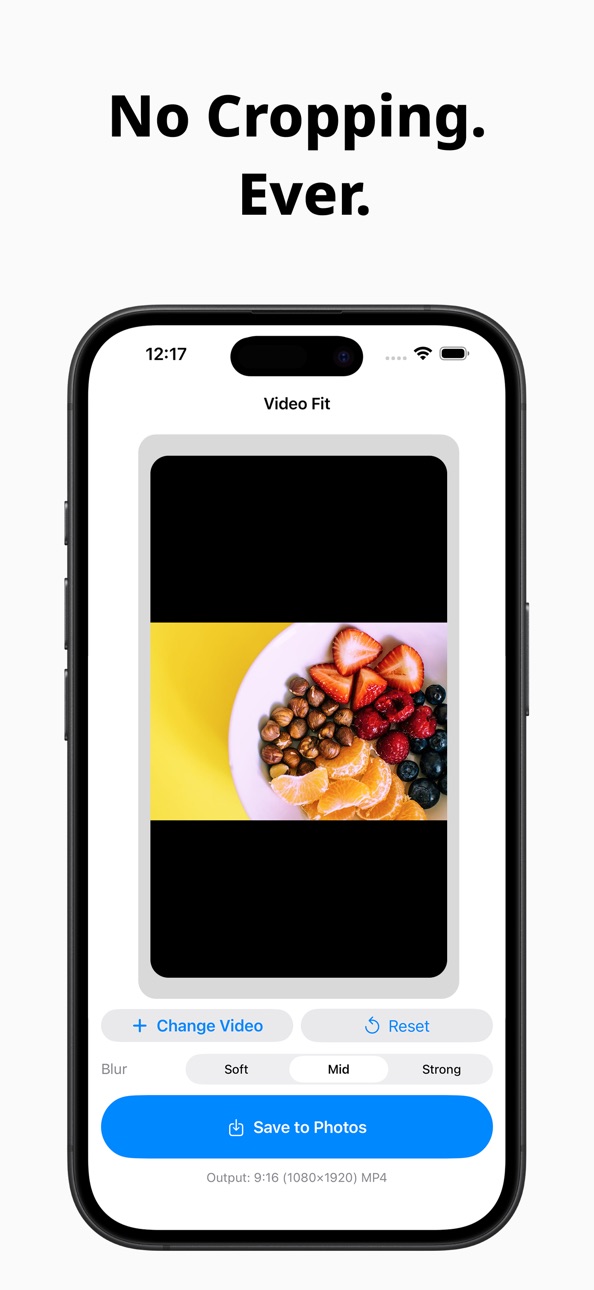
• Keeps your entire video — nothing is cut
• Automatically fills the background with a natural blur
• Exports ready-to-post vertical videos in seconds
No timelines. No layers. No learning curve.
■ Designed for Simplicity
Video Fit is not a video editor.
It’s a conversion tool.
Just:
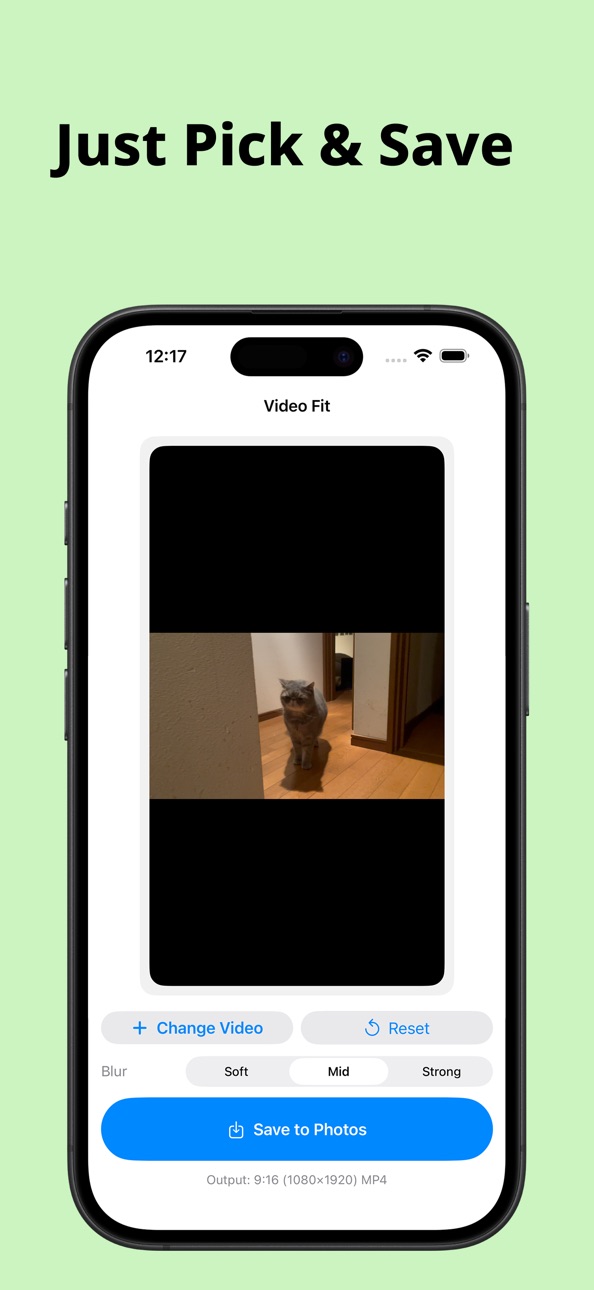
Pick a video
Preview the result
Save
That’s it.
Most videos can be converted in just 3 taps.
■ Perfect for Short-Form Platforms
Video Fit is optimized for modern short-video platforms:
• TikTok
• Instagram Reels
• YouTube Shorts
Your output videos are exported in 9:16 (1080×1920) MP4 format, ready to upload.
■ Smart Background Blur
Instead of cropping your video, Video Fit adds a blurred version of your original video to the background.
• Keeps the main subject centered
• Preserves the full frame
• Looks natural and professional
You can choose from simple blur strength presets to match your style.
■ Fast & On-Device Processing
• No internet connection required
• No account or sign-up
• All processing happens directly on your device
Your videos stay private and secure.
■ Who Is Video Fit For?
• Creators repurposing long videos for short platforms
• Streamers and YouTubers sharing clips
• Anyone who wants vertical videos without editing
If you want results — not complexity — Video Fit is for you.
■ Key Features
• Horizontal to vertical video conversion
• No cropping, no trimming
• Blurred background fill
• Simple, minimal interface
• High-quality MP4 export
• Works completely offline
Capabilities
In-App Purchases
Accessibility
ipadiphonemacrealityDevicetvoswatch
Version history 2 versions
Build 882691000v1.12026-02-26 17:34:56
Ad-free option is now available via in-app purchase.
Build 881656821v1.02026-01-23 06:15:36
No pricing data captured yet — comparisons appear once the app has paid storefronts or in-app purchases.
Availability 1 of 1 storefronts
| Region | Language | Price | Ratings | Avg | Version |
|---|---|---|---|---|---|
| US | en-US | Free | 2 | 5.0 | 1.1 |
Change log 6 changes · US
✎
releaseNotes updated
Ad-free option is now available via in-app purchase.
✎
description updated
Video Fit is the easiest way to convert horizontal videos into vertical format — without cropping or complex editing.
If you’ve ever tried to reuse an old YouT
✎
subtitle updated
No crop vertical videos
✎
name updated
VideoFit – Vertical Video 9:16
◆
Version 1.1 released
Ad-free option is now available via in-app purchase.
◆
Version 1.0 released