Home › Books

 US
US
1 of 1 storefronts
Content in en-US
Content in en-US
Information
Preview 3 platforms
iPhone 9 images



iPad 5 images


Apple Watch 1 image

What’s New Version 2.4.0
Paste text, press play
Turn any article, email, or note into a natural-sounding audiobook. Just paste your text and listen.
Sleep timer
Drift off to your book. Pause after 5 to 60 minutes, or right at the end of the current chapter.
Fix any pronunciation
Long-press a word to teach VocaRead how to say it. Names, foreign words, acronyms — spoken your way.
Description
Turn your books into natural-sounding audiobooks, right on your iPhone.
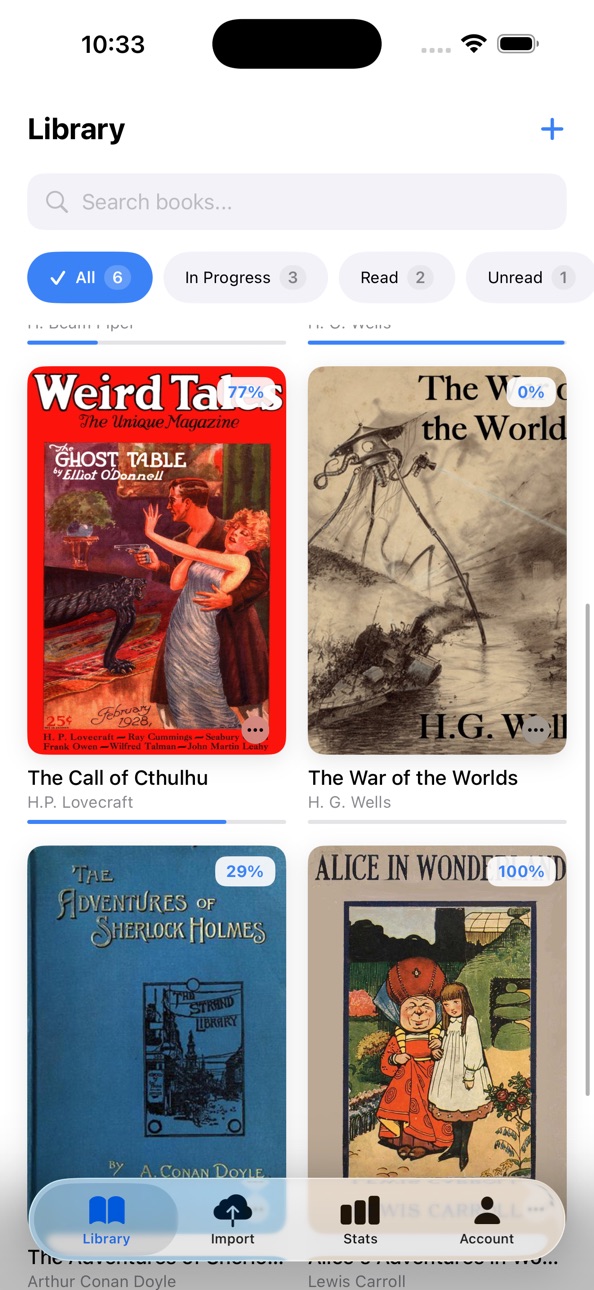
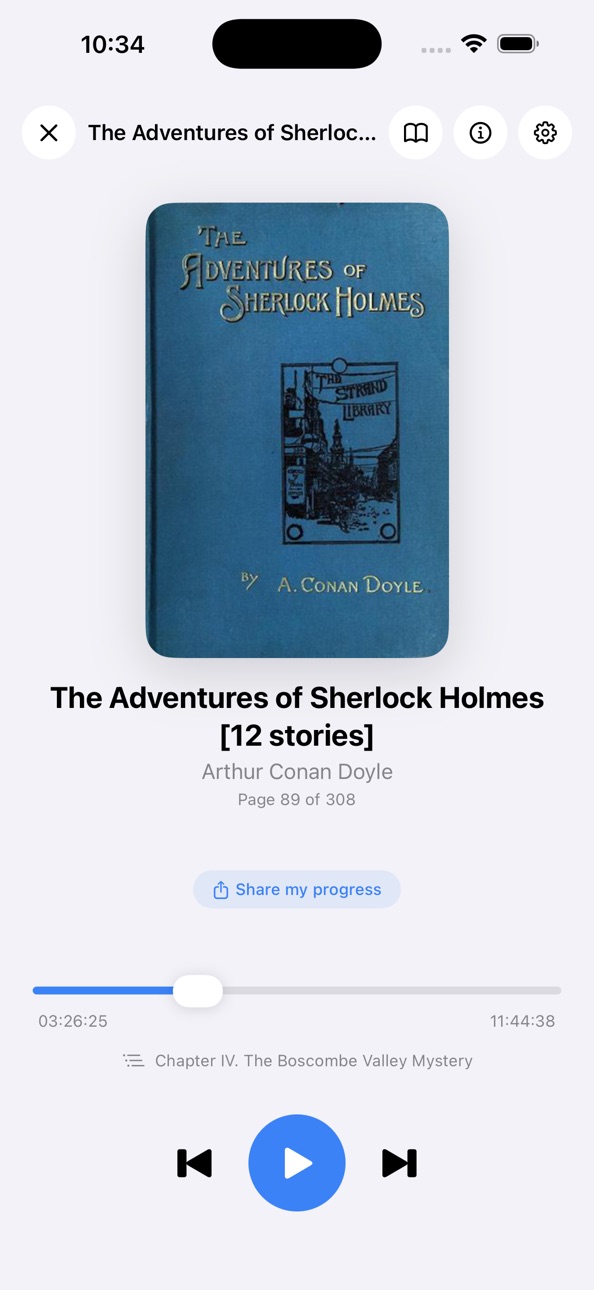
Import an EPUB, PDF, MOBI/AZW3, or simply paste text. Choose a voice, press play, and VocaRead reads aloud while highlighting the current line. Once voices are downloaded, listening works offline.
Your books, your voices
Choose from 30+ natural voices across multiple languages. Switch narrator at any time to match the book, language, or listening style you prefer.
Offline and private
Download a voice once, then listen on a plane, in the subway, in the car, or anywhere without a connection. Audio is generated on your device, so your books stay private.
EPUB, PDF, MOBI/AZW3 and text import
Add your own files, turn PDFs into spoken reading, open e-reader formats, or paste an article, email, or note and listen immediately.
Custom pronunciations
A name pronounced incorrectly? A foreign word? An acronym? Long-press a word and teach VocaRead exactly how to say it.
Read while you listen
Follow the text as narration plays, with the current line highlighted. Adjust playback speed and keep your own reading rhythm.
On-device translation
For selected languages, VocaRead can translate locally on your device without sending your text to the cloud.
Apple CarPlay and Apple Watch
Listen in the car with CarPlay, control playback from Apple Watch, and resume easily where you left off.
Sleep timer
Pause after a few minutes or at the end of the current chapter.
Discover free classics
Browse and download thousands of public domain books from Project Gutenberg.
Simple pricing
Every book includes 90 minutes of free listening. Unlock unlimited listening with a one-time purchase. No subscription. No ads.
In-App Purchases US pricing
One-Time Purchases
Premium$4.99
Capabilities
In-App Purchases
Accessibility
ipadiphonemacrealityDevicetvoswatch
Version history 7 versions
Build 886445533v2.4.02026-06-08 21:08:21
Paste text, press play
Turn any article, email, or note into a natural-sounding audiobook. Just paste your text and listen.
Sleep timer
Drift off to your book. Pause after 5 to 60 minutes, or right at the end of the current chapter.
Fix any pronunciation
Long-press a word to teach VocaRead how to say it. Names, foreign words, acronyms — spoken your way.
Build 885883136v2.3.02026-05-22 01:42:31
Read your Kindle and PDF books
VocaRead now supports MOBI and AZW3 (Kindle) formats, with automatic chapter detection. PDFs too: no more shapeless walls of text — chapters are detected and navigable.
Apple Books import
EPUBs exported from Apple Books now import without a hitch.
More reliable playback in the car
CarPlay no longer auto-resumes after a call or interruption if you were paused. Voice changes are more stable too — no more silent gaps at launch.
Build 885512417v2.2.02026-05-19 20:47:10
Jump between chapters in one tap
A new chapter list opens straight from the player: find any passage and pick up your reading exactly where you want.
Long-press on the text
Select a sentence to replay it, highlight, copy or translate it — without interrupting playback.
Your books, better structured
Improved chapter detection across thousands of titles: fewer junk pages, cleaner intros, and chapter subtitles are now shown.
Control your reading from your Apple Watch
Build 885208151v2.1.02026-05-04 19:26:37
This update transforms your reading experience:
- Highlights & Bookmarks — Mark your favorite passages and find them again in a tap
- In-Book Search — Instantly find any word or phrase
- Custom Themes & Fonts — Dark mode, sepia, adjustable text size, and OpenDyslexic font for comfortable reading
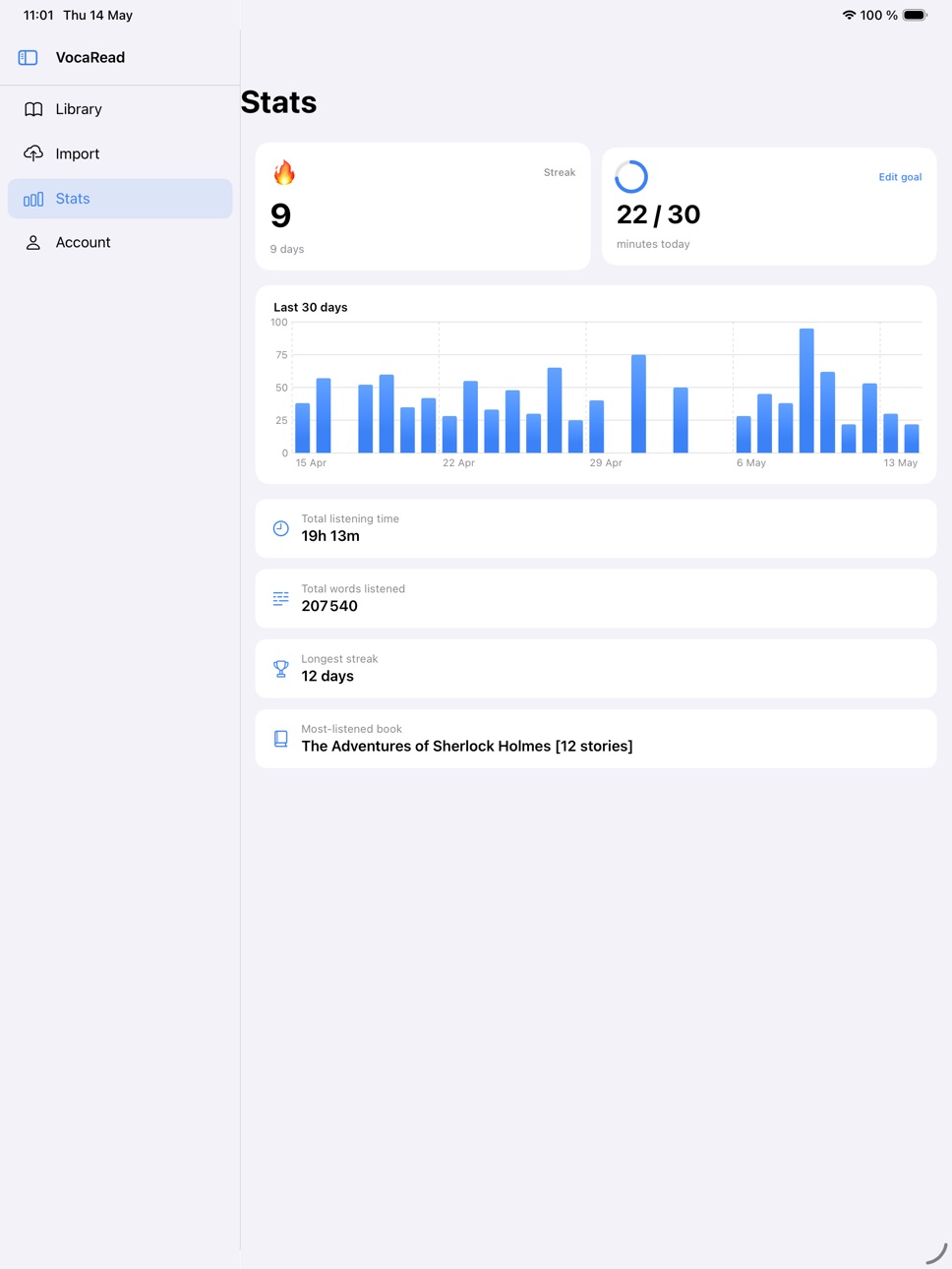
- Reading Stats — Track your reading time and sessions
- ICloud Sync — Access your books, bookmarks, and highlights across all your devices
Build 884201266v2.0.02026-04-23 14:47:29
New generation of AI voices
We upgraded our text-to-speech engine with more natural, expressive voices across all supported languages.
Faster performance
The app has been rewritten natively for iOS. Importing books, generating audio, and switching voices is now noticeably faster.
Dark Mode
Full Dark Mode support that adapts automatically to your system settings.
Free books library
Discover and download thousands of public domain classics from Project Gutenberg directly inside VocaRead.
Reading Mode with bilingual view
Follow along as VocaRead reads aloud. When translation is on, switch between the original and translated text in real time.
Playback speed control
Listen at your own pace — speed up or slow down narration at any time.
Share your reads
Generate a share card with your book cover, progress, and listening time. Share it anywhere.
Build 881725115v1.0.12026-01-23 02:34:09
This update improves the app’s offline features.
Build 881507362v1.02026-01-22 00:13:22
Price history by region
Currency
Show
Columns
Search
Availability 1 of 1 storefronts
| Region | Language | Price | Ratings | Avg | Version |
|---|---|---|---|---|---|
| US | en-US | Free | 0 | — | 2.4.0 |
Change log 11 changes · US
✎
releaseNotes updated
Paste text, press play
Turn any article, email, or note into a natural-sounding audiobook. Just paste your text and listen.
Sleep timer
Drift off to your book.
✎
description updated
Turn your books into natural-sounding audiobooks, right on your iPhone.
Import an EPUB, PDF, MOBI/AZW3, or simply paste text. Choose a voice, press play, and V
✎
subtitle updated
Listen to any book offline
✎
name updated
VocaRead
◆
Version 2.4.0 released
Paste text, press play
Turn any article, email, or note into a natural-sounding audiobook. Just paste your text and listen.
Sleep timer
Drift off to your book. Pause after 5 to 60 minutes, or right at the end of the current chapter.
Fix a
◆
Version 2.3.0 released
Read your Kindle and PDF books
VocaRead now supports MOBI and AZW3 (Kindle) formats, with automatic chapter detection. PDFs too: no more shapeless walls of text — chapters are detected and navigable.
Apple Books import
EPUBs exported from
◆
Version 2.2.0 released
Jump between chapters in one tap
A new chapter list opens straight from the player: find any passage and pick up your reading exactly where you want.
Long-press on the text
Select a sentence to replay it, highlight, copy or transla
◆
Version 2.1.0 released
This update transforms your reading experience:
- Highlights & Bookmarks — Mark your favorite passages and find them again in a tap
- In-Book S
◆
Version 2.0.0 released
New generation of AI voices
We upgraded our text-to-speech engine with more natural, expressive voices across all supported languages.
Faster performance
The app has been rewritten natively for iOS. Importing books, generating audio, and s
◆
Version 1.0.1 released
This update improves the app’s offline features.
◆
Version 1.0 released