Home › Productivity

 US
US
1 of 1 storefronts
Content in en-US
Content in en-US
Information
Preview 2 platforms
iPhone 5 images



iPad 7 images




What’s New Version v.1.2.3
Performance improvements and stability fixes for a smoother PDF experience.
Description
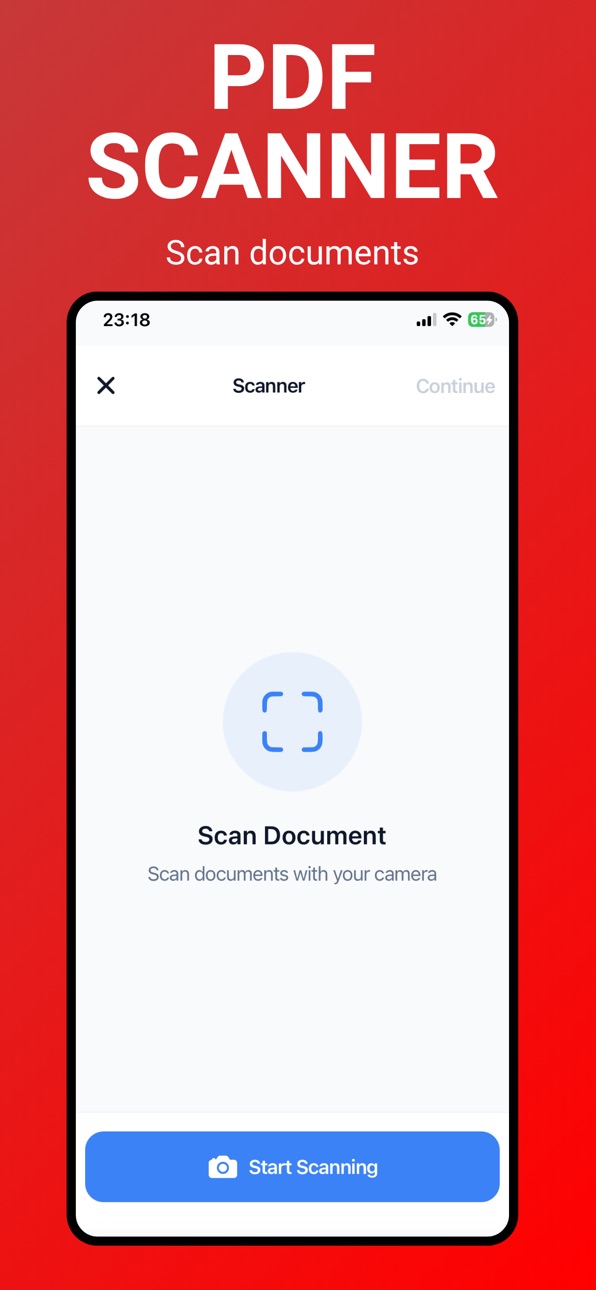
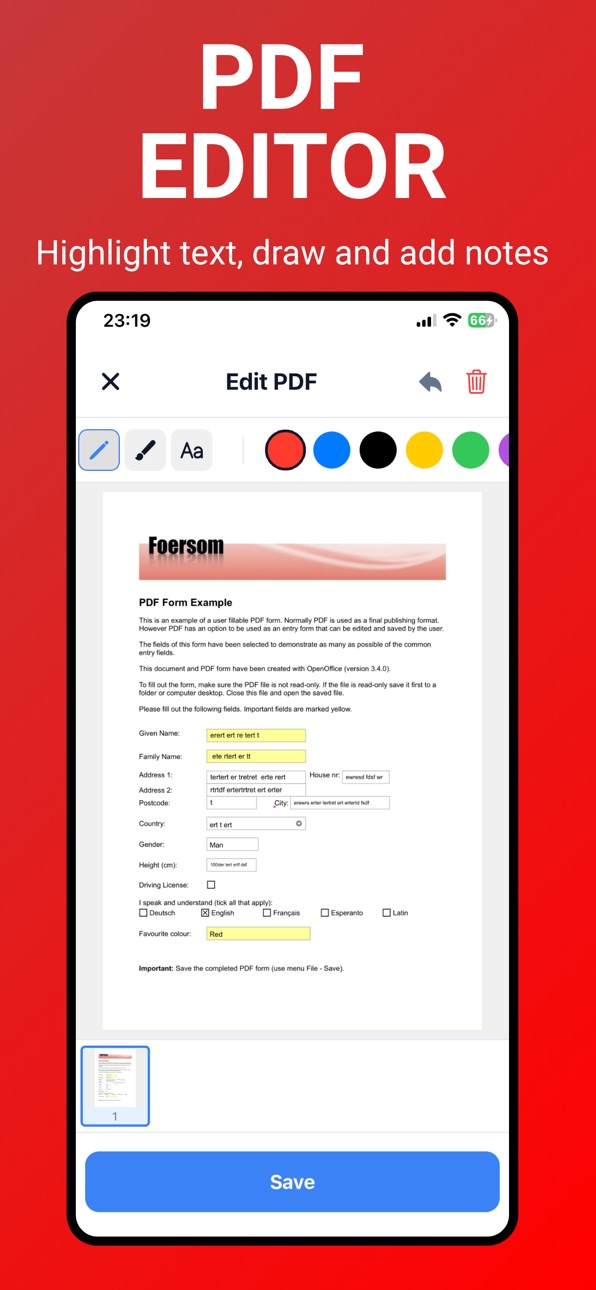
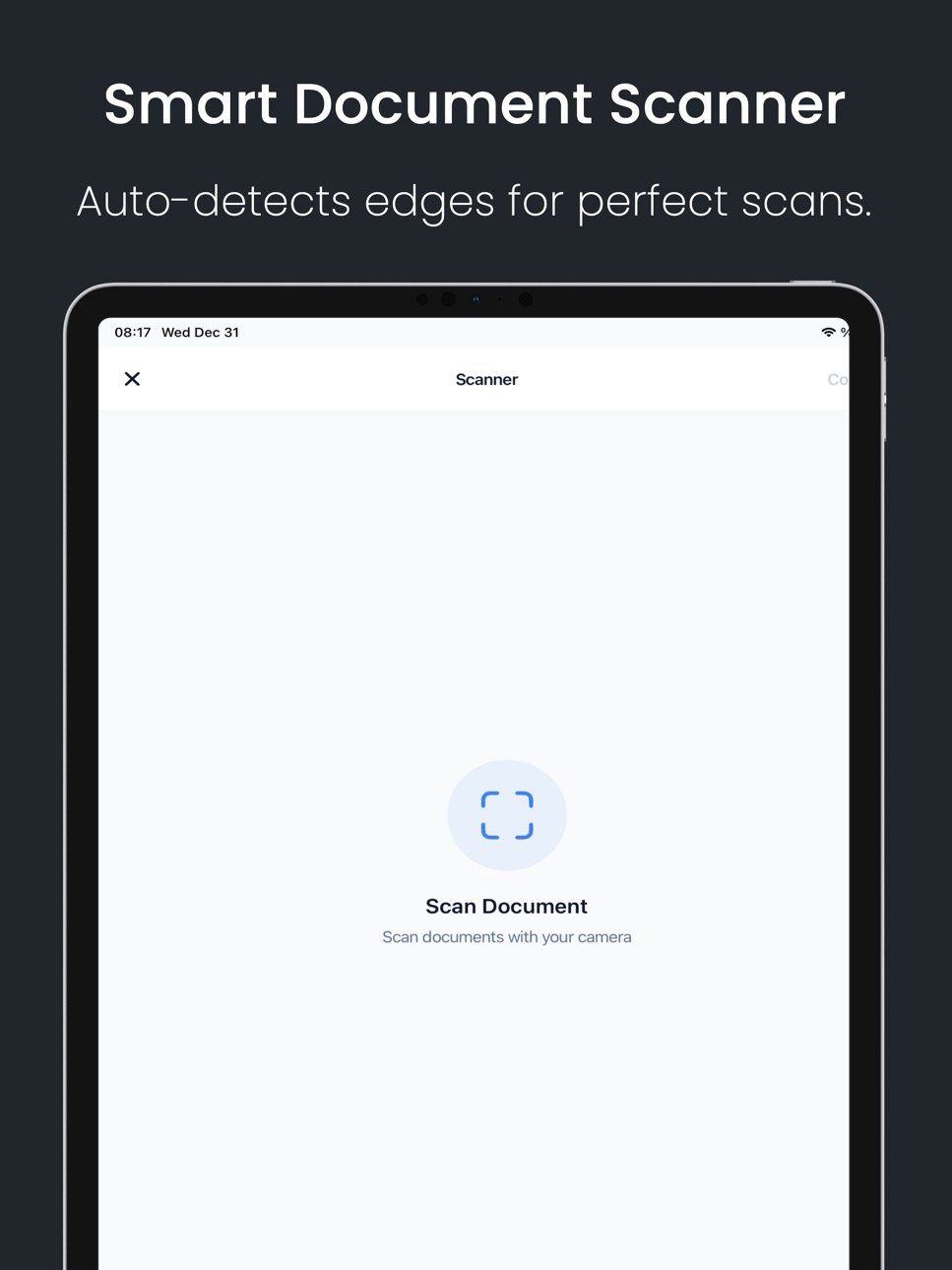
Turn your iPhone into a complete PDF toolkit for everyday documents. Scan documents, read PDF files, edit pages, sign
documents, merge files, split PDFs and use OCR — all without uploading your private files to any server.
PDF Scanner is built for fast document work. Create clean scans with your camera, open recent PDFs, add
bookmarks, jump directly to any page, combine multiple documents into one, extract specific pages, rotate pages,
compress large files, convert photos to PDF and sign forms whenever you need a quick result.
Why users choose PDF Scanner:
• Scan documents and save instantly as PDF
• Full PDF reader with recent files, search and bookmarks
• OCR converts scanned text into selectable, copyable content
• Merge multiple PDFs into one file
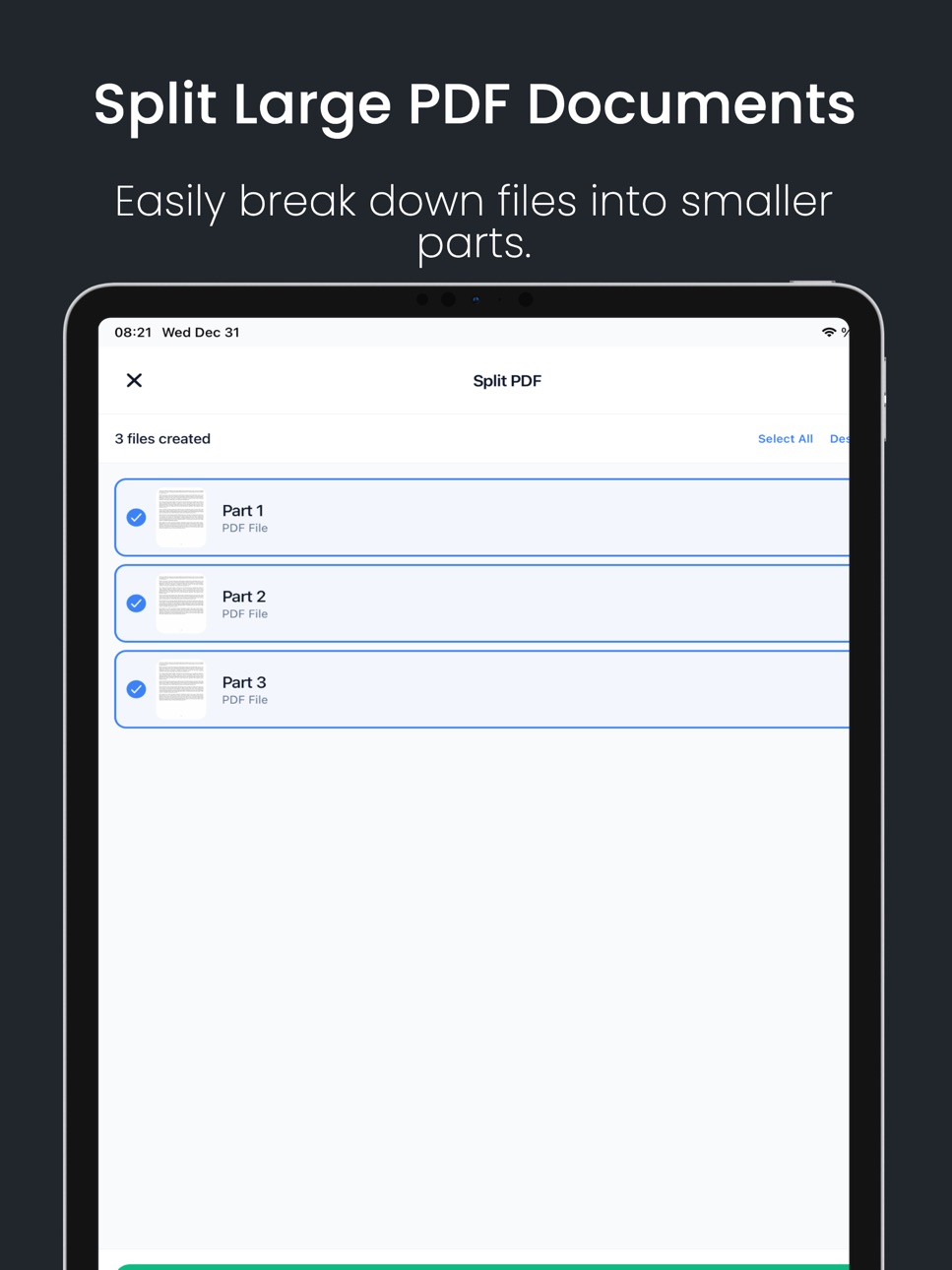
• Split and extract pages from any PDF
• Sign PDF documents with your finger or Apple Pencil
• Compress PDFs to reduce file size before sharing
• Convert images and photos to PDF format
• Rotate, reorder and delete pages
• Works entirely on-device — no account, no cloud upload required
Use it for receipts, invoices, notes, contracts, forms, school files, tax documents and everyday PDF tasks.
PDF Scanner is free to use, with all features available to every user.
The app contains a single optional in-app purchase, "Remove Ads" — a one-time, non-consumable purchase that
removes advertisements permanently and supports continued development. There is no subscription, no
recurring charges, and no free trial. All app features remain fully accessible regardless of purchase.
Download PDF Scanner now and manage your documents faster.
Terms of Use: https://www.pdfomnia.com/terms
Privacy Policy: https://www.pdfomnia.com/privacy
In-App Purchases US pricing
One-Time Purchases
Remove Ads$0.99
Capabilities
In-App Purchases
Accessibility
ipadiphonemacrealityDevicetvoswatch
Version history 10 versions
Build 888052175vv.1.2.32026-07-09 15:52:10
Performance improvements and stability fixes for a smoother PDF experience.
Build 887273008vv1.2.22026-06-22 21:24:43
Performance and stability improvements for a smoother PDF experience.
Build 886826934vv1.2.12026-06-11 20:31:11
Improved PDF Reader with recent files, bookmarks, and quick page navigation.
Updated the home screen for faster access to the most-used PDF tools.
Bug fixes and stability improvements.
Build 885726046vv1.2.02026-05-16 00:24:29
• Performance improvements
• Bug fixes and stability updates
Thank you for using PDF Omnia.
Build 884434693vv1.1.42026-04-13 18:04:08
New OCR Tool
Extract text from any PDF file or point your camera at a document to instantly capture its text. Copy, share, or use the extracted text however you need.
Build 882840313vv1.1.32026-02-26 23:15:34
Performance improvements and stability enhancements for a smoother experience.
Build 882668774vv1.1.22026-02-22 21:26:50
Performance improvements.
Build 882149708vv1.1.12026-02-04 15:10:20
Bug fixes and stability improvements
Build 881574682vv1.12026-01-18 01:19:36
Performance improvements and optimizations.
Build 881097400v1.02026-01-04 01:30:59
Price history by region
Currency
Show
Columns
Search
Availability 1 of 1 storefronts
| Region | Language | Price | Ratings | Avg | Version |
|---|---|---|---|---|---|
| US | en-US | Free | 2 | 4.0 | v.1.2.3 |
Change log 14 changes · US
✎
releaseNotes updated
Performance improvements and stability fixes for a smoother PDF experience.
✎
description updated
Turn your iPhone into a complete PDF toolkit for everyday documents. Scan documents, read PDF files, edit pages, sign
documents, merge files, split PDFs and use
✎
subtitle updated
Sign, OCR & Merge Documents
✎
name updated
Document Scan, Edit & Merge
◆
Version v.1.2.3 released
Performance improvements and stability fixes for a smoother PDF experience.
◆
Version v1.2.2 released
Performance and stability improvements for a smoother PDF experience.
◆
Version v1.2.1 released
Improved PDF Reader with recent files, bookmarks, and quick page navigation.
Updated the home screen for faster access to the most-used PDF tools.
Bug fixes and stability improvements.
◆
Version v1.2.0 released
• Performance improvements
• Bug fixes and stability updates
Thank you for using PDF Omnia.
◆
Version v1.1.4 released
New OCR Tool
Extract text from any PDF file or point your camera at a document to instantly capture its text. Copy, share, or use the extracted text however you need.
◆
Version v1.1.3 released
Performance improvements and stability enhancements for a smoother experience.
◆
Version v1.1.2 released
Performance improvements.
◆
Version v1.1.1 released
Bug fixes and stability improvements
◆
Version v1.1 released
Performance improvements and optimizations.
◆
Version 1.0 released