Home › Utilities

Mino - PDF Compressor & Merger
Merge, Split & Reduce PDF Size
 US
US
1 of 1 storefronts
Content in en-US
Content in en-US
Information
Preview 2 platforms
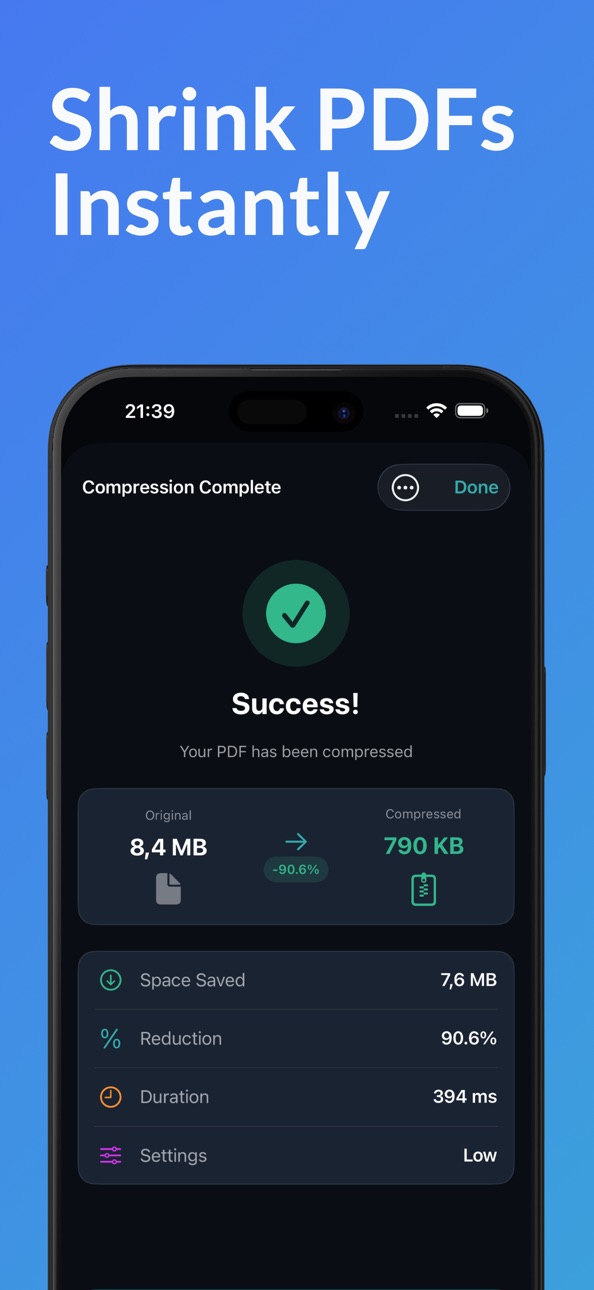
iPhone 6 images



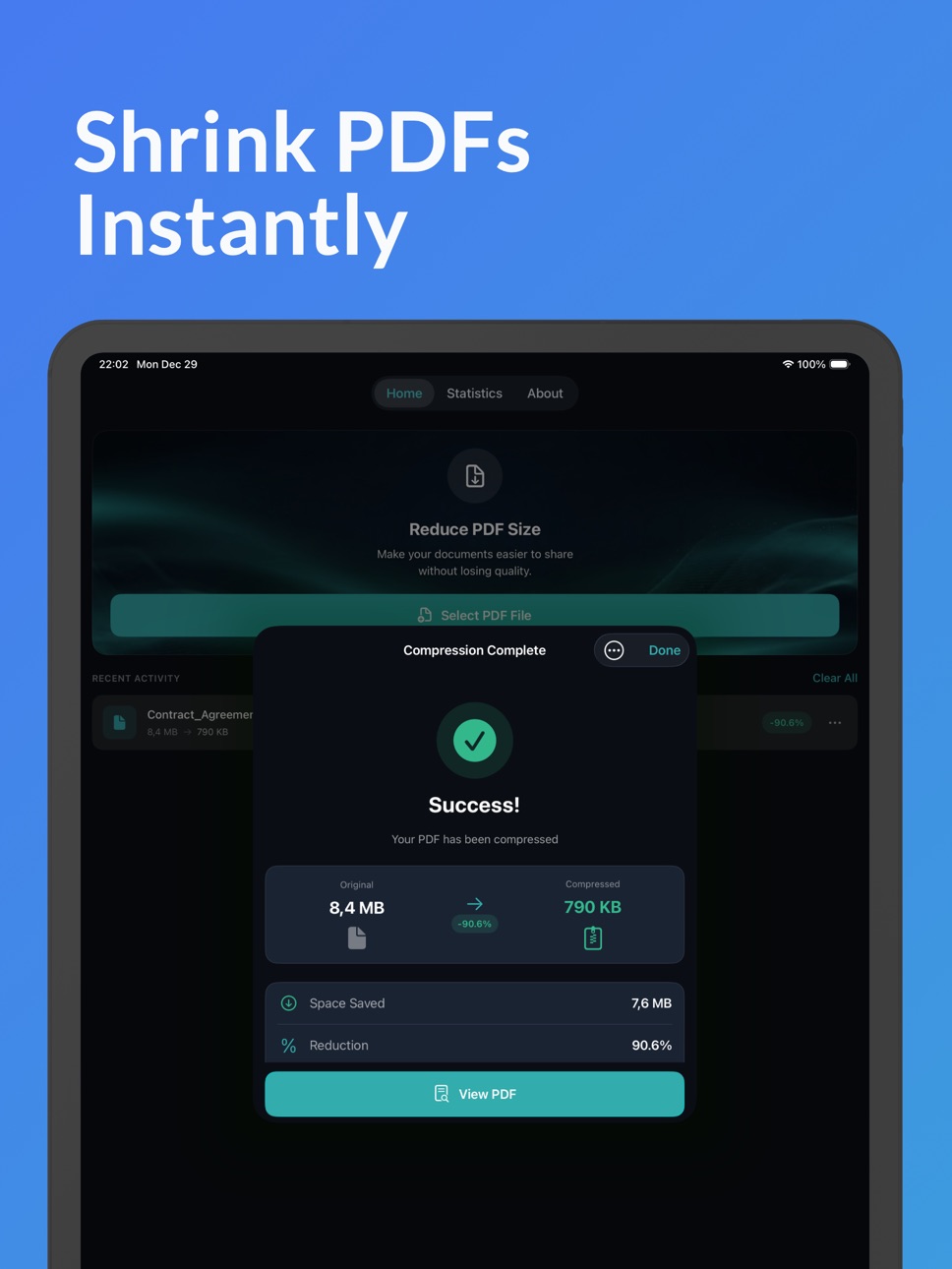
iPad 6 images



What’s New Version 1.2
- Merge PDFs: Combine multiple documents into one
- Split PDFs: Extract page ranges or individual pages
- Batch compression: Compress multiple files at once
- Smart review prompts after successful operations
- Improved button responsiveness throughout
Plus all the features you love:
- Compress PDFs up to 90% smaller
- Three quality presets
- Built-in PDF viewer
- 100% offline processing
Description
Compress, merge, and split PDFs - all in one app. Reduce file sizes up to 90% while keeping quality intact. Everything happens offline on your device for complete privacy.
WHY MINO?
Unlike other PDF tools, Mino works 100% offline. Your documents never touch external servers. No account required. No subscription. Just powerful PDF tools that respect your privacy.
COMPRESS PDFs
Shrink massive files to a fraction of their size:
- High Quality: Minimal compression, maximum detail
- Medium Quality: Perfect balance for most documents
- Low Quality: Maximum reduction for text-heavy files
- Batch compress multiple PDFs at once
MERGE PDFs
Combine multiple documents into one:
- Drag to reorder pages before merging
- Perfect for assembling reports, portfolios, or study materials
- No page limits
SPLIT PDFs
Extract exactly what you need:
- Split into individual pages
- Extract custom page ranges
- Create separate documents from a single PDF
PERFECT FOR
- Students: Compress lecture slides, merge study notes, split textbook chapters
- Professionals: Shrink contracts for email, combine reports, extract key pages
- Everyone: Reduce storage use, share documents faster, organize files
BUILT-IN PDF VIEWER
Preview any PDF with smooth navigation and pinch-to-zoom. Compare before and after compression without leaving the app.
TRACK YOUR SAVINGS
See your compression statistics:
- Total space saved across all files
- Average reduction percentage
- Complete compression history
SHARE ANYWHERE
Send compressed, merged, or split PDFs to:
- Email attachments
- AirDrop
- Messages
- Cloud storage
- Any app that accepts PDFs
WORKS FROM ANY APP
Use the Share Extension to process PDFs from Files, Safari, Mail, or any other app without opening Mino.
PRIVACY FIRST
All processing happens locally on your device. No uploads. No tracking. No account. Your documents remain 100% private.
ONE-TIME PURCHASE
Buy once, use forever. No subscriptions. No hidden fees. No in-app purchases.
---
Questions? We would love to hear from you.
Accessibility
ipadiphonemacrealityDevicetvoswatch
Version history 2 versions
Build 881576177v1.22026-01-18 16:24:11
- Merge PDFs: Combine multiple documents into one
- Split PDFs: Extract page ranges or individual pages
- Batch compression: Compress multiple files at once
- Smart review prompts after successful operations
- Improved button responsiveness throughout
Plus all the features you love:
- Compress PDFs up to 90% smaller
- Three quality presets
- Built-in PDF viewer
- 100% offline processing
Build 881082374v1.02026-01-05 10:39:29
Price history by region
Currency
Show
Columns
Search
Availability 1 of 1 storefronts
| Region | Language | Price | Ratings | Avg | Version |
|---|---|---|---|---|---|
| US | en-US | USD 2.99 | 0 | — | 1.2 |
Change log 6 changes · US
✎
releaseNotes updated
- Merge PDFs: Combine multiple documents into one
- Split PDFs: Extract page ranges or individual pages
- Batch compression: Compress multiple files at once
- S
✎
description updated
Compress, merge, and split PDFs - all in one app. Reduce file sizes up to 90% while keeping quality intact. Everything happens offline on your device for comple
✎
subtitle updated
Merge, Split & Reduce PDF Size
✎
name updated
Mino - PDF Compressor & Merger
◆
Version 1.2 released
- Merge PDFs: Combine multiple documents into one
- Split PDFs: Extract page ranges or individual pages
- Batch compression: Compress multiple files at once
- Smart review prompts after successful operations
- Improved button responsiveness
◆
Version 1.0 released