Home › Food & Drink

 US
US
1 of 1 storefronts
Content in en-US
Content in en-US
Information
Preview 1 platform
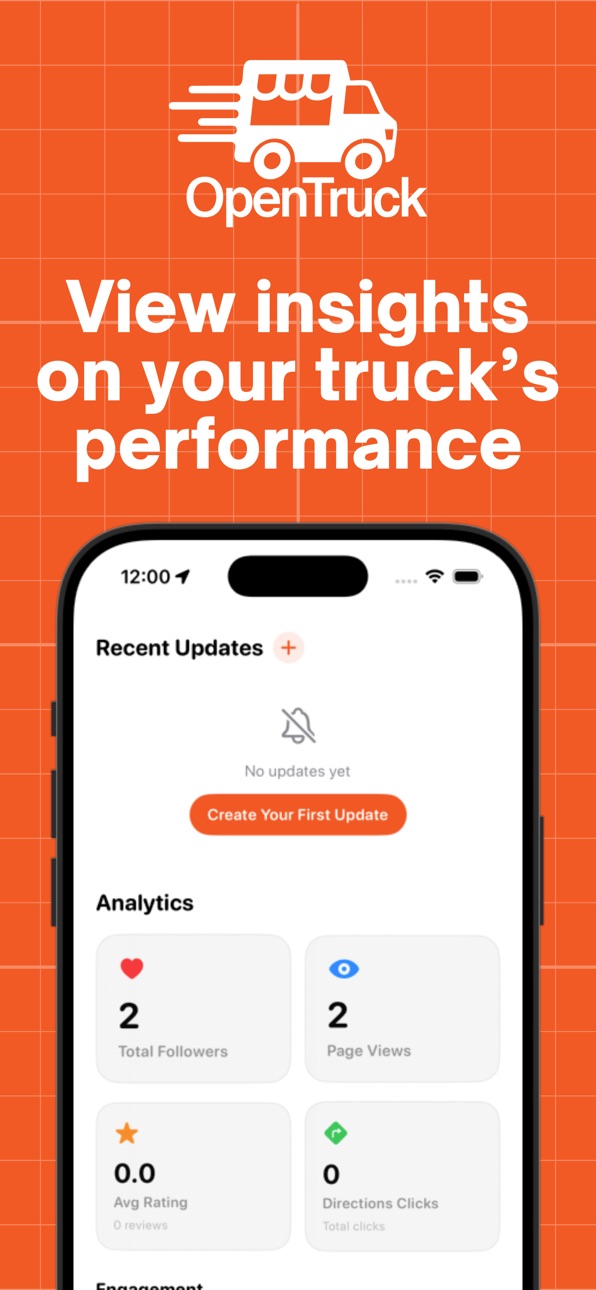
iPhone 3 images


What’s New Version 2.0.9
• Switch your community hub from the Feed — tap your county to browse events and trucks in other markets.
• Schedule stops now show descriptions; tap a stop for full details and directions.
• Vendors must confirm they will coordinate with the event organizer before marking attendance.
• Vendors can reply to reviews from Manage, and customers see those replies on truck pages.
• Notifications show vendor logos, and the app can prompt you when an update is required.
• Plus Feed layout fixes, guest sign-in improvements, and vendor dashboard polish.
Description
OpenTruck helps you find food trucks nearby when they’re actually open.
Food trucks are some of the best food in any city, but finding them can feel like guesswork. OpenTruck brings schedules, locations, and updates into one simple place so customers can discover what’s open now and owners can show up where it counts.
FOR CUSTOMERS
• See food trucks on a live map based on real schedules
• Find what’s open now and what’s coming later
• Follow your favorite trucks and get notified when they’re serving
• View truck profiles with photos, details, and community reviews
FOR FOOD TRUCK OWNERS
• Create and manage your schedule in minutes
• Show up on the map automatically when you’re scheduled to be open
• Share updates with the people who already want to find you
• Build a following and earn reviews that help new customers choose you
BUILT FOR REAL-WORLD OPERATING HOURS
Food trucks move. Events change. Weather happens. OpenTruck is designed to keep discovery accurate without requiring owners to constantly repost across social platforms.
Note: Subscription options are available for food truck owners. Availability may vary by location.
Accessibility
ipadiphonemacrealityDevicetvoswatch
Version history 17 versions
Build 888159765v2.0.92026-07-11 18:16:48
• Switch your community hub from the Feed — tap your county to browse events and trucks in other markets.
• Schedule stops now show descriptions; tap a stop for full details and directions.
• Vendors must confirm they will coordinate with the event organizer before marking attendance.
• Vendors can reply to reviews from Manage, and customers see those replies on truck pages.
• Notifications show vendor logos, and the app can prompt you when an update is required.
• Plus Feed layout fixes, guest sign-in improvements, and vendor dashboard polish.
Build 888011853v2.0.82026-07-08 21:10:54
• Share any vendor listing with a simple link (copy or send it from the vendor's page)
• Guest users who allow notifications can now receive important admin announcements even before signing in
Build 887916052v2.0.7 (2)2026-07-07 05:50:23
• VENDORS: New enhanced address search and bug fixes
• Customers and vendors can now submit community events for admin review in the Feed tab.
• Calendar and feed improvements
• General bug fixes and stability improvements
Build 886893194v2.0.62026-06-12 19:54:04
• A redesigned Community Hub makes it easier to discover new trucks, events, and updates near you.
• Community events are here — see what's happening locally, RSVP, and check which trucks are attending.
• A faster, cleaner calendar that shows the full schedule of every truck you follow.
• Vendors get a refreshed dashboard to manage their listing, post updates, and join community events.
• We're expanding! If we're not in your area yet, sign up and we'll let you know the moment we launch nearby.
• Plus performance improvements and bug fixes.
Build 885830877v2.0.52026-05-18 21:38:43
Now welcoming popup/tent vendors! Set your vendor type on signup, or change it anytime from the Edit Truck screen.
Build 884773553v2.0.42026-04-22 00:44:34
Minor bug fixes and performance updates.
Build 884596780v2.0.32026-04-16 22:36:55
Minor bug fixes and improvements, mostly surrounding our notification system. Added a dedicated page for viewing historical truck requests under Profile tab.
Build 883981278v2.0.22026-04-06 19:48:12
This update brings a refreshed interface — laying the groundwork for a faster, more consistent experience across platforms.
What's new:
-Events Tab — A new tab on the Feed screen shows a consolidated calendar of upcoming events from all the trucks you follow. Never miss a pop-up again.
-Improved Onboarding — New users will experience a smoother, more intuitive setup flow from the moment they open the app.
-Bug fixes and performance improvements.
Build 883595706v2.0.12026-03-20 22:33:25
We’ve made some big improvements to help you discover and follow your favorite food trucks more easily:
• A fresh new look across the Explore page and truck profiles
• New filters and sorting options to find exactly what you’re craving, including “Open Now” and upcoming availability
• Updated truck cards with a quick follow button
• New tabs on each truck profile for Schedule, Menu, Updates, and Reviews
• A full calendar view so you can see when and where trucks will be
• For truck owners: new indicators for pending requests
Build 883360101v2.02026-03-14 21:44:38
Revamped look for profile screen. New admin functionality and analytics. Enhanced sorting for customers in Explore view. Thank you for using OpenTruck!
Build 882998576v1.92026-03-04 14:56:10
This update introduces updates for customers, owners, and admins. Customers can now filter by city when browsing food trucks, as well as sort the order for food trucks in list view. Owners can now edit their event status (e.g. Sold Out, Cancelled) from the owner dashboard. Admins have more detailed analytics. Thank you for using OpenTruck!
Build 882259667v1.82026-02-07 21:20:56
Thank you for using OpenTruck! This update introduces a new filter button beside the search bar in truck list view, allowing customers to filter trucks based on distance from the truck's primary location. Squashed a few other bugs. As always, please report any issues or bugs by clicking the Submit Feedback button in the Profile tab.
Build 882093786v1.72026-02-03 01:27:07
This update brings minor improvements to the user interface. Customers can now view a truck's full schedule in a calendar view on the truck detail screen. All users can now set a profile photo. Other admin features have been added and minor bugs have been squashed. Thank you for using OpenTruck!
Build 882038076v1.62026-01-31 15:51:58
What an incredible week! Over 400 new users in the Mobile, AL area and growing! This update contains minor bug fixes and improvements for customer, owner, and admin users. As always, if you notice any bugs or missing features, please report them in the app by clicking Submit Feedback on the profile tab. Thanks for using OpenTruck!
Build 881933102v1.52026-01-28 15:57:03
Fixed an issue during onboarding that affected notification and location enabling. Added new admin features. Fixed an image caching issue causing images on truck view to appear delayed. Please report any bugs or missing features by using the Submit Feedback button on the Profile tab! Thanks for using OpenTruck.
Build 881082227v1.32026-01-27 13:34:56
Build 881901915v1.42026-01-27 22:07:57
Minor bug fixes and improvements.
No pricing data captured yet — comparisons appear once the app has paid storefronts or in-app purchases.
Availability 1 of 1 storefronts
| Region | Language | Price | Ratings | Avg | Version |
|---|---|---|---|---|---|
| US | en-US | Free | 6 | 4.8 | 2.0.9 |
Change log 21 changes · US
✎
releaseNotes updated
• Switch your community hub from the Feed — tap your county to browse events and trucks in other markets.
• Schedule stops now show descriptions; tap a stop for
✎
description updated
OpenTruck helps you find food trucks nearby when they’re actually open.
Food trucks are some of the best food in any city, but finding them can feel like guess
✎
subtitle updated
Find open food trucks near you
✎
name updated
OpenTruck: Food Truck Locator
◆
Version 2.0.9 released
• Switch your community hub from the Feed — tap your county to browse events and trucks in other markets.
• Schedule stops now show descriptions; tap a stop for full details and directions.
• Vendors must confirm they will coordinate with t
◆
Version 2.0.8 released
• Share any vendor listing with a simple link (copy or send it from the vendor's page)
• Guest users who allow notifications can now receive important admin announcements even before signing in
◆
Version 2.0.7 (2) released
• VENDORS: New enhanced address search and bug fixes
• Customers and vendors can now submit community events for admin review in the Feed tab.
• Calendar and feed improvements
• General bug fixes and stability improvements
◆
Version 2.0.6 released
• A redesigned Community Hub makes it easier to discover new trucks, events, and updates near you.
• Community events are here — see what's happening locally, RSVP, and check which trucks are attending.
• A faster, cleaner calendar that sho
◆
Version 2.0.5 released
Now welcoming popup/tent vendors! Set your vendor type on signup, or change it anytime from the Edit Truck screen.
◆
Version 2.0.4 released
Minor bug fixes and performance updates.
◆
Version 2.0.3 released
Minor bug fixes and improvements, mostly surrounding our notification system. Added a dedicated page for viewing historical truck requests under Profile tab.
◆
Version 2.0.2 released
This update brings a refreshed interface — laying the groundwork for a faster, more consistent experience across platforms.
What's new:
-Events Tab — A new tab on the Feed screen shows a consolidated calendar of upcoming events from all th
◆
Version 2.0.1 released
We’ve made some big improvements to help you discover and follow your favorite food trucks more easily:
• A fresh new look across the Explore page and truck profiles
• New filters and sorting options to find exactly what you’re craving, in
◆
Version 2.0 released
Revamped look for profile screen. New admin functionality and analytics. Enhanced sorting for customers in Explore view. Thank you for using OpenTruck!
◆
Version 1.9 released
This update introduces updates for customers, owners, and admins. Customers can now filter by city when browsing food trucks, as well as sort the order for food trucks in list view. Owners can now edit their event status (e.g. Sold Out, Can
◆
Version 1.8 released
Thank you for using OpenTruck! This update introduces a new filter button beside the search bar in truck list view, allowing customers to filter trucks based on distance from the truck's primary location. Squashed a few other bugs. As alway
◆
Version 1.7 released
This update brings minor improvements to the user interface. Customers can now view a truck's full schedule in a calendar view on the truck detail screen. All users can now set a profile photo. Other admin features have been added and minor
◆
Version 1.6 released
What an incredible week! Over 400 new users in the Mobile, AL area and growing! This update contains minor bug fixes and improvements for customer, owner, and admin users. As always, if you notice any bugs or missing features, please report
◆
Version 1.5 released
Fixed an issue during onboarding that affected notification and location enabling. Added new admin features. Fixed an image caching issue causing images on truck view to appear delayed. Please report any bugs or missing features by using th
◆
Version 1.4 released
Minor bug fixes and improvements.
◆
Version 1.3 released