Home › Productivity

 US
US
1 of 1 storefronts
Content in en-US
Content in en-US
Information
Preview 2 platforms
iPhone 10 images





iPad 7 images



What’s New Version 3.2.3
WorkBuddy is now free to get started.
Create pools, invite your team, and trade shifts with no payment required. Free accounts can post up to 3 shifts in your first month. Upgrade to Pro for unlimited posts at $2.99/month or $29.99/year.
We also fixed several performance improvements and stability issues to make your experience smoother.
Description
Work Buddy: Shift Trading for Your Team
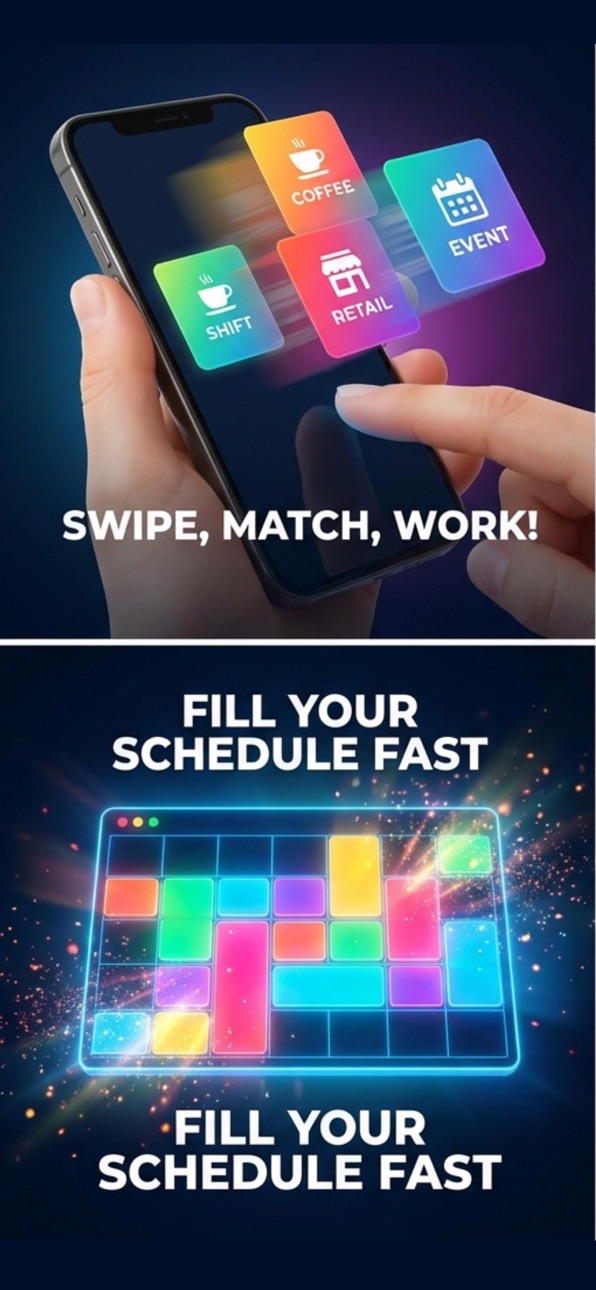
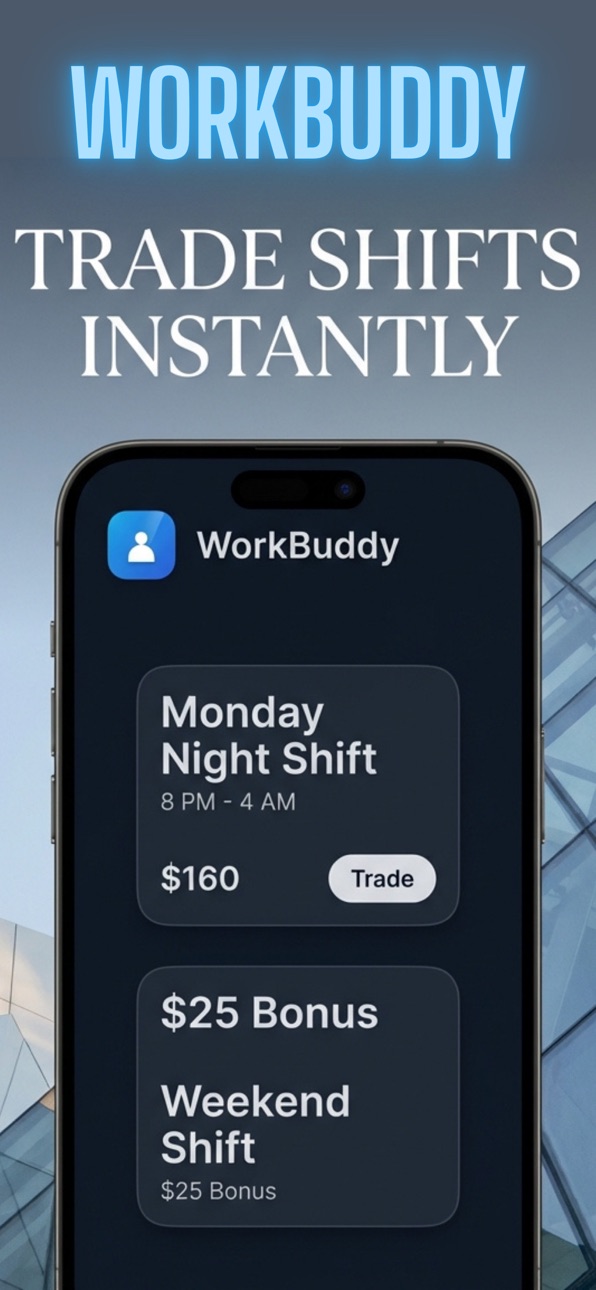
Trading shifts just got simple. Work Buddy connects you with your coworkers so you can post, swap, and cover shifts — no group chats, no spreadsheets, no hassle.
How it works:
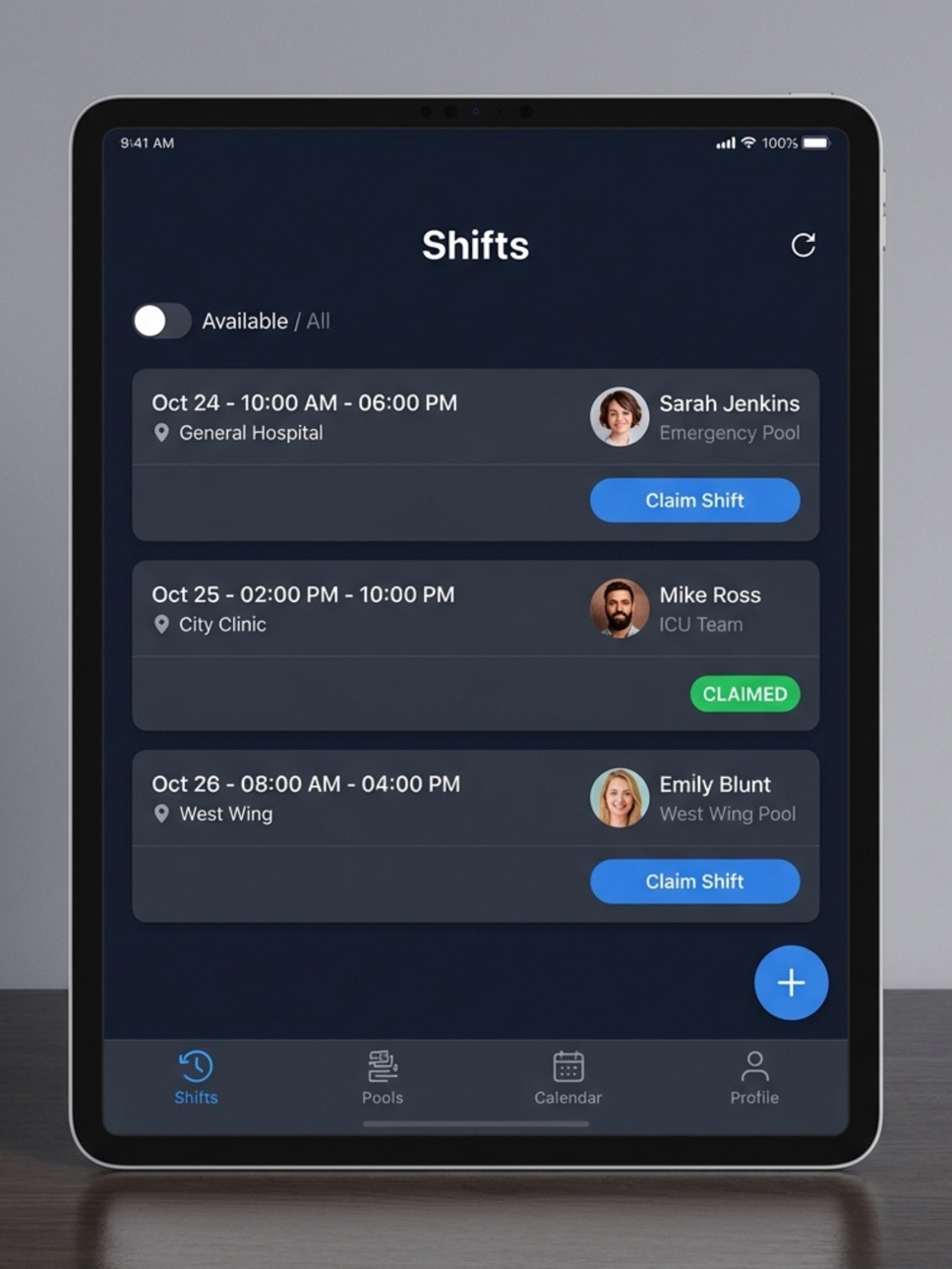
Create a pool, invite your team via link, and start posting shifts instantly. Your coworkers see what's available, someone claims it, and you're done.
Free to get started:
Join pools, view shifts, chat with your team, and post up to 2 shifts per month — no payment required. Upgrade to Pro when you need more.
Key Features:
Shift Pools: Create private pools for your team and invite coworkers via a simple link
Shift Trading: Post shifts you need covered, set a value, and let teammates claim them directly
Real-Time Notifications: Get notified the moment a shift is posted or claimed in your pool
Team Chat: Coordinate directly with your pool members
Trade History: Track all past swaps and coverage in one place
Multi-Pool Support: Join multiple pools if you work across different locations or teams
Works great for:
Restaurants, cafes, bars, retail, healthcare, nursing, hospitality — any team that works in shifts.
Pro Plan:
Unlimited shift posts, priority notifications, full trade history, and more.
Monthly: $2.99 | Annual: $29.99 (2 months free)
SUBSCRIPTION INFORMATION
Work Buddy offers auto-renewable subscriptions to unlock unlimited shift posting and premium features.
Payment: Charged to your iTunes Account at confirmation of purchase.
Auto-Renewal: Subscription automatically renews unless auto-renew is turned off at least 24 hours before the end of the current period.
Management: Manage or cancel your subscription anytime in your Apple ID Account Settings.
Legal & Privacy:
Terms of Use (EULA): https://workbuddy-app-2a90a.web.app/terms.html
Privacy Policy: https://workbuddy-app-2a90a.web.app/privacy.html
Capabilities
In-App Purchases
Accessibility
ipadiphonemacrealityDevicetvoswatch
Version history 6 versions
Build 883508406v3.2.32026-03-20 00:15:46
WorkBuddy is now free to get started.
Create pools, invite your team, and trade shifts with no payment required. Free accounts can post up to 3 shifts in your first month. Upgrade to Pro for unlimited posts at $2.99/month or $29.99/year.
We also fixed several performance improvements and stability issues to make your experience smoother.
Build 883326045v3.22026-03-14 03:19:15
What's New in Version 3.2
Fixed an issue where restoring purchases could fail silently for expired subscriptions
Improved subscription status detection and error messaging
Enhanced app stability and security
Build 882723614v3.1.82026-02-24 20:40:03
What's New in Version 3.1.5
Stability & Performance Improvements:
Enhanced Subscription Flow: Refined the in-app purchase experience for better reliability and faster plan loading.
Restore Purchases Update: Improved the "Restore Purchases" logic to ensure seamless access for existing subscribers.
Push Notification Sound & Reliability: Optimized notification delivery with full support for sound and vibration alerts across devices.
App UI Polish: Updated the Paywall and Authentication screens for clearer platform-specific information and legal compliance (EULA/Privacy).
Under-the-hood Refinements: General bug fixes and backend optimizations to improve real-time data integrity.
Build 882451719v3.1.42026-02-13 22:41:38
Fixed a critical issue where leaving a team could occasionally affect team visibility.
• Improved team management security and data integrity.
• Refined UI elements and improved the "Share Invite" button for better clarity.
• Performance improvements and general bug fixes
Build 881935376v3.1.22026-02-10 16:34:24
have updated the Sign in with Apple button design to fully comply with Human Interface Guidelines (HIG).
It now uses the correct color/contrast for light and dark modes and matches the size/prominence of other login buttons.
Build 880947583v3.0.72026-01-19 14:20:38
No pricing data captured yet — comparisons appear once the app has paid storefronts or in-app purchases.
Availability 1 of 1 storefronts
| Region | Language | Price | Ratings | Avg | Version |
|---|---|---|---|---|---|
| US | en-US | Free | 2 | 5.0 | 3.2.3 |
Change log 9 changes · US
✎
releaseNotes updated
WorkBuddy is now free to get started.
Create pools, invite your team, and trade shifts with no payment required. Free accounts can post up to 3 shifts in your f
✎
description updated
Work Buddy: Shift Trading for Your Team
Trading shifts just got simple. Work Buddy connects you with your coworkers so you can post, swap, and cover shifts — no
✎
name updated
WorkBuddy App
◆
Version 3.2.3 released
WorkBuddy is now free to get started.
Create pools, invite your team, and trade shifts with no payment required. Free accounts can post up to 3 shifts in your first month. Upgrade to Pro for unlimited posts at $2.99/month or $29.99/year.
We
◆
Version 3.2 released
What's New in Version 3.2
Fixed an issue where restoring purchases could fail silently for expired subscriptions
Improved subscription status detection and error messaging
Enhanced app stability and security
◆
Version 3.1.8 released
What's New in Version 3.1.5
Stability & Performance Improvements:
Enhanced Subscription Flow: Refined the in-app purchase experience for better reliability and faster plan loading.
Restore Purchases Update: Improved the "Restore Purcha
◆
Version 3.1.4 released
Fixed a critical issue where leaving a team could occasionally affect team visibility.
• Improved team management security and data integrity.
• Refined UI elements and improved the "Share Invite" button for better clarity.
• Performance
◆
Version 3.1.2 released
have updated the Sign in with Apple button design to fully comply with Human Interface Guidelines (HIG).
It now uses the correct color/contrast for light and dark modes and matches the size/prominence of other login buttons.
◆
Version 3.0.7 released