Home › Education

 US
US
1 of 1 storefronts
Content in en-US
Content in en-US
Information
Apple ID6756331333
Bundle IDcom.gaonax.KlyricX
SellerSeller
Min iOS26.0
Min macOS26.0
Device familiesiphone, ipad
Released2026-01-15
Copyright© 2025 GAONAX
Privacy policyLink ↗
Preview 2 platforms
iPhone 9 images




iPad 10 images




What’s New Version 1.2.0
Added a new onboarding guide
Fixed a YouTube player playback bug
Description
What does KlyricX do?
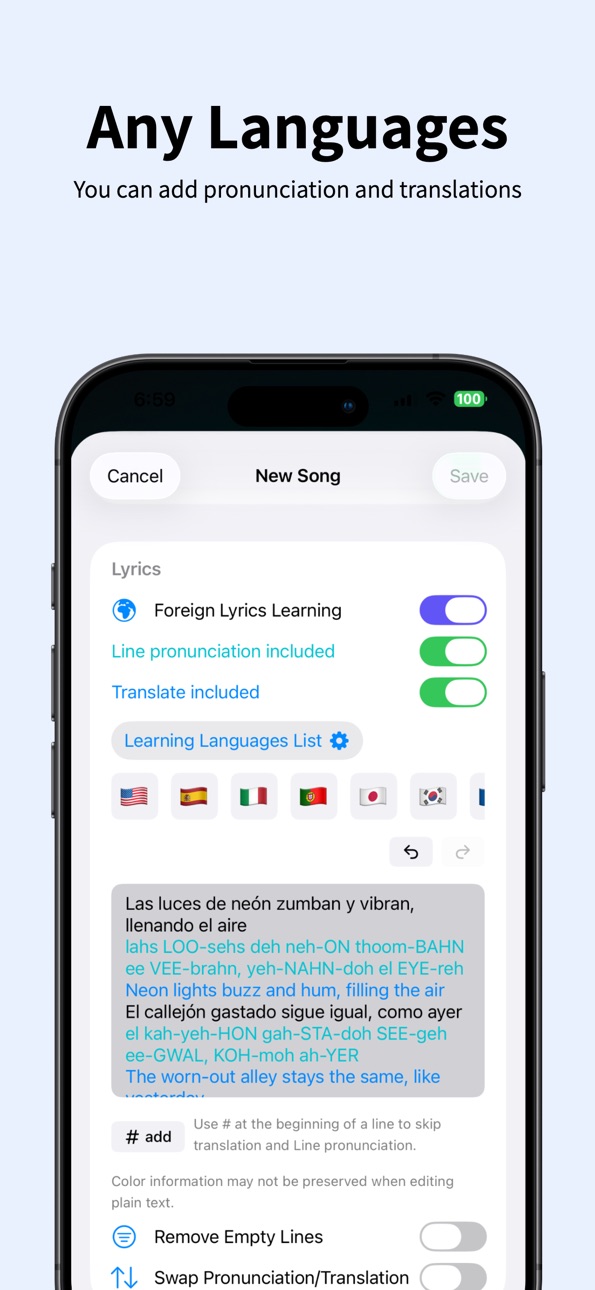
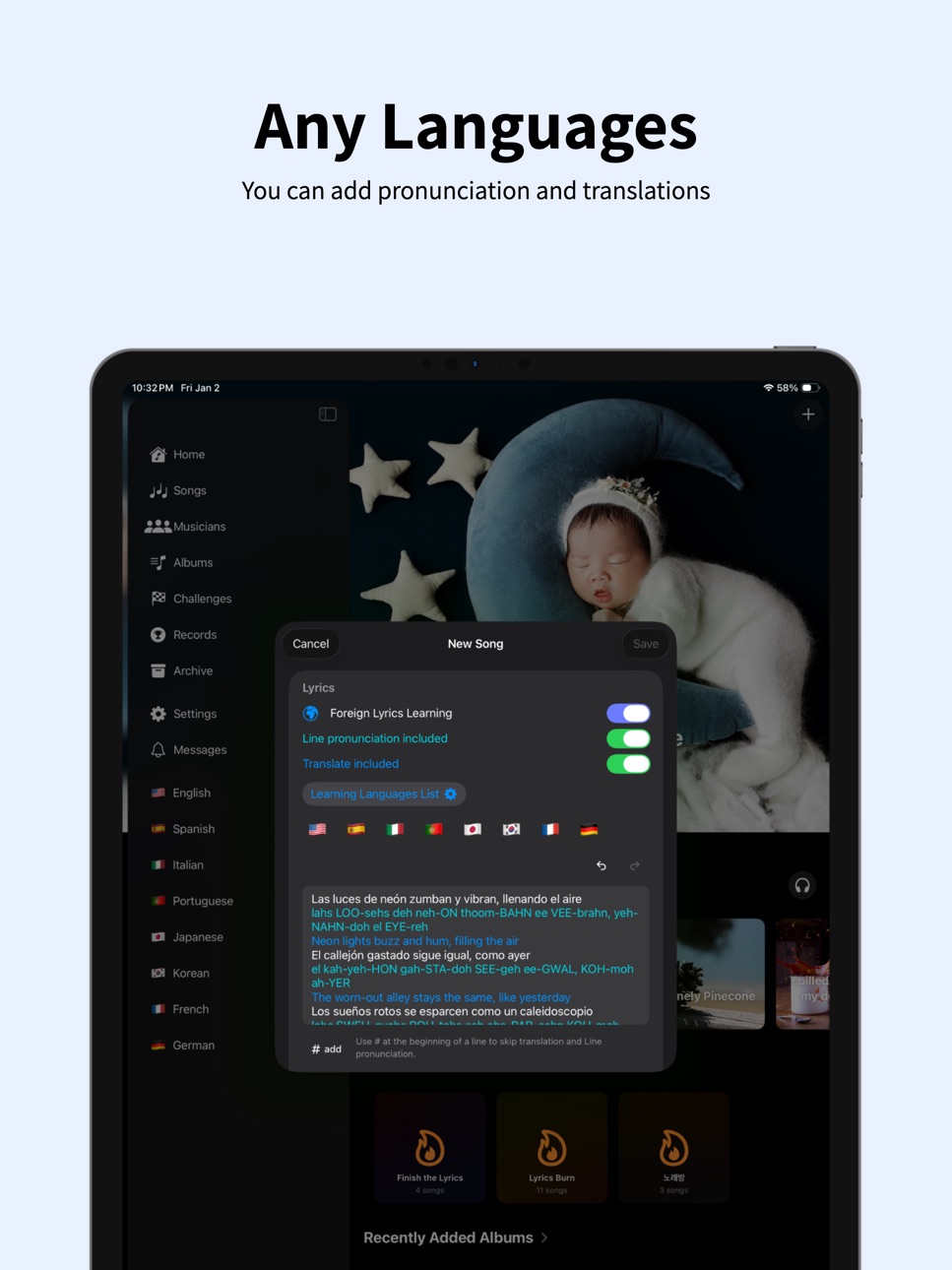
KlyricX is a lyric training app that helps you memorize songs more easily — in any language. Whether it’s K-pop, English pop, J-pop, or beyond, turn the songs you love into your personal study materials.
Using lyrics you enter yourself, KlyricX trains real recall through step-by-step modes: listening, guided display, puzzles, and typing. Built for anyone who wants to sing with confidence, practice efficiently, or enjoy music on a deeper level.
Learn with linked online media
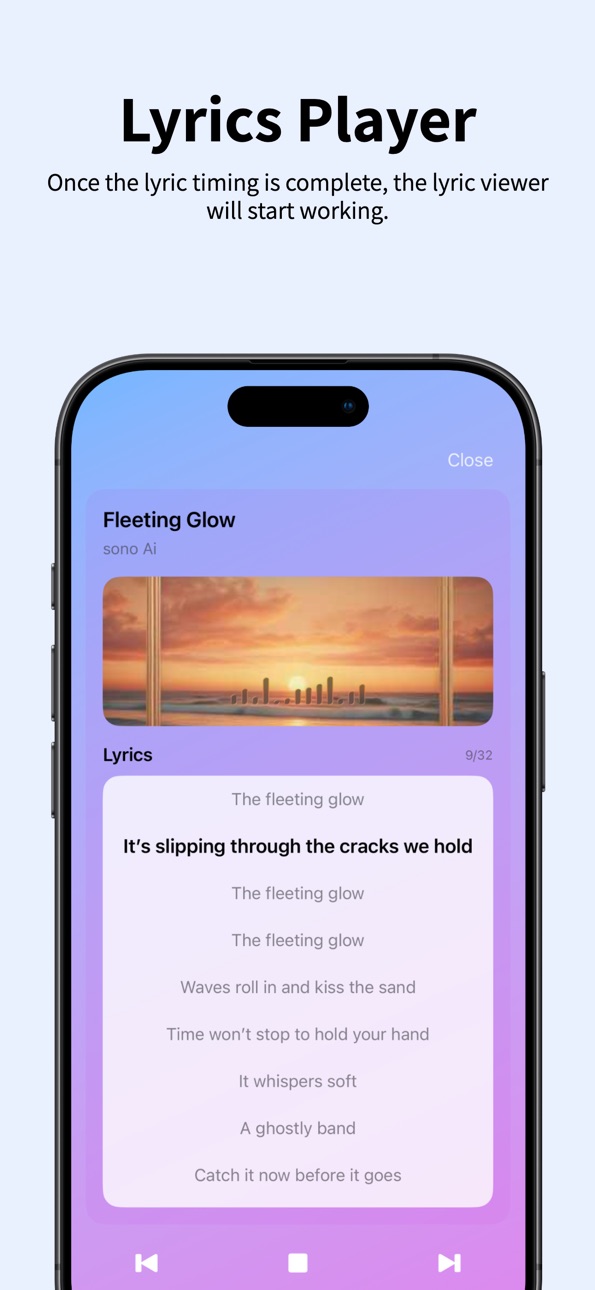
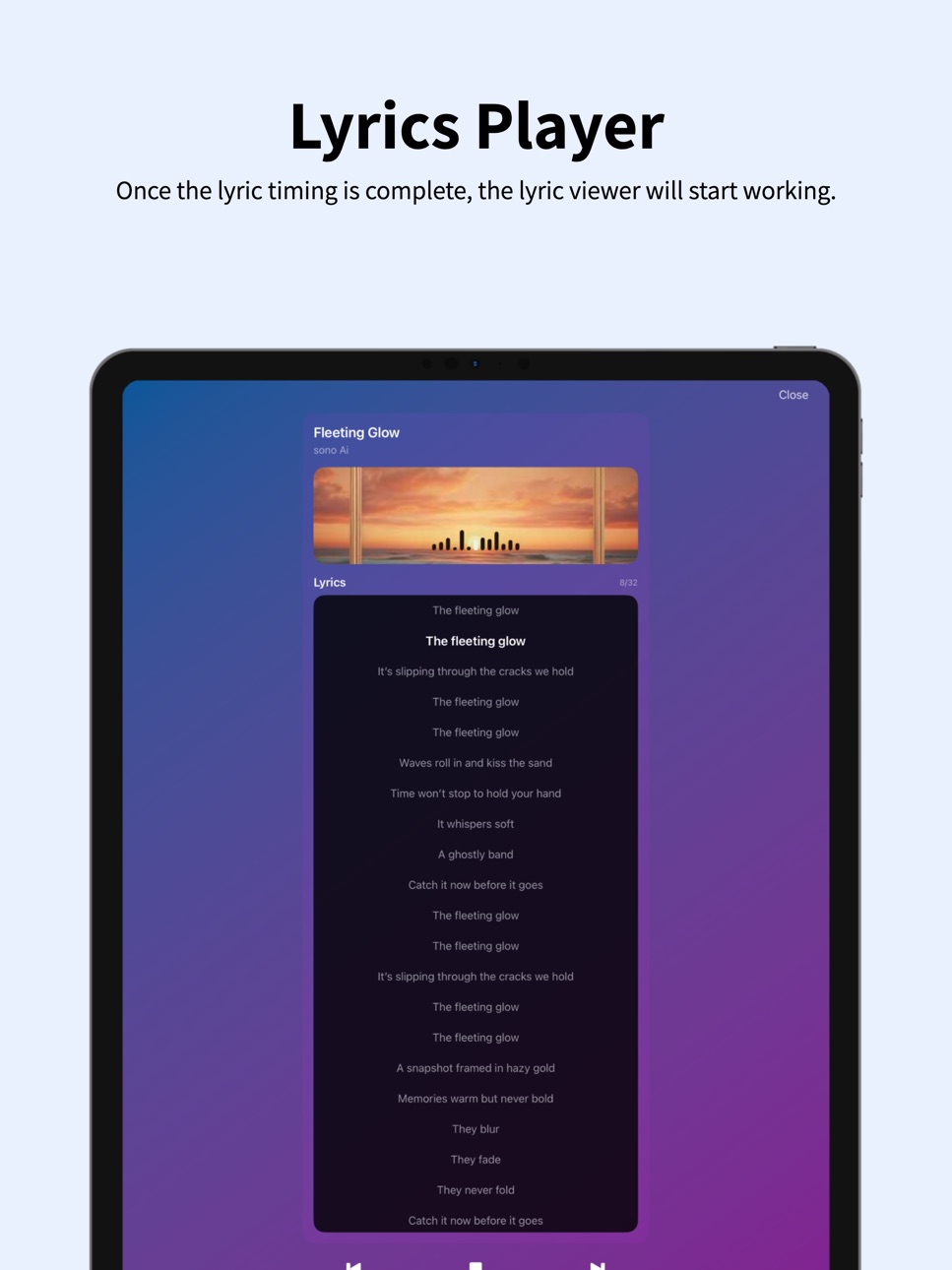
Connect online media links (e.g. YouTube) and practice lyrics while the song plays. Repeat exactly the parts you need until they stick perfectly. (Also supports local media files from your device or iCloud Drive.)
Learning Modes
Tap Lyrics to Replay: Tap a line or word to instantly replay from there — perfect for quick repeats!
Second-Tap Slow Playback: Tap again to activate slow-motion playback and master pronunciation, rhythm, and timing in detail.
Timing Recording: Tap to record beat/segment timing while listening for ultra-precise practice
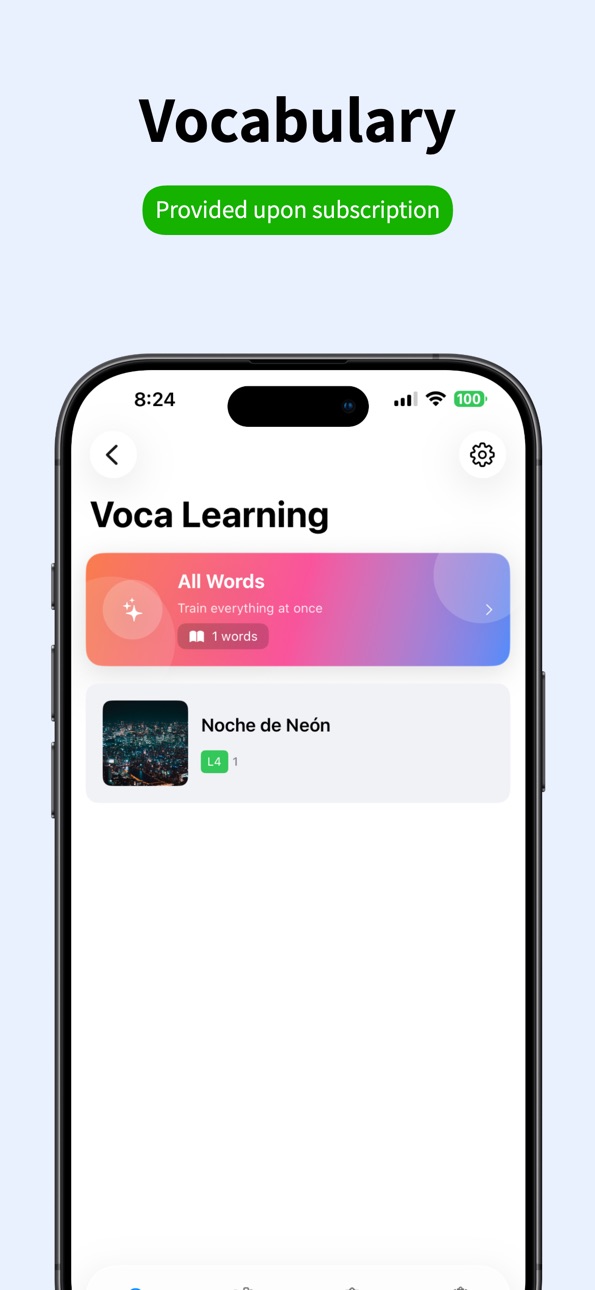
Word Highlight & Notes: Mark unfamiliar words + save pronunciation, meaning, and personal memos for review
Verse / Chorus / Bridge Labels: Organize lyrics by sections for fast navigation and targeted practice
ZAP Mode: Arrow-key guided reading while looping — perfect for line-by-line drilling
MIX Mode: Reorder shuffled lyrics to build stronger memory connections
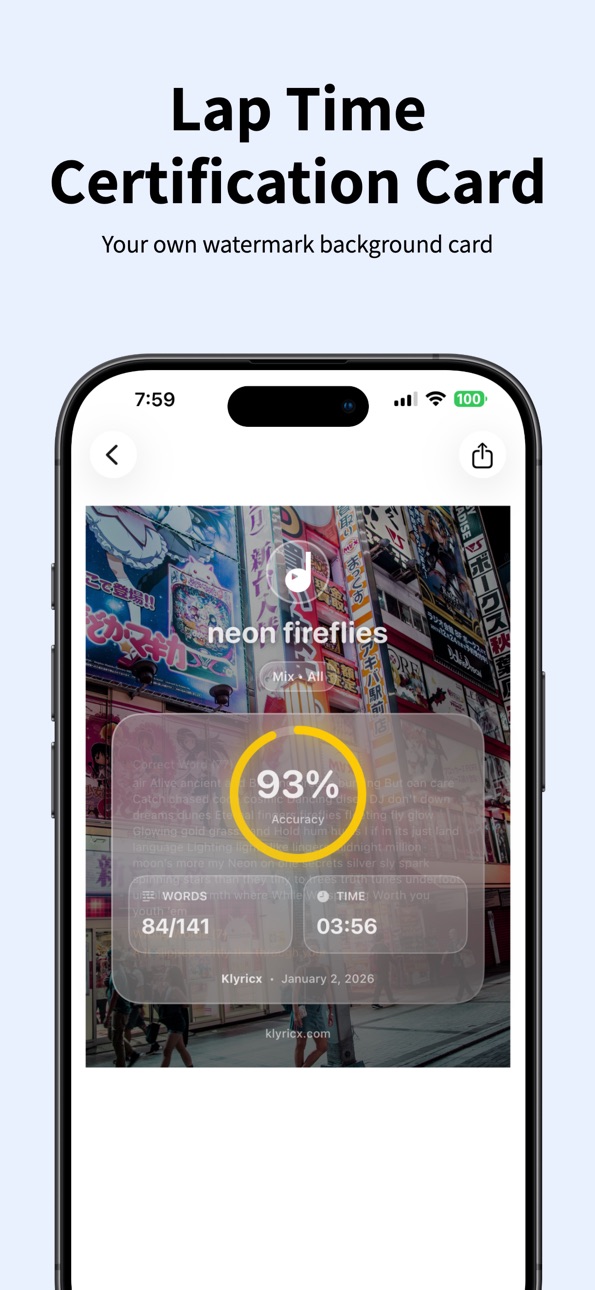
TYPE Mode: Type the lyrics yourself to test memorization accuracy and progress
Paid features (Subscription / In-App Purchase)
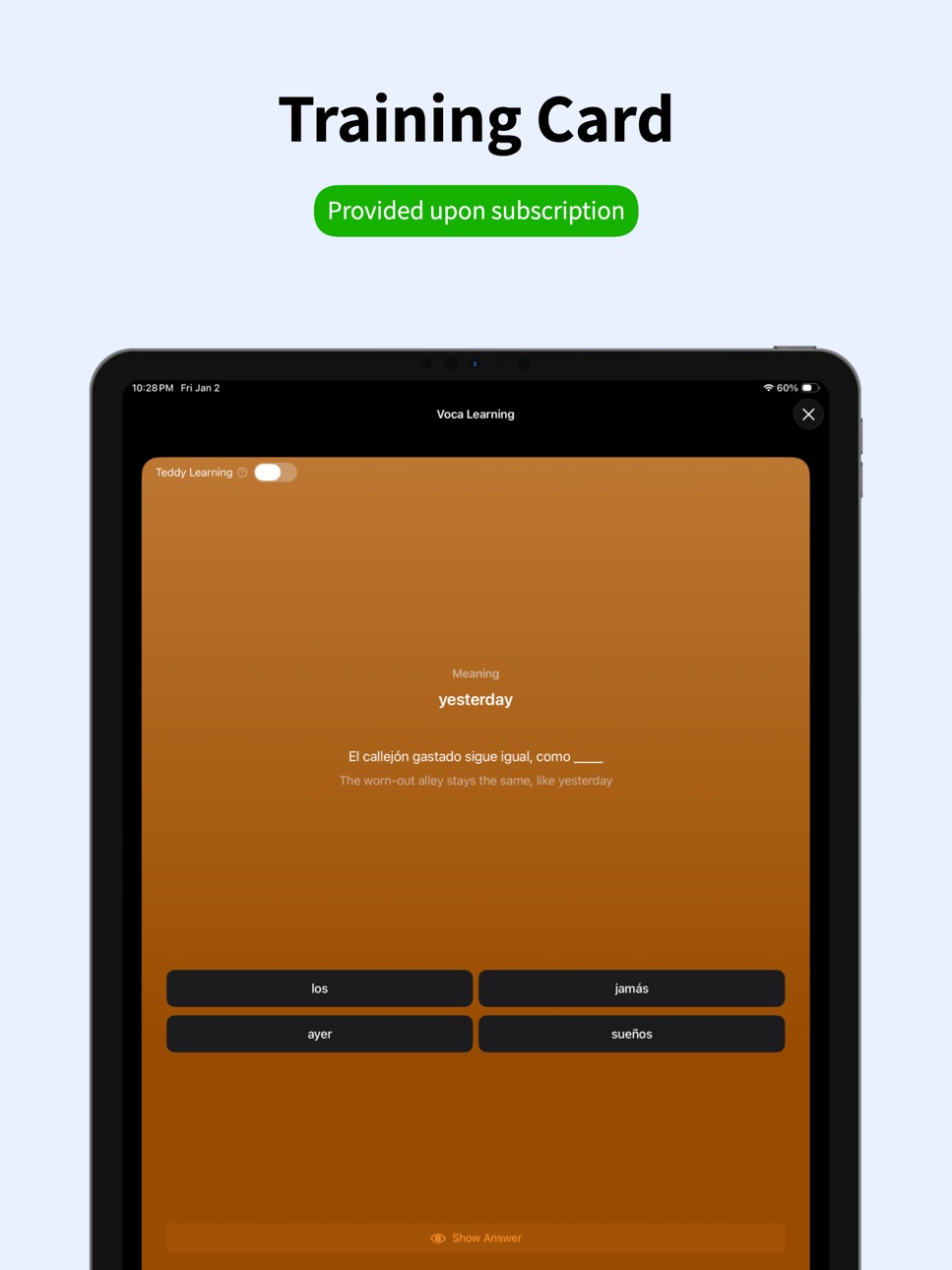
Powerful Voca: Vocabulary drills built from your own word notes (pronunciation/meaning/memo)
Remove Ads
Precision Slide Control: Finer slider control for precise seeking during learning/playback
From your own creations to all-time favorites and live must-sings — customize with artwork and turn them into your perfect personal songbook!
Terms of Use (EULA): https://www.apple.com/legal/internet-services/itunes/dev/stdeula/Local Media Kit: Link and play media files you own from your device and/or your personal iCloud Drive.
Capabilities
In-App Purchases
Accessibility
ipadiphonemacrealityDevicetvoswatch
Version history 7 versions
Build 884663677v1.2.02026-04-18 20:52:36
Added a new onboarding guide
Fixed a YouTube player playback bug
Build 882374018v1.1.12026-02-12 21:26:11
This update focuses on lyrics import and link handling improvements:
Added in-app web search for lyrics in both Create Song and Raw Text Editor (no app switching required).
Added a clipboard-based “Get lyrics” flow in the in-app browser.
Improved YouTube link import behavior:
Better live URL detection while browsing.
“Get link” is disabled on the default YouTube home page and enabled after actual navigation.
Improved handling of mobile YouTube links (m.youtube.com).
Updated search behavior in Create Song:
If a song title exists, search uses title + lyrics.
Build 882267066v1.1.02026-02-08 19:06:02
"Unlock the First-Char Hint in ZAP Mode!" Struggling to remember the start of a verse? Try our new Character View. Toggle the media button in ZAP mode and select the first-character option. It’s the perfect training wheels for your stage performance!
How to use: These modes are available in ZAP Mode. Simply tap the Media Button at the top to deactivate media, and the new lyrics hint options will appear instantly!
Build 881916005v1.0.32026-02-01 22:25:45
Enhanced the lyrics view for smoother interaction and playback experience.
Improved punctuation processing in the lyrics editor to ensure accurate text editing.
Build 881876323v1.0.22026-01-27 19:38:12
Fixed a word segmentation issue affecting new lyric updates with timing input in non-space-separated languages (e.g., Chinese, Japanese, Thai).
Build 881606736v1.0.12026-01-25 18:03:11
Second-Tap Slow Playback: Tap again to activate slow-motion playback and master pronunciation, rhythm, and timing in detail.
Build 880498855v1.02026-01-15 18:35:30
No pricing data captured yet — comparisons appear once the app has paid storefronts or in-app purchases.
Availability 1 of 1 storefronts
| Region | Language | Price | Ratings | Avg | Version |
|---|---|---|---|---|---|
| US | en-US | Free | 0 | — | 1.2.0 |
Change log 11 changes · US
✎
releaseNotes updated
Added a new onboarding guide
Fixed a YouTube player playback bug
✎
description updated
What does KlyricX do?
KlyricX is a lyric training app that helps you memorize songs more easily — in any language. Whether it’s K-pop, English pop, J-pop, or be
✎
subtitle updated
Song lyrics memorization app
✎
name updated
KlyricX
◆
Version 1.2.0 released
Added a new onboarding guide
Fixed a YouTube player playback bug
◆
Version 1.1.1 released
This update focuses on lyrics import and link handling improvements:
Added in-app web search for lyrics in both Create Song and Raw Text Editor (no app switching required).
Added a clipboard-based “Get lyrics” flow in the in-app browser.
I
◆
Version 1.1.0 released
"Unlock the First-Char Hint in ZAP Mode!" Struggling to remember the start of a verse? Try our new Character View. Toggle the media button in ZAP mode and select the first-character option. It’s the perfect training wheels for your stage pe
◆
Version 1.0.3 released
Enhanced the lyrics view for smoother interaction and playback experience.
Improved punctuation processing in the lyrics editor to ensure accurate text editing.
◆
Version 1.0.2 released
Fixed a word segmentation issue affecting new lyric updates with timing input in non-space-separated languages (e.g., Chinese, Japanese, Thai).
◆
Version 1.0.1 released
Second-Tap Slow Playback: Tap again to activate slow-motion playback and master pronunciation, rhythm, and timing in detail.
◆
Version 1.0 released