Home › Photo & Video

 US
US
1 of 1 storefronts
Content in en-US
Content in en-US
Information
Preview 2 platforms
iPhone 7 images



iPad 7 images





What’s New Version 1.0.1
NEW: Compress photos directly from the Photos app
You can now compress your images right from the iOS Share sheet in Photos.
No need to open the app first:
- Open any photo in the Photos app
- Tap the Share button
- Choose our app to instantly compress your image
- Save or share the smaller file in seconds
This makes it faster to:
- Share high quality photos over messaging without hitting size limits
- Send multiple images by email without bouncing
- Free up storage on your device without noticeable quality loss
We also fixed minor bugs and made performance improvements to keep everything running smoothly.
Description
Photo & Image Compressor makes it easy to shrink your photos without sacrificing how they look. Free up storage, send large photos by email, and upload images faster to social media or the web. Everything happens directly on your device. No servers, no external processing.
Key Features
Instant Compression
Open your photo library, pick an image, and compress it in seconds. Use ready-made presets tuned for Instagram, WhatsApp, email, websites, or high-quality prints, or fine-tune your own settings when you need full control.
Smart Quality Control
Slide between maximum space savings and excellent visual quality. Before you compress, see the estimated new file size so you know exactly how much space you will save and how the image will be affected.
Batch Processing (Pro)
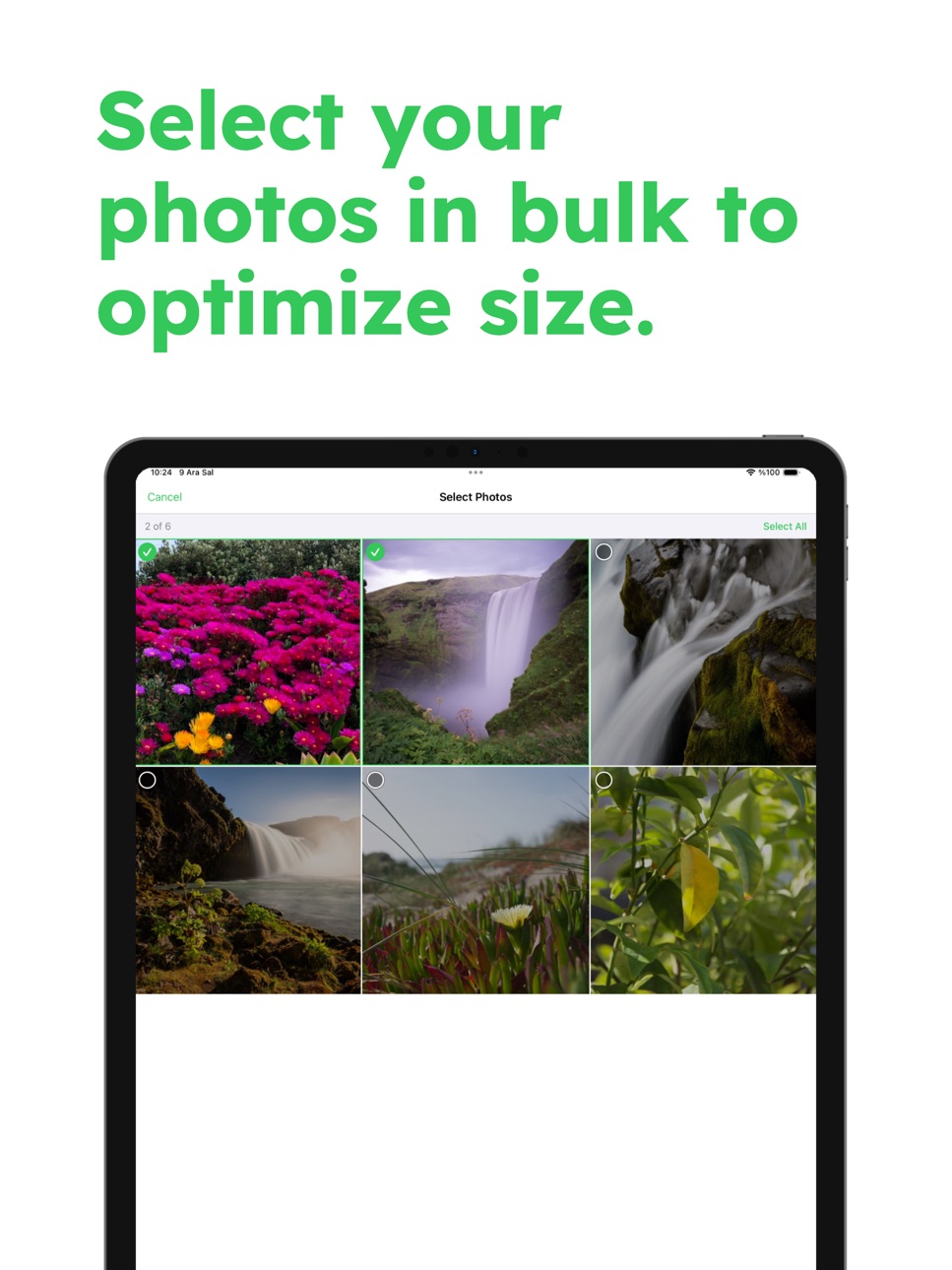
Clean up your entire photo library in one go. Select dozens or even hundreds of photos and compress them all with a single tap. Ideal when your device is almost full and you need gigabytes back quickly.
Album Browser
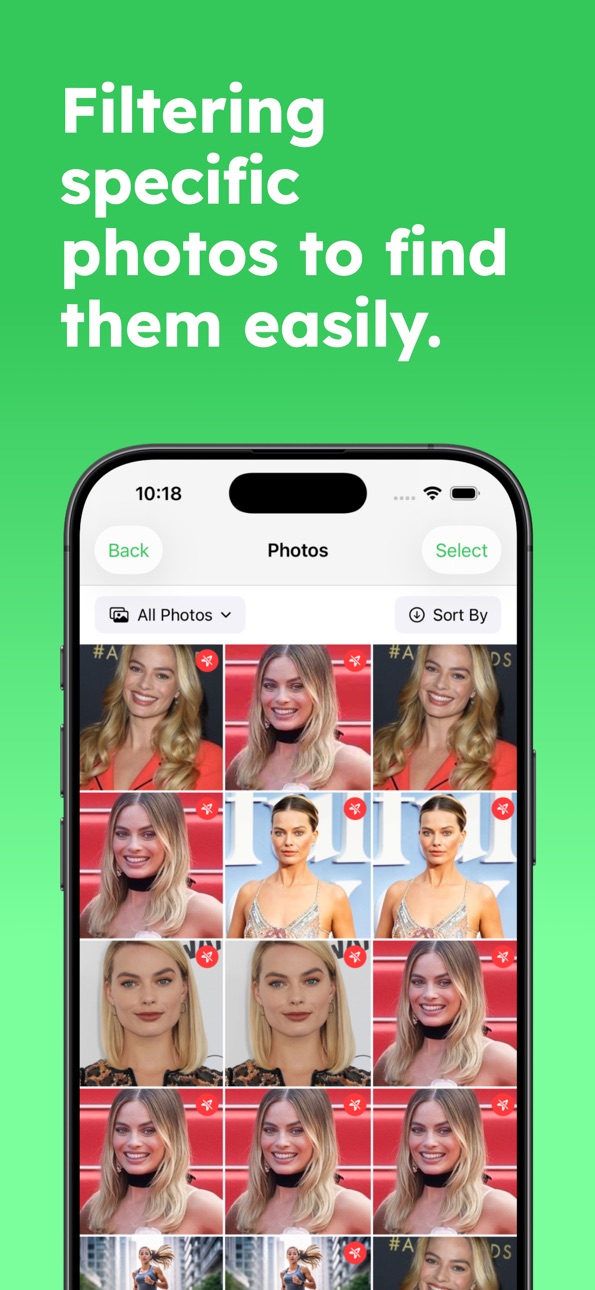
Work the way you already organize your photos. Browse by album, including Favorites, Screenshots, Selfies, and your own custom albums, without leaving the app. Jump straight to the albums that usually contain the biggest files.
Sort and Filter
Find the photos that waste the most space. Sort by file size to catch huge panoramas and old high-resolution photos, or sort by date to quickly process the newest shots first.
Multiple Formats
Export your compressed photos in JPEG, PNG, or HEIC. Choose JPEG for easy sharing, PNG for graphics and screenshots, or HEIC for the best balance of quality and small file size on modern devices.
Resize Options
Reduce image dimensions and file size together. Set a maximum width or height to create perfectly sized images for websites, online forms, marketplaces, or social media profiles, without guessing or trial and error.
Metadata Control
Decide what you share. Keep metadata when you need details like camera settings and dates, or remove it to strip out location and other hidden information before posting or sending photos.
Track Your Savings
See the results of your cleanup instantly. The built-in savings dashboard shows how much storage you have recovered and keeps a history of your compression activity over time, so you can measure the impact.
Privacy First
Your photos never leave your device. All compression and processing are done locally, which means no uploads, no cloud processing, and no third-party access to your images.
Pro Features
Remove all ads for a distraction-free experience
Batch compress unlimited photos to save time and storage fast
Choose your preferred output format: JPEG, PNG, or HEIC
Set custom dimensions and metadata preferences for every export
Download Photo & Image Compressor and reclaim storage space while keeping your photos looking great.
Privacy Policy: https://imageoptimizer.ege.md/privacy
Terms of Use: https://imageoptimizer.ege.md/terms
In-App Purchases US pricing
Perfect to try out all premium features. Subscription
Weekly · 7 days$3.99
Yearly · Yearly$19.99
One-Time Purchases
Photo Compressor Pro$29.99
Capabilities
In-App Purchases
Accessibility
ipadiphonemacrealityDevicetvoswatch
Version history 2 versions
Build 880518039v1.0.12025-12-11 23:57:28
NEW: Compress photos directly from the Photos app
You can now compress your images right from the iOS Share sheet in Photos.
No need to open the app first:
- Open any photo in the Photos app
- Tap the Share button
- Choose our app to instantly compress your image
- Save or share the smaller file in seconds
This makes it faster to:
- Share high quality photos over messaging without hitting size limits
- Send multiple images by email without bouncing
- Free up storage on your device without noticeable quality loss
We also fixed minor bugs and made performance improvements to keep everything running smoothly.
Build 880459362v1.02025-12-09 19:08:07
Price history by region
Currency
Show
Columns
Search
Availability 1 of 1 storefronts
| Region | Language | Price | Ratings | Avg | Version |
|---|---|---|---|---|---|
| US | en-US | Free | 0 | — | 1.0.1 |
Change log 6 changes · US
✎
releaseNotes updated
NEW: Compress photos directly from the Photos app
You can now compress your images right from the iOS Share sheet in Photos.
No need to open the app first:
✎
description updated
Photo & Image Compressor makes it easy to shrink your photos without sacrificing how they look. Free up storage, send large photos by email, and upload images f
✎
subtitle updated
Save Space, Size Optimizer
✎
name updated
Photo & Image Resize Compress
◆
Version 1.0.1 released
NEW: Compress photos directly from the Photos app
You can now compress your images right from the iOS Share sheet in Photos.
No need to open the app first:
- Open any photo in the Photos app
- Tap the Share button
- Choose our app t
◆
Version 1.0 released