Home › Entertainment

 US
US
1 of 1 storefronts
Content in en-US
Content in en-US
Information
Preview 2 platforms
iPhone 5 images


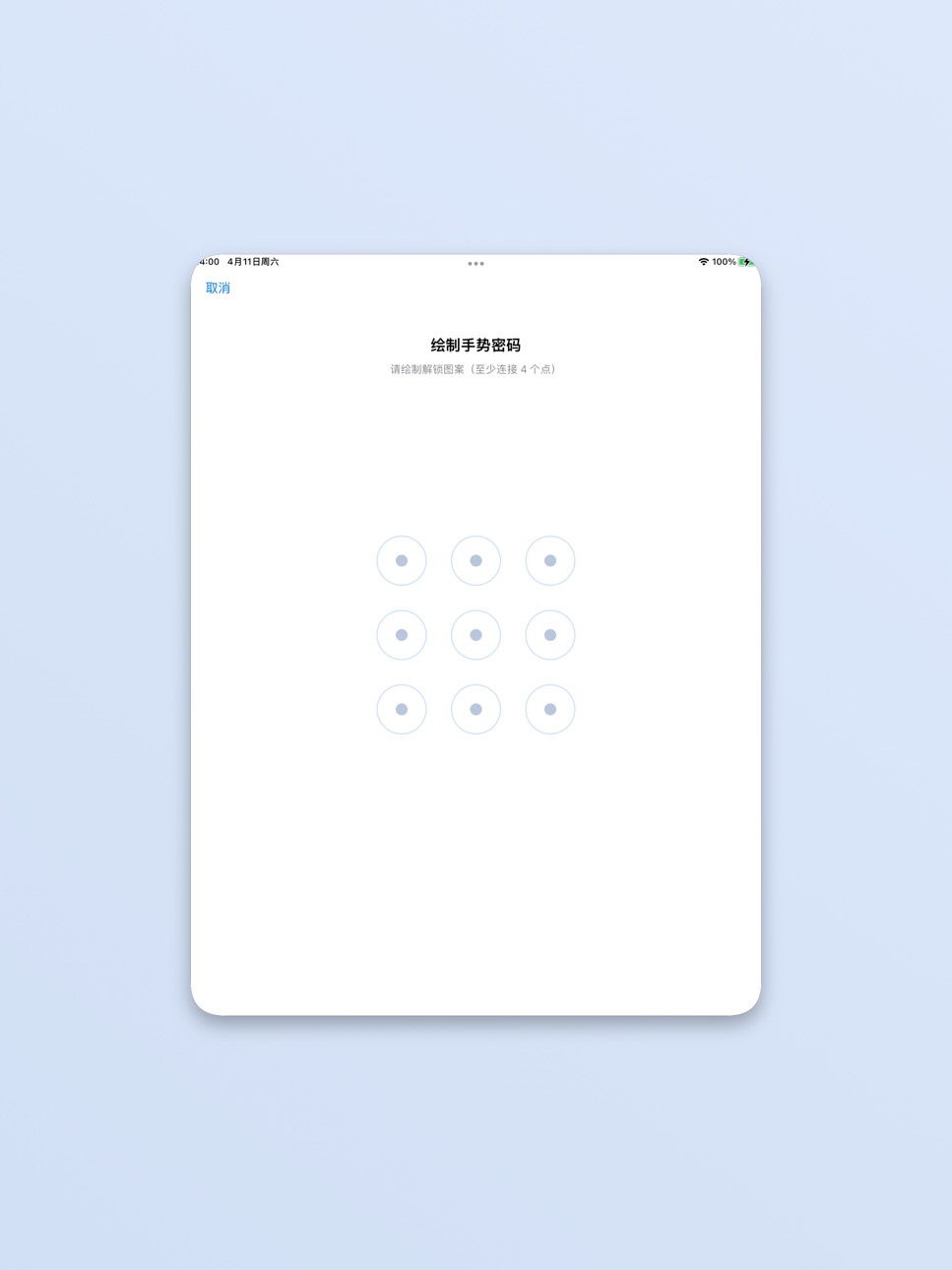
iPad 4 images


What’s New Version 1.2.3
User experience optimization
Description
# QuietBox
QuietBox is a productivity-focused media player for local and home-network content. Import, organize, and play media from multiple sources with a clean, reliable experience on iPhone and iPad.
## Key Features
• Multi-source import: Photos, Files, Wi-Fi transfer, and iTunes/Finder File Sharing
• Media services: Access common home media protocols and remote/cloud sources (availability may vary by version)
• Broad format support for common video, audio, and image files
• Playback tools: subtitle loading/switching, speed control, resume playback, background play, and Picture in Picture
• File management: rename, move, copy, batch actions, and centralized download management
• IPTV support: add/manage sources and quickly browse channels (region/version dependent)
## Why QuietBox
• Local-first media control
• Clean UI built for playback and organization efficiency
Note: Some features may vary by region, iOS version, or device capability.
In-App Purchases US pricing
One-Time Purchases
VIP Pro$1.99
VIP Max$2.99
Capabilities
In-App Purchases
Accessibility
ipadiphonemacrealityDevicetvoswatch
Version history 8 versions
Build 885922810v1.2.32026-05-21 10:40:51
User experience optimization
Build 884416894v1.2.22026-04-27 14:04:32
1】Optimize cast playback and control functions
2】Improve player interaction details
3】Optimize the video playback kernel to support more video formats and decoding methods
Build 884395908v1.2.12026-04-11 17:43:49
1. Supports iPad
2. Fixed some user experience issues
Build 884303504v1.2.02026-04-09 21:56:08
Player UI experience optimization
Build 884178900v1.1.22026-04-08 17:09:34
1. Added video casting and playback function
2. Optimized user experience
Build 884151367v1.1.12026-04-05 23:46:21
1】 Added new membership features and benefits
2】Added multi-language support (Korean, Arabic)
Build 883469932v1.1.02026-04-03 06:36:14
[+] Supports subtitles, including external subtitles, and supports automatic subtitle playback and subtitle style editing.
[+] Added IPTV video playback, including source management, grouping, and filtering.
[+] Added media service and cloud drive connection, login (authorization), file management, and download.
[+] Added a download center; download tasks can now be completed through media services or self-built resources.
[+] Improved video playback interaction and appearance, making it simpler and easier to use.
[+] Added Wi-Fi transfer method for importing, facilitating fast transfer between devices on a local area network.
[+] Significantly reduced file type restrictions; supports multiple file types and previewing of various file types.
Build 880407057v1.02026-02-23 09:00:55
Price history by region
Currency
Show
Columns
Search
Availability 1 of 1 storefronts
| Region | Language | Price | Ratings | Avg | Version |
|---|---|---|---|---|---|
| US | en-US | Free | 1 | 5.0 | 1.2.3 |
Change log 12 changes · US
✎
releaseNotes updated
User experience optimization
✎
description updated
# QuietBox
QuietBox is a productivity-focused media player for local and home-network content. Import, organize, and play media from multiple sources with a cle
✎
subtitle updated
Private HD Video Player
✎
name updated
QuietBox - Video Player
◆
Version 1.2.3 released
User experience optimization
◆
Version 1.2.2 released
1】Optimize cast playback and control functions
2】Improve player interaction details
3】Optimize the video playback kernel to support more video formats and decoding methods
◆
Version 1.2.1 released
1. Supports iPad
2. Fixed some user experience issues
◆
Version 1.2.0 released
Player UI experience optimization
◆
Version 1.1.2 released
1. Added video casting and playback function
2. Optimized user experience
◆
Version 1.1.1 released
1】 Added new membership features and benefits
2】Added multi-language support (Korean, Arabic)
◆
Version 1.1.0 released
[+] Supports subtitles, including external subtitles, and supports automatic subtitle playback and subtitle style editing.
[+] Added IPTV video playback, including source management, grouping, and filtering.
[+] Added media service and cl
◆
Version 1.0 released