Home › Utilities

 US
US
1 of 1 storefronts
Content in en-US
Content in en-US
Information
Preview 2 platforms
iPhone 6 images




iPad 6 images


What’s New Version 1.1.10
Thanks for using Construction Calculator! This update includes performance improvements and bug fixes to make your calculations faster and more reliable.
Description
Construction Calculator – Build Smarter, Faster, and With Confidence
Construction Calculator is the essential tool for contractors, builders, engineers, architects, and DIY home renovators who need fast, accurate calculations on the job site. Designed with simplicity and power in mind, the app streamlines every stage of the building process—from planning and estimating to cutting, measuring, and finishing—so you can focus on getting the job done right.
Whether you're calculating concrete volume, framing measurements, roofing materials, stair dimensions, or unit conversions, Construction Calculator delivers precise results in seconds. No more guessing, no more manual formulas, and no more costly errors. With an intuitive interface and easy-to-read outputs, even complex construction math becomes effortless.
The app includes specialized calculators for concrete, lumber, drywall, flooring, rebar, roofing, and more. Enter your dimensions and instantly get the quantities and measurements you need. Every tool is optimized for real-world use, helping you plan materials accurately, reduce waste, and save money on every project.
Construction Calculator is built for the field: quick input, clear results, and features that work even offline. It’s the perfect companion for professionals who value accuracy and efficiency and for homeowners tackling their own remodeling projects.
Key Features:
Concrete, lumber, roofing, drywall, flooring, and rebar calculators
Advanced stair and framing calculators
Instant unit conversions (feet, inches, meters, yards, cubic units, and more)
Material quantity estimates for better project planning
Offline support for remote job sites
Simple, intuitive interface designed for fast field use
Make every measurement count. Download Construction Calculator today and take the guesswork out of construction—one calculation at a time.
Privacy Policy : https://termux-studio.org/privacy-policy?name=Construction%20Calculator%20Plus
Terms of Use : https://termux-studio.org/terms-of-use?name=Construction%20Calculator%20Plus
In-App Purchases US pricing
Construction Calculator Premium Access Subscription
Construction Calculator Premium · Monthly 3-day free trial$3.99
Construction Calculator Premium · Yearly 14-day free trial$39.99
Construction Calculator Premium · 7 days$6.99
Construction Calculator Premium · Yearly$69.99
Construction Calculator Premium · Yearly$9.99
Capabilities
In-App Purchases
Accessibility
ipadiphonemacrealityDevicetvoswatch
Version history 23 versions
Build 888091363v1.1.102026-07-10 18:06:49
Thanks for using Construction Calculator! This update includes performance improvements and bug fixes to make your calculations faster and more reliable.
Build 887963798v1.1.92026-07-07 21:07:23
- Performance improvements and bug fixes.
Build 887172206v1.1.82026-06-22 18:28:56
- You can now send us feedback directly from the Preferences screen.
- Performance improvements and bug fixes.
Build 887136524v1.1.72026-06-18 19:59:09
- Point your camera at any surface and instantly measure real-world distances using ARKit. Tap to place a start point, tap again to place an end point — results appear immediately in both feet/inches and meters/centimeters. Perfect for quick on-site measurements without a tape measure.
Requires iOS 13 or later and a device with ARKit support.
Build 887016102v1.1.62026-06-16 16:09:07
- New users are greeted with a guided walkthrough highlighting key features: construction solvers, unit conversion, stored values, full screen mode, and tape history.
- Clearer guidance in the Tape section when no calculations have been recorded yet.
Build 886967060v1.1.52026-06-15 18:32:17
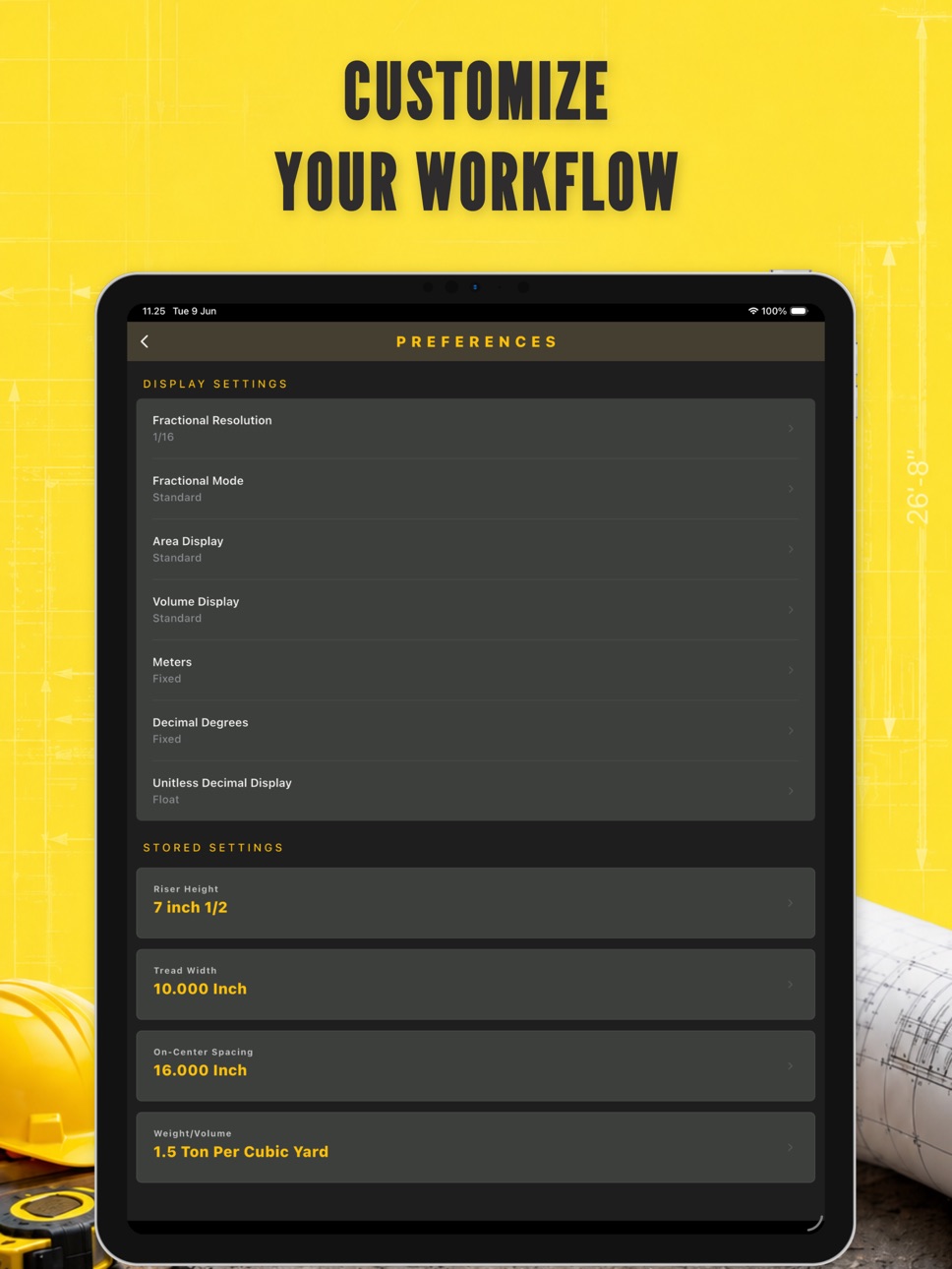
- Button Click Sound — Added satisfying tactile feedback sounds when pressing calculator buttons. Toggle on/off anytime in Preferences → Button Click Sound.
Build 886864669v1.1.42026-06-12 18:03:11
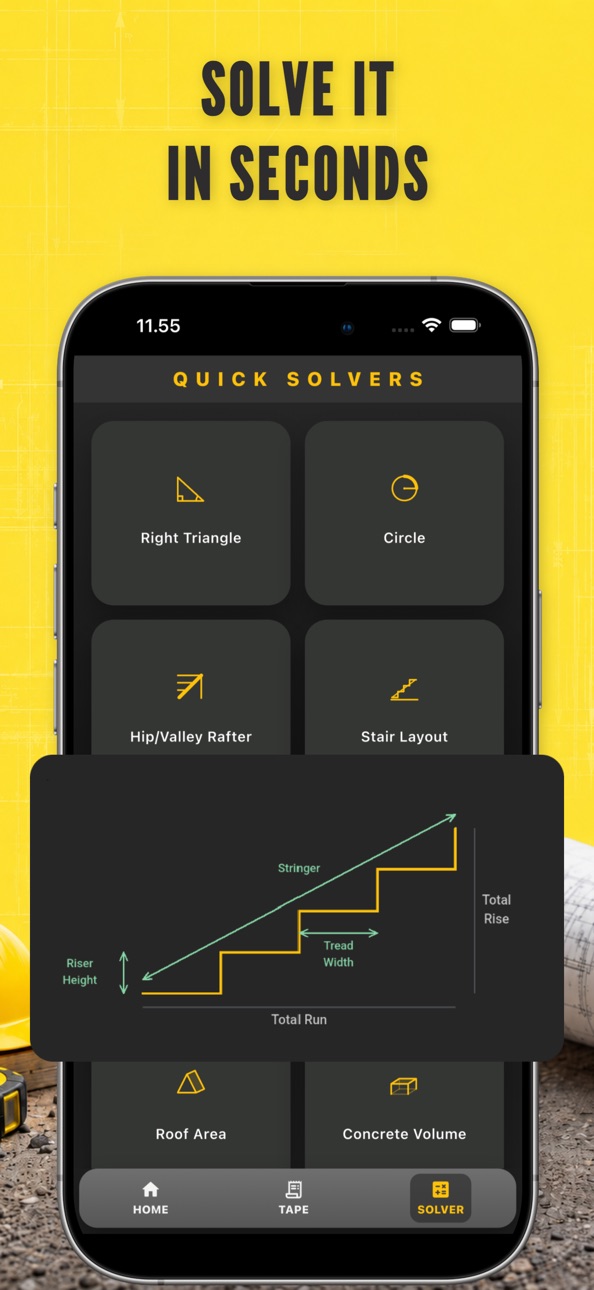
- Each Quick Solver now includes a labeled diagram so you can
see exactly what you're calculating — no guesswork needed.
Build 886707150v1.1.32026-06-09 18:20:53
- Change UI style.
Build 886461240v1.1.12026-06-05 00:16:52
- Fixed an issue where subscriptions were not displayed correctly.
Build 886567616v1.1.22026-06-05 20:04:14
- Change UI style.
Build 886418597v1.1.02026-06-02 18:37:27
- Bug fixes and performance improvements.
Build 886349694v1.0.112026-05-31 21:42:30
- Bug fixes and performance improvements.
Build 885599659v1.0.102026-05-13 18:59:13
- Minor bug fixes and performance improvements
Build 885430510v1.0.92026-05-11 03:04:56
- Minor bug fixes and performance improvements
Build 885358495v1.0.82026-05-07 16:43:28
Tap storage.
The tape layout is adapted for phones and tablets.
Build 885225518v1.0.72026-05-05 00:46:25
- Fix some errors.
Build 884185441v1.0.62026-04-09 01:26:39
Add reset button on Quick Solves screen.
Build 883774527v1.0.52026-03-26 16:49:00
Add Quick solvers feature.
Build 882015558v1.0.42026-02-10 18:08:44
Add subscriptions
Build 881620044v1.0.32026-01-19 23:01:46
Fix imperial fraction display
Build 881523274v1.0.22026-01-15 19:25:15
Fix stuck button animation and unit value calculation display error.
Build 880481661v1.0.12025-12-09 21:40:36
- Fix operation sequence error.
- App ratings.
Build 880029062v1.02025-12-02 02:33:46
Price history by region
Currency
Show
Columns
Search
Availability 1 of 1 storefronts
| Region | Language | Price | Ratings | Avg | Version |
|---|---|---|---|---|---|
| US | en-US | Free | 62 | 4.5 | 1.1.10 |
Change log 27 changes · US
✎
releaseNotes updated
Thanks for using Construction Calculator! This update includes performance improvements and bug fixes to make your calculations faster and more reliable.
✎
description updated
Construction Calculator – Build Smarter, Faster, and With Confidence
Construction Calculator is the essential tool for contractors, builders, engineers, archit
✎
subtitle updated
Feet Inch Calculator
✎
name updated
Construction Calculator .
◆
Version 1.1.10 released
Thanks for using Construction Calculator! This update includes performance improvements and bug fixes to make your calculations faster and more reliable.
◆
Version 1.1.9 released
- Performance improvements and bug fixes.
◆
Version 1.1.8 released
- You can now send us feedback directly from the Preferences screen.
- Performance improvements and bug fixes.
◆
Version 1.1.7 released
- Point your camera at any surface and instantly measure real-world distances using ARKit. Tap to place a start point, tap again to place an end point — results appear immediately in both feet/inches and meters/centimeters. Perfect for quic
◆
Version 1.1.6 released
- New users are greeted with a guided walkthrough highlighting key features: construction solvers, unit conversion, stored values, full screen mode, and tape history.
- Clearer guidance in the Tape section when no calculations have been rec
◆
Version 1.1.5 released
- Button Click Sound — Added satisfying tactile feedback sounds when pressing calculator buttons. Toggle on/off anytime in Preferences → Button Click Sound.
◆
Version 1.1.4 released
- Each Quick Solver now includes a labeled diagram so you can
see exactly what you're calculating — no guesswork needed.
◆
Version 1.1.3 released
- Change UI style.
◆
Version 1.1.2 released
- Change UI style.
◆
Version 1.1.1 released
- Fixed an issue where subscriptions were not displayed correctly.
◆
Version 1.1.0 released
- Bug fixes and performance improvements.
◆
Version 1.0.11 released
- Bug fixes and performance improvements.
◆
Version 1.0.10 released
- Minor bug fixes and performance improvements
◆
Version 1.0.9 released
- Minor bug fixes and performance improvements
◆
Version 1.0.8 released
Tap storage.
The tape layout is adapted for phones and tablets.
◆
Version 1.0.7 released
- Fix some errors.
◆
Version 1.0.6 released
Add reset button on Quick Solves screen.
◆
Version 1.0.5 released
Add Quick solvers feature.
◆
Version 1.0.4 released
Add subscriptions
◆
Version 1.0.3 released
Fix imperial fraction display
◆
Version 1.0.2 released
Fix stuck button animation and unit value calculation display error.
◆
Version 1.0.1 released
- Fix operation sequence error.
- App ratings.
◆
Version 1.0 released