Home › Music

 US
US
1 of 1 storefronts
Content in en-US
Content in en-US
Information
Preview 2 platforms
iPhone 4 images


iPad 4 images


What’s New Version 1.3
Bug fixes
Description
GuessWave – Create Satisfying “Guess the Music” Visuals from Your MIDI
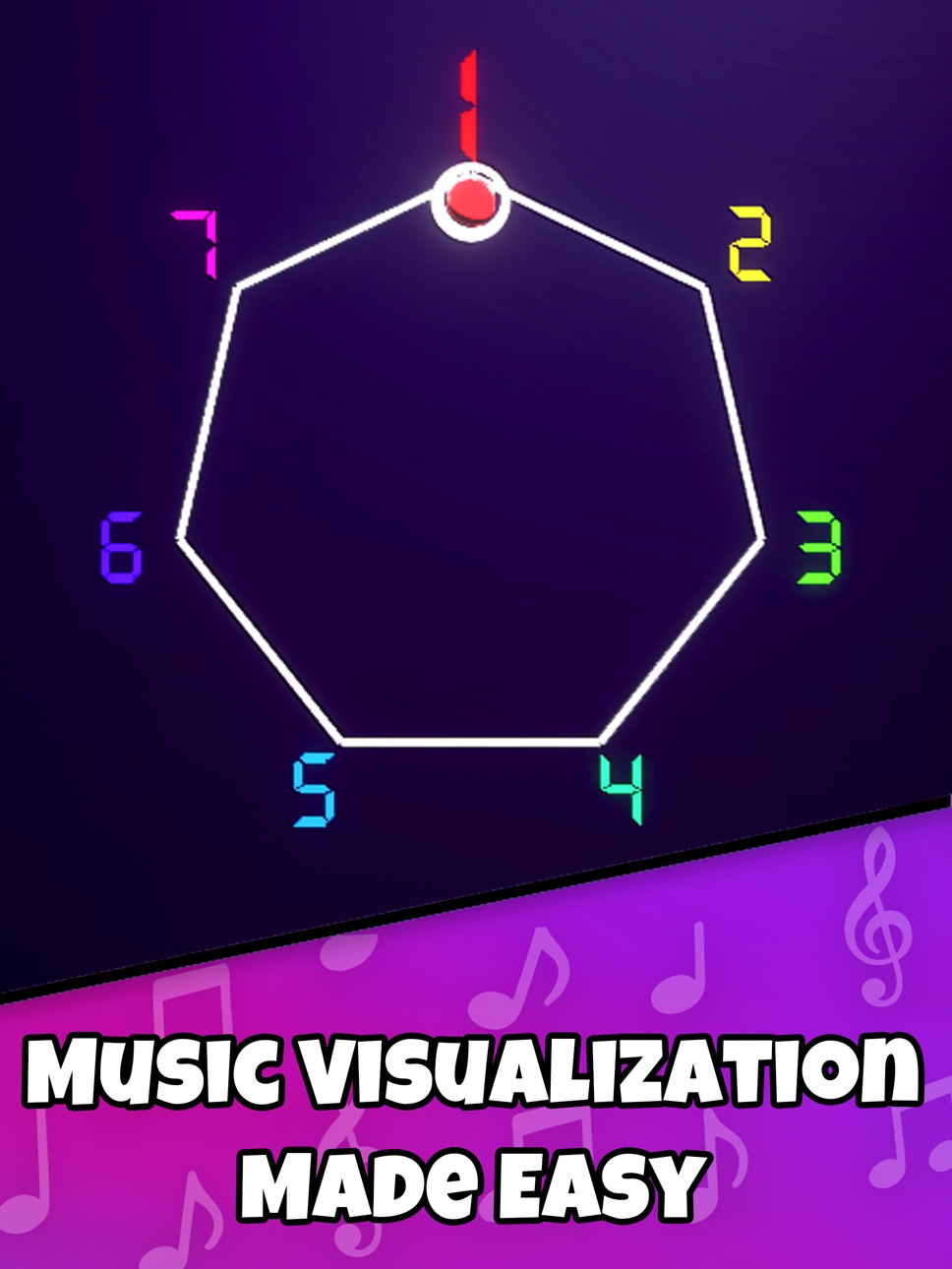
GuessWave is a creative tool that lets you turn MIDI melodies into smooth, rhythmic bouncing-ball visualizations. A 2D ball moves around a polygon, striking notes in time and forming an eye-catching musical loop that’s relaxing to watch and fun to share.
It’s inspired by the popular “guess the music” visual style seen in many viral short-form videos and gives you the tools to recreate similar effects using your own music.
Recreate the Look of the Trend – Your Way
The recent “guess the song” bouncing-ball visuals have become widely recognized on platforms like TikTok and other short-video apps.
GuessWave is not affiliated with or endorsed by TikTok, but provides a creative way for you to produce your own interpretations of that style using any MIDI file you choose.
• Clear pitch-based bounces
• Polygon animations
• Note-by-note clarity
• Ideal for puzzle-style music clips
Import Any MIDI & Build Your Own Visual
With GuessWave you can craft your visuals exactly the way you want:
• Import .MIDI files
• Select any track (melody, chords, bass, etc.)
• Choose the song segment you want to display
• Use the built-in MIDI editor
• Adjust timing, playback, and looping
• Assign instruments or sound types
Perfect for music enthusiasts, editors, educators, and anyone experimenting with melody visualization.
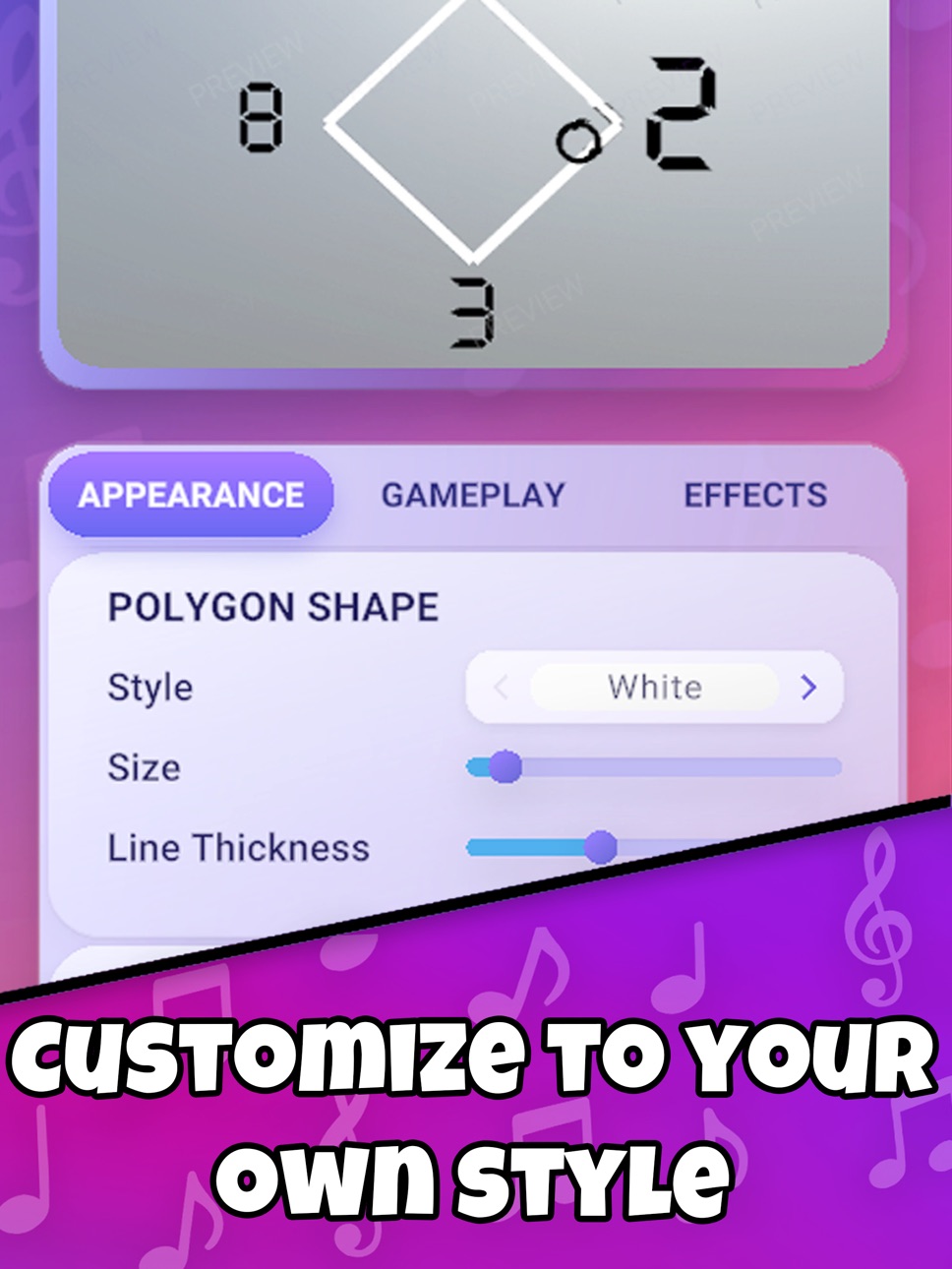
Fully Customizable Visual Style
Design a look that matches your ideas:
Number styles, fonts & colors
Polygon shape & distance
Ball appearance & behavior
Background themes
Optional PRO visual sets
Everything can be fine-tuned to make your visual unique.
*Auto-Recorder Mode
Want to save your creation as a clean, vertical video?
Enable Auto Recorder Mode to capture your visual exactly as it plays.
Export and share wherever you like.
GuessWave does not offer help with social algorithms, views, growth, or monetization—it simply provides tools to create music-based visuals.
Why Users Enjoy GuessWave
• Inspired by the viral bouncing-ball “guess the melody” trend
• A relaxing and aesthetic way to visualize MIDI
• Great for creative expression and music experiments
• Works offline
• Easy for beginners and flexible for advanced users
How It Works
1. Import a MIDI file.
2. Choose the exact track and part you want to visualize.
3. Customize your polygon, numbers, colors, and ball.
4. Auto-record your visual if you’d like to save or share it.
Feature Summary
• MIDI-powered bouncing-ball visualizer
• Polygon-based timing animation
• Customizable appearance
• Track selection & MIDI trimming
• Auto recording in vertical format
• Offline-friendly
Create your own version of the iconic bouncing-ball music visual.
Try GuessWave today.
Terms of Use:
https://www.apple.com/legal/internet-services/itunes/dev/stdeula/
DISCLAIMER: Auto-recordings cost credit, and once the initial credits are gone, subscription might be needed to keep using the feature
In-App Purchases US pricing
Pro Weekly Subscription
Pro Plan Monthly · Monthly 3-day free trial$9.99
7 days$4.99
Capabilities
In-App Purchases
Accessibility
ipadiphonemacrealityDevicetvoswatch
Version history 4 versions
Build 880359710v1.32025-12-05 00:31:38
Bug fixes
Build 880283896v1.22025-12-02 21:49:25
Instant Recording Mode: Less customization, faster recordings!
Build 880120284v1.12025-11-29 22:19:41
Bug fixes
Build 880004641v1.02025-11-26 06:49:52
Price history by region
Currency
Show
Columns
Search
Availability 1 of 1 storefronts
| Region | Language | Price | Ratings | Avg | Version |
|---|---|---|---|---|---|
| US | en-US | Free | 0 | — | 1.3 |
Change log 8 changes · US
✎
releaseNotes updated
Bug fixes
✎
description updated
GuessWave – Create Satisfying “Guess the Music” Visuals from Your MIDI
GuessWave is a creative tool that lets you turn MIDI melodies into smooth, rhythmic boun
✎
subtitle updated
Visualize Any Music!
✎
name updated
GuessWave - Rhythm Music Game
◆
Version 1.3 released
Bug fixes
◆
Version 1.2 released
Instant Recording Mode: Less customization, faster recordings!
◆
Version 1.1 released
Bug fixes
◆
Version 1.0 released