Home › Utilities

Audio Converter・MP3 Converter
Convert to MP3, WAV, M4A, FLAC
 US
US
1 of 1 storefronts
Content in en-US
Content in en-US
Information
Preview 3 platforms
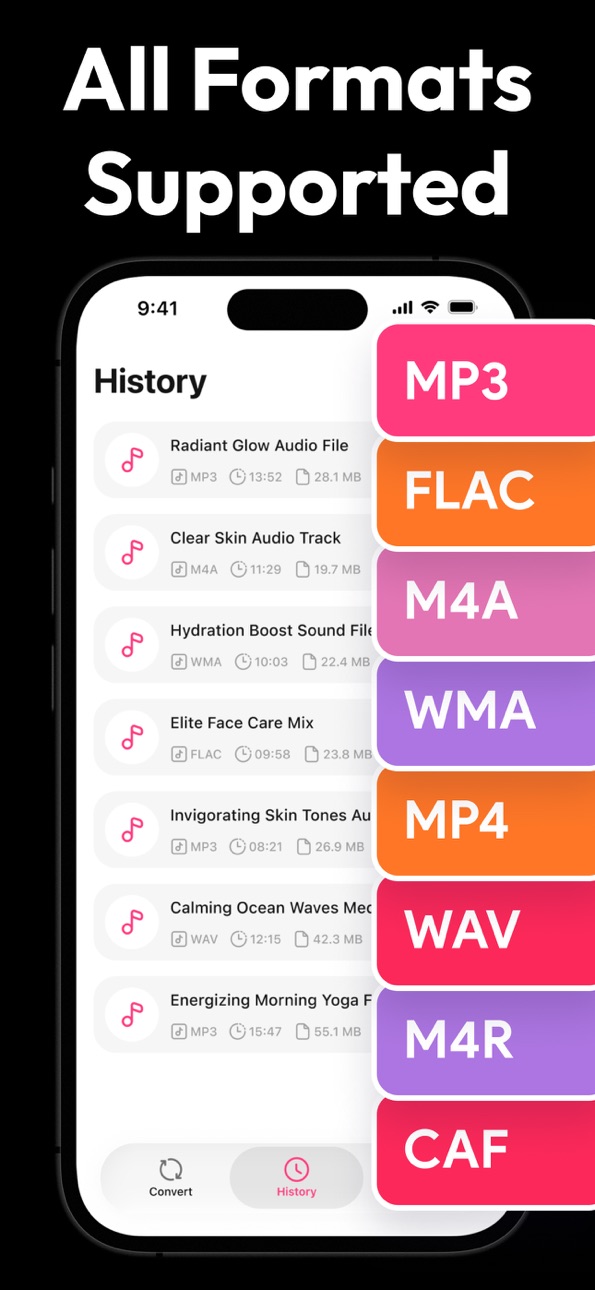
iPhone 5 images




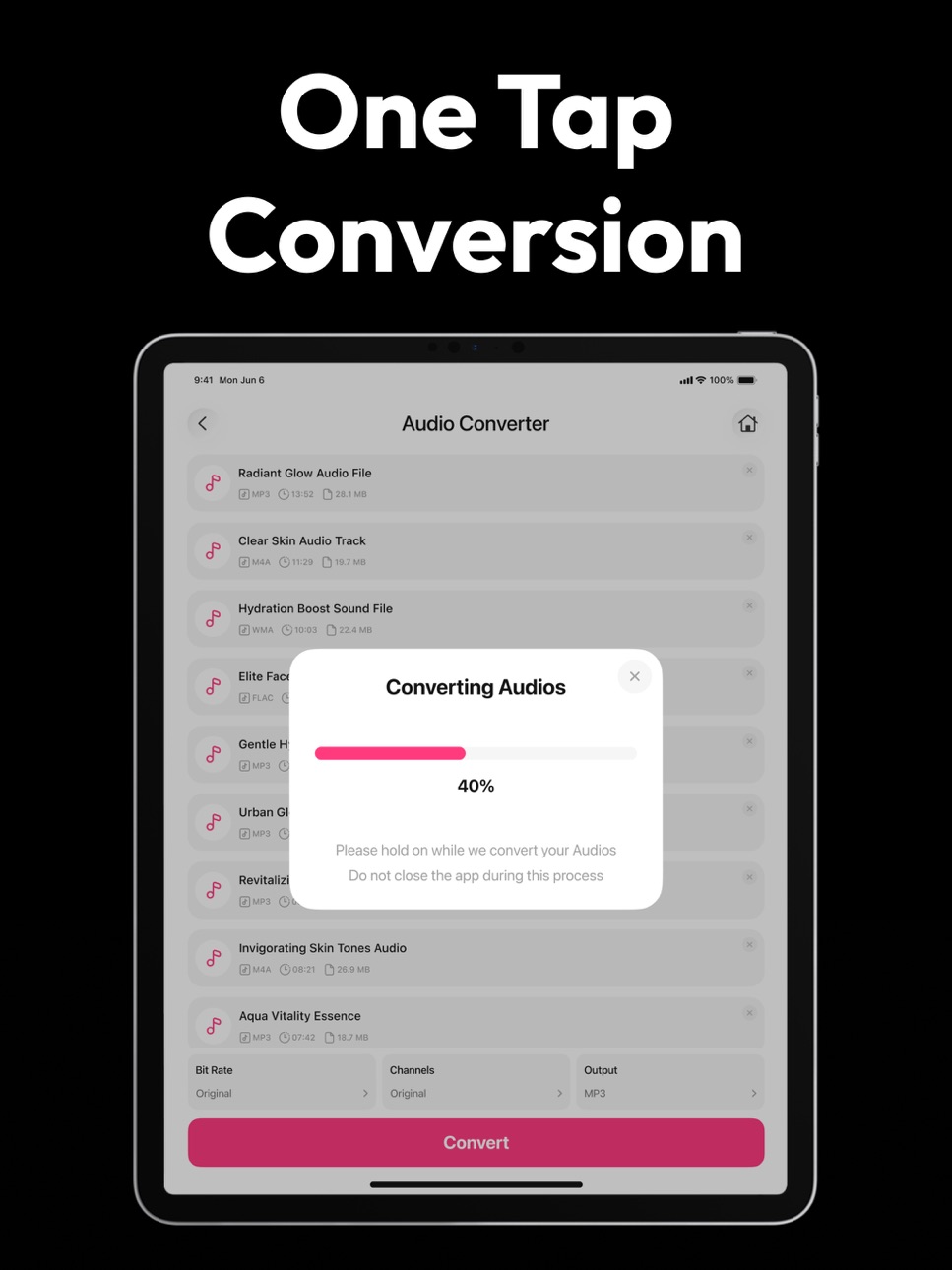
iPad 5 images



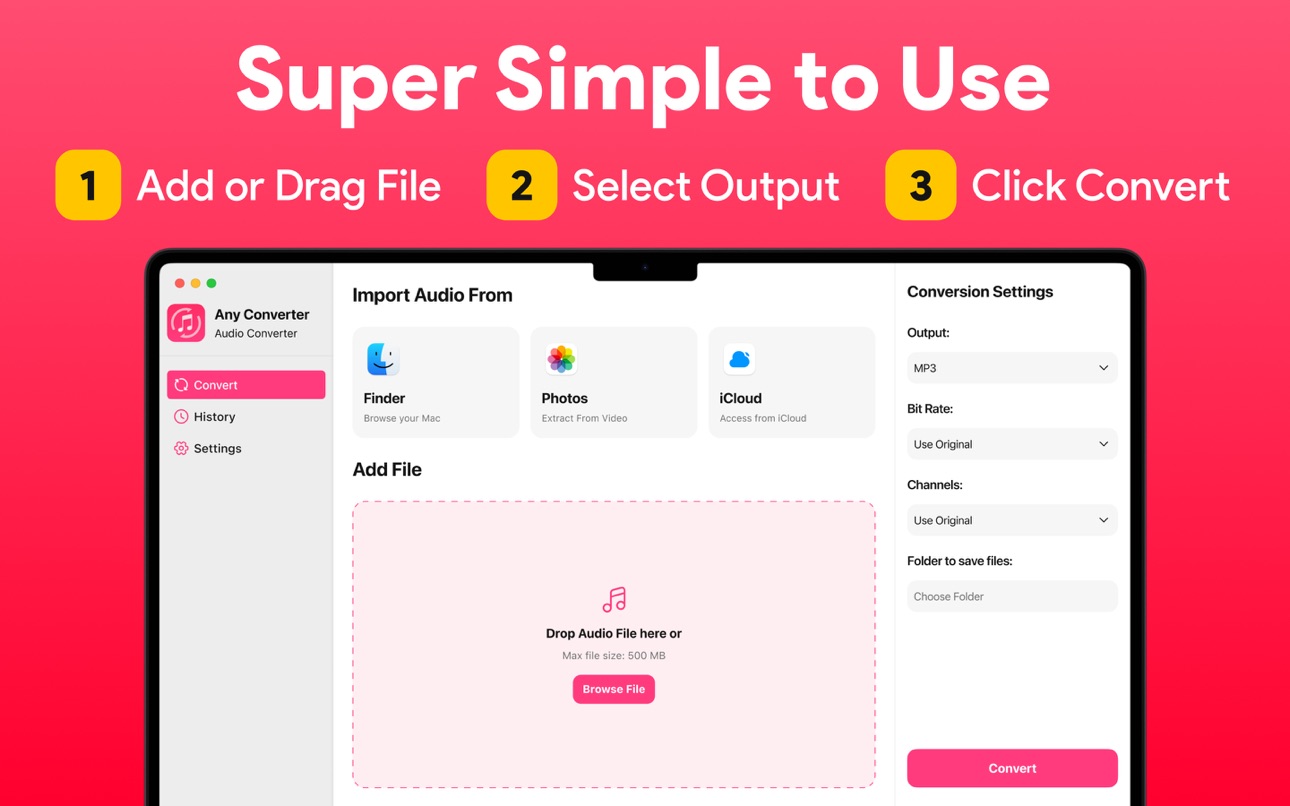
Mac 5 images



What’s New Version 1.3
- Improved performance
Description
Audio Converter & Convert to MP3 – Fast, Clean & Reliable MP3 Converter App
Audio Converter is a simple and powerful app designed to convert audio files into different formats with high quality and maximum speed. It is perfect for creators, students, professionals, and anyone who works with audio on a daily basis. With a clean interface and smooth performance, you can convert your audio files in just a few seconds without any technical complexity.
1. Select your input file
2. Choose your output format ( MP3, WAV, M4A, AAC etc.
3. Convert! It will only take a few seconds.
4. Done! Listen right away, or open in your favorite app
You can convert from dozens of input formats, here are some of the most popular formats we support converting from:
Supported Input Formats:
AAC, AC3, AIF, AIFC, AIFF, AMR, AU, CAF, DSS, FLAC, M4A, M4B, MP3, WEBA, WMA, WAV, OGG
Supported Output Formats:
AAC, AIFF, FLAC, M4A, MP3, WAV, WMA
Save, Share or Listen to your converted audio files in your favorite apps immediately.
Audio Converter & Convert to MP3 is ideal for anyone who needs a reliable way to change audio format for compatibility, editing, sharing, or storage. Convert MP3 to WAV for editing, FLAC to MP3 for saving space, or WMA to AAC for better device support.
Whether you’re working with voice notes, music tracks, podcasts, or recordings, this app gives you full flexibility and control.
The batch conversion feature helps you save time by converting multiple files in one go, while the conversion history lets you access your past files easily.
Audio Converter & Convert to MP3 is designed for smooth performance, fast output, and a clutter-free experience. No confusing flags, no unnecessary features, just pure functionality.
Download now and experience fast, clean, and reliable audio conversion on your device.
Privacy Policy:
https://sites.google.com/view/muhammadqasimwali/privacy-policy
Terms and Conditions:
https://sites.google.com/view/muhammadqasimwali/terms-of-use
End-User License Agreement(EULA):
https://sites.google.com/view/muhammadqasimwali/eula
In-App Purchases US pricing
Subscription Group Subscription
Weekly Subscription · 7 days$4.99
Audio Converter Monthly Pro · Monthly 3-day free trial$9.99
Yearly Subscription · Yearly$19.99
Capabilities
In-App Purchases
Accessibility
ipadiphonemacrealityDevicetvoswatch
Version history 4 versions
Build 886983185v1.32026-07-08 21:10:56
- Improved performance
Build 885664715v1.22026-05-25 00:14:30
- Convert to MP3 in just seconds
Build 885370736v1.12026-05-12 11:43:37
- Improved Performance
Build 879943223v1.02026-04-30 08:45:27
Price history by region
Currency
Show
Columns
Search
Availability 1 of 1 storefronts
| Region | Language | Price | Ratings | Avg | Version |
|---|---|---|---|---|---|
| US | en-US | Free | 0 | — | 1.3 |
Change log 8 changes · US
✎
releaseNotes updated
- Improved performance
✎
description updated
Audio Converter & Convert to MP3 – Fast, Clean & Reliable MP3 Converter App
Audio Converter is a simple and powerful app designed to convert audio files into d
✎
subtitle updated
Convert to MP3, WAV, M4A, FLAC
✎
name updated
Audio Converter・MP3 Converter
◆
Version 1.3 released
- Improved performance
◆
Version 1.2 released
- Convert to MP3 in just seconds
◆
Version 1.1 released
- Improved Performance
◆
Version 1.0 released