Home › Productivity

 US
US
1 of 1 storefronts
Content in en-US
Content in en-US
Information
Apple ID6755447497
Bundle IDcom.lewisbar.TrackChart
SellerSeller
Min iOS18.1
Min macOS15.1
Device familiesiphone, ipad
Released2025-11-20
Copyright© 2025 Lennart Wisbar
Privacy policyLink ↗
Preview 2 platforms
iPhone 5 images


iPad 5 images

What’s New Version 1.12.1
Add per-topic CSV export at bottom of settings screen.
Description
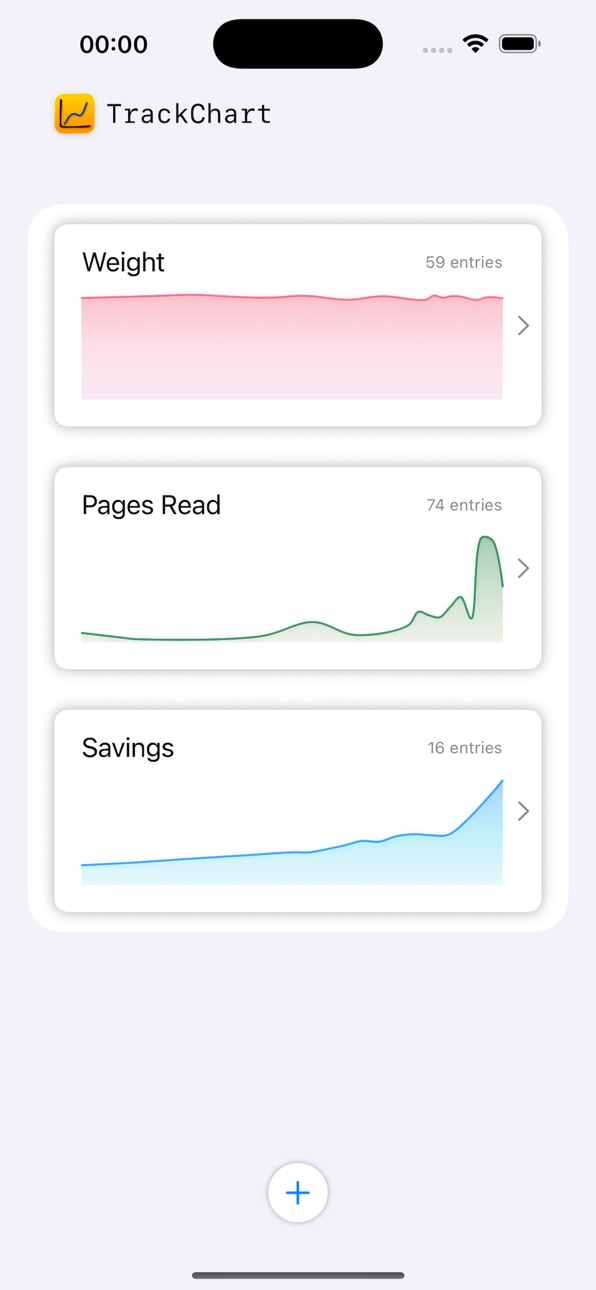
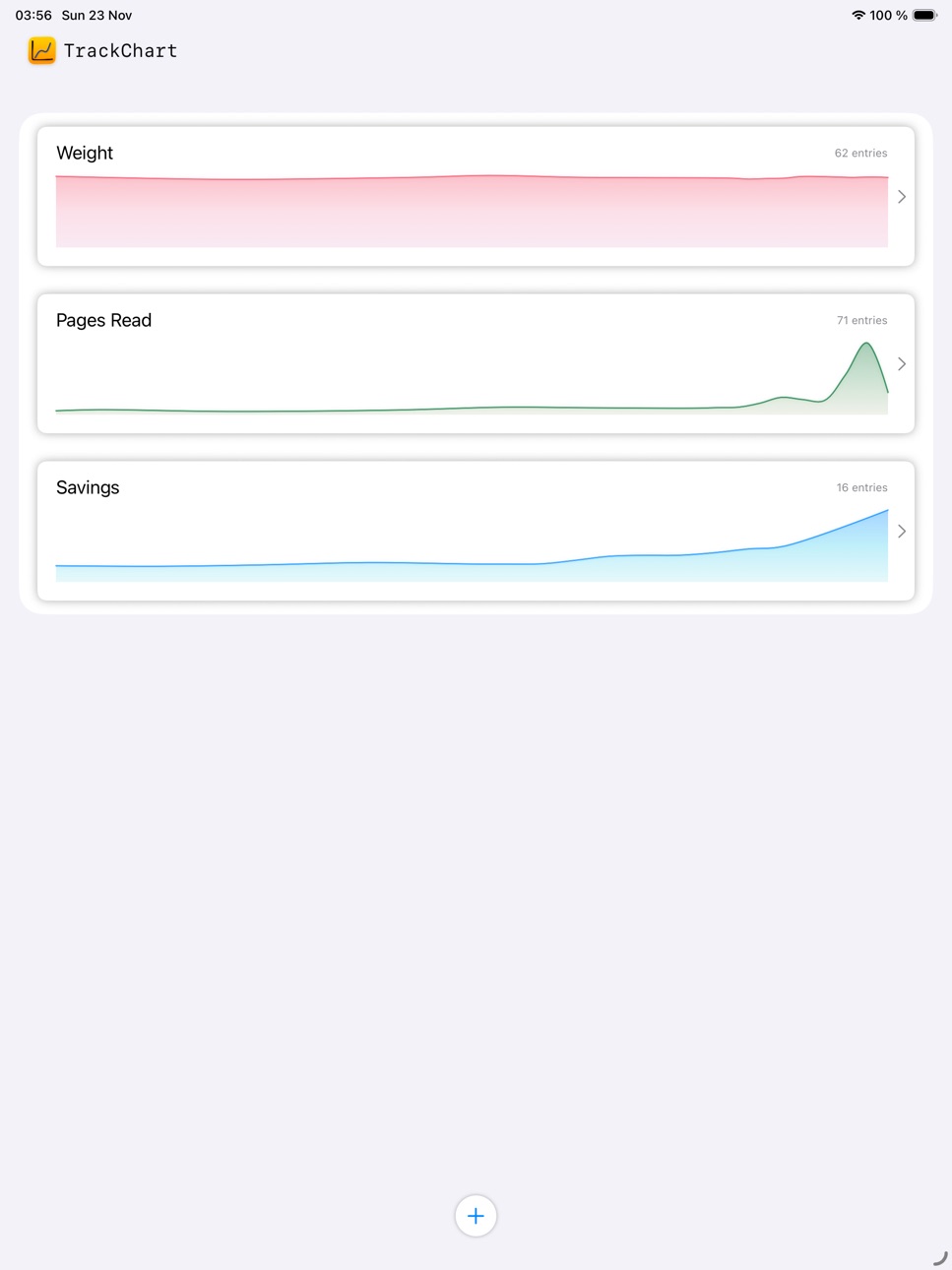
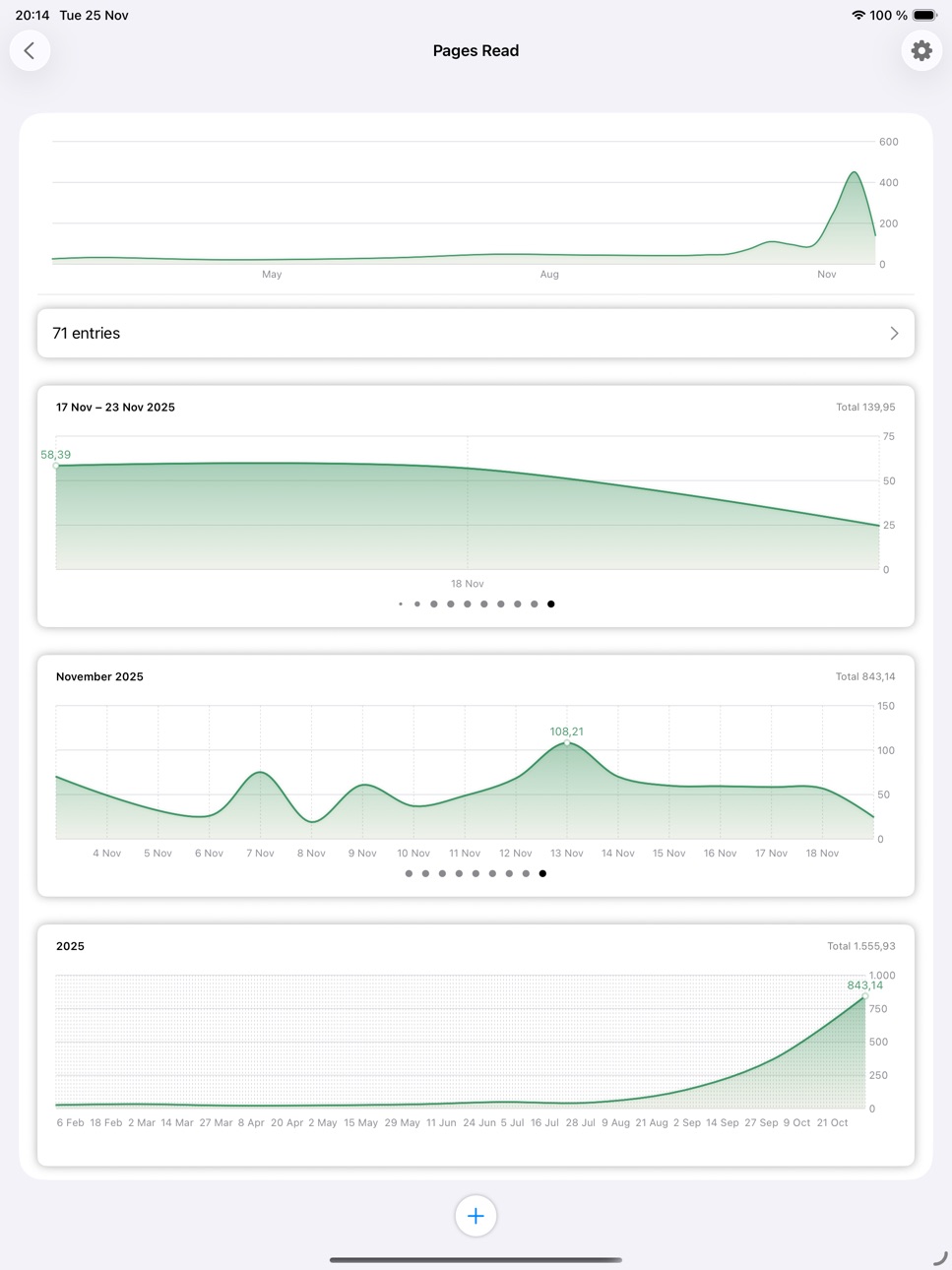
TrackChart lets you track any numerical data you like and displays it in charts. You can track your weight loss journey, how many pages you read in a day, push-ups, scientific data ...
Start by adding your first topic. Choose a name, pick a color palette, start tracking.
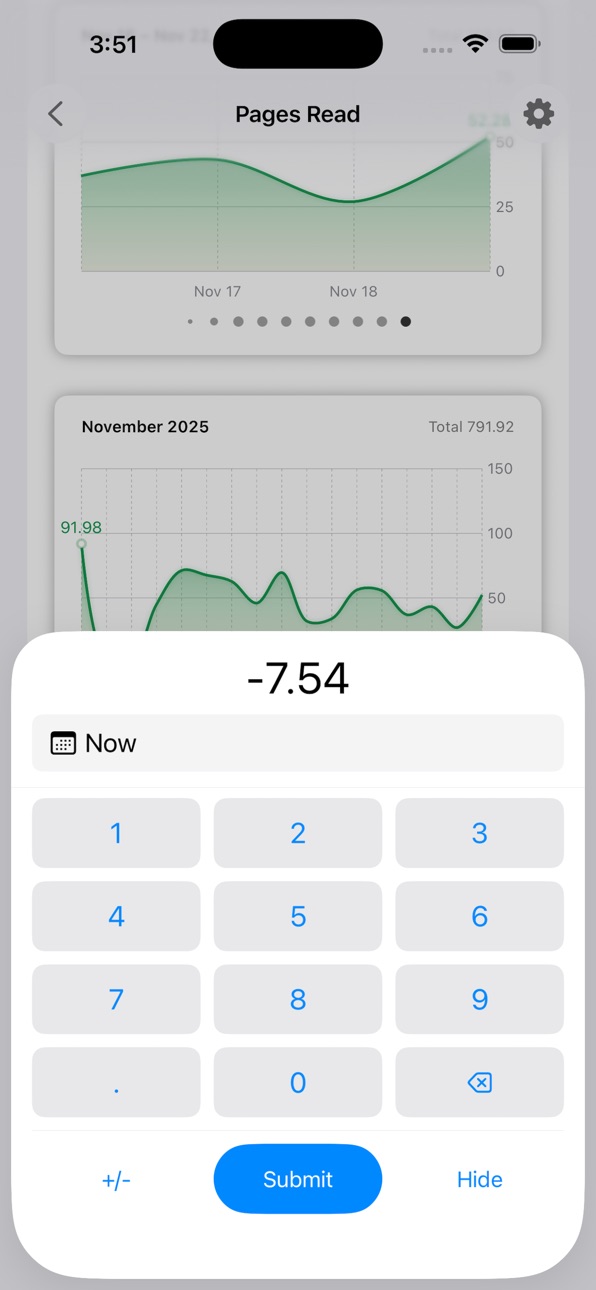
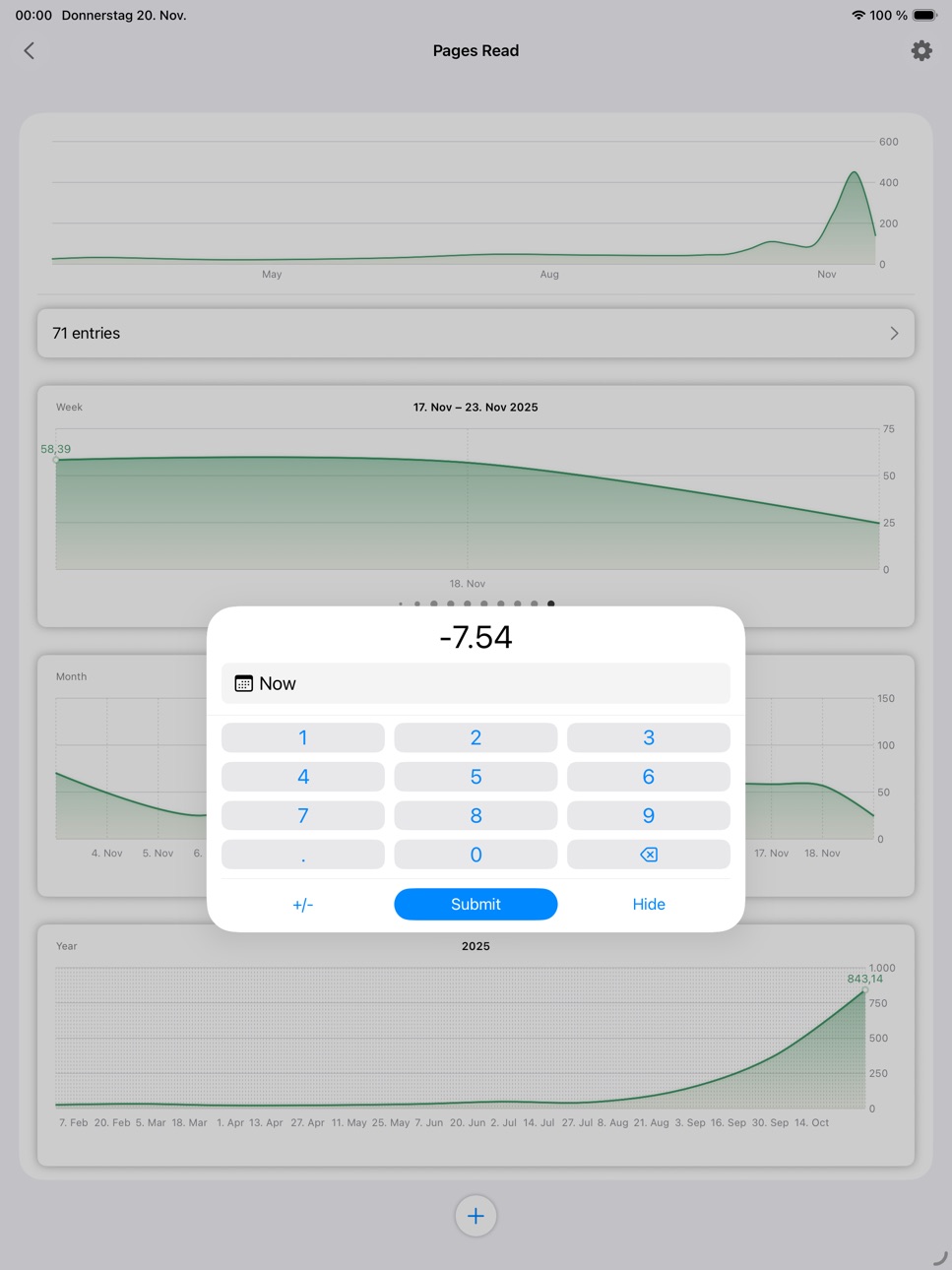
You can track positive and negative numbers, decimals or integers, it all works.
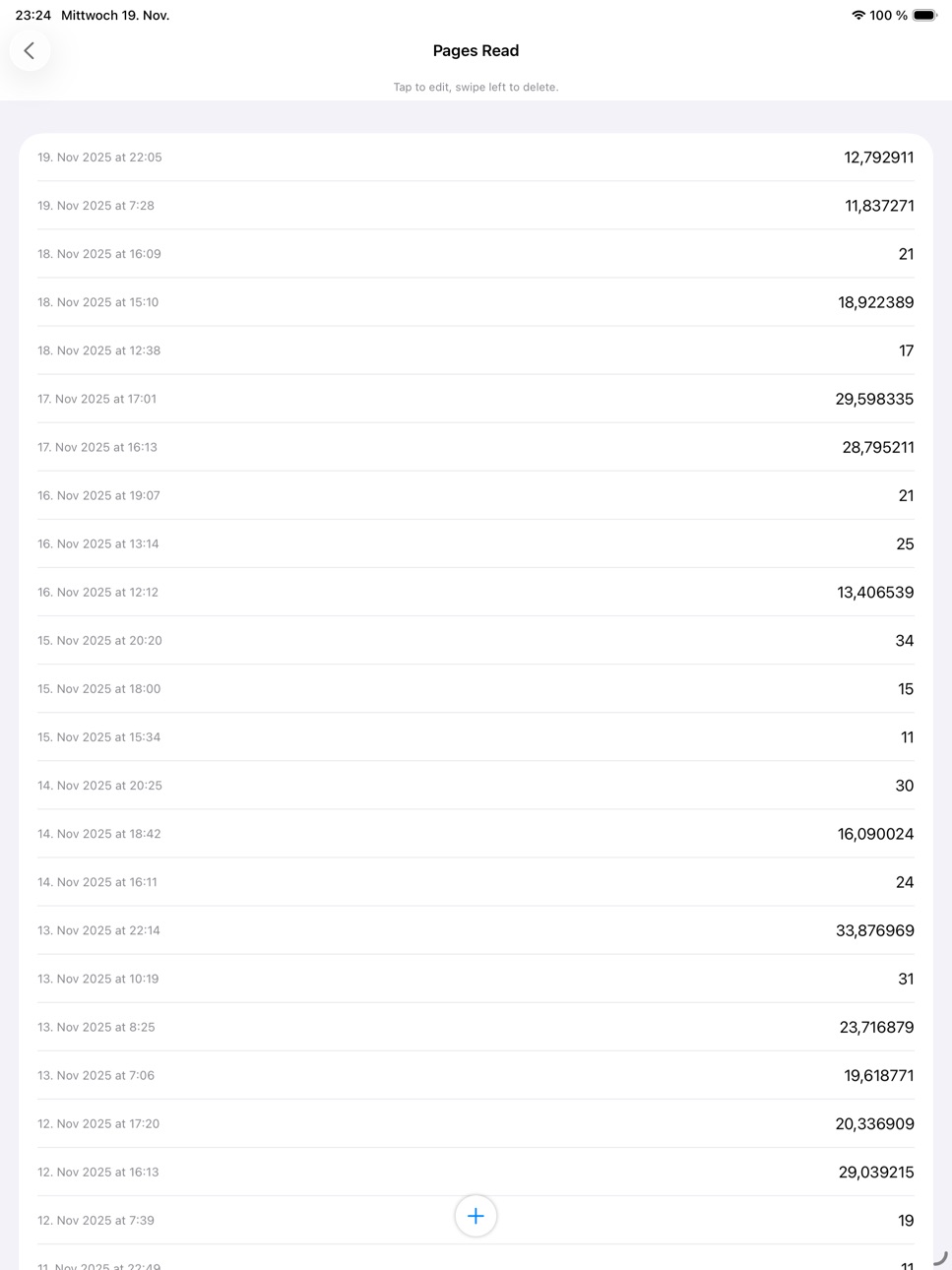
Each entry is automatically timestamped. But you can also change this timestamp to record something you did last Wednesday.
Supports automatic iCloud sync across all your devices.
Accessibility
ipadiphonemacrealityDevicetvoswatch
Version history 14 versions
Build 887099752v1.12.12026-06-17 21:16:05
Add per-topic CSV export at bottom of settings screen.
Build 886739961v1.11.02026-06-09 21:43:36
The last chart page now always ends with today, so it doesn't look almost empty at the start of a period, for example at the beginning of a week. You now always see the last seven days in week view, as opposed to viewing the current calendar week. Same for months and years.
Build 881976651v1.10.02026-01-29 21:15:06
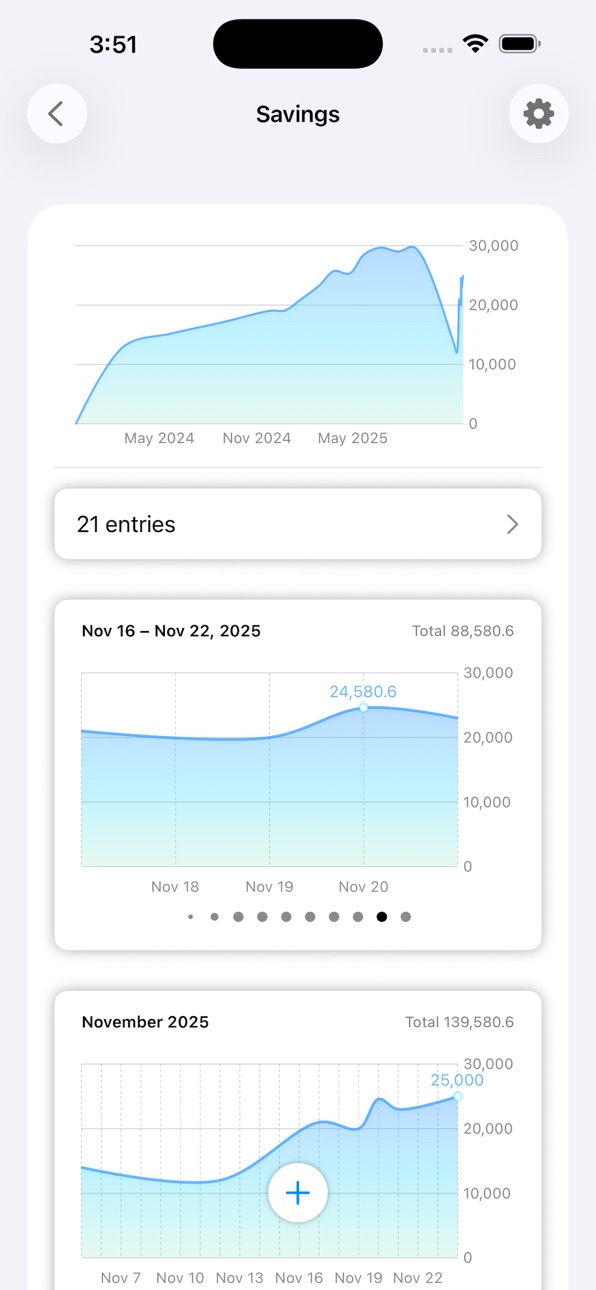
- Topic pages now have a summary card with total, average, highest and lowest value of all entries.
- Done and Cancel buttons now prefer symbols instead of text, in accordance with iOS 26 style.
- Very high numbers are now displayed in a compact style throughout the app (e.g. 1.3M instead of 1,300,000).
Build 881500758v1.9.02026-01-15 19:25:37
Fix textfield focus on topic settings page.
Build 880878538v1.8.02025-12-21 08:26:43
In addition to the max and min values, the value for today (if present) is now also annotated with a point mark. This way, it's easier to keep track of where you're at with your daily activities (e.g. already 25 pages read).
Previously, when entering a number, it was sometimes hard to tell whether you actually submitted a value. So there are now three types of feedback:
- The submitted number is animated upward. Green for positive, red for negative numbers.
- Haptic feedback.
- Subtle sound effects (unless the device is in quiet mode or a bluetooth device is connected).
Build 880825170v1.7.02025-12-19 05:30:51
Add topic descriptions.
Adjust top spacings.
Fix rare week page title edge case.
Build 880695136v1.6.02025-12-15 22:24:41
Fill all empty periods between first and last overall entry instead of page-based zero filling.
For example, in week view, when there are two weeks of data, and the second week had an empty Monday and Tuesday (in a Monday-based calendar), the chart page would previously start on Wednesday. The new behavior shows two zero-entries at the start of the second week in this example.
Build 880348499v1.5.02025-12-04 19:35:05
Use localized decimal separator for number input.
Build 880283000v1.4.02025-12-02 21:46:14
Changes made in the entry list view didn't always show immediately. Now they should.
Build 880157294v1.3.22025-11-29 09:33:24
The palette picker should now properly respond to touches again.
Displaying empty periods as zero now works starting from three days of data.
Build 880089467v1.2.02025-11-26 02:19:36
Settings Screen:
- Add Cancel and Done buttons to settings view. Pressing cancel or swiping down to dismiss settings now discards any changes. If you were in the process of creating a new topic, no topic will be created. Only pressing Done saves the changes. This is probably more like users expect it to work than the previous behavior.
- Add option to display empty time periods as zero. This is useful for topics like pages read or push-ups, where empty days mean no activity, so zero pages were read, for example. Keep the switch off for topics like body weight, where empty days don't mean your weight was zero.
- Improved topic settings layout. It should look better now.
Topic View:
- Charts now show the aggregated value for the currently displayed timespan. For example, in week view, the value shows the sum (or average) of all values in that week.
- Removed the timespan title in turn ("Week", "Month", "Year") to make enough room for this more useful information. In the cases of month and year, it's obvious enough. October 2025 is a month, 2025 is a year. It might be less obvious for weeks, so I hope it's still clear enough.
Build 880006498v1.1.02025-11-23 22:10:26
Add missing translations for paged chart timespan titles.
Fix topic cell chevron alignment.
Build 879882715v1.02025-11-20 14:26:33
Build 879942143v1.0.12025-11-20 22:12:36
Improve numeric keyboard layout
No pricing data captured yet — comparisons appear once the app has paid storefronts or in-app purchases.
Availability 1 of 1 storefronts
| Region | Language | Price | Ratings | Avg | Version |
|---|---|---|---|---|---|
| US | en-US | Free | 0 | — | 1.12.1 |
Change log 18 changes · US
✎
releaseNotes updated
Add per-topic CSV export at bottom of settings screen.
✎
description updated
TrackChart lets you track any numerical data you like and displays it in charts. You can track your weight loss journey, how many pages you read in a day, push-
✎
subtitle updated
Track numbers with charts
✎
name updated
TrackChart
◆
Version 1.12.1 released
Add per-topic CSV export at bottom of settings screen.
◆
Version 1.11.0 released
The last chart page now always ends with today, so it doesn't look almost empty at the start of a period, for example at the beginning of a week. You now always see the last seven days in week view, as opposed to viewing the current calenda
◆
Version 1.10.0 released
- Topic pages now have a summary card with total, average, highest and lowest value of all entries.
- Done and Cancel buttons now prefer symbols instead of text, in accordance with iOS 26 style.
- Very high numbers are now displayed in a co
◆
Version 1.9.0 released
Fix textfield focus on topic settings page.
◆
Version 1.8.0 released
In addition to the max and min values, the value for today (if present) is now also annotated with a point mark. This way, it's easier to keep track of where you're at with your daily activities (e.g. already 25 pages read).
Previously, wh
◆
Version 1.7.0 released
Add topic descriptions.
Adjust top spacings.
Fix rare week page title edge case.
◆
Version 1.6.0 released
Fill all empty periods between first and last overall entry instead of page-based zero filling.
For example, in week view, when there are two weeks of data, and the second week had an empty Monday and Tuesday (in a Monday-based calendar),
◆
Version 1.5.0 released
Use localized decimal separator for number input.
◆
Version 1.4.0 released
Changes made in the entry list view didn't always show immediately. Now they should.
◆
Version 1.3.2 released
The palette picker should now properly respond to touches again.
Displaying empty periods as zero now works starting from three days of data.
◆
Version 1.2.0 released
Settings Screen:
- Add Cancel and Done buttons to settings view. Pressing cancel or swiping down to dismiss settings now discards any changes. If you were in the process of creating a new topic, no topic will be created. Only pressing Done
◆
Version 1.1.0 released
Add missing translations for paged chart timespan titles.
Fix topic cell chevron alignment.
◆
Version 1.0.1 released
Improve numeric keyboard layout
◆
Version 1.0 released